Black Friday Monitor Arm Deals 2026: Upgrade Your Desk with Hexcal
Your monitor is the center of your desk. Its stand often decides where everything else has to go: the keyboard sits a little too far forward, the notebook ends up beside your elbow, and moving the screen means dragging its base across the surface.
A Hexcal Monitor Arm gives you another way to arrange that space. Lift the display off its original stand, bring it into position and use the desktop beneath it for the work in front of you. The screen becomes something you can place deliberately, alongside the keyboard, lighting and objects you have chosen for your desk.
If you are searching for Black Friday monitor arm deals in 2026, start with the setup you want to come back to every morning. Hexcal's range covers a focused single-screen workspace, a large ultrawide centerpiece and a coordinated multi-monitor layout. This guide will help you find yours.
The upgrade you notice every time you sit down
Think about the space immediately below your monitor. A wide pedestal can occupy exactly the spot where you would like to open a notebook, set down a tablet or slide the keyboard back at the end of the day. Moving the display onto a desk-mounted arm changes how you can use that area. The arm still needs a mounting point, but the original stand no longer dictates the middle of the desktop.
Then there is the screen itself. You might pull it closer for detailed work, turn it toward someone beside you or move it back when you need more writing space. With an adjustable arm, those positions become part of how you use the desk. Choose the model whose reach, movement and load rating suit your display and your working space.
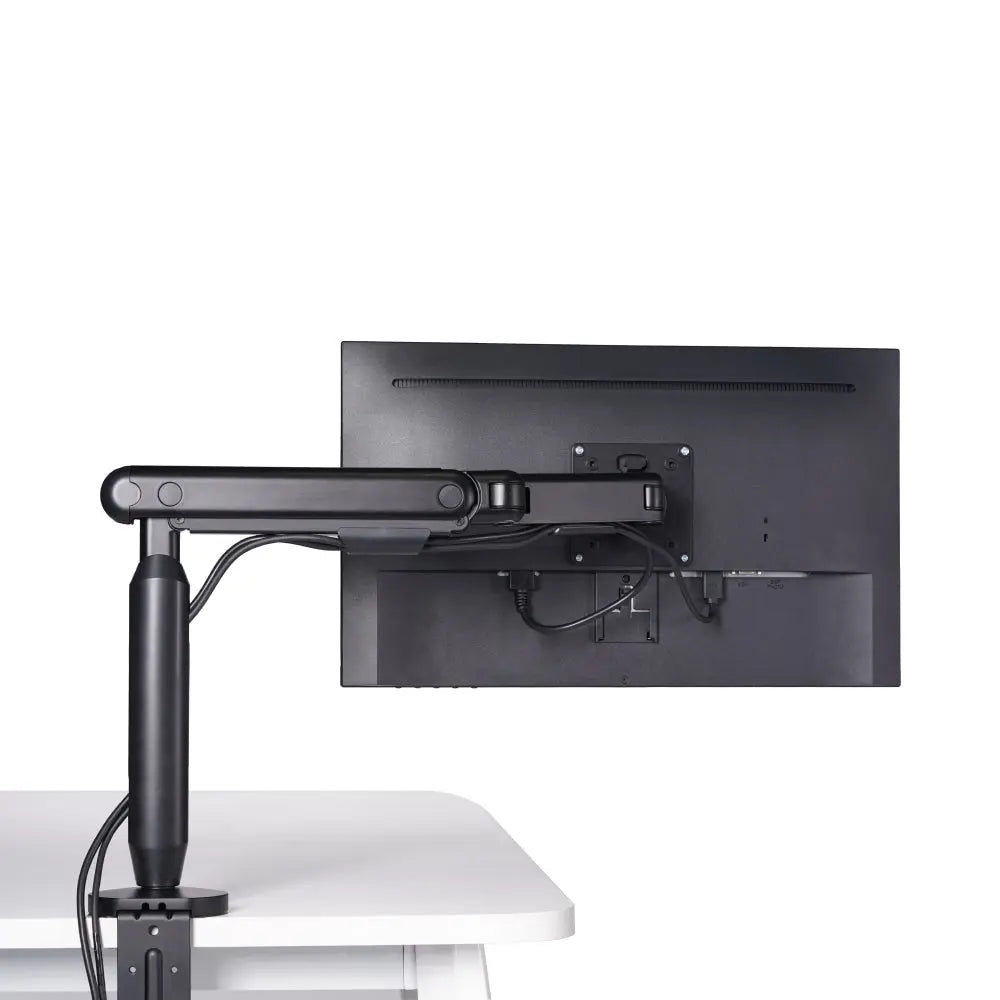
Hexcal brings those details into the same piece of hardware: adjustable support for the screen, integrated cable routing and a mounting point at the desk. Route the display cables through the arm, leave enough slack for movement and let the screen take its place in the setup. It is a satisfying upgrade because it changes both the view in front of you and the space around your hands.
Find your Hexcal monitor arm
Choose the display arrangement first. Each of these three products answers a different kind of desk.
| Your desk plan | Your Hexcal starting point | What you gain |
|---|---|---|
| One compatible screen up to 35 inches | Single Monitor Arm | A more open desktop and adjustable positioning for an everyday workspace |
| One large or heavy display, including compatible ultrawides up to 57 inches | Heavy Duty Monitor Arm | Support designed for a larger screen, with room to adjust its position |
| Two, three or four displays | Monitor Mount System | A coordinated screen layout with support and cable routing across the setup |
Single Monitor Arm: make one great screen feel at home
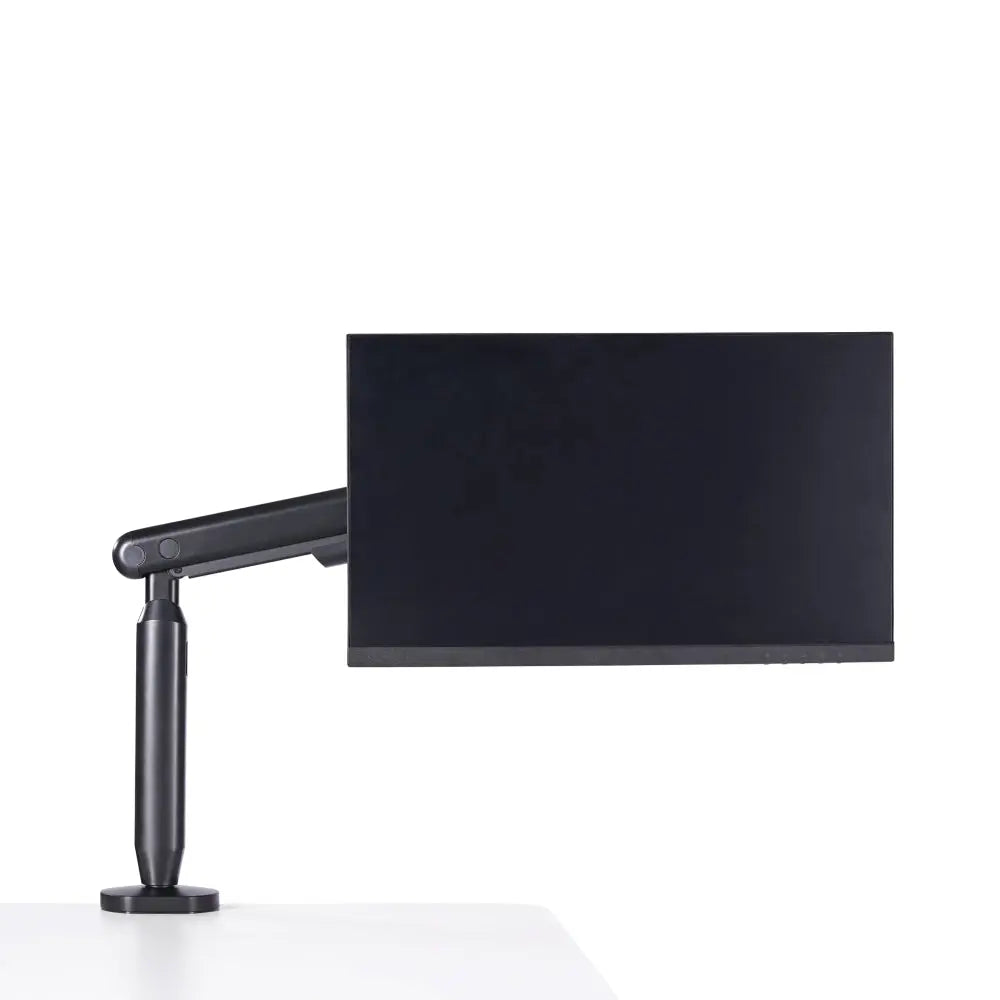
A carefully chosen monitor does not need a crowded desk beneath it. The Hexcal Single Monitor Arm is the natural starting point when you want one screen, an open working area and a setup that feels considered from the front of the desk to the back.
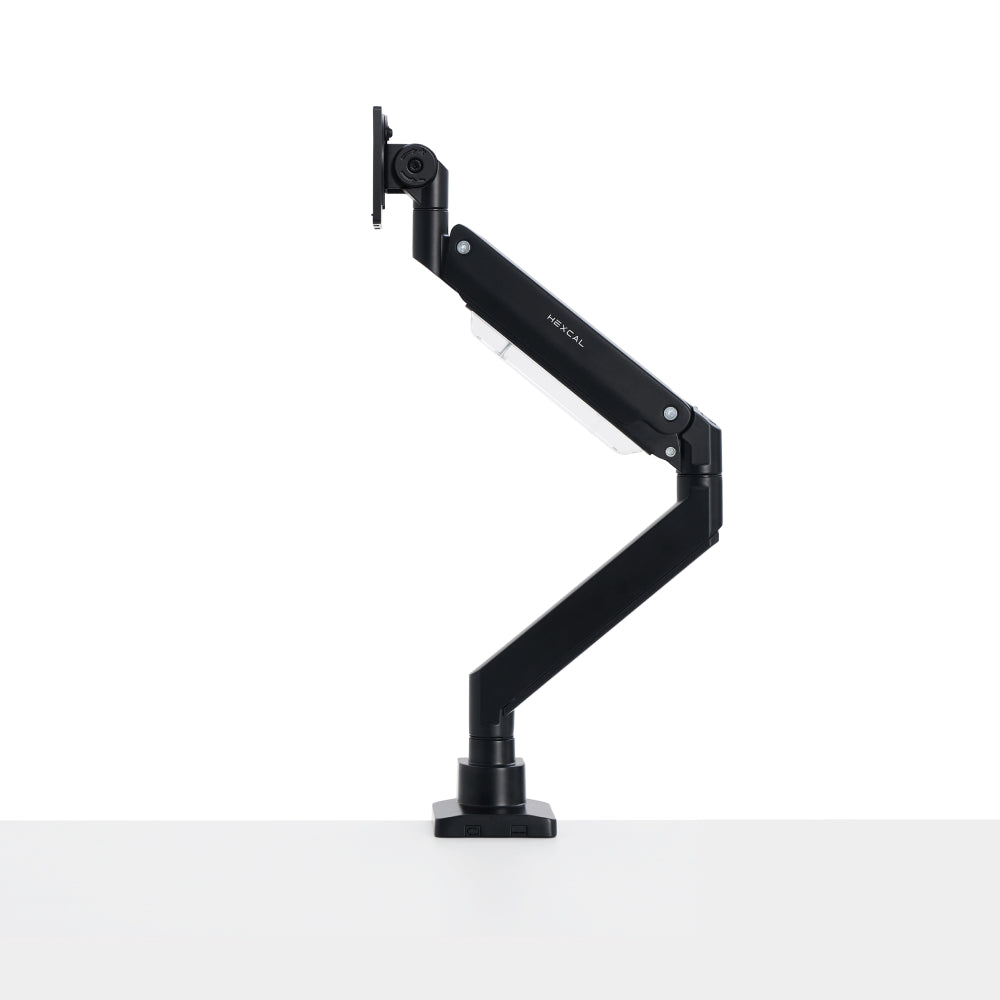
Imagine a typical workday: the screen sits in front of you while you write, moves closer when you examine a layout and turns toward a colleague when you need a second opinion. The arm offers up to 19 inches of extension, tilt of ±60 degrees and swivel of ±90 degrees. Those adjustments give you options beyond the position of the monitor's original base; the available position will also depend on your screen and installation.
Integrated cable management follows the arm, while a quick-release VESA plate provides a detachable connection between the display and the support. The result is a clear, focused setup built around the screen you already use.
Choose it for a compatible display up to 35 inches, weighing 3–11 kg without its stand. If that describes your screen, this is where to start your Hexcal upgrade.
Heavy Duty Monitor Arm: give your ultrawide the stage it deserves
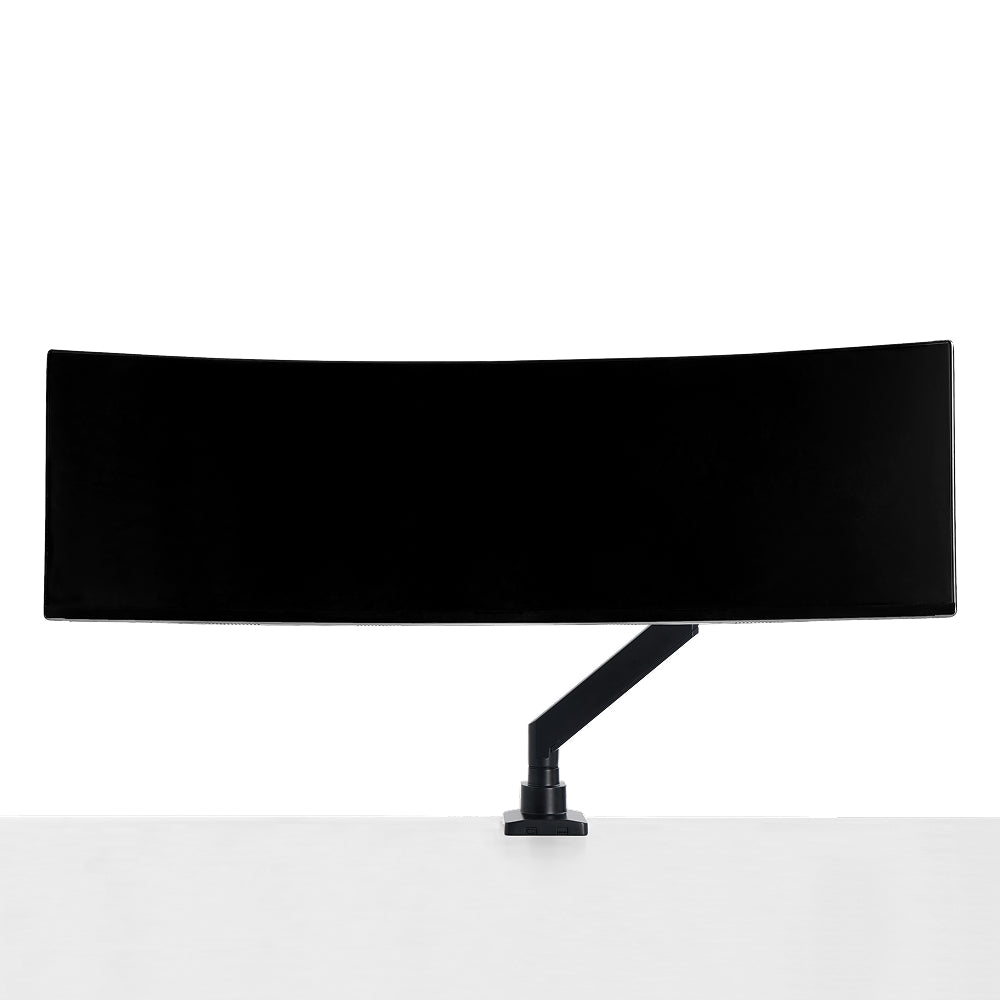
A large display can transform the way a desk feels. A timeline stretches across the screen, reference windows stay beside the main task, and a game fills your view. The stand underneath it can be just as substantial.
The Hexcal Heavy Duty Monitor Arm gives a compatible large display a mounting system designed for its size and weight. Instead of arranging everything around a broad pedestal, you can plan the keyboard, controls and accessories beneath a screen supported from the desk mount.
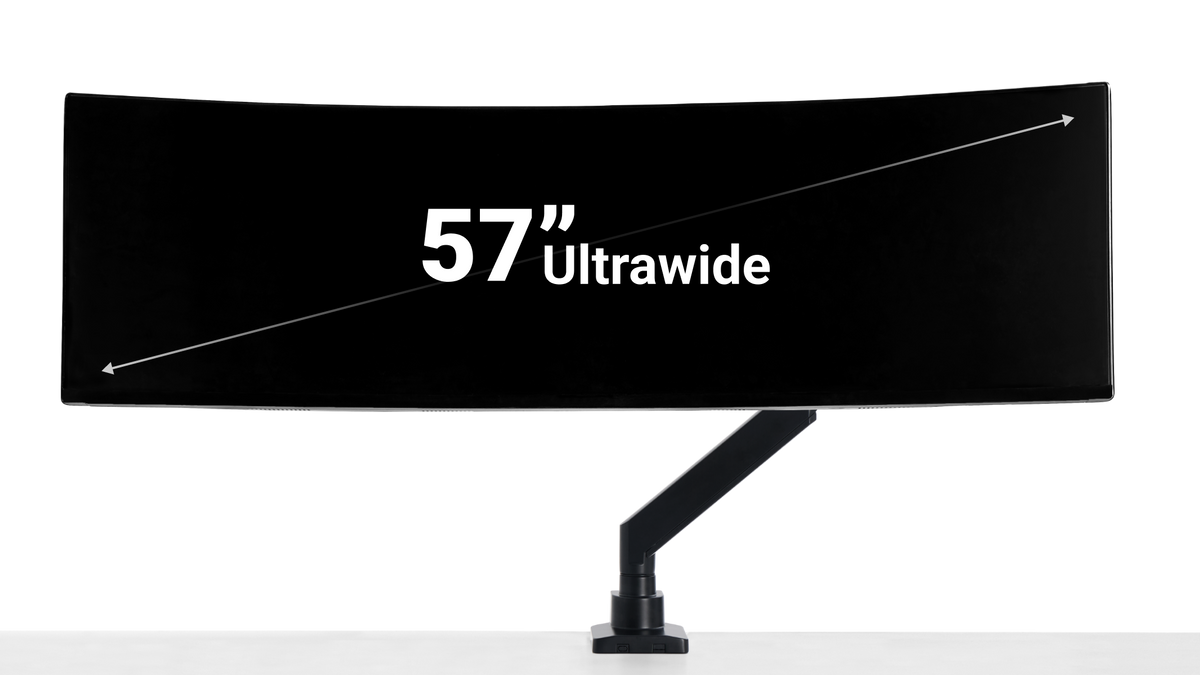
The arm supports screens up to 57 inches, with separate load ranges of 2–27 kg for flat displays and 2–22 kg for curved displays. Its listed height range is 32–65 cm, with tilt from −20 to +60 degrees and swivel of ±90 degrees. That combination makes it worth considering when your next desk upgrade revolves around one substantial display.
A top-fixing clamp and quick-release VESA plate are useful installation features, and integrated cable routing helps carry the visual order through to the back of the screen. Follow the display and arm installation instructions, including any assistance needed to lift and mount the panel.
Choose Heavy Duty because your display calls for its capacity and mounting options. For a large-screen workstation, that is the foundation the rest of the desk can be built around.
Monitor Mount System: build the workspace around your workflow
Sometimes the ideal desk has more than one center of attention. You want the document beside the research, the preview beside the timeline, or a vertical reference display next to the main screen. The challenge is making those displays feel like one workspace.
The Hexcal Monitor Mount System offers dual, triple and quad configurations, with support rated up to 20 kg per arm for flat displays. The documented Dual configuration supports 2–20 kg flat or 1–14 kg curved per arm; follow the manual supplied with your selected configuration. Start with the windows you need to see together, then choose the configuration that gives each screen a useful place.

A landscape-and-portrait pair can put a long document beside your main work. A stacked arrangement gives you another way to organize displays when desk width is limited. Side-by-side screens can keep related work in view. The system includes rotation, tilt and swivel, so the arrangement can reflect how you actually use the screens.
Display size limits depend on that arrangement: the listed stacked range is 24–49 inches; side-by-side Dual and Quad layouts list 24–35 inches, while Triple lists 24–38 inches. Choose the configuration for the actual screens and positions you want, with each display's weight and VESA mounting pattern checked as well.
With the original monitor bases removed and cables routed through the system, the desk can feel much more coherent. This is the Hexcal choice when you are designing a complete display layout.
Bring the whole desk together
A monitor arm has an unusually visible role in a workspace: you see the screen it supports all day, and you use the space it opens up every time you reach across the desk. It deserves the same consideration as the monitor itself.
Hexcal's range lets you start with one display or plan a larger arrangement while keeping adjustable support and cable routing central to the setup. If you already use Hexcal Studio or an Elevate Desk, think through the screen position, rear mounting space and cable path together. Leave clearance for any equipment beneath or behind the display and enough cable slack for every movement you intend to use.
The most compelling upgrade is the one you can picture in your own room: a screen positioned for your chair, a notebook where the old base used to sit, and cables following a deliberate route. Pick the Hexcal arm that makes that arrangement possible.
Ready to choose? Match these details to your screen
Once you have a model in mind, use the monitor's specifications without its stand and measure the desk at the intended mounting point.
| Model | Display and load | VESA mounting patterns | Desktop thickness for mounting |
|---|---|---|---|
| Single Monitor Arm | Up to 35 in; 3–11 kg | 75 × 75 or 100 × 100 mm | Clamp: 10–80 mm; grommet: 10–35 mm |
| Heavy Duty Monitor Arm | Up to 57 in; flat 2–27 kg / curved 2–22 kg | 75 × 75, 100 × 100, 200 × 100 or 200 × 200 mm | Clamp: 10–45 mm; grommet desktop: 10–40 mm |
| Monitor Mount System | Dual, triple or quad; load and size limits vary by arrangement; documented Dual: flat 2–20 kg / curved 1–14 kg per arm | 75 × 75 or 100 × 100 mm | Clamp: 10–45 mm; check the selected configuration's grommet requirements |
The thickness figures describe the desktop, not the diameter of a grommet hole. Check the desk manufacturer's mounting guidance and the space beneath the top, as well as clearance behind the screen. A monitor needs to meet the relevant size, weight and mounting requirements together; screen size alone does not establish compatibility.
Each product page has the details for the next step. Choose your arm, confirm your screen and mounting point, then select the available option for your setup.
Make this Black Friday a desk upgrade you will use every day
Black Friday falls on November 27, 2026, followed by Cyber Monday on November 30. If a monitor arm is on your list, choose your Hexcal model before the shopping rush so you can recognize the right offer when it appears. Check Hexcal's store for current pricing, availability and any applicable promotion terms.
Start with the Single Monitor Arm for a focused everyday setup, Heavy Duty for a compatible large display, or the Monitor Mount System for a workspace built around several screens.
Your monitor already earns its place on the desk. Give it the support—and the position—that makes the rest of the setup work better around it.