Home Office Upgrade Checklist for a Mid-Year Reset: A 3-Phase Engineering Audit

The conventional wisdom says a mid-year reset means new gear. A second monitor arm, a wireless charger pad, an LED strip that pulses with your inbox. The conventional wisdom is wrong. A six-month-old desk rarely needs new hardware. It needs an engineering audit of the three layers that quietly decay faster than anything else. Cable routing drifts as devices get added. Lighting erodes as the sun angle shifts through the window. The sit-stand rhythm you committed to in January dissolves back to a chair-only posture by June.
That is the gap this home office upgrade checklist fills. It is built around a 3-phase audit: diagnose the infrastructure layer first, then upgrade only what fails the test. Unlike most listicles that start with "buy a new monitor," this one starts with a hex key and a stopwatch. The reward is a desk that performs like the day it was assembled, without contributing to the disposable-gadget cycle that defines most "upgrade" content.
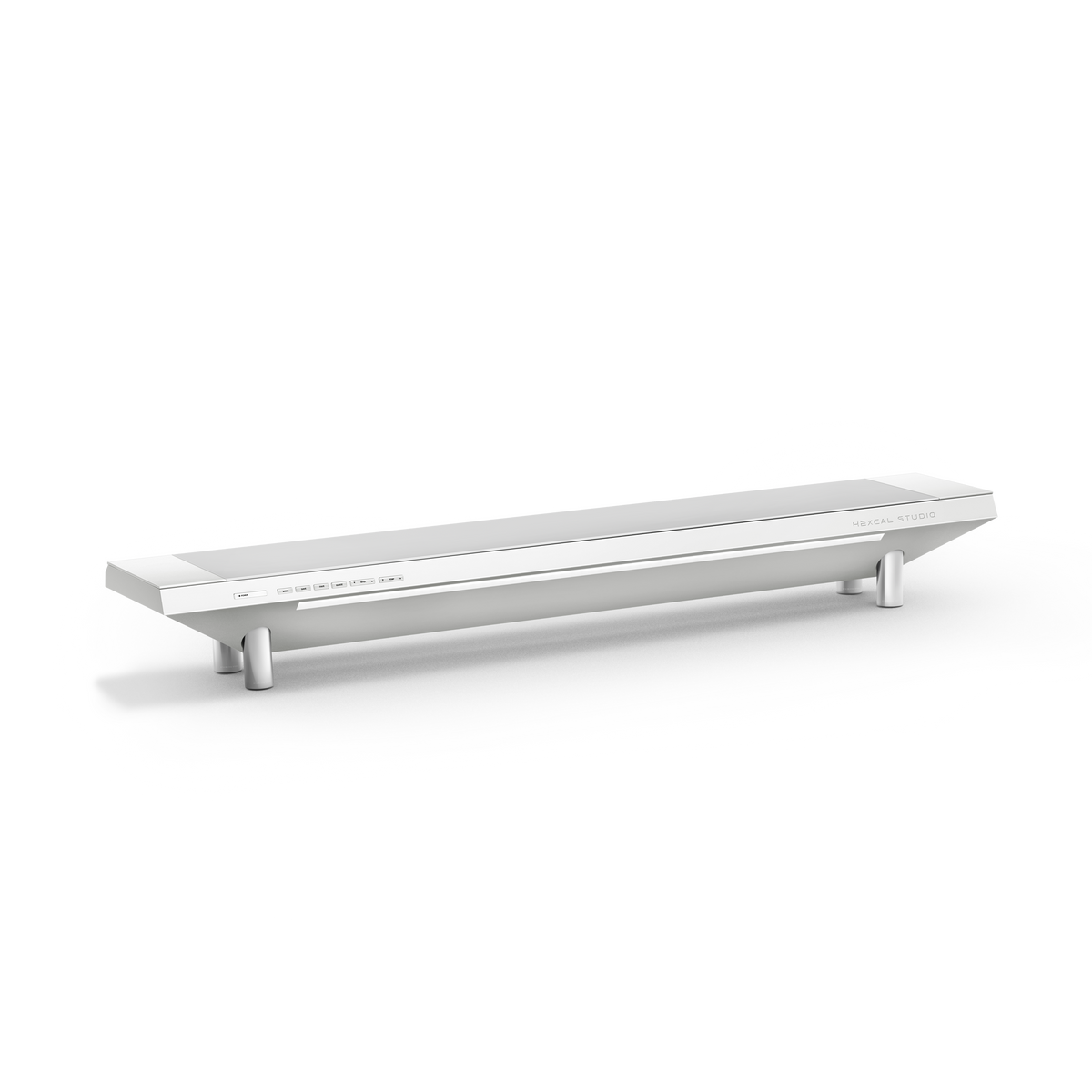
If you want the no-drama version (what to keep, what to retire, what to actually buy), read the Hexcal Studio Plus integrated power bridge as the chassis, the Elevate Standing Desk as the kinetic layer, and skip everything marketed as a "productivity essential" this June.
Key Takeaways
- A mid-year home office upgrade is an infrastructure audit, not a hardware refresh: cables, lighting, and sit-stand rhythm decay faster than the equipment itself.
- Phase 1 (Diagnose) takes about 30 minutes with a hex key, a USB-C wattage meter, and a stopwatch. It surfaces most of what actually needs to change.
- Phase 3 (Replace) should retire only what fails the audit. Posture cycling between sitting and standing through the day is the goal, not a single "standing desk" purchase.
- Treat the audit as a maintenance event, not a fresh buying decision. The point is fewer parts that work longer, not more parts that look new.
- Not applicable to floating desks (no under-desk mounting surface) or shared/hot-desk environments where audit cycles cannot be maintained.
Phase 1: Diagnose, The 30-Minute Engineering Audit
The first phase is the one most articles skip, because it does not sell anything. Open the cable tray. Count the in-use power bricks. Photograph what you actually see. Give yourself a one-page audit sheet with one row per workstation zone, and the whole pass takes roughly half an hour. The usual finding is a handful of unrecognizable cables and one power strip duct-taped to the underside of the desk.
What you are measuring in Phase 1 is not aesthetics. It is infrastructure entropy. Three concrete diagnostics matter. First, count the cables between your monitor and the wall. More than three means Visual Noise is now part of your daily load, and the cable management engineering matters more than the next accessory. Second, plug a USB-C wattage meter between your laptop and its charger and read the negotiated wattage. If the laptop reports 60 W but is rated for 100 W, the cable is the bottleneck, not the charger. A USB-C cable only carries its full rated power if it has the right e-marker chip inside; many bundled cables do not. Third, sit at the desk for a stopwatch-timed 20 minutes and count how many times you adjusted the chair versus how many times you adjusted the screen or stood up. If the answer is "chair, chair, chair" and never "screen, stand up," Phase 2 has work to do.
The audit output is a short list of components that have either drifted (cables that have moved), eroded (lighting that no longer covers your task plane), or expired (a chair-only posture that no longer matches the sit-stand rhythm you set out to keep). Sort that list into keep, re-route, and replace. Most desks land heavily in the first two buckets, which is the whole point.

Phase 2: Re-Engineer, Three Layers, Not Twelve Gadgets
Phase 2 is where the difference between a reset and a refresh becomes structural. Three layers account for nearly all mid-year decay, and each layer has exactly one solution rather than a buffet of gadgets: the Hexcal Elevate Standing Desk as the kinetic substrate, the Hexcal Studio Plus as the chassis layer that consolidates power and cable routing, and task lighting as the optical layer that re-aligns with the June sun.
The kinetic layer is the Elevate Standing Desk. The mid-year question is not "should I buy a standing desk," it is "is my current desk actually moving, and do I have data on that?" The Elevate ships with a LINAK CBD6S control box and a Bluetooth Desk Sensor, so the system can log sit-stand cycles through the Desk Control app. Six months in, that log tells you whether your January resolution survived. The Elevate's dual-motor independent actuation (Kick & Click frame, 38 mm/s unloaded, 160 kg horizontal load rating, ≤40 dB) means the movement itself does not break the rhythm. Single-motor desks at full height often wobble enough to discourage the transition. If your audit showed "chair-only," this is the layer that is broken, and the replacement is structural, not decorative.
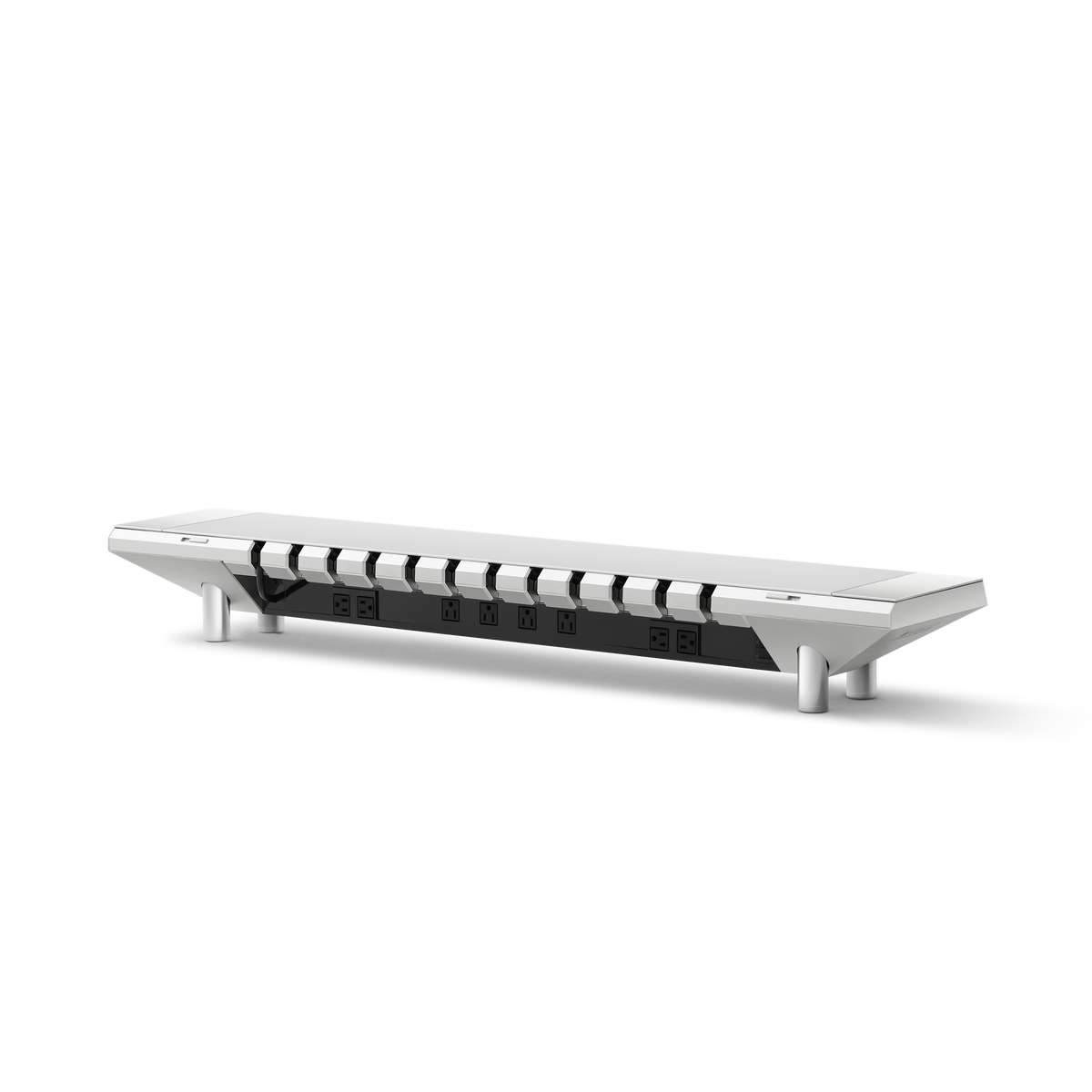
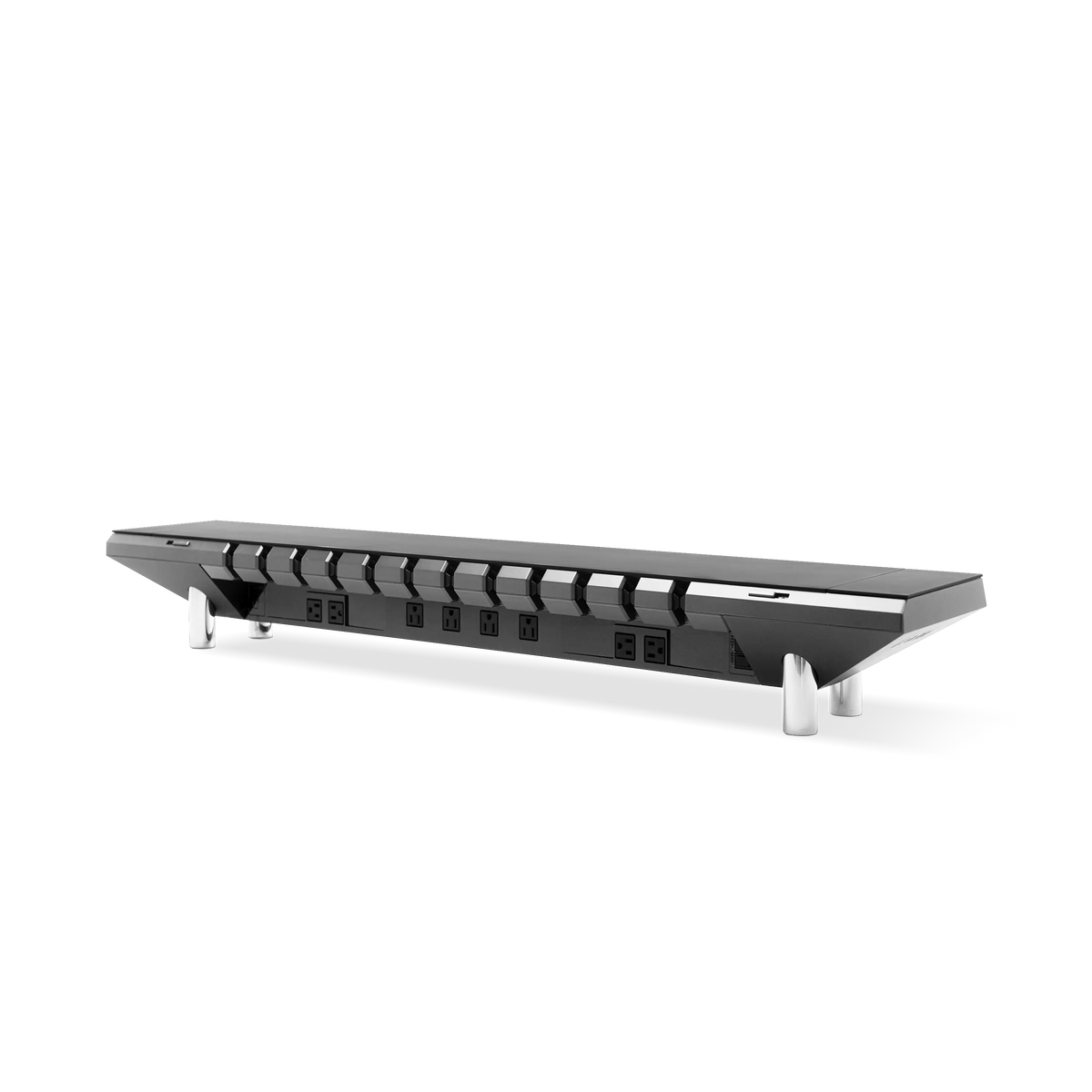
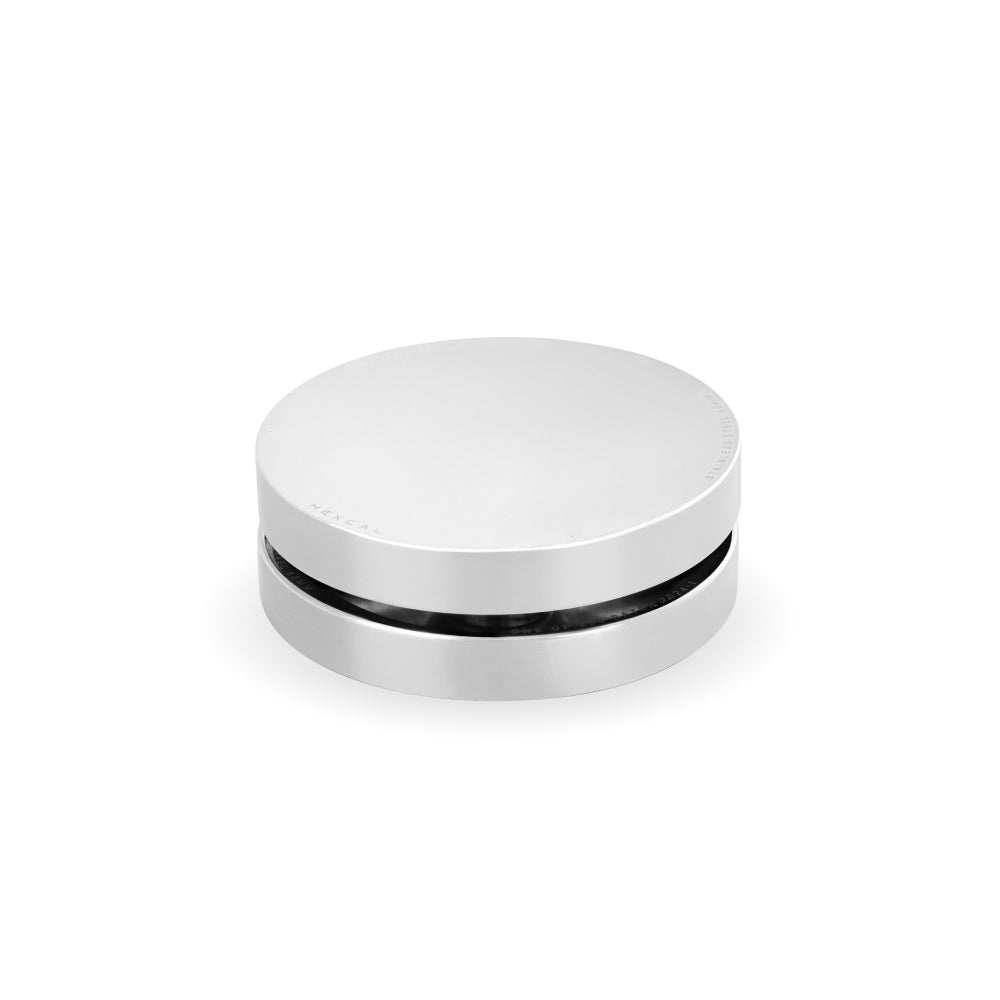
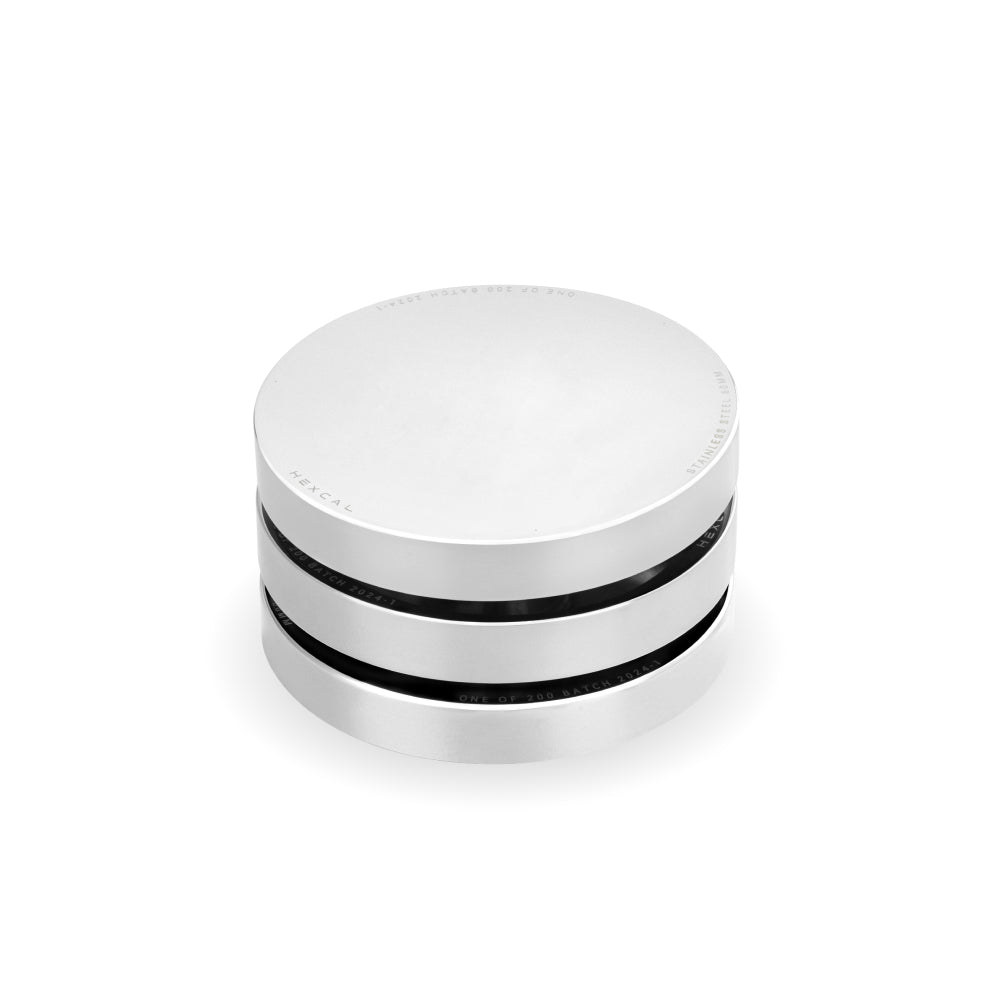
The chassis layer is where most mid-year resets fail by buying too many small parts. A wireless charging puck, a USB hub, a cable raceway, a second power strip: six accessories that solve what one platform solves. The Silver Hexcal Studio Plus, with its anodized aluminum finish and 160 W total output (a 100 W USB-C PD port for laptops, four DC 65 W ports, and Qi 15 W dual simultaneous charging), is the chassis consolidation point. The patented 3D Cord Organization System routes everything from one inlet (120 V / 12 A / 1,440 W chassis ceiling), and that routing is what keeps Phase 1's audit clean six months later. Consolidating to one inlet also means one thing to inspect next time, instead of a sprawl of strips and bricks to trace.
The optical layer is the one most home-office upgrade checklists ignore, because it does not photograph well. A desk tuned in January is now misaligned with the sun: the monitor that worked in winter now catches afternoon glare, and the room's overhead lighting was sized for February's earlier sunset. The Hexcal Studio Plus task lighting ships with three modes (Warm 2700 K, Cool 6500 K, Daylight) and adjustable brightness, while the original Hexcal Studio offers 1,000+ configurable settings for finer color-temperature work. The fix is not a new lamp. It is recalibrating the existing light plane to the June solar angle. Five minutes, no new purchase.

Phase 3: Replace, Buy Only What Fails the Audit
Phase 3 is intentionally short. The audit told you what to replace. Replace exactly that. The goal is a high ratio of engineering fixes to new hardware: re-routing a cable or re-aiming a light should outnumber buying a part, often by a wide margin. By the standard "buy a new gadget" article, replacing almost nothing would read like a failure. By the longevity-first standard, it is the correct outcome.
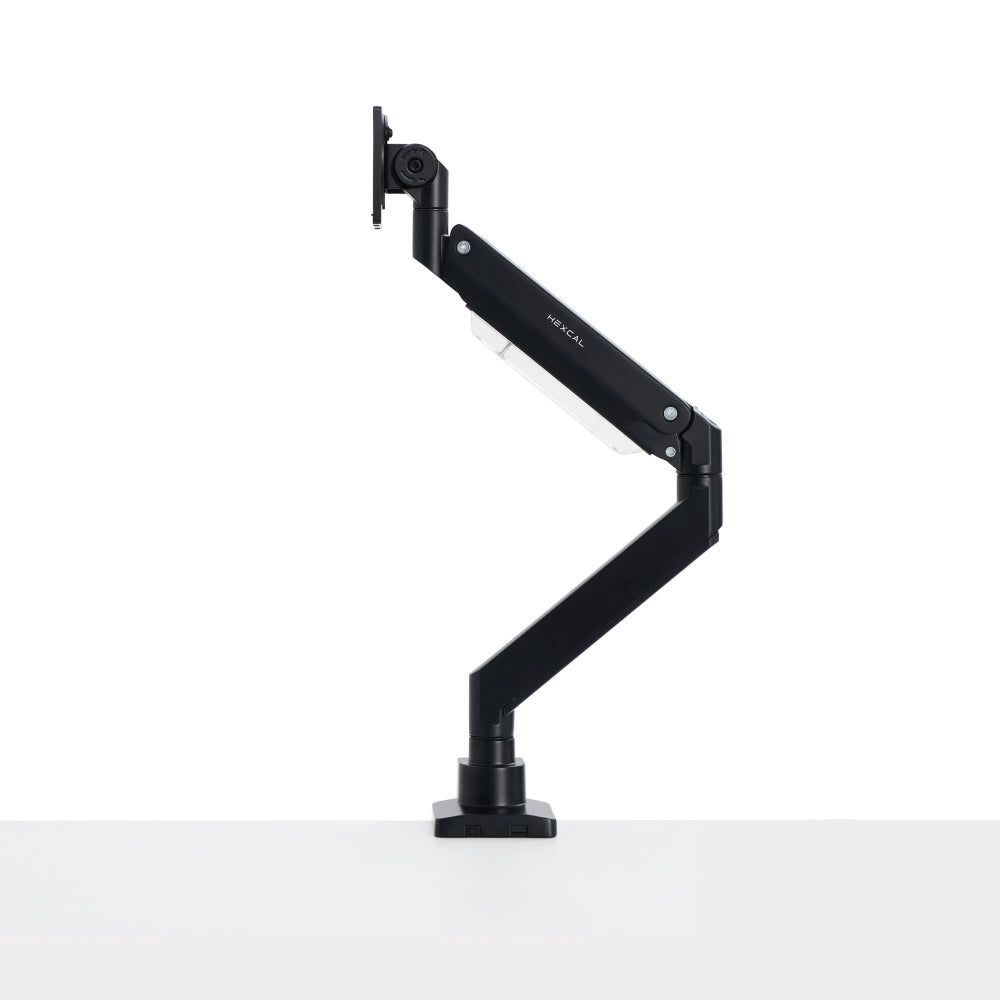
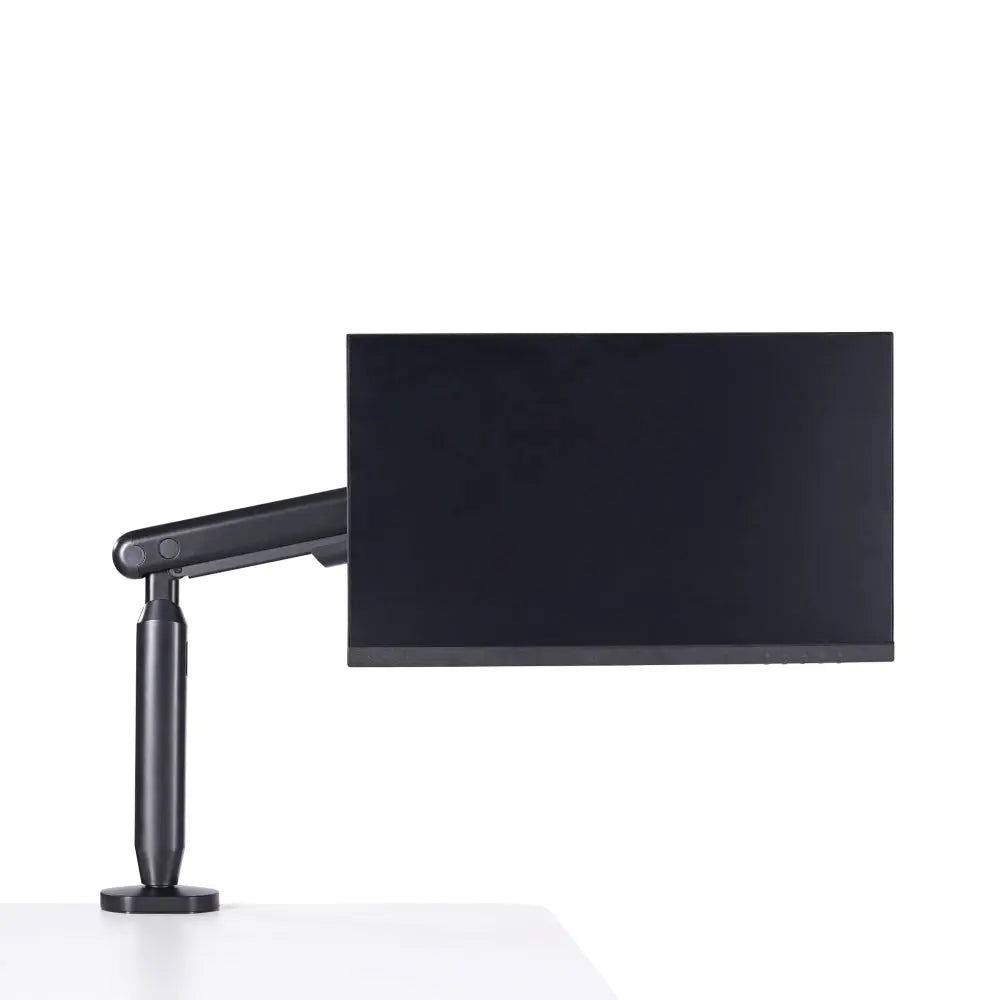
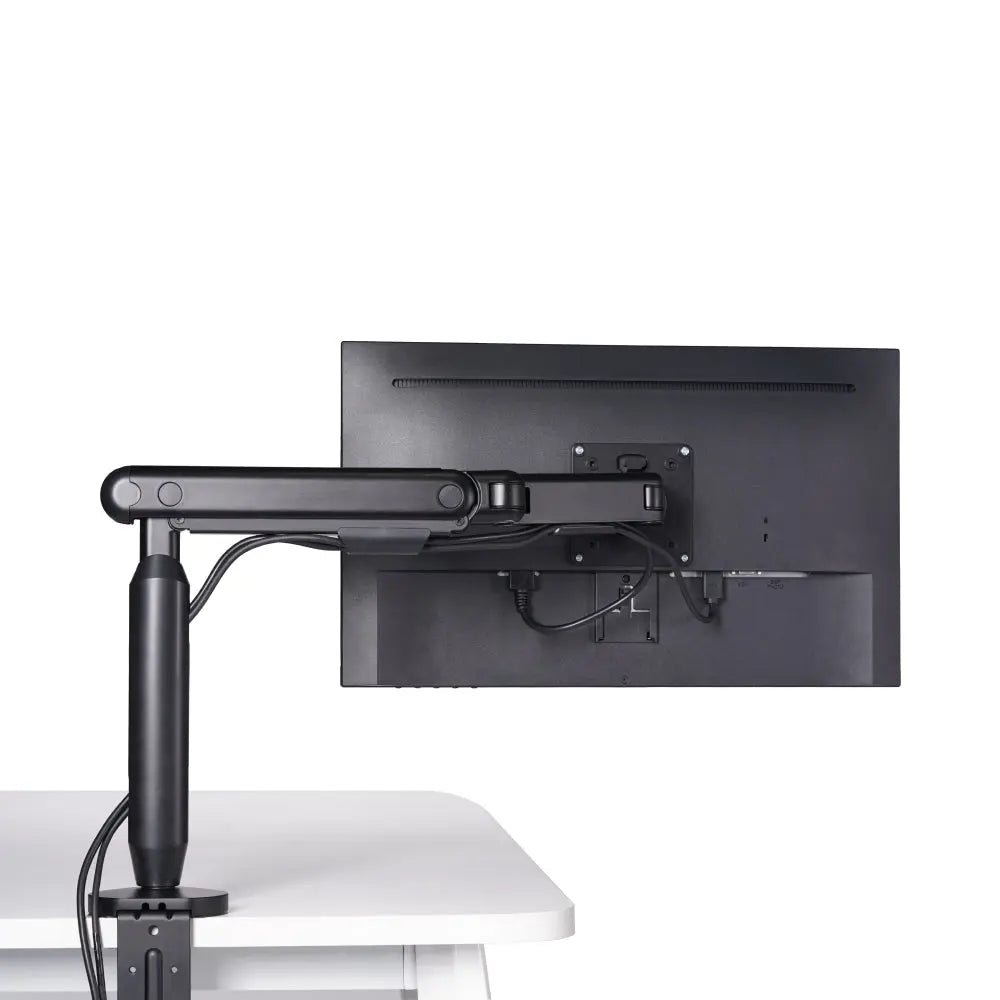
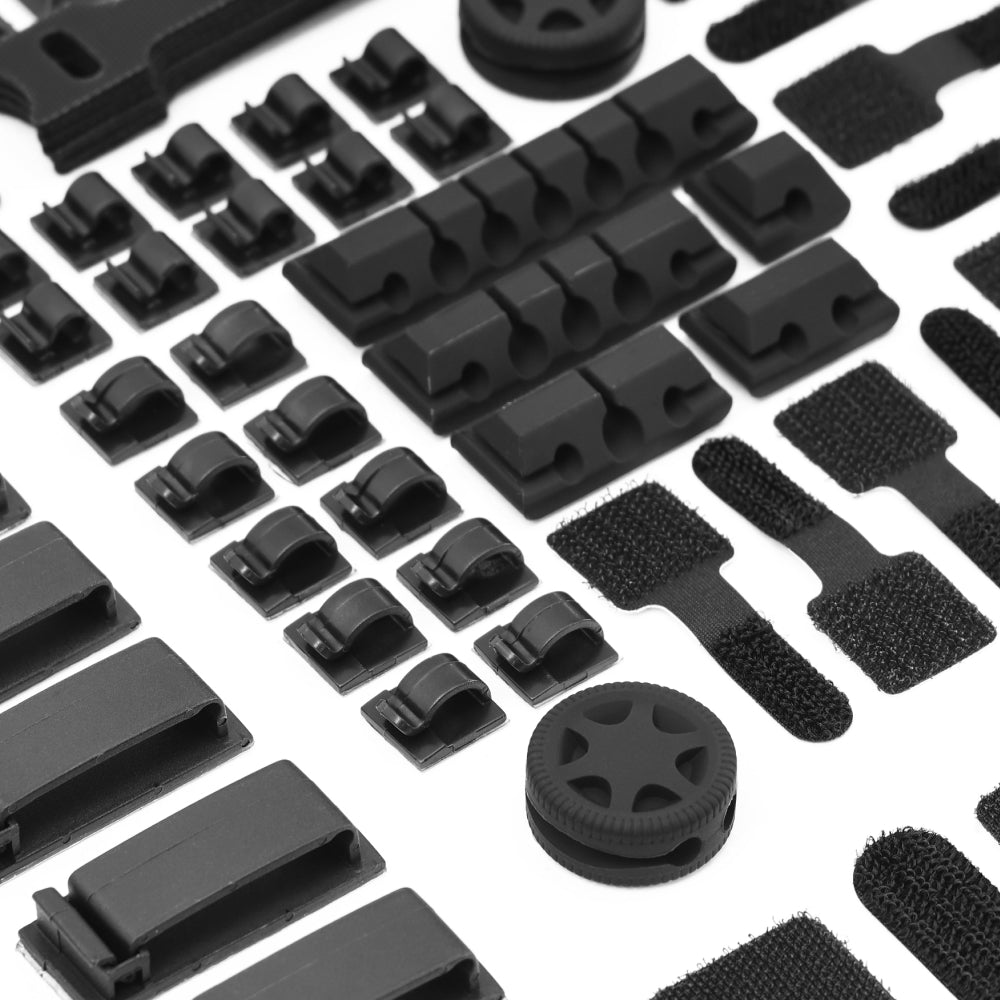
The replacement tier that does tend to fail the audit is consistent: monitor arms that sag visibly at full extension under a heavy panel (a tilt you can see and measure with a spirit level), cable management that cannot survive a hex-key re-routing (one-tray plastic parts rather than a removable feet-and-channel system like the Hexcal 3D Cord Organization System), and lighting that simply does not throw enough usable light onto the task plane. Lighting is the most common failure, and it is usually fixed by re-aiming the existing Hexcal Studio light field rather than by buying a new lamp.
What you should not buy: a wireless charging pad (Qi 15 W is already inside the Studio Plus, two devices simultaneously); a "smart" power strip (the Studio Plus over-current protection trips before any device fault becomes a hazard); a desk mat with a built-in wireless charger (the Magnetic Desk Mat Bundle covers the surface layer without adding a second inductive coil the laptop does not need). These are the impulse purchases the mid-year refresh industry sells. They are not in the audit output, because they are not what actually degraded.
What This Checklist Does Not Cover
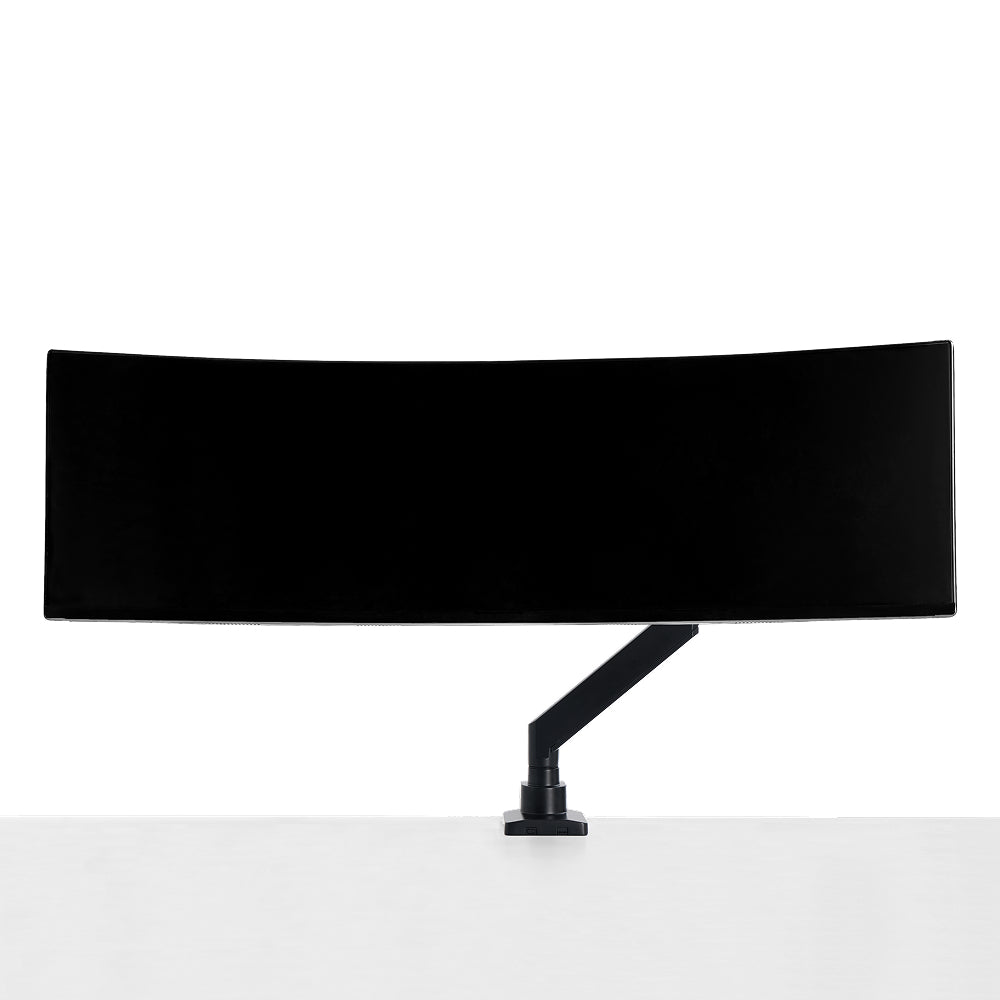
Three workstation archetypes do not fit this audit. Floating desks (no under-desk mounting surface) cannot host the Studio Plus chassis layer, so the audit's central consolidation step fails at the structural level. Hot-desk or shared workspaces, where you cannot maintain the Phase 1 stopwatch-timed posture log, cannot produce the longitudinal picture Phase 2 needs; without the log, the recommendation defaults to "buy a standing desk," which is the conventional wisdom we deliberately avoided. Multi-monitor setups beyond the Monitor Mount System's per-arm rating need a different audit entirely, because cabling entropy scales nonlinearly past that threshold. If you fall into one of these archetypes, the audit is not wrong, but it is incomplete; a separate engineering review is the right next step rather than retrofitting this checklist.
Why This Beats the "Buy X Gadgets" Checklist
Most desk setup 2026 listicles are written in the buy-first register: here are seven accessories, ranked by reviewer preference. The problem with that register is that it treats every six-month moment as a fresh purchasing decision. The audit register treats the moment as a maintenance event. The two registers produce different outcomes: the first produces a desk with twelve accessories and the same cable mess; the second produces a desk with three layers and a Phase 1 sheet that takes 30 minutes. The audit register is the one that produces fewer charging failures, fewer tangles to trace, and longer service intervals on the components that matter.
The longevity framing is not aesthetic, it is structural. A desk built around three infrastructure layers (kinetic, chassis, optical) outlasts a desk built around accessories by the same margin that a wiring harness outlasts a tangle of extension cords. Investment-grade infrastructure ages into the desk; gadgets age out of it.

The Mid-Year Reset, Audited
Run the audit. Count the cables. Time the posture. Read the wattage. Then upgrade only what fails. In practice most of the work lands in Phase 1 and Phase 2 (diagnosing and re-routing), with Phase 3 purchases clustering predictably around lighting, a sagging monitor arm, or chassis cable re-routing. The total hardware spend for a longevity-first reset comes in well under a single "productivity bundle" the conventional checklist would have recommended.
If you are resetting a home office this June, start with the 30-minute Phase 1 audit sheet. The Hexcal Studio Plus chassis and the Elevate Standing Desk are the two replacements that pass the audit most often: they consolidate the layers that decay fastest and are built to be re-audited in another six months without replacing the infrastructure itself. Skip the gadget list. Audit first.

By the Hexcal team. Hexcal Studio, Hexcal Studio Plus, and Elevate Standing Desk are Hexcal-designed and manufactured products. This audit framework is an engineering reasoning method, not a clinical or certified standard. Not applicable to floating desks, hot-desk environments, or multi-monitor stacks above the Monitor Mount System per-arm rating.