Under Desk Keyboard Tray Setup for Ergonomic Typing: A Tiered Guide

A keyboard tray is the only desk accessory that can injure you while looking like it is helping. Bolt the wrong one under your desk and you will type with your wrists bent up all day, the exact posture OSHA's Computer Workstations eTool flags as a path to musculoskeletal disorders. The ergonomic win is not the tray itself; it is whether the tray puts your forearms 90 to 100 degrees to your upper arm with your wrists straight and in-line. Most "ergonomic" trays sold online ignore tilt entirely, and tilt is where neutral wrists are won or lost. This guide ranks the real options for an under desk keyboard tray setup by how well each one hits that neutral-posture target, not by how many features it lists. If your desk already moves, like an Elevate Standing Desk, you may need far less hardware than you think.
Key Takeaways
- OSHA's neutral typing posture puts forearms 90 to 100 degrees to the upper arm, wrists straight, with seated keyboard height 22 to 30 inches at about elbow height.
- A good keyboard tray must adjust in both height and tilt and support a slight negative slope, positive tilt bends wrists upward and works against you.
- For seated use, OSHA specifies a keyboard tray vertical adjustment range of at least 22 to 28.3 inches (56 to 72 cm) from the floor.
- Who should skip a tray: anyone with a height-adjustable desk that can already reach elbow height, where a clamp-on tray just steals knee clearance.
- Keep the mouse on the same level as the keyboard and right next to it; a tray too small for both forces the reaching posture it was meant to prevent.

Rule 1: The 90-Degree Test Comes Before the Tray
Before ranking any keyboard tray, fix the number it has to serve. OSHA's neutral body positioning guidance is specific: elbows stay close to the body and bend between 90 and 120 degrees, forearms sit roughly parallel to the floor, and wrists stay straight and in-line with the forearms. The keyboard's vertical position should land at about elbow height, for seated work that is a 22-to-30-inch (56-to-76-cm) range from the floor. We run the 90-Degree Test on every setup our team builds: sit in your normal posture, drop your hands to where your elbows hit 90 degrees, and that height is where the keyboard must be. If your fixed desk is already at that height, you do not need a tray at all. If it sits an inch or two too high, a tray is the cheapest fix. That single measurement, not the marketing copy, tells you which tier below applies to you.

Tier 1, Best Overall: A Height- and Tilt-Adjustable Under Desk Keyboard Tray
The highest-value pick for a fixed-height desk that sits too high is a tray that adjusts in both height and tilt and locks securely. OSHA names exactly these requirements for a keyboard tray, plus a slight negative slope option so your wrists are not forced upward. The negative tilt is the detail cheap trays skip, and it is the whole point.
- Best for: A non-adjustable desk that measures above elbow height during the 90-Degree Test.
- Why it wins: Independent height and tilt let you hit the 22-to-28.3-inch (56-to-72-cm) seated range OSHA specifies and dial in a neutral or slightly negative wrist angle, which fixed trays cannot.
- Limitations: A tray that mounts under the desk eats into the leg clearance OSHA wants kept clear; on shallow desks it can also foul your knees. This is hardware, not a free lunch.

Tier 2, Best for the Mouse: A Platform That Holds Both Inputs
A keyboard tray that fits the keyboard but not the mouse quietly recreates the problem it was bought to solve. OSHA is blunt here: keep the pointer or mouse right next to the keyboard, at the same level, so you are not reaching to the side and loading your shoulder. A tray sized for both inputs, or a keyboard tray plus an adjacent mouse platform at matching height, is the right call for anyone who mouses heavily.
- Best for: Designers, gamers, and anyone whose mouse hand does as much work as their typing hand.
- Why it wins: Same-level, side-by-side placement keeps the wrist neutral on both hands; a wrist rest, if used, should be at least 1.5 inches (3.8 cm) deep and only for resting, not active keying.
- Limitations: Wider trays need more under-desk width and a deeper mount; check your clearance before buying the biggest one.
Tier 3, Best for Inputs Themselves: Ergonomic Keyboard and Mouse First
Sometimes the tray is right and the gear on it is the problem. A standard flat keyboard can bend the wrists sideways to reach all the keys, and a too-large or too-small mouse forces extra finger force. OSHA notes that split and alternative keyboards make neutral wrist postures easier to hold, and that a vertical mouse or trackball can reduce wrist deviation. We do not chase the latest RGB input gadget here, the goal is a neutral wrist, not a light show. Pair the right ergonomic keyboard and mouse with a correctly set tray and the typing setup finally does what it promised.
- Best for: Heavy typists already feeling wrist or forearm strain at a correct keyboard height.
- Why it wins: A split keyboard reduces ulnar deviation, and a vertical mouse keeps the forearm in a handshake position, both target the wrist angle the tray alone cannot.
- Limitations: OSHA is honest that available research does not conclusively prove alternative keyboards prevent injury; they aid posture, and there is an adjustment period.
Tier 4, Best Overall Fix: A Desk That Moves Instead of a Tray That Hangs
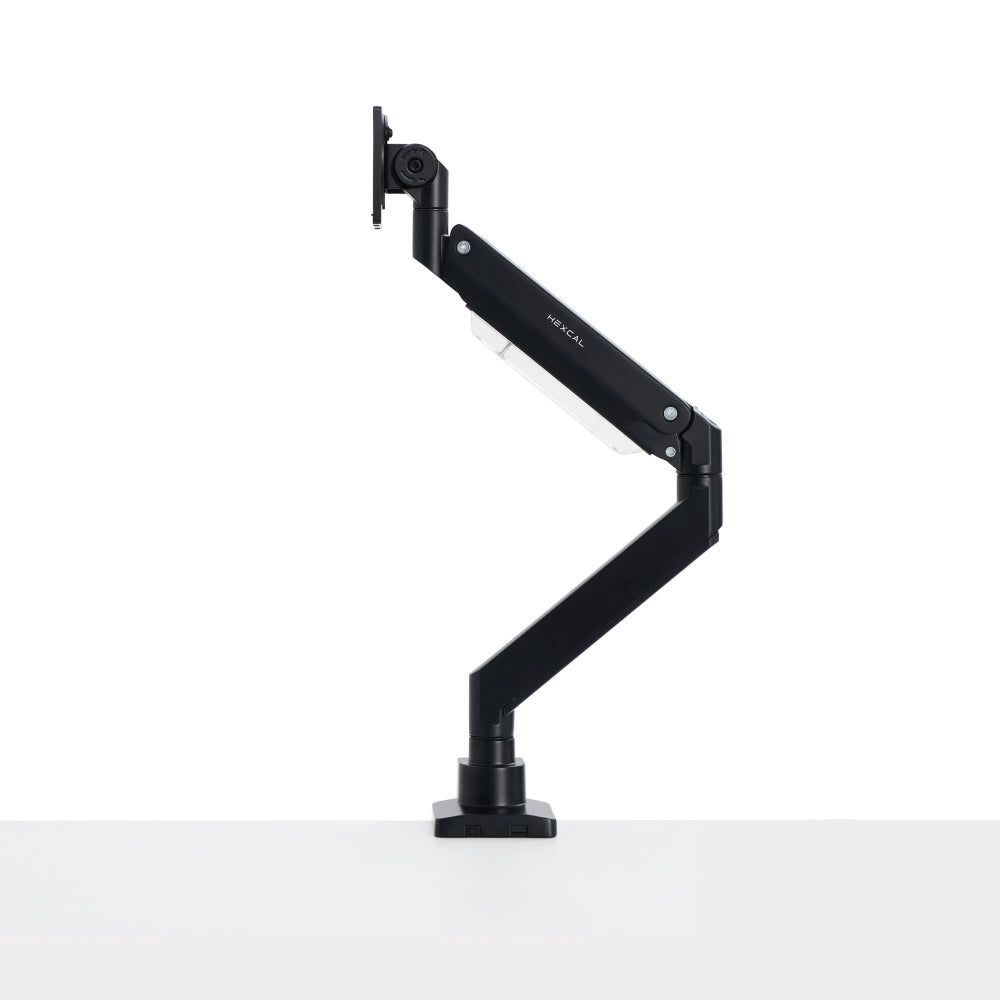
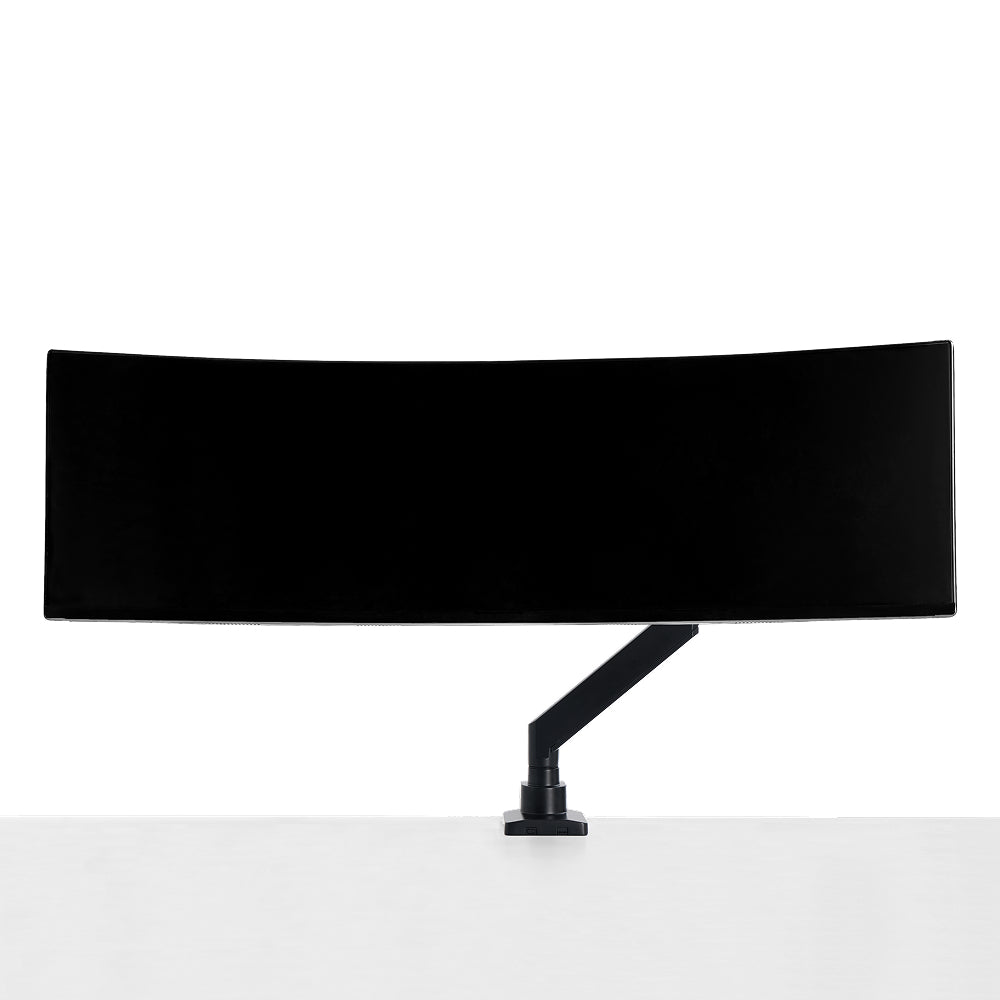
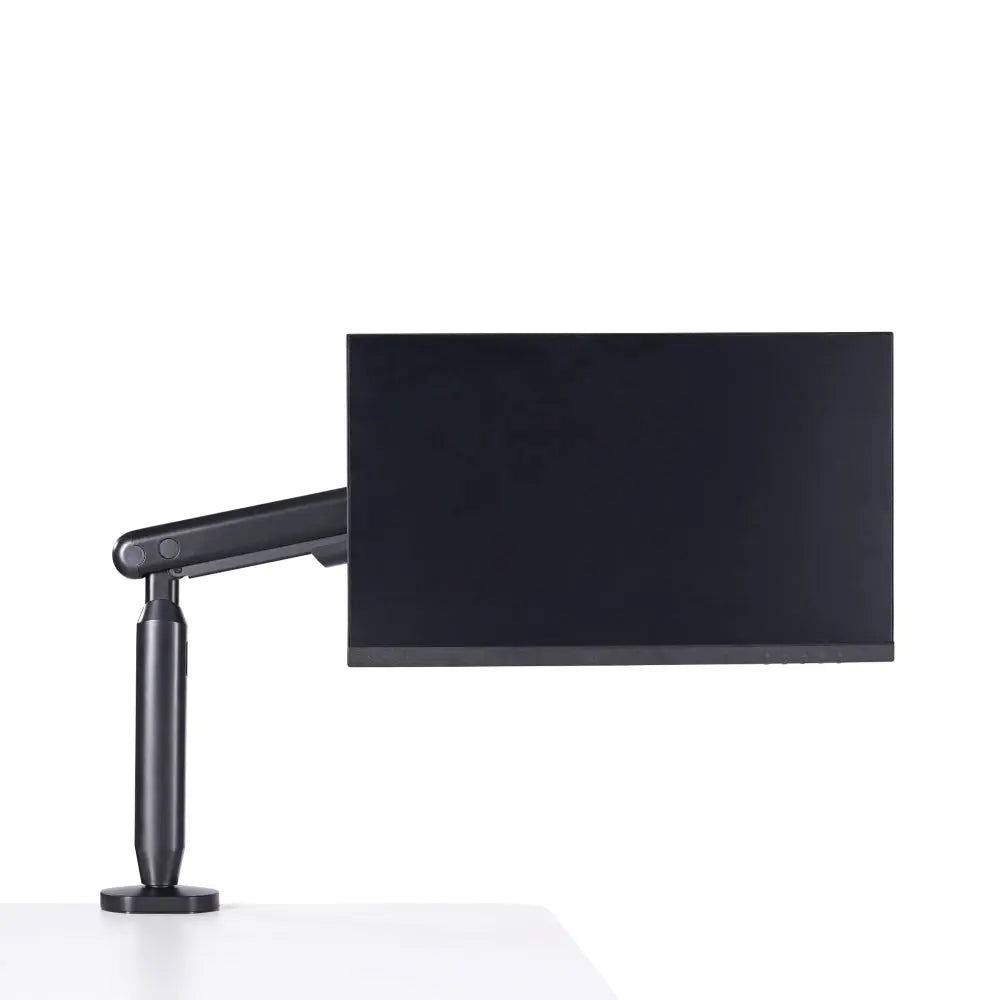
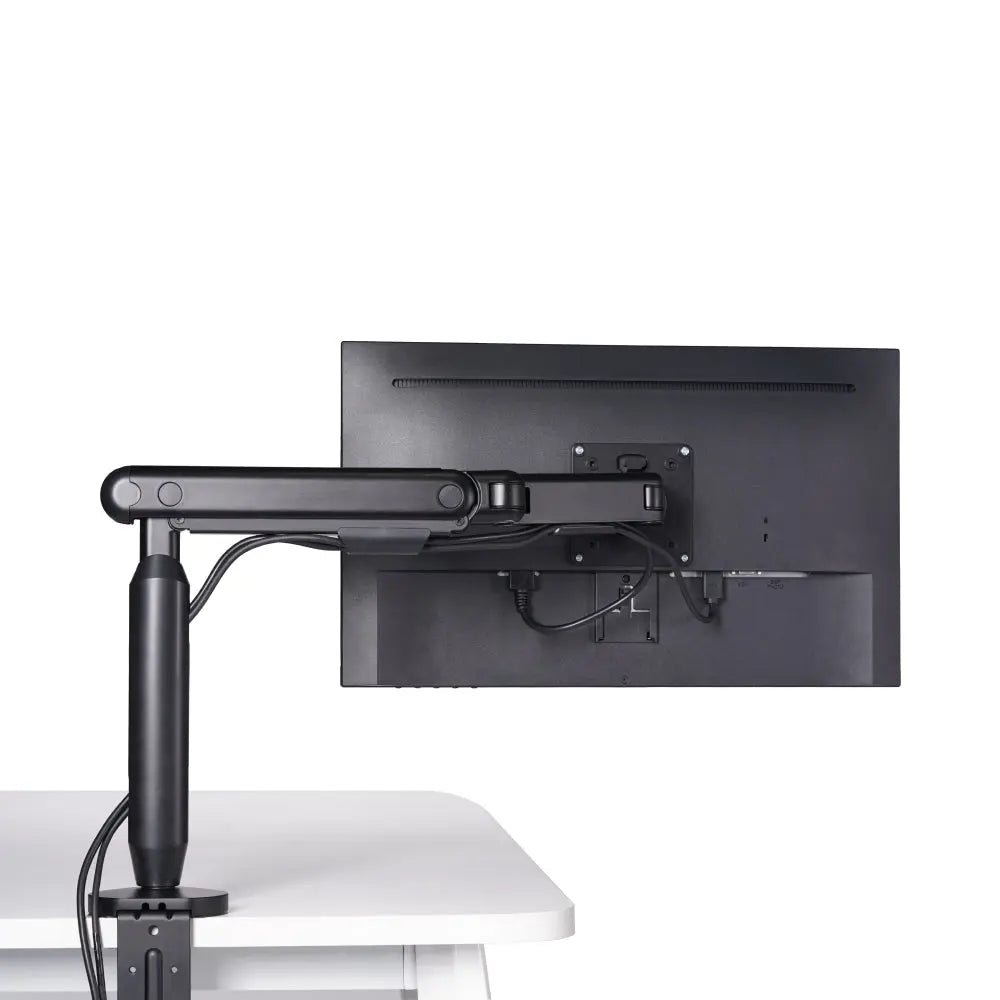
The most overlooked answer to "which keyboard tray" is "none, make the desk reach elbow height itself." A height-adjustable desk that sits at the 90-Degree Test height needs no tray, and it preserves the full under-desk clearance a hanging tray would consume. An Elevate Standing Desk lets you set the surface to elbow height for both seated and standing typing, where OSHA's standing keyboard range runs 36 to 46.5 inches (91 to 118 cm). Lifting the monitor off the desk on a Single Monitor Arm, which supports displays up to 35" on a VESA 75/100mm pattern, then keeps your screen at eye level once the keyboard is correct. We push back on the common combo of a fixed-height standing desk plus a clamp-on tray: it defeats the desk's own adjustability and crowds your knees for no gain. If you are choosing the desk itself, knowing how to read frame legs, motors, and load specs matters more than any tray feature list, because a frame that holds height under load is what keeps the surface at elbow height for years.
- Best for: Anyone replacing or upgrading the desk, or who switches between sitting and standing.
- Why it wins: Adjusting the whole surface to elbow height solves wrist angle and legroom at once, with no tray hanging in the knee zone.
- Limitations: It is a larger purchase than a tray, and it does nothing for the keyboard and mouse themselves, you still need Tier 3 gear if your inputs are wrong.

The Comparison Table: Match the Tier to Your Desk
Run the 90-Degree Test first, then read across. The most ergonomic typing setup is usually not the one with the most parts.
| Tier | Solution | Best for | Fixes wrist angle? | Under-desk clearance cost |
|---|---|---|---|---|
| 1 | Height + tilt keyboard tray | Fixed desk too high | Yes, if negative tilt | Moderate |
| 2 | Dual keyboard + mouse platform | Heavy mouse users | Yes, both hands | Moderate to high |
| 3 | Ergonomic keyboard + mouse | Wrist strain at correct height | Partly (posture aid) | None |
| 4 | Height-adjustable desk | Desk upgrade / sit-stand | Yes, surface-level | None |
How to Choose: Neutral Wrists Are the Spec, Not the Tray
The temptation is to buy the keyboard tray with the longest feature list. The actual spec is your body: forearms 90 to 100 degrees to the upper arm, wrists straight, keyboard at elbow height. Start with the 90-Degree Test. If your desk already hits that height, skip the tray and spend on inputs or screen height instead. If it sits too high, buy a Tier 1 tray that adjusts in height and tilt and supports a negative slope, and verify it leaves your legs the clearance OSHA wants under there. A keyboard tray is a correction tool, not a default purchase. Most people can run the 90-Degree Test and pick a tier themselves, but if persistent strain survives a correct setup, that is the point where a professional ergonomic assessment earns its cost over DIY. The best ergonomic typing setups across the Hexcal ecosystem share one trait: every component serves a neutral wrist, and nothing is added because it looked the part. By the Hexcal team. Disclosure: the Elevate Standing Desk, Single Monitor Arm, and Hexcal Studio named above are Hexcal-designed products; Hexcal does not make a keyboard tray or input devices, so the tray and gear tiers here are vendor-neutral category guidance. This guide does not cover wall-mounted desks with no under-surface mounting face for a tray.