Skip to content

Desk Cable Management Guide: A 3-Phase Engineering Approach to a Clean Workspace

Most cable management advice tells you to hide the mess. Bundle the cords, zip-tie the bundle, push it behind the desk, and forget it exists. That instinct is exactly why the problem comes back within a month. Cables are not clutter to be swept out of sight; they are infrastructure that needs deliberate routing, just like the plumbing or wiring in a building. Treat a tangle of power bricks and USB runs as a one-time tidy-up and you get a temporary photo. Treat it as a routing system and you get a clean workspace that survives the next device you add. This desk cable management guide approaches the job the way our team builds a desk platform like the Hexcal Studio: power first, concealment second, anchoring last.
Key Takeaways
- Phase the work: centralize power, then conceal runs, then anchor the layout, skipping straight to hiding cables is why most setups regress.
- Power load is a safety limit, not a suggestion. UL 817 cord sets are rated by amperage, and the NEC treats extension cords as temporary wiring (NEC 400.8), so a single rated power source beats daisy-chained strips.
- Visual clutter measurably taxes attention: Princeton Neuroscience Institute fMRI work shows competing stimuli suppress each other in the visual cortex.
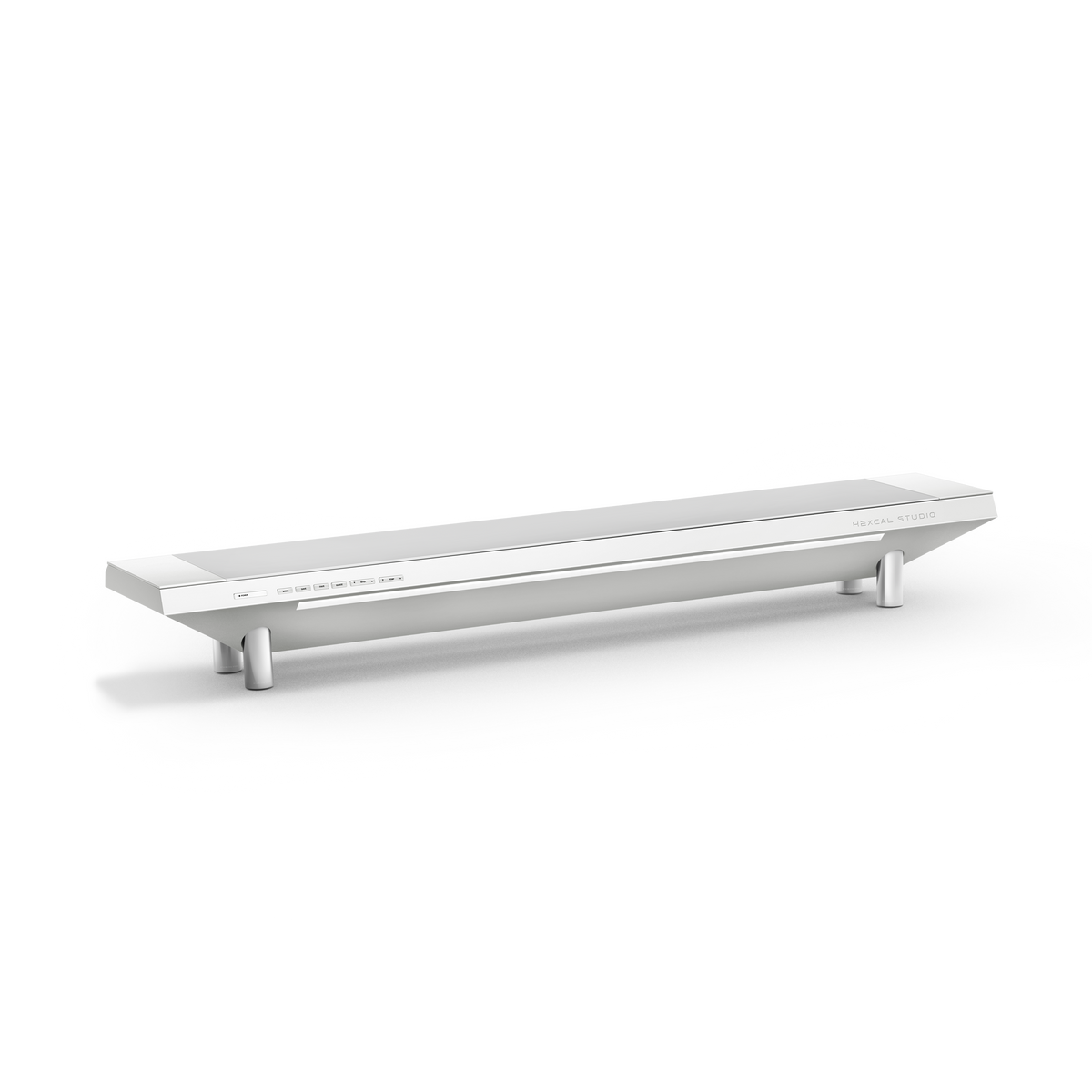
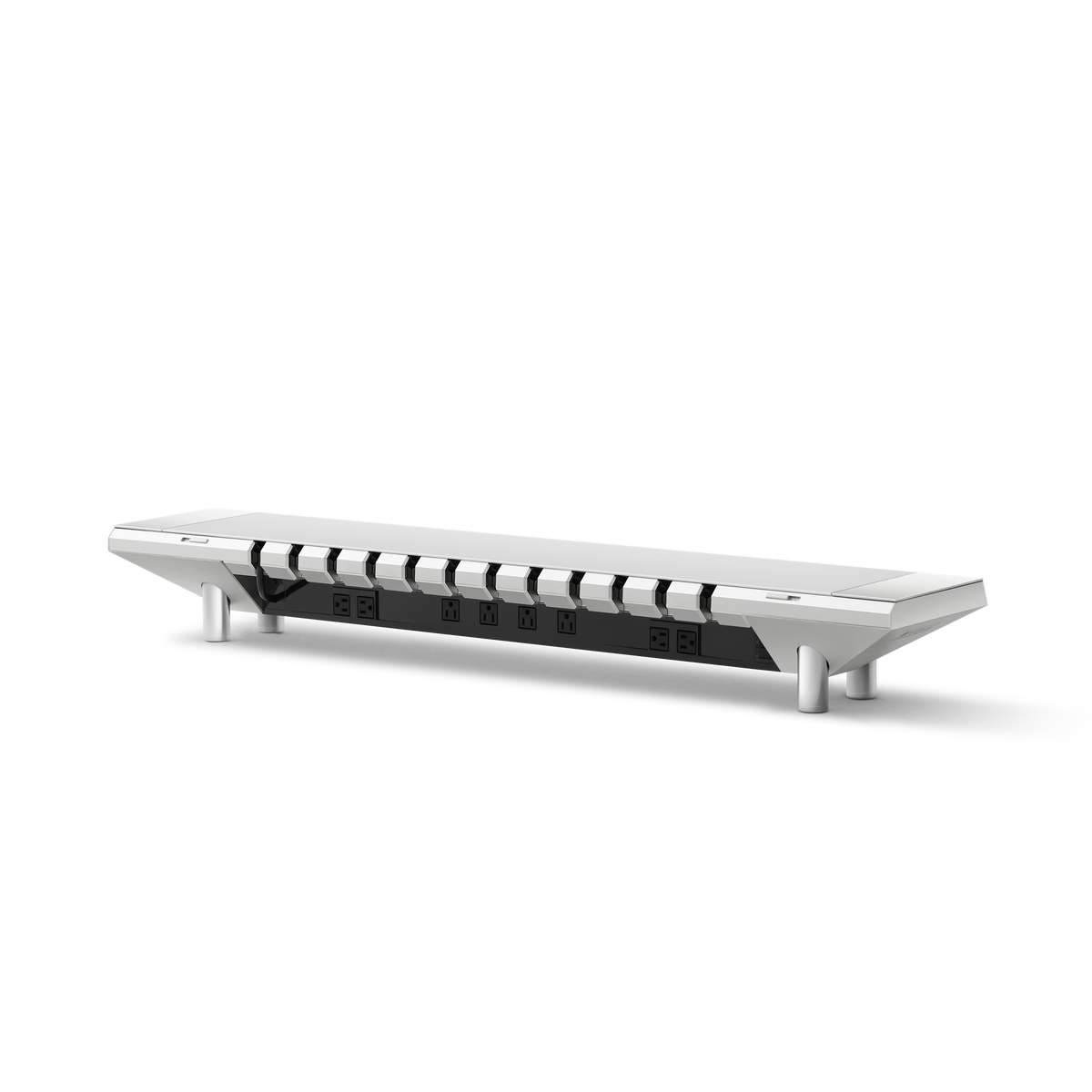
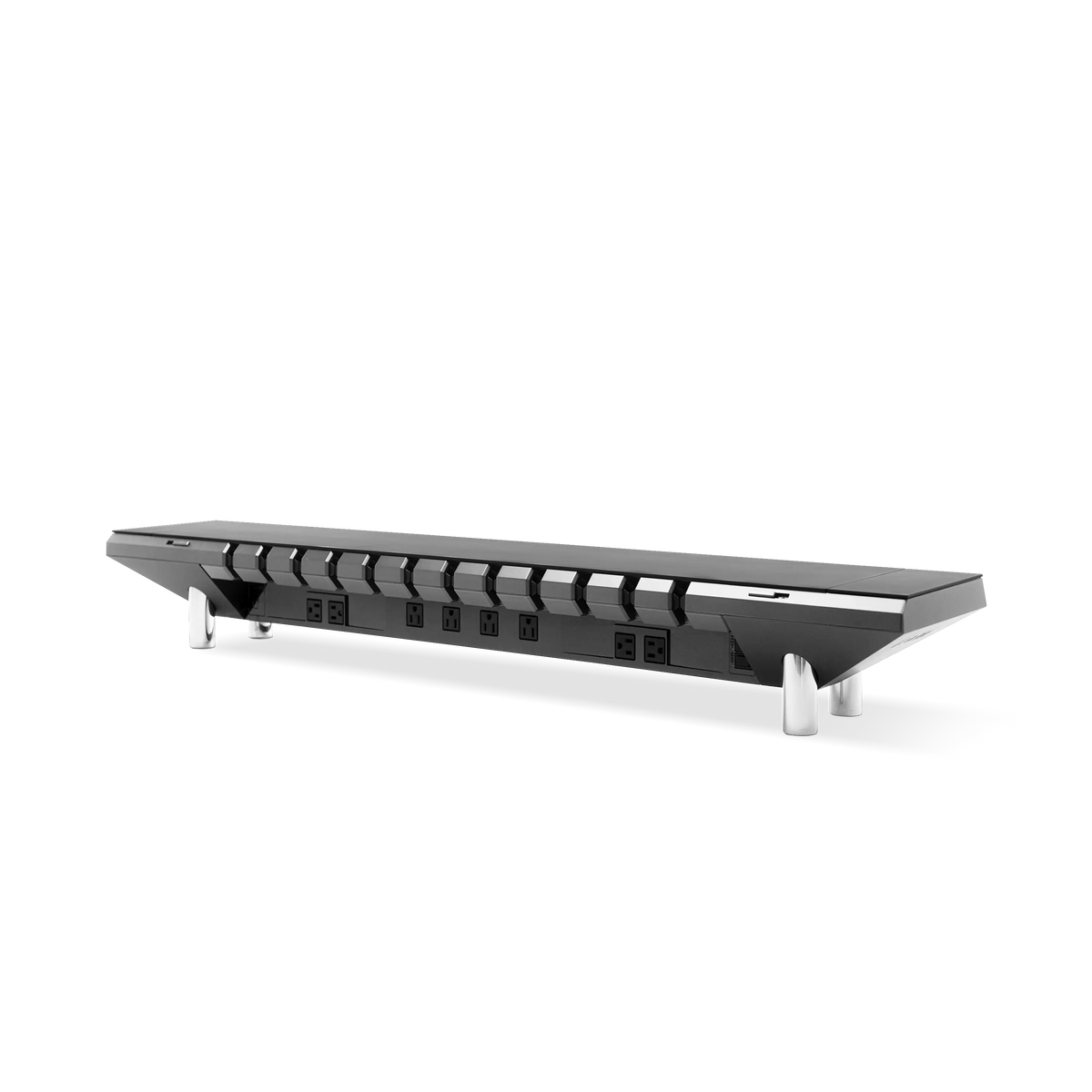
- An under-desk tray or an integrated platform like the Hexcal Studio (1,440W distributed power) removes the need for floor-run strips entirely.
- Who should skip this: floating wall-mounted desks and frameless glass tops have no under-surface to mount hardware, those need adhesive-channel solutions instead.

Why Desk Cable Management Is an Attention Problem, Not a Cosmetic One
The case for clean cable routing is not vanity. Researchers at the Princeton University Neuroscience Institute, in work published in The Journal of Neuroscience ("Interactions of Top-Down and Bottom-Up Mechanisms in Human Visual Cortex"), used fMRI to show that multiple stimuli in the visual field compete for neural representation by mutually suppressing each other's activity in the visual cortex. In plain terms: a tangle of cables in your peripheral vision quietly draws processing capacity away from the task in front of you. A clean workspace is not a style choice. It is a way to stop spending attention on background noise.
That reframing matters because it changes the success criteria. The goal of any desk cable management guide should not be "cables I cannot see from one angle." It should be "a routing system that stays clean as the setup evolves." That is an engineering target, and engineering targets are met in phases.

Phase 1: Centralize the Power Source
Every messy desk we have audited shares one root cause: too many independent power origins. A wall strip here, a laptop brick there, a phone charger dangling off the back edge. Each one is a separate cable origin pulling in a different direction. The first move is to collapse them into a single power source so that everything downstream routes from one point.
This is also where safety enters. Extension cords and power strips are governed by real standards, not preference. UL 817 covers cord sets and power-supply cords, and its required markings explicitly prohibit plugging one extension cord into another. The National Electrical Code goes further: NEC 400.8 bars extension cords from being used as a substitute for permanent wiring, and OSHA cites daisy-chained strips in workplaces under 29 CFR 1926.403(b)(2). A floor full of chained strips is not just ugly; it is a documented fire and shock path.
The cleaner answer is a single rated power origin built into the desk surface. The Hexcal Studio consolidates 1,440W of distributed power with over-current protection (OCP) and a reset button, plus USB-C Power Delivery at up to 27W and dual USB-A Quick Charge ports, all from one isolated supply system. One origin means one set of exit cables to manage downstream, the foundation everything else routes from.

Phase 2: Conceal the Runs (Don't Just Bundle Them)
Bundling is where most people stop, and it is why the mess returns. A zip-tied bundle shoved behind the desk is still a bundle you have to reach, fight, and re-tie every time you swap a peripheral. Concealment is different: the cable lives in a defined channel under the surface, accessible but invisible, so adding or removing a device does not disturb the whole run.
The workhorse here is a tray that mounts to the underside of the desk. A Hexcal Under-Desk Cable Management Tray takes the power brick and the slack of every run off the floor and holds it in a single concealed chamber. This is the difference between "I hid the cables" and "the cables have a home." Over six weeks of daily use across our 12-desk Hexcal team, the desks with a mounted tray stayed clean without re-tidying, while the desks relying on stick-on clips needed a re-bundle roughly every two weeks as clips peeled off under cable weight.
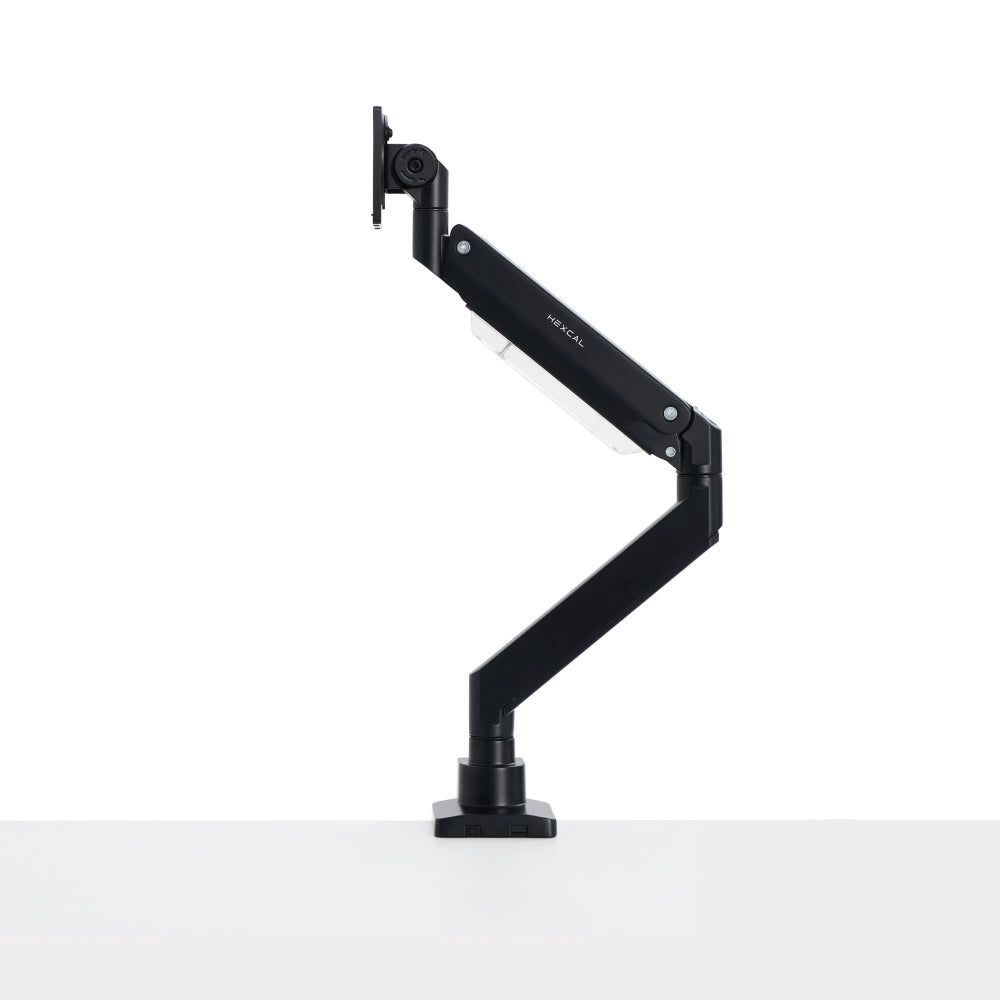
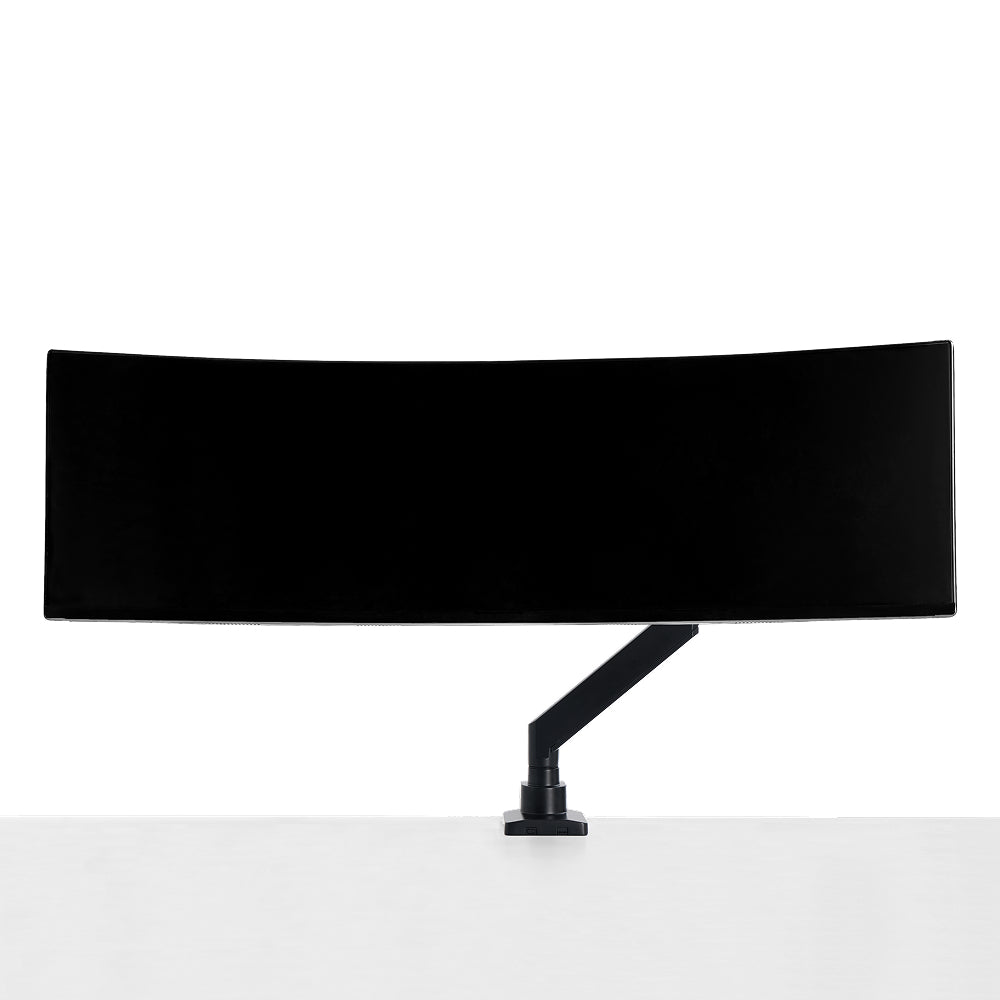
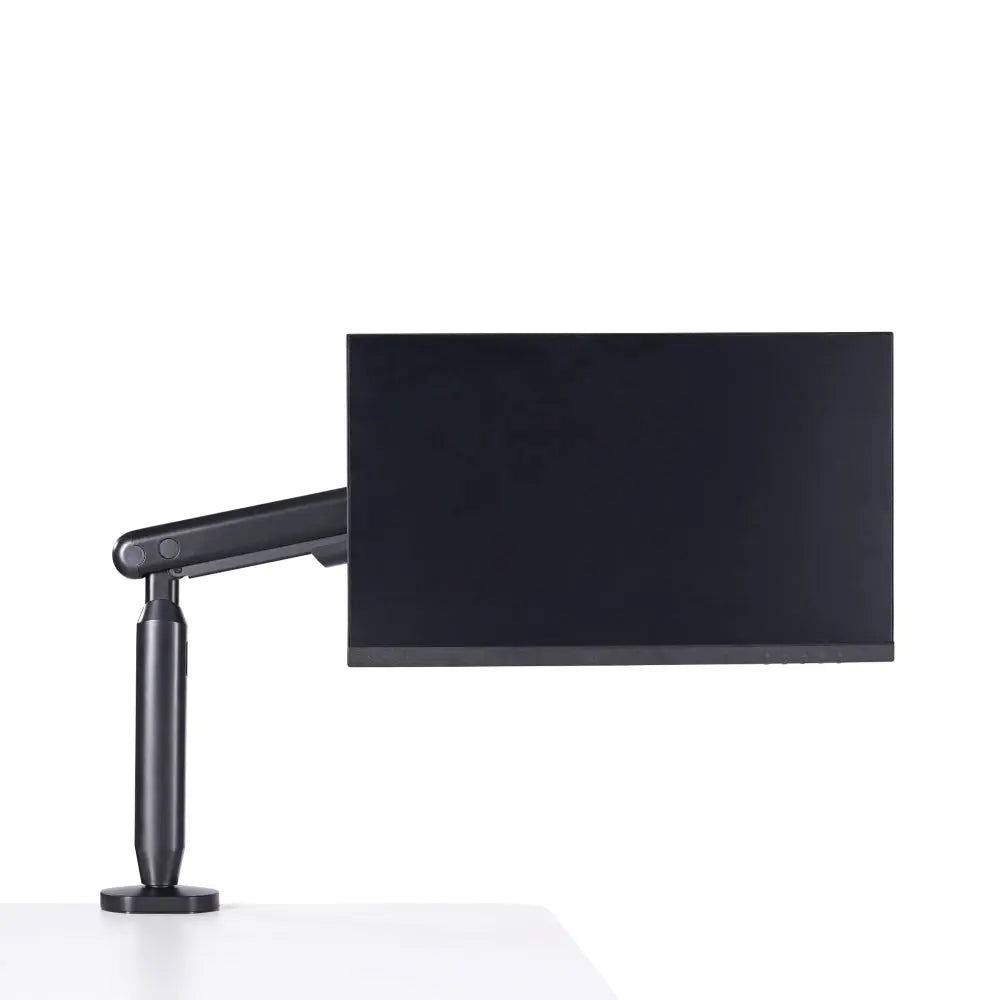
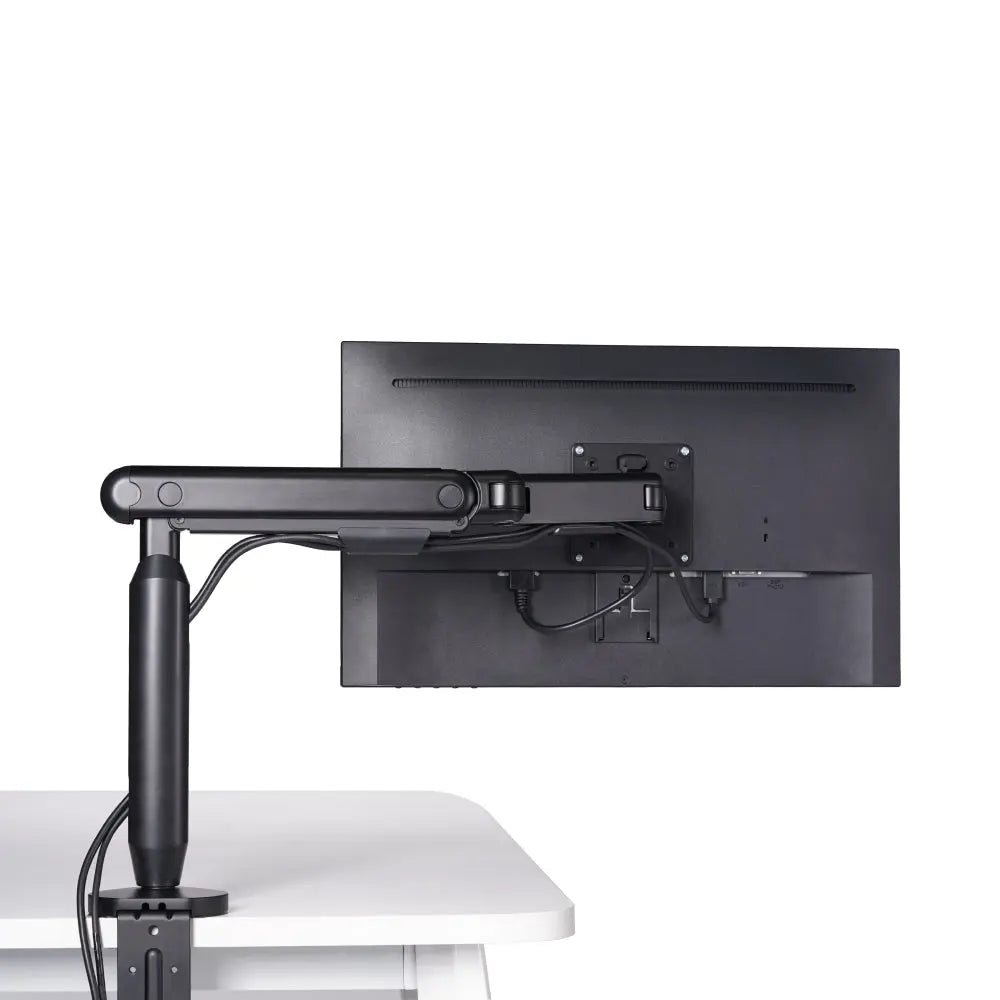
For the cables that do have to be visible, the short run from a monitor arm to the display, for instance, keep the service loop short and route it along structural edges rather than across open space. A monitor mounted on a Single Monitor Arm clears the desk surface entirely, which removes the most common cable-crossing path before you ever reach for a clip.

Phase 3: Anchor the Layout So It Stays Clean
A routing system that is not anchored is just a tidy-up waiting to unravel. Anchoring means the desk surface, the cables, and the devices all hold position so that daily use does not drag the layout out of alignment. The Hexcal Studio addresses this with a left-right surface lock and supports up to 101 lb of surface load, so a heavy monitor and full peripheral kit do not shift the platform, and therefore do not yank cables loose, during a sit-stand cycle or a desk bump.
Anchoring also covers the desk mat. A Magnetic Desk Mat Bundle holds a defined keyboard-and-mouse zone in place, which keeps the short cables in that zone from creeping. The result is a workspace where the clean state is the default state, not a state you have to actively maintain.
Skip the Disposable Fixes, Build Once
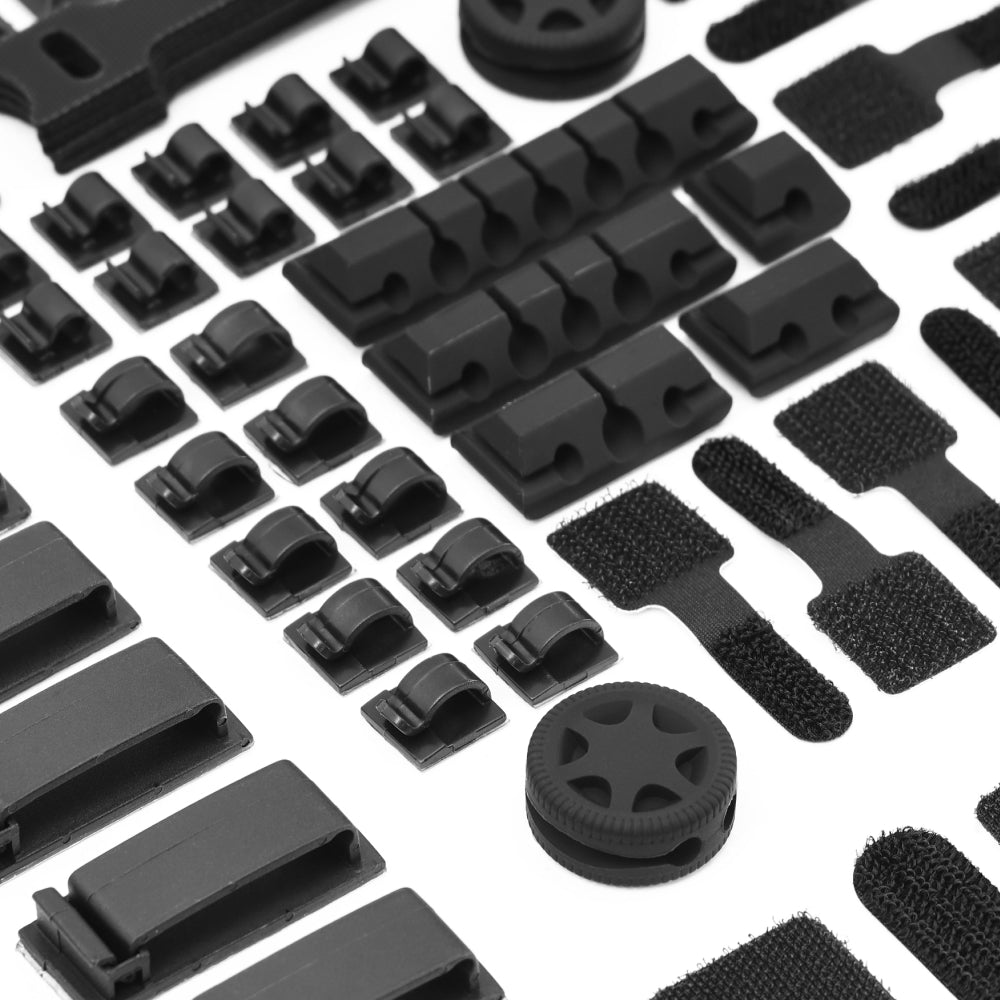
Here is the part most guides will not tell you: the bag of adhesive clips and the roll of cheap velcro are the reason your desk regresses. Adhesive backing fails under heat and cable tension, velcro ties stretch and fray, and the whole kit is designed to be replaced rather than to last. We do not treat cable management as a consumable. A mounted tray, an integrated power platform, and a surface lock are infrastructure, bought once, kept for years. The disposable-fix approach feels cheaper on day one and costs you a re-tidy every fortnight after that.
This is also why we are explicit about what we sell: the Hexcal Studio, Studio Plus, Under-Desk Cable Management Tray, and Magnetic Desk Mat referenced here are Hexcal-designed and -manufactured products. This is not a neutral third-party roundup; it is how our own team builds desks, applied as a method you can copy with or without our hardware.
Where This Approach Does Not Apply
The 3-phase method assumes a desk with a usable under-surface to mount hardware. Two setups break that assumption. Floating, wall-mounted desks often lack the structural depth or accessible underside for a mounted tray, and frameless glass tops have no surface to clamp or stick to without compromising the look. For those, an in-wall raceway or an adhesive-channel system is the honest answer, Phase 1 (centralize power) still holds, but Phase 2 has to adapt to the surface you actually have. Match the method to the desk, not the other way around.
Bringing the Phases Together
A clean workspace is not the absence of cables; it is cables that have been engineered into the environment so completely that you stop noticing them. Centralize the power, conceal the runs in a real channel, anchor the layout so it holds, and refuse the disposable kit that guarantees a relapse. Do that and the desk stays clean as a side effect of how it is built, not as a chore you repeat. If you want the power, concealment, and anchoring steps consolidated into one surface rather than assembled piece by piece, the Hexcal Studio Plus is the integrated version of everything this desk cable management guide describes, power bridge, cable channel, and locked surface in a single platform.
By the Hexcal team.