Gifts for People Who Sit at a Computer All Day: What They'll Actually Use in 2026
Someone who spends most of the day at a computer has already made dozens of small decisions about their workspace: where the screen sits, which side the charger belongs on, what stays within reach during a call. A good gift builds on those decisions. It might bring a whole desk together, or make one familiar part of the day easier.
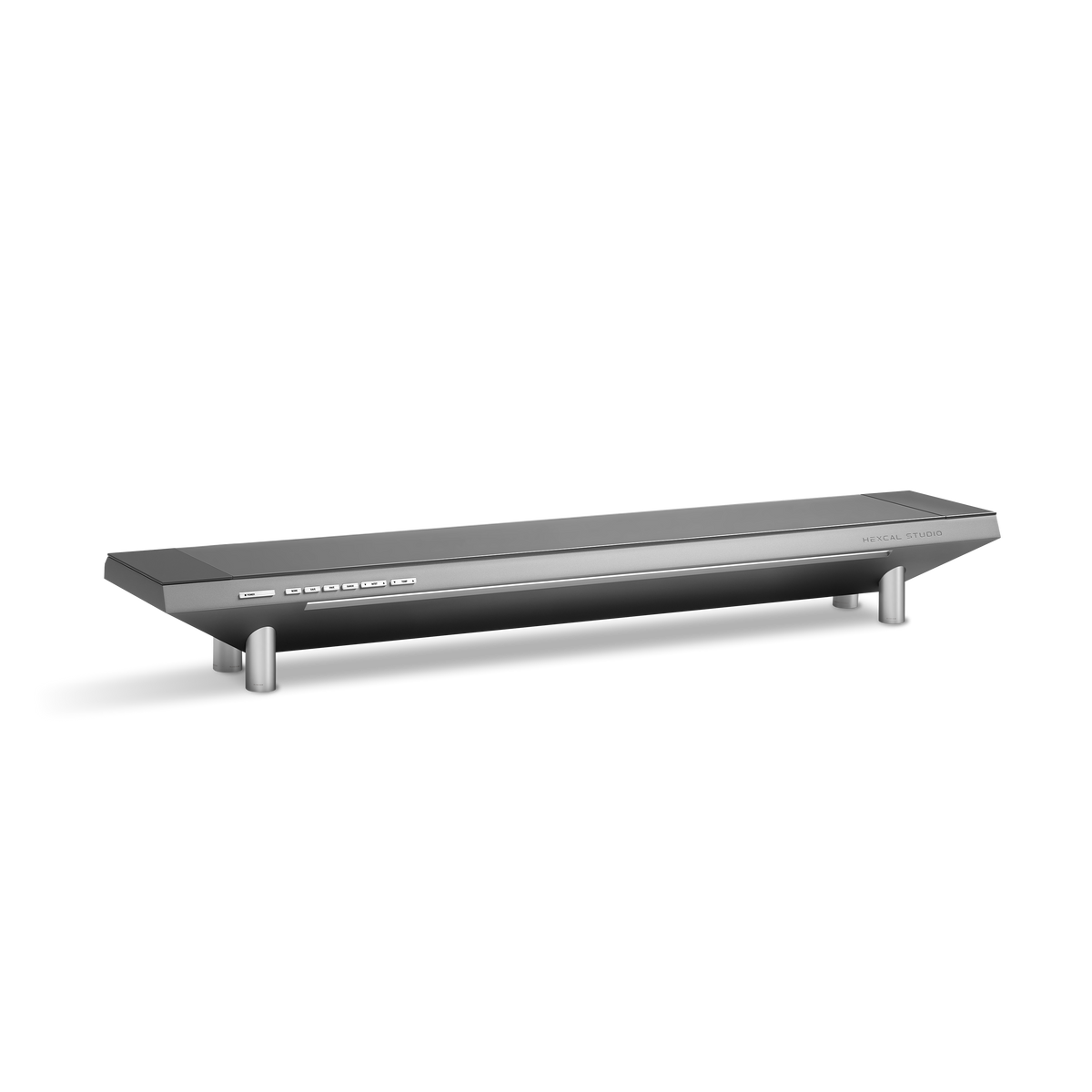
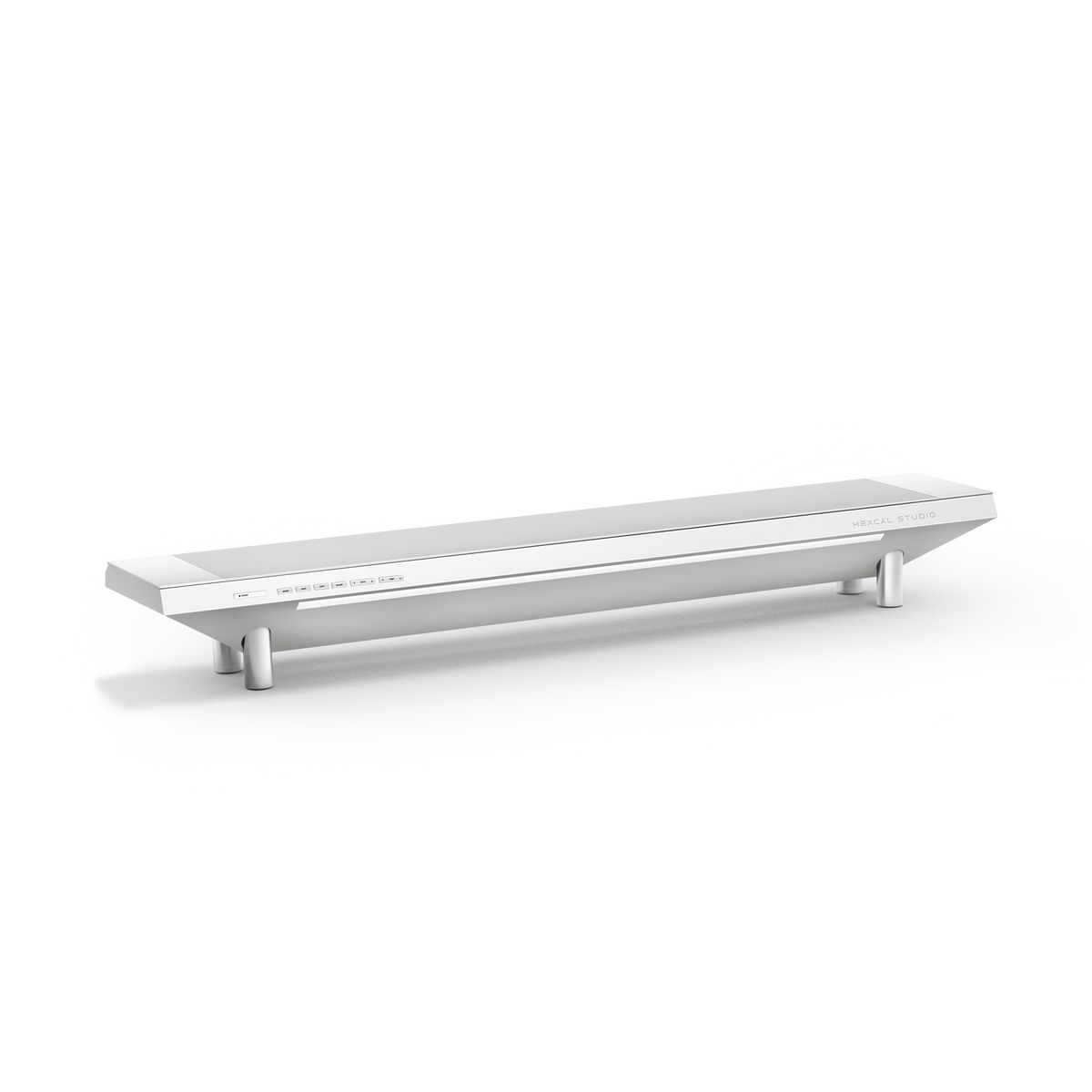
Hexcal approaches the premium workspace as a connected whole. The Studio series combines screen support, power, lighting and cable organization; monitor arms and smaller essentials offer more focused ways to refine an existing setup. This is a gift guide from that collection, chosen around how the recipient works, what they already own and the space they have.
Start with the routine you recognize. Someone rebuilding a permanent home office may welcome a Studio workstation. Someone sharing desks throughout the week may get more use from a well-organized bag. They ask for different information before you buy.
Find the upgrade in their working day
| What you have noticed | A gift worth considering | What to find out first |
|---|---|---|
| Their home desk is becoming a collection of separate lights, chargers and cable runs | A Studio workstation that brings several functions together | Available desk space, desired screen height, devices and power requirements |
| They move a screen between focused work, calls and shared viewing | A monitor arm | Screen model, weight, VESA pattern, mounting area and required movement |
| They repeatedly look for a phone, watch or earbud charger | A charging station | Exact device compatibility and where the station will sit |
| They want a different surface for their keyboard and mouse | A desk mat | Usable surface area, preferred texture and whether they want a wrist rest |
| They pack chargers and adapters every morning | A tech pouch | Their everyday bag, charger size and existing organization |
| They work at a fixed desk but adapters occupy the floor | A cable tray and routing accessories | Permission to install, desk material, mounting space and cable travel |
Treat a comment as the starting point for a conversation. “I never have enough room on this desk” could mean a large monitor stand, a pile of notebooks or a surface that is physically too small. The right gift changes with the answer.
The Studio gift: give the whole workspace a point of focus
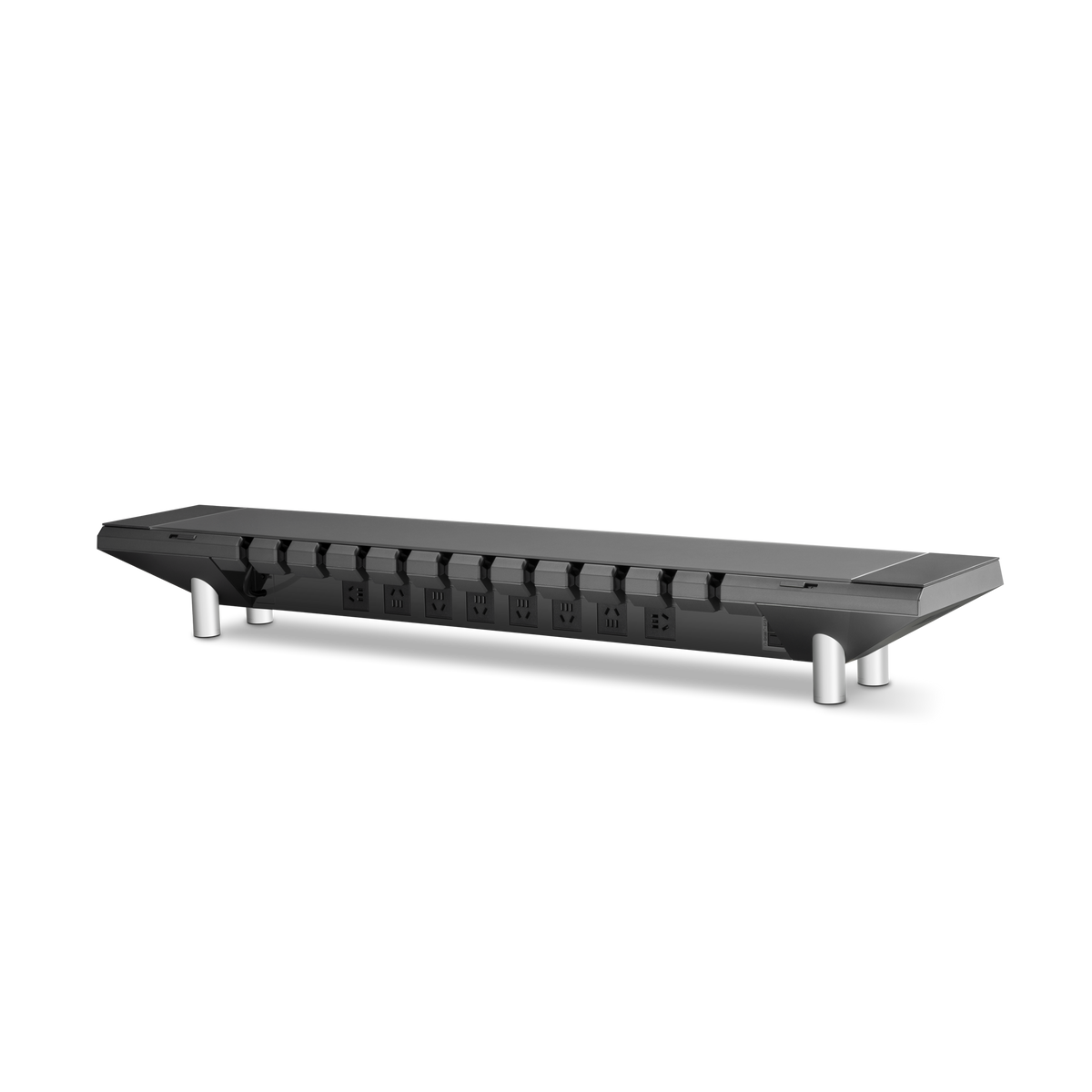
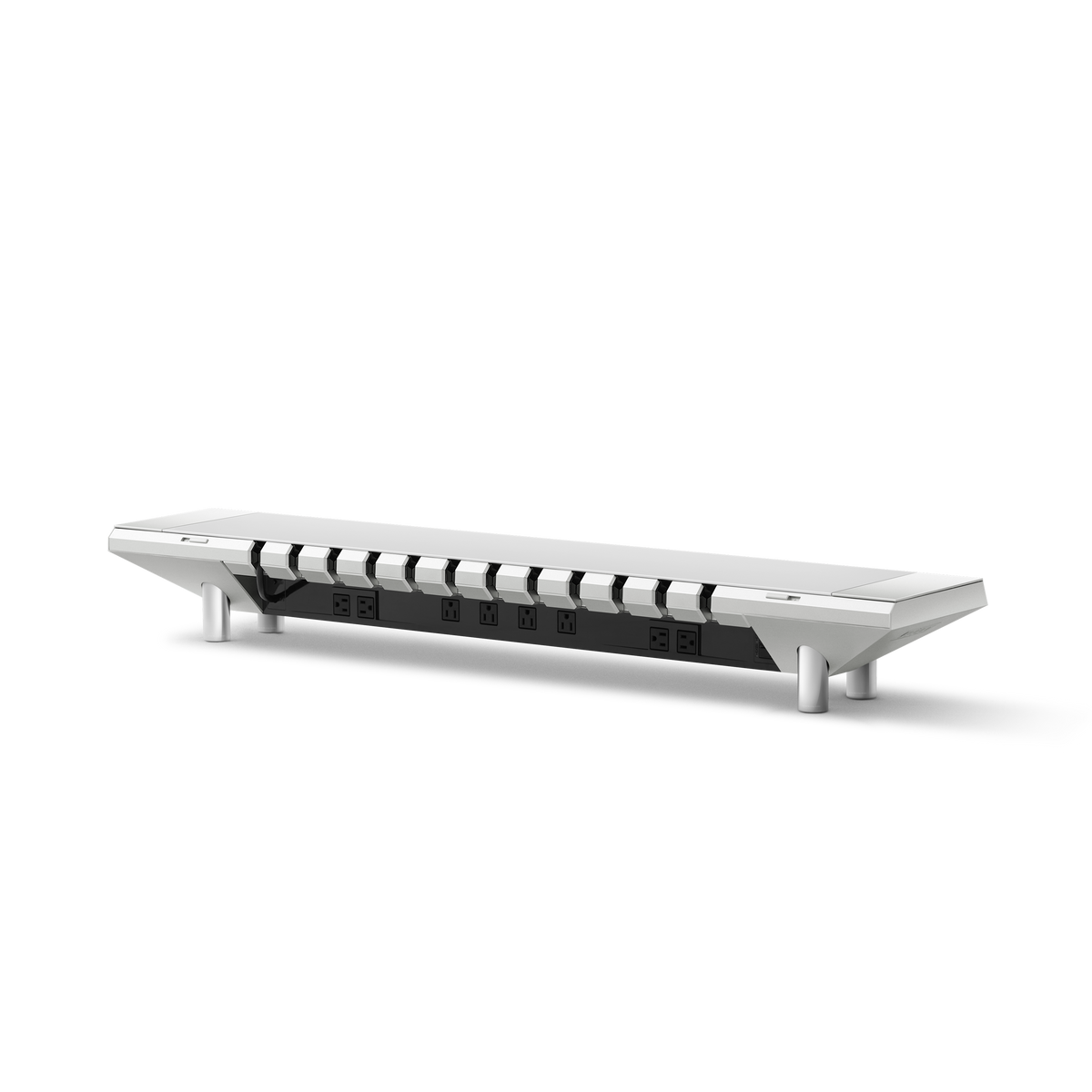
Studio is the substantial gift in this guide: a platform for the screen and a place to bring power, task lighting and cable organization into the same setup. It suits someone who wants those functions together and has a permanent desk they can arrange around it.
Before choosing a model, look at the whole layout. A riser raises a screen; confirm the resulting screen position, particularly if the monitor's own stand is already tall. Allow room for a keyboard, mouse and any laptop, speakers or microphone. If the recipient uses a laptop on a raised surface, plan where the separate keyboard and pointing device will go.
Core, Gen2 or Plus: choose for the desk and devices
| Studio model | Price | Space to start with | Why it belongs on the shortlist |
|---|---|---|---|
| Studio Core | $549 | 36-inch platform; recommended desk width at least 40 inches | A compact permanent setup that needs integrated lighting and power; 6 AC outlets and up to 60 W total USB charging |
| Studio Gen2 | $749 | 47.3-inch platform; recommended desk width at least 55 inches | A wider workstation with 8 AC outlets, up to 60 W total USB charging, up to 30 W total wireless charging and a 40-inch light bar |
| Studio Plus | $949 | 47.3-inch platform; recommended desk width at least 55 inches | The full-width format with greater USB charging capacity: up to 160 W total and up to 100 W from one USB-C PD port |
Prices are in USD, checked November 10, 2026, before any applicable taxes or delivery charges. Check the selected configuration and checkout total. The width guidance is a starting requirement; desk depth, screen placement, load and the space around the unit still need checking.
Choose Core for a compact desk that the recipient intends to keep. Its 36-inch format leaves a different footprint from the wider models. For someone working at a 40-inch desk, begin with the actual keyboard, screen and laptop layout rather than assuming a larger unit will make a more impressive gift. Ask which screen position and lighting arrangement they want, and check the destination's power configuration.
Choose Gen2 when the wider workspace and integrated functions are the attraction. Think of a permanent desk with a screen, speakers and daily devices, where the owner wants lighting, charging and cable organization considered together. The useful question is whether they want that arrangement: a person who already has a lighting and power setup they love may prefer a more focused addition. Check what will stay and what the Studio will replace.
Choose Plus when the devices justify the additional USB charging capacity. For example, the recipient may use a laptop that can take more than 60 W over USB-C and want a suitable charging point at the desk. Match its requirements to the actual port specifications and cable. The 160 W figure is the combined USB output, while 100 W is the maximum for one USB-C PD port; they describe different limits. Do not add individual port maxima together and assume that total is available simultaneously.
For a side-by-side view before choosing a gift, use the Compare Hexcal Studio Series page. It is the next step for checking the models against the recipient's space, lighting preferences and device requirements. If they need video outputs or a particular laptop dock connection, check those functions separately from charging power.
A monitor arm for the person who keeps moving the screen
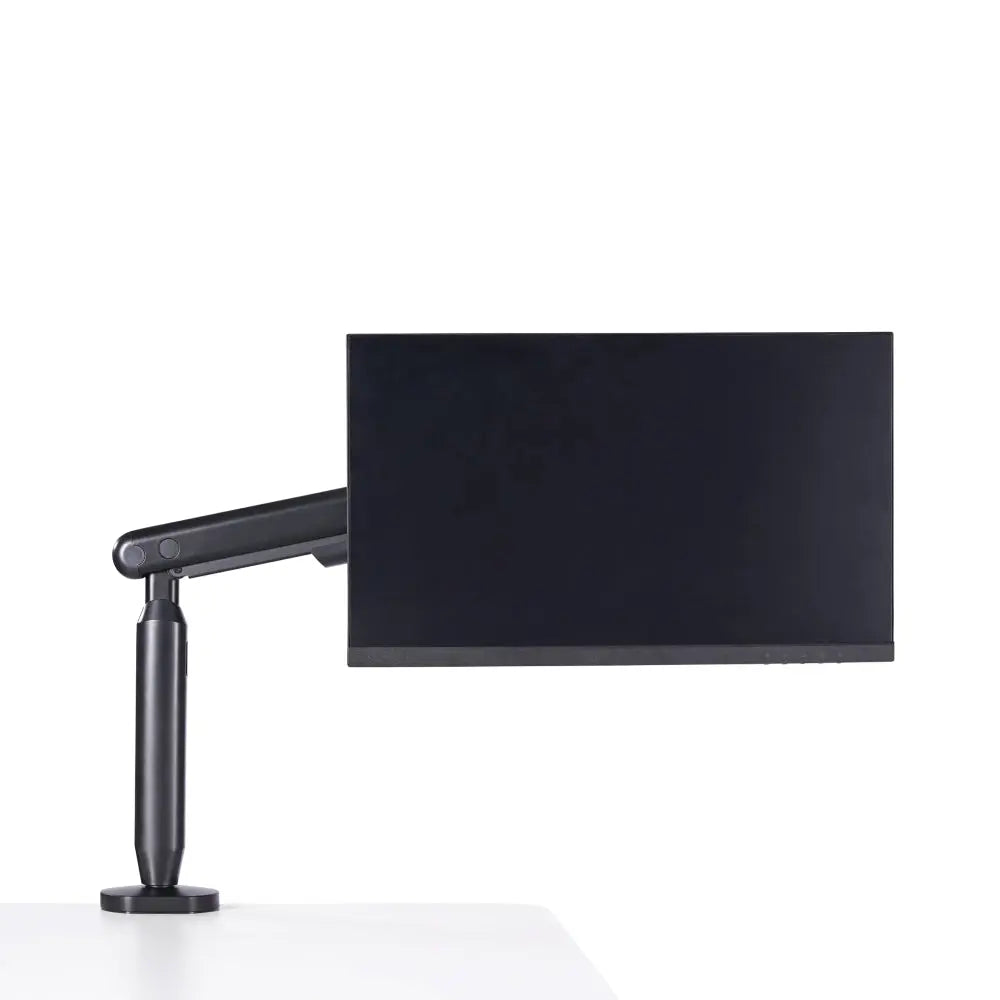
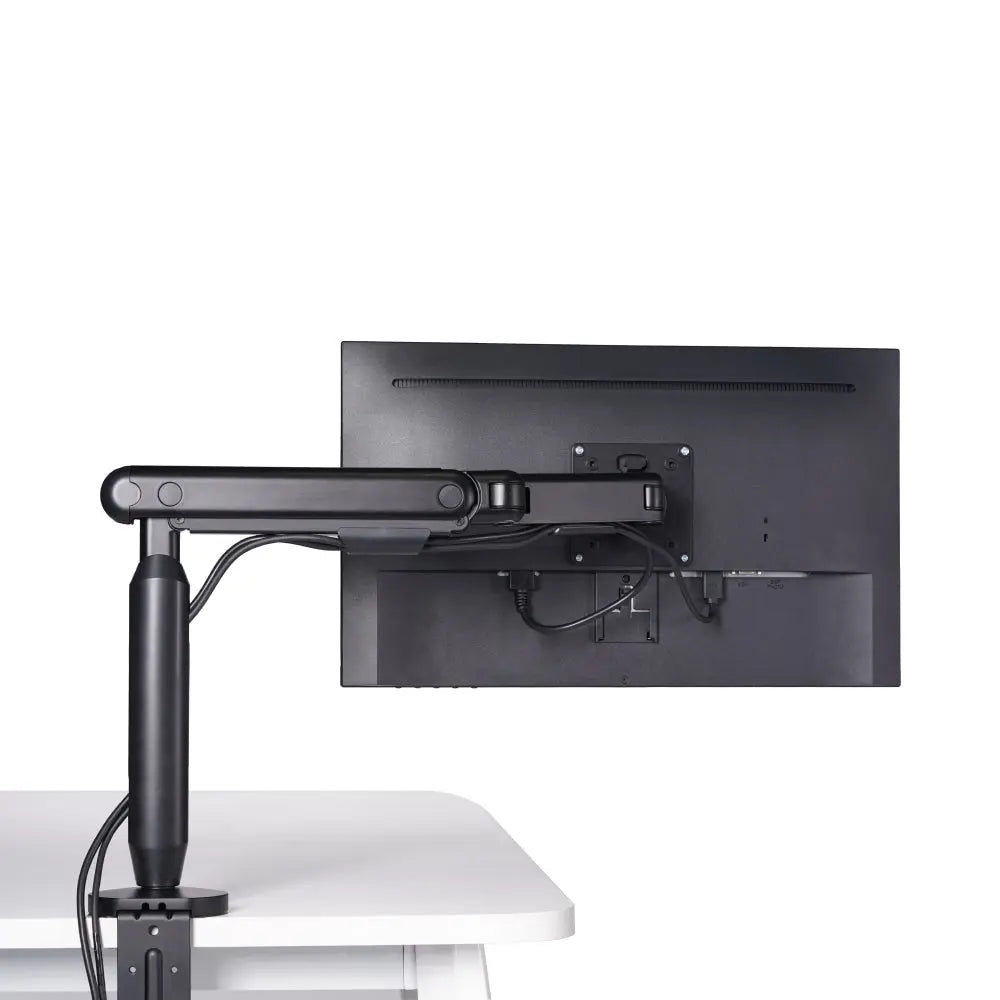
An arm makes sense when the recipient wants the screen to move: toward a writing position, back for a drawing tablet, or across for a shared view. A riser and an arm are different choices. The riser provides a platform and, in the Studio range, integrated functions. The arm provides an adjustable mounting position. They are not automatically substitutes, and combining them requires room for both.
The Hexcal Single Monitor Arm is listed for screens up to 35 inches, weighing 3–11 kg without the original stand, with 75 × 75 or 100 × 100 mm VESA. Its stated clamp range is 10–80 mm, and full extension is 19 inches. Ask for the monitor model and a photograph of the underside where it would mount. A frame rail or beveled edge can obstruct a clamp even when desktop thickness is within range; a screen also needs room to move without meeting a wall or shelf.
At $79.20, it can be a focused gift for an otherwise complete single-screen desk. For a larger or curved display, check the appropriate heavy-duty model instead of extending these specifications to it. The desk compatibility guide covers that decision in more detail.
Charging for the devices they actually leave on the desk
A charging station is worth considering when the recipient uses the same devices throughout the day and wants a consistent place to leave them between calls or tasks. Start with the device list, not with how many charging positions appear in a photograph.
For the $69 4-in-1 Wireless Charging Station, check the exact phone, watch and earbud models, the supported charging modes, the power input and what is included. A compatible phone does not establish compatibility for every watch or earbud case. Place it where the recipient can reach it without crossing the keyboard or mouse area.
If they use a wired connection for data or want to keep a phone in a particular position during calls, a station may not replace that routine. A cable that matches the device and charging requirement can be the more useful choice. If they already own a station they like, choose a different part of the desk rather than giving them a second one.

A desk mat when the surface is the part they want to change
A mat is a personal choice about how the keyboard and mouse area looks and feels. It can be a thoughtful finishing gift for someone who has already chosen their larger equipment. Check what they use now: they may have a large gaming mouse mat they like, a compact keyboard arrangement or a preference for a bare surface.
The $118 Desk Mat Bundle includes an 800 × 400 mm mat and a wrist rest. Measure that area in the working layout, allowing for mouse travel, a microphone base and any tablet. Ask whether the recipient wants the included wrist rest and whether its position suits their keyboard. Choose the size, surface and accessories with the recipient so the gift suits the way they use the keyboard.
For a person whose desk is already visually settled, color and material preference may decide the gift more than another specification. Let them choose the finish if you are unsure.
For the hybrid worker, give something that travels
A permanent desk upgrade may have little use at a shared office station. Someone who moves between home, work and meeting rooms may care more about finding the right adapter in their bag than changing a monitor mounting point they do not control.
The $47.20 Tech Pouch is a practical option when they carry chargers, cables, storage devices and adapters. Check its 240 × 150 × 70 mm size against their bag and the accessories they actually carry. A bulky charger can take up much of a small organizer, and someone with an existing pouch they like may not want to repack everything.
A desk mat can also be moved, but its 800 × 400 mm surface is not the same kind of portable gift. Ask whether they intend to leave it at one location. Choose a pouch for the daily carry problem and a mat for a particular working surface.
Three ways to choose a gift that feels personal
These are example situations to help make the choice, not customer case studies.
For a partner with a compact permanent desk: suppose they want to bring lighting and charging into the workspace, and the desk is 40 inches wide. Start by laying out the 36-inch Studio Core with their screen, keyboard and laptop. Core is the relevant Studio format to investigate; the wider models need a different desk width. If the resulting screen height or usable surface does not work, choose a smaller accessory for now rather than asking them to rearrange the whole room around the gift.
For a creator building a wider workstation: on a desk that meets the 55-inch width guidance, compare Gen2 and Plus around the equipment that will use them. Gen2 is the starting point if its functions and charging capacity cover the setup. Plus is worth examining when a compatible laptop or other devices call for greater USB power. Ask about the microphone, speakers, screen position and existing dock before agreeing on the model. Those details make the gift feel chosen for their work.
For a colleague who changes desks each week: a pouch or compatible charging accessory may fit their routine better than a mounted product. If the workplace has shared equipment, find out what the recipient is allowed to add. A generous budget can cover a more personal choice, but it does not establish permission to clamp or install equipment on an office desk.
What to ask before wrapping it
For a substantial workstation gift, collect the desk's width and usable depth, the screen model and desired position, and the devices that need power or a data connection. Agree on the finish, destination's socket configuration and installation arrangements. Check delivery and return terms against the day the recipient will open the gift, not only the day you place the order.
For smaller gifts, ask what they already carry or keep within reach. A photo of the everyday bag, the charger model or the existing keyboard area can answer more than a long list of interests. That small amount of attention is what turns a desk accessory into a gift selected for a particular person.
The 2026 desk setup gift guide compares options by budget. For someone whose existing home office has its own routines and hobbies, the gifts for dad guide provides a more specific starting point. If the visible problem is equipment and cables below the desk, use the cable hiding guide to work out whether storage or routing is the next purchase.