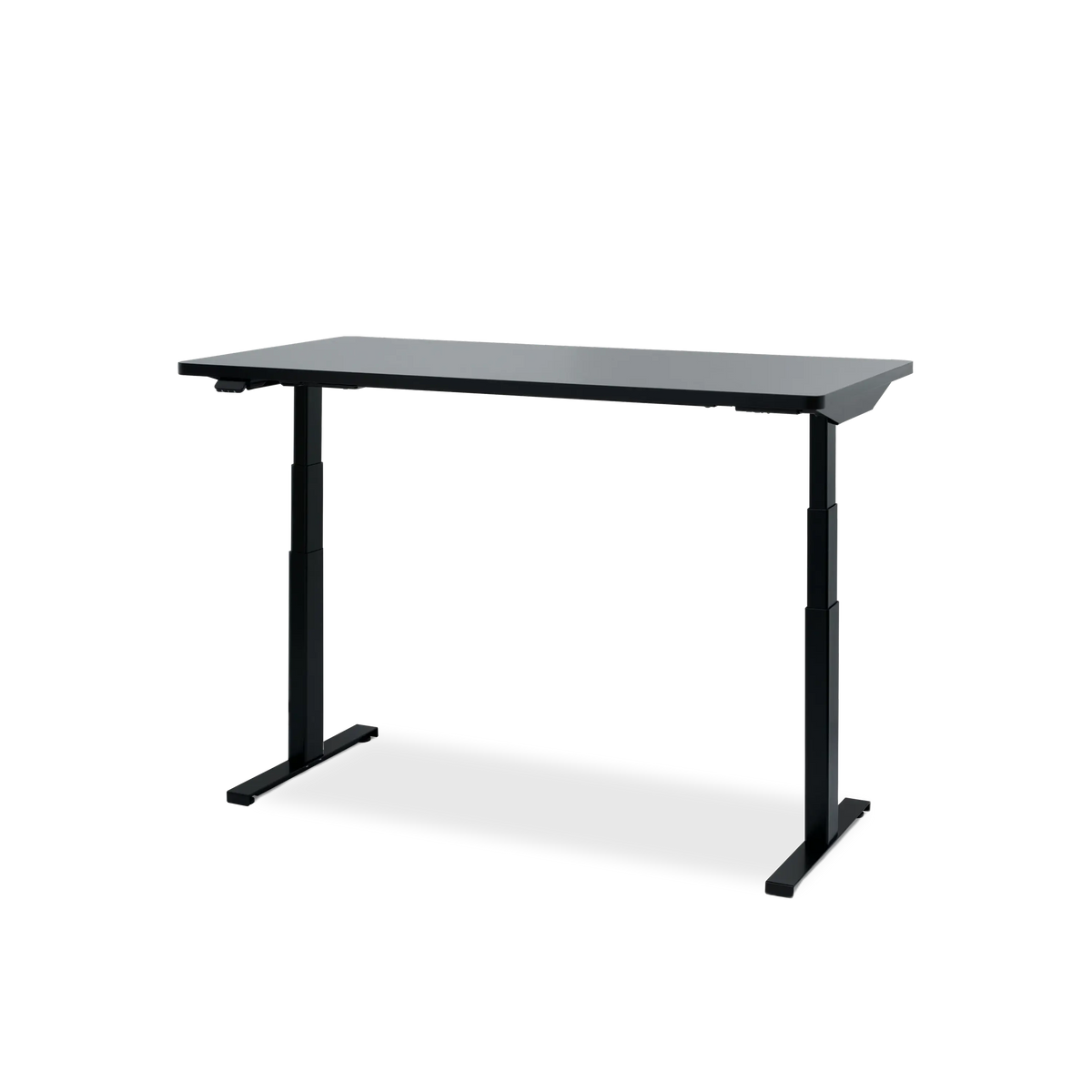
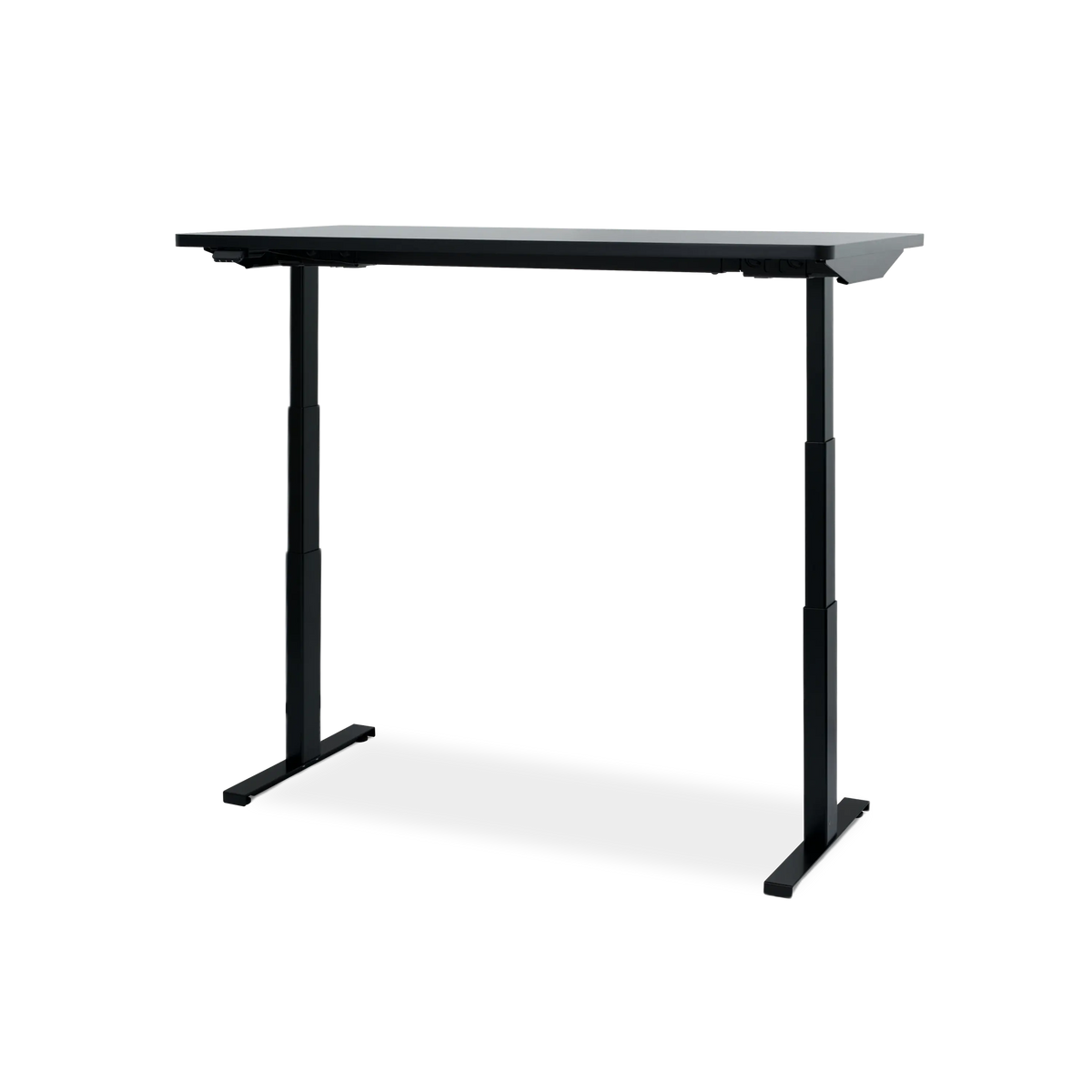
Standing Desk Black Friday 2026: Make Room for a Hexcal Upgrade
A standing desk can change the shape of a working day and the character of a room. For Black Friday, the most useful starting point is a clear picture of the workspace you want: the surface that gives your equipment room, the height that suits the way you work, and the details that make the setup feel complete.
At Hexcal, we approach that choice as a connected workspace. Elevate provides the moving foundation; screen placement, power, storage and cable routing determine how well everything around it works together. This guide focuses on planning that Hexcal upgrade before choosing a Black Friday or Cyber Monday offer.
Black Friday 2026 falls on November 27, followed by Cyber Monday on November 30. Those are shopping dates, not a promise about when a particular Hexcal promotion starts or which day has the lowest price.
Hexcal Black Friday updates · checked November 11
The Hexcal homepage currently invites shoppers to sign up for Black Friday offer announcements. Follow the official updates and check the final price and terms for your selected configuration when ordering.
Start with the workspace you want to build
Picture the equipment that belongs on the desk before choosing its size. A single display and laptop leave different options from a deep monitor base, a pair of speakers and a separate creative controller. The useful surface is the part you can reach and work on after those objects have a place.
Elevate comes in three desktop sizes. Use the dimensions to draw out the setup and check the room around it:
| Elevate desktop | A setup to consider | What to measure |
|---|---|---|
| 55 × 27.5 inches | A more compact permanent workstation | Monitor base or mount, keyboard area and space to move the chair |
| 63 × 31.5 inches | A wider desk with more front-to-back room | Viewing distance, speaker placement and room circulation |
| 71 × 31.5 inches | A generous surface for a larger equipment arrangement | Wall space, door clearance, reach and the intended screen layout |
These are planning examples, not guarantees that a particular number of monitors will fit. Sketch the actual equipment footprint, including any arm clamps, before choosing.

Four details to settle before comparing an offer
1. The working heights you actually need
Elevate's published adjustment range is 24.4–50 inches (62–127 cm). Compare it with your own seated and standing working positions, allowing for shoes, a mat or any casters you plan to add. The range is a product specification; whether it fits you is a separate check.
Consider the keyboard and display together. Raising the desk moves both, but a monitor's height relative to the keyboard may still need attention. If you use a Studio platform or an arm, include it in the layout rather than assuming the desk's height adjustment resolves every position.
2. Equipment weight and stability as separate questions
The published load capacity is 350 lb. Check the product instructions for what counts toward the permitted load, and include equipment you expect to keep on the surface. Leave the capacity comparison tied to the actual configuration.
A load rating does not establish how much a desk will move at your preferred standing height. For that question, look for relevant demonstrations or testing at a comparable height and load. Where possible, try the desk with a setup similar to yours. Do not use a large capacity figure as a substitute for stability evidence.
3. Controls that suit your routine
Elevate uses a Linak DL6 Plus dual-motor lifting system and provides four programmable memory settings. Saving positions can make it easier to return to the heights you have already chosen. It is a practical feature to consider when you expect to adjust the desk regularly.
Keep the movement path clear and follow the operating instructions. Check that cables can travel through the full range without pulling on connectors, and that nearby shelves, furniture and wall-mounted objects will not obstruct the desk.
4. What the warranty and delivery terms cover
Read the current limited warranty for the product and destination, including exclusions and the process for obtaining support. The Elevate product materials describe a 10-year limited warranty. That is a coverage term, not an estimate of service life or proof that every component has identical coverage.
The delivery and return terms also belong in a large furniture purchase. Check the exact configuration, destination, lead time, delivery arrangements and return conditions before deciding that one offer is better than another.
What to compare when Black Friday offers arrive
Compare the same size, finish, included items and delivery destination. A lower headline price for a different desktop is a different purchasing option, and it should be evaluated as one.
Use this short checklist when the offer is available:
- Selected configuration: the exact desktop, finish and included accessories.
- Final total: the item price, any eligible code, shipping and tax.
- Offer conditions: dates, exclusions and whether discounts can be combined.
- Delivery: the configuration's availability and the plan for getting it into the room.
- Returns and support: terms that apply to the actual order and destination.
Keep a record of the configuration and its final total if you are comparing offers across the weekend. That gives you a useful basis for deciding whether a later offer changes the purchase you want to make.
Finish the plan around the moving desk
A standing desk's cable route needs to work when the surface is both low and high. Plan where power enters the setup, leave suitable movement slack, and keep storage and controls accessible. The Black Friday desk setup checklist helps organize those connected decisions.
Keep the chair as its own fit decision. If you are retaining it, check that the new desk works with the seated position you use. If replacing it, judge its adjustment and fit for the person who will sit in it; a capacity rating or warranty cannot answer that question alone.
For a deeper specification comparison, use the standing desk buyer's guide. If casters are part of the plan, the standing desk caster guide covers the height and mounting questions. If the desk is a gift, our Christmas gift guide for desk setup lovers puts the recipient's needs first.
FAQ
Should you wait for Cyber Monday to buy an Elevate desk?
Compare the published offers for the exact configuration you want, including the final total and delivery terms. If the room, size or layout is still undecided, settle that before ordering.
Does a bundle automatically mean a better deal?
Check what is included and compare the final cost of the same items. A coordinated bundle can be useful when you need its components; equipment you already own changes that calculation.
What should you know before buying a standing desk online?
Know the desktop footprint, your intended working heights, the equipment load and mounting plan, and the delivery and assembly arrangements. Read the product's current warranty and return terms for your destination.
Can an existing monitor arm move to Elevate?
Check the arm's clamp or grommet requirements against the selected desktop, including thickness and underside clearance. Then check the screen arrangement and cable slack across the desk's full movement range.
Make the upgrade feel complete
Choose the workspace first: a surface that fits, positions that suit the person, and equipment arranged to move together. Black Friday is the occasion to bring that plan into focus. The Elevate you choose should still be the workspace you want when the shopping weekend is over.