

Lösung des „Kabelsalat“-Problems: Kabelmanagement für Stehtische
Die Entwicklung eines „Flow State“-Arbeitsbereichs
Warum Stehtische besondere Kabelprobleme verursachen
Standing desks dramatically improve ergonomics and movement throughout the workday. However, they introduce a challenge that traditional desk setups rarely face: constant motion.Every time the desk transitions between sitting and standing positions, the entire cable system must move with it. Without proper planning, this leads to common problems:
- Cable tension that pulls on monitor or PC ports
- Power bricks dangling mid-air under the desk
- Wires snagging on desk legs or equipment
- Adhesive cable clips failing due to repeated movement
Many users attempt to fix these issues with basic cable clips or zip ties. While these solutions can work for static desks, height-adjustable workstations require a more flexible cable structure that can safely accommodate movement.
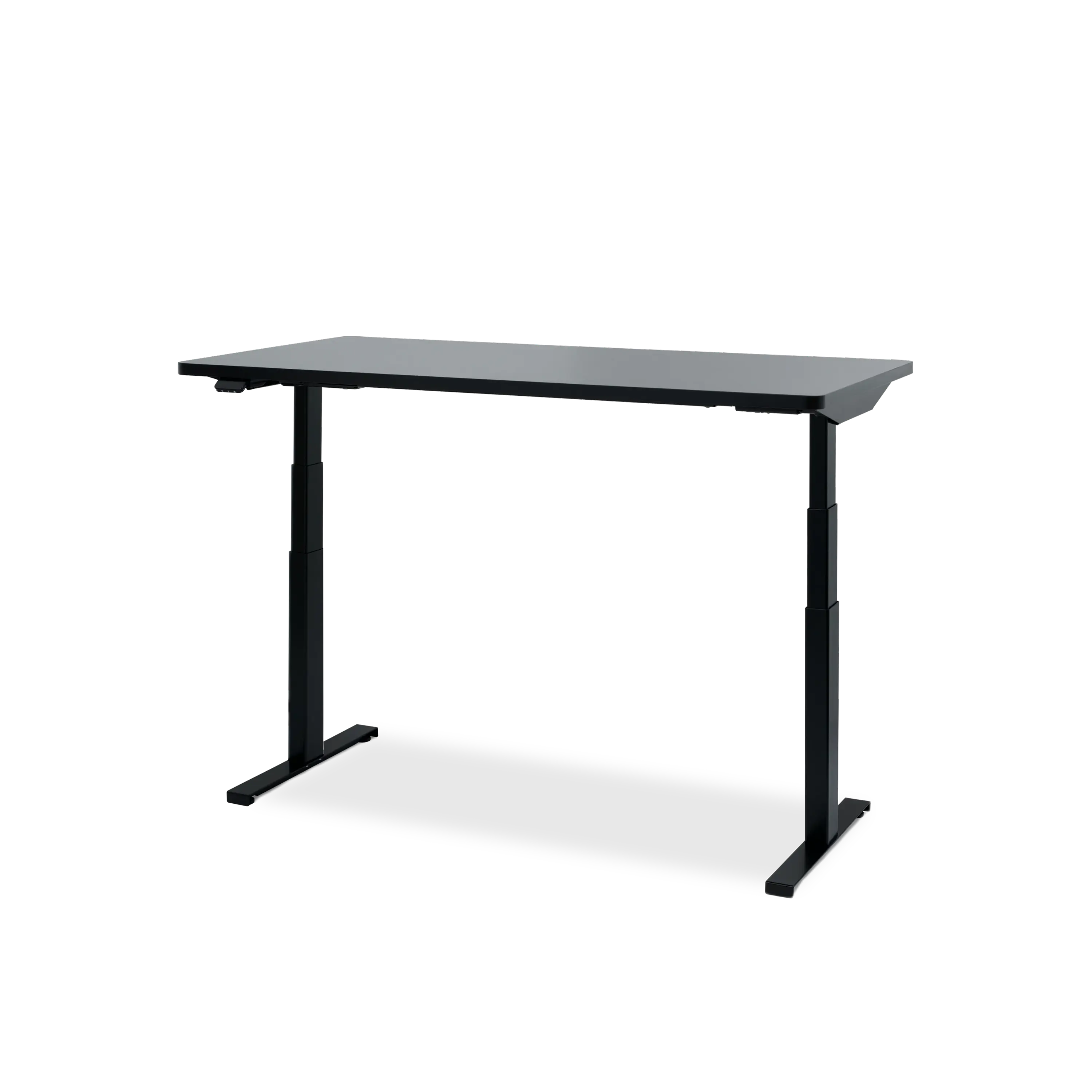
Hexcal Elevate Stehpult

Das Prinzip der „Service-Schleife“
Aufbau eines zuverlässigen Kabelsystems für Stehtische
A stable standing desk setup typically follows three core steps.
1. Consolidate Cables with Expandable Sleeves
Multiple monitor, power, and peripheral cables can quickly become difficult to manage individually. Expandable PET sleeves group these wires together into a single organized bundle. This improves visual cleanliness and reduces the chances of cables catching on nearby equipment.Many setups begin with a comprehensive cable organization kit. Solutions like the Hexcal Cable Management Kit provide a variety of tools—including adhesive cable anchors, reusable hook-and-loop ties, and expandable sleeves—that make it easier to route cables along the desk edge and behind monitors before guiding them into the main cable management structure. This first step keeps desktop wiring organized and prevents individual cables from spreading across the workspace.

Kabelmanagement-Kit
Dieses Zubehör ist Teil der Hexcal Curated Kollektion, die sorgfältig ausgewählt wurde, um Ihr Hexcal-Erlebnis zu optimieren und zu ergänzen.
2. Secure Power and Slack Inside an Under-Desk Cablement Management Tray
Power strips and large power adapters are often the heaviest components in a workstation setup. Without a tray, these power bricks frequently hang from cables or sit loosely on the floor, creating clutter and potential hazards. A heavy-duty cable tray provides a central location to house these components while also storing the extra cable length required for a proper service loop. Under-desk trays help organize:
- power strips
- large charging adapters
- excess cable slack
- monitor and docking station cables
Solutions such as the Hexcal Cable Management Tray are designed specifically for modern workstation setups. Built with heavy-duty steel construction, the tray supports heavier power bricks while keeping cables centralized and accessible beneath the desk. By mounting power and cables off the floor, the workspace becomes both safer and visually cleaner.
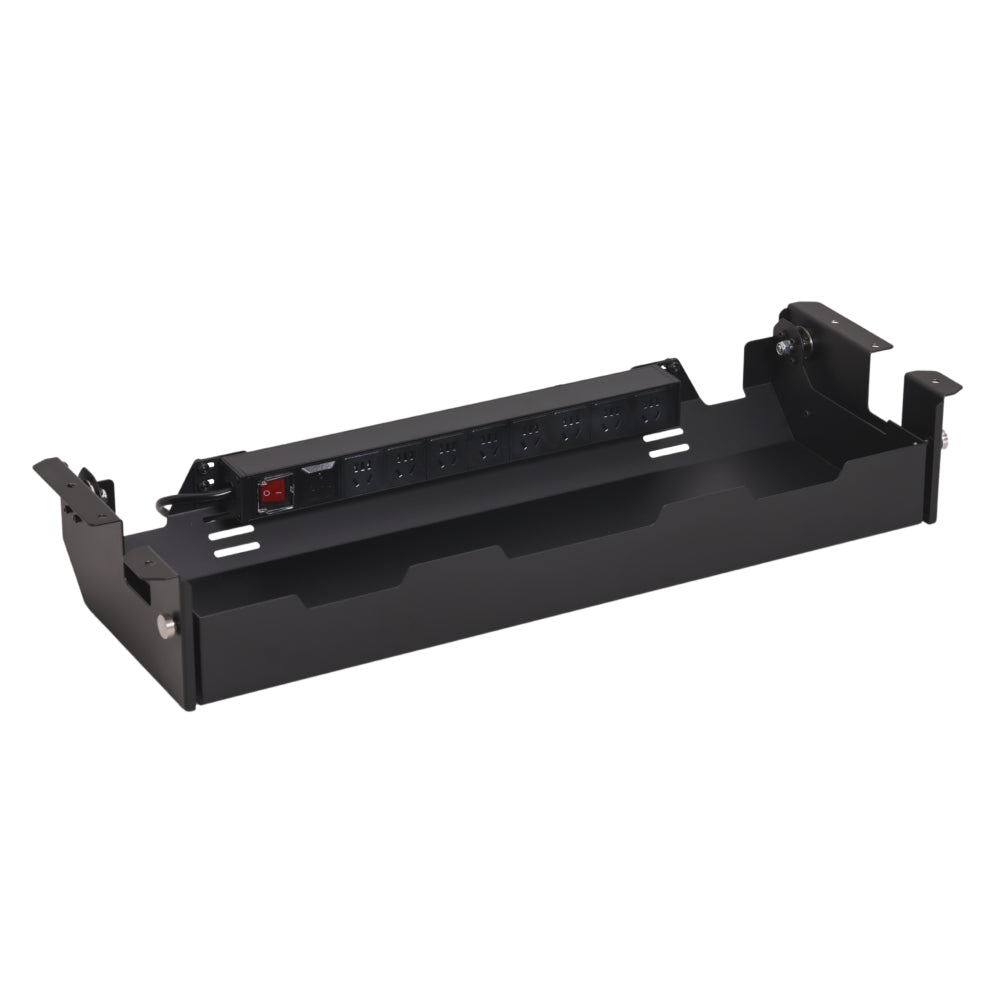
Kabelführungsfach unter dem Schreibtisch
Transform your workspace from a cluttered cable 'nest' into a streamlined professional environment. The Hexcal Under-Desk Cable Management Tray is an architectural-grade solution engineered for high-performance setups. Crafted from cold-rolled steel, it doesn’t just hide wires—it protects your hardware, ensures thermal safety, and creates a 'zero-cable' aesthetic for the modern minimalist.
Installation is simple — simply attach it to the Hexcal Elevate Standing Desk using pre-drilled holes, or mount it on any wooden tabletop (thicker than 3/4") with basic tools. To further streamline your workspace, the tray includes an industrial-grade 8-socket PDU that can be positioned in multiple locations, providing efficient cable management for all your devices.

3. Führungsseile für den Boden mit vertikalem Seilkern

Where Hexcal Fits Into the System
While many cable accessories solve small parts of the problem, a fully organized standing desk setup benefits from solutions designed specifically for adjustable workstations.The Hexcal Cable Management Tray provides a heavy-duty steel structure capable of supporting large power bricks and centralizing power strips beneath the desk. When paired with the Hexcal Cable Management Kit, users can anchor peripheral cables along the desk edge, bundle monitor wires, and route everything cleanly into the tray.This structured approach keeps cables organized while still allowing enough slack for smooth desk height adjustments.For users building more advanced workstation setups, integrated infrastructure can take cable management even further. Systems like the Hexcal Studio incorporate internal power distribution directly into the monitor stand, reducing the number of external cables required on the desk and simplifying overall cable routing.
From Cable Chaos to a Movement-Ready Workspace
Standing desks are designed to encourage movement and flexibility throughout the workday. Cable management should support that same philosophy.By combining service loops, expandable sleeves, structured trays, and vertical cable routing, users can build a workstation that remains organized even during constant height adjustments.The result is a desk setup that maintains clean aesthetics, protects valuable equipment from cable strain, and supports the dynamic movement that makes standing desks so effective.


