How to Mount a Monitor Without Drilling Holes: The Honest No-Damage Guide

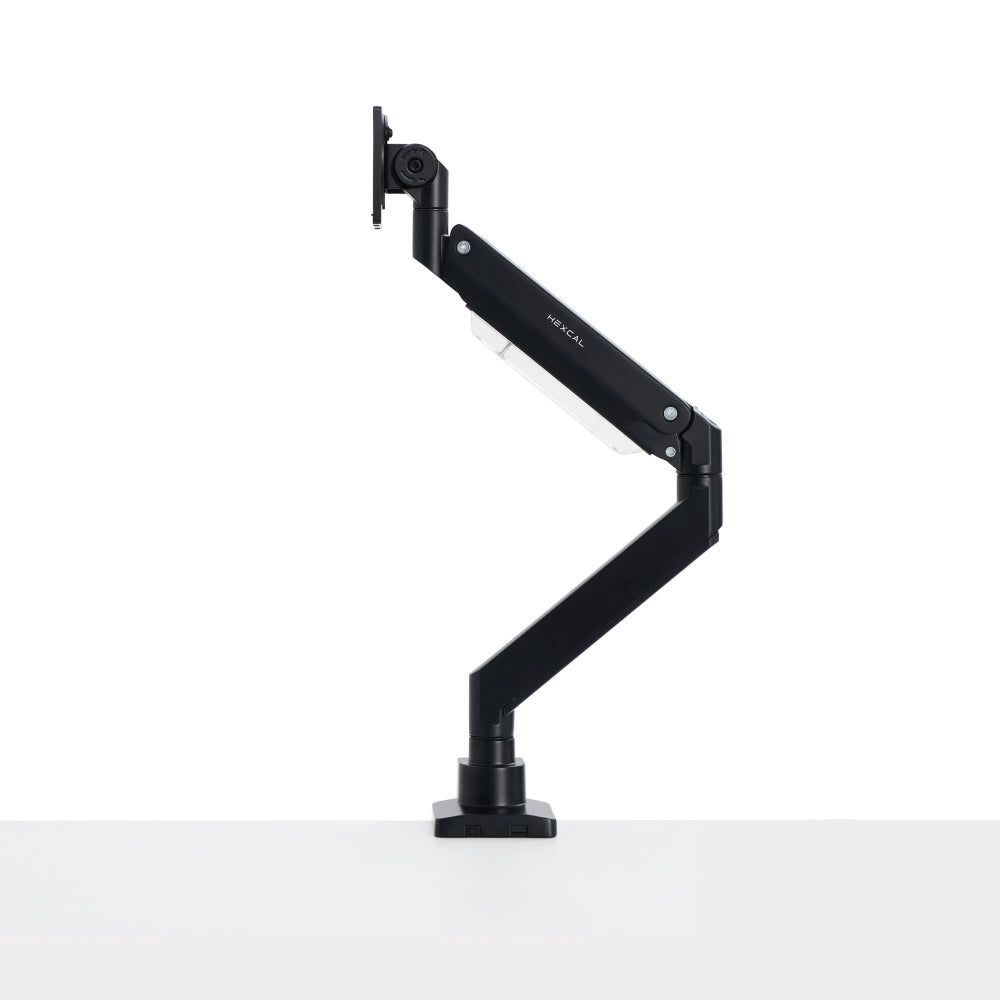
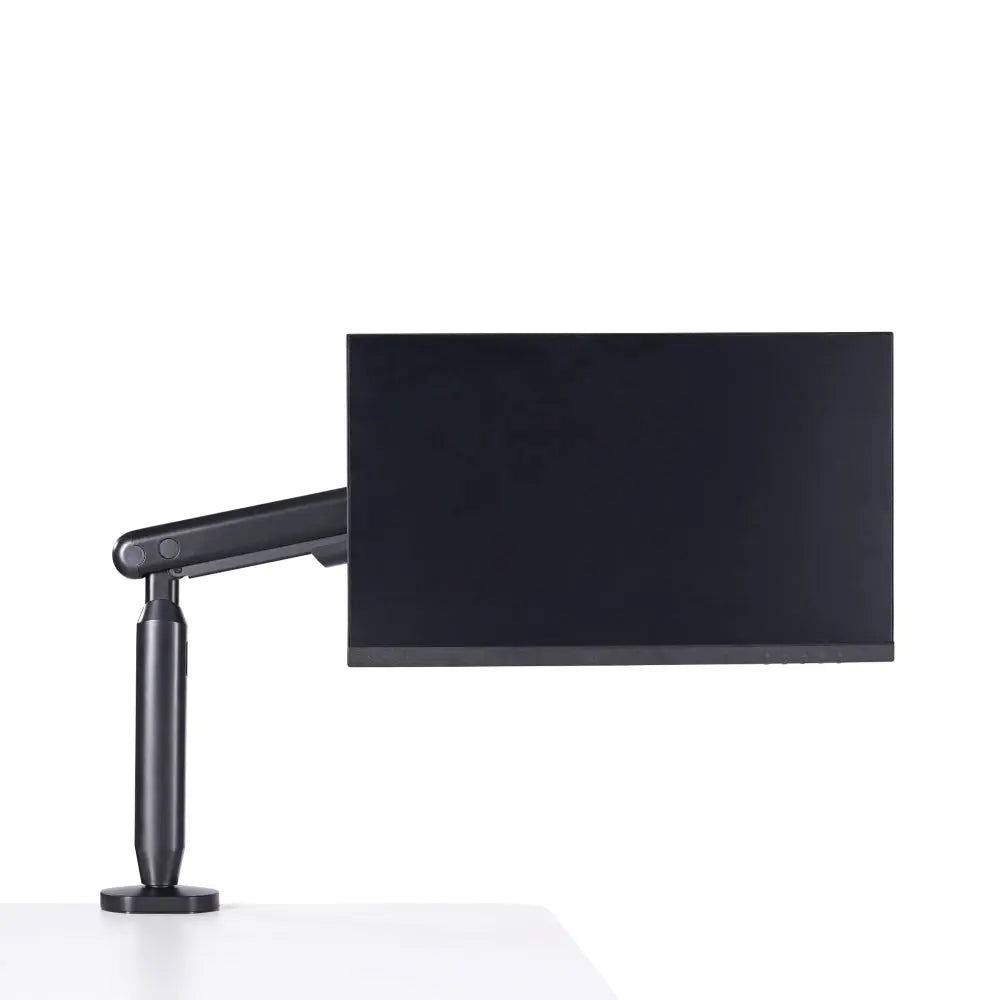
The renter's instinct is to look at the wall. No drilling allowed, so the search becomes "how to stick a monitor to drywall without losing the security deposit." That framing is the trap. Adhesive strips and no-stud hooks are real products, but they were engineered for picture frames, not a powered display you tilt and bump a dozen times a day. The heaviest-duty 3M Command Picture Hanging Strips top out at 20 lbs, and Consumer Reports' lab testers found that even within the rated weight, anything larger than a picture frame tends to let go. The question worth answering is not how to defeat the wall but how to mount a monitor without holes anywhere, and the cleanest answer usually has nothing to do with the wall at all. A desk-clamped monitor arm reclaims the same floating-screen look with zero adhesive gambling, and the Hexcal Single Monitor Arm is built for exactly that.

Key Takeaways
- Adhesive wall mounting is weight-capped: 3M Command strips top out at 20 lbs and the 3M CLAW drywall hanger at 65 lbs, and Consumer Reports recommends trusting strips with nothing heavier than a picture frame.
- "No-stud" wall mounts still need toggle or molly anchors, which means drilling, so they are not a true no-hole solution.
- The genuinely no-drill path is a desk-clamp or grommet monitor arm: a clamp grips a 10–80 mm desk edge and leaves the wall untouched.
- Confirm your monitor's VESA pattern first. MIS-D (75×75 or 100×100 mm) covers most 24–32" screens; a panel with no VESA holes needs an adapter plate before any mount works.
- Choose a desk-clamp arm if you rent or have drywall; skip the clamp if your desk is tempered glass and use the grommet option or a freestanding base instead.
Why the Wall Is the Wrong Target
The conventional wisdom says a wall-mounted monitor is the upgrade and the desk arm is the compromise. We see it the other way around for most home setups, and the load math is why. Drywall on its own is paper-thin; the strength comes from studs or from anchors that spread the load behind the surface. Toggle bolts, molly bolts, and expansion anchors can let drywall safely carry serious weight, but every one of them requires a hole. That is the quiet contradiction in most "no-drill wall mount" advice: the methods that actually hold a monitor are the ones that drill, and the methods that do not drill are not rated to hold a monitor. A desk arm sidesteps the whole problem by transferring load into the desk, where the structure already exists.
The Three No-Damage Methods, Side by Side
Three approaches get sold as renter-safe, and they are not equal on the two things that matter: how much weight they hold, and whether they leave the wall intact.
| Method | Rated weight ceiling | Truly no holes? | Best for |
|---|---|---|---|
| Adhesive strips (3M Command) | Up to 20 lbs (9 kg), picture frames only | Yes, but not rated for a monitor | Cable clips, light decor |
| No-stud bracket / 3M CLAW hanger | Up to 65 lbs (29 kg) for the CLAW hanger | No, drives small anchors into drywall | Heavy fixed panel, lease that tolerates patchable holes |
| Desk-clamp / grommet arm | 3–11 kg (Single), up to 27 kg flat (Heavy Duty) | Yes, never touches the wall | Renters, drywall, movable setups |
Read down the "truly no holes" column and the winner is plain: only the desk arm holds a real monitor and leaves nothing to patch.

Option 1: Adhesive Strips, Know the Ceiling
Adhesive is the first thing renters reach for, so it deserves an honest accounting. 3M's published numbers are the reference point: the heaviest Command Picture Hanging Strips are rated to 20 lbs, and the 3M CLAW Drywall Picture Hanger reaches 65 lbs without tools or studs. The problem is use, not just static weight. A monitor sticks out from the wall and gets pushed, tilted, and tapped, and Consumer Reports' testers found adhesive products fail with larger items even inside their weight rating. A picture frame was the only thing they would recommend strips for. We do not mount displays this way for the same reason we do not hang a TV on tape: the failure mode is your screen on the floor. Adhesive is fine for cable clips and a light decorative panel, not the monitor itself.
Option 2: No-Stud Wall Mounts, Read the Fine Print
A second category markets itself as "no-stud," and the engineering behind weight-distributing brackets is genuinely better than tape. The fine print is the catch for a renter: those systems still anchor into the drywall with hardware, which means holes, small ones, sometimes, but holes. If your lease tolerates a few patchable anchor points and you own a heavy panel destined for a fixed spot, a properly rated no-stud bracket is a defensible choice. If your actual constraint is "zero holes, full stop," this option does not meet it. The phrase "no-stud" gets read as "no-damage," and those are not the same claim. Confirm whether your method drills before you call it renter-safe.

Option 3: The Desk-Clamp Arm, Actually No Holes
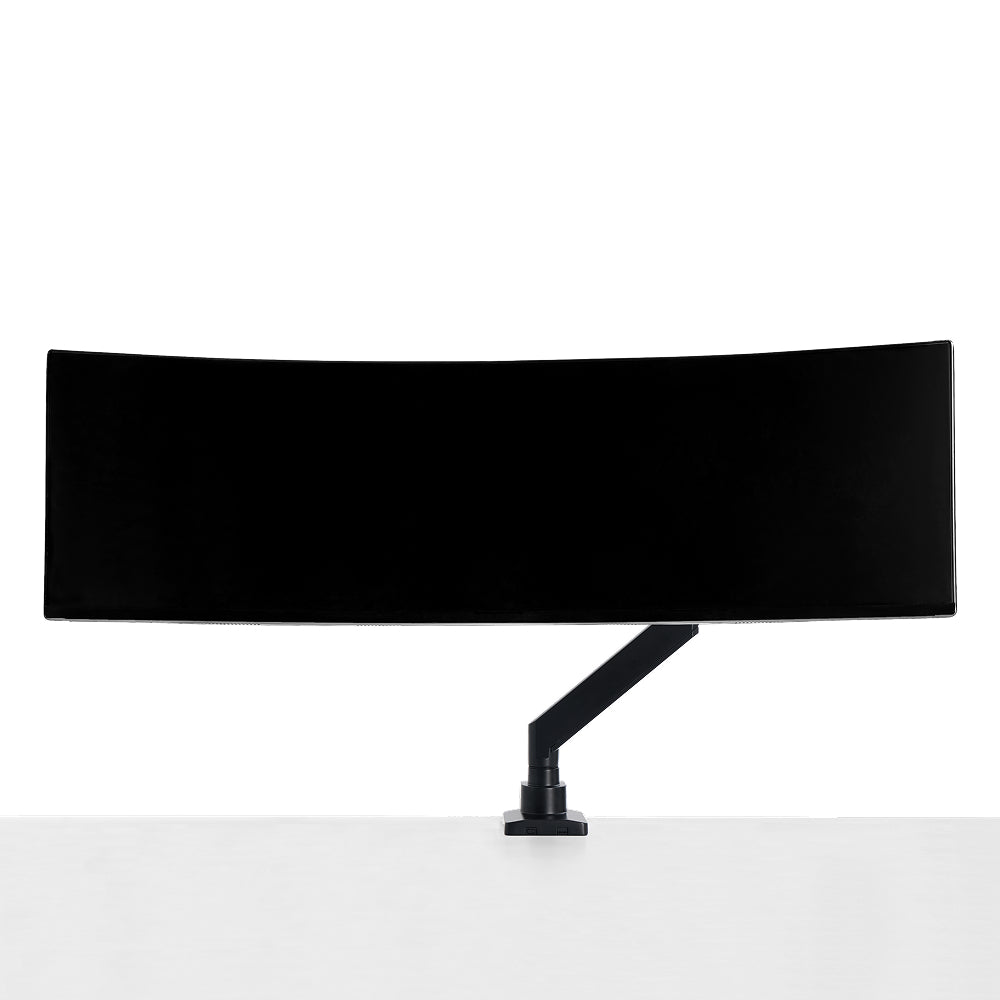
The path that truly leaves the wall alone is to never touch it. A desk-clamp monitor arm grips the edge of your desk and floats the screen in the air, delivering the floating-screen look with no adhesive, no anchors, and nothing to patch when you move out. The Hexcal Single Monitor Arm clamps onto desk edges from 10 to 80 mm thick, supports 3–11 kg, and handles displays up to 35"; both a clamp and a grommet mount (10–35 mm) ship in the box. For one large, heavy, or curved panel, the Heavy Duty Monitor Arm carries up to 27 kg flat and 22 kg curved on a screen up to 57". If you are planning a dual or triple display instead, the load math changes, and the Monitor Mount System is the arm built for it at 20 kg per arm. To be direct about it: Hexcal makes desk-mounted clamp and grommet arms, not wall mounts. We still think that solves the renter's real problem better than the wall ever could.
The VESA Check Before Anything
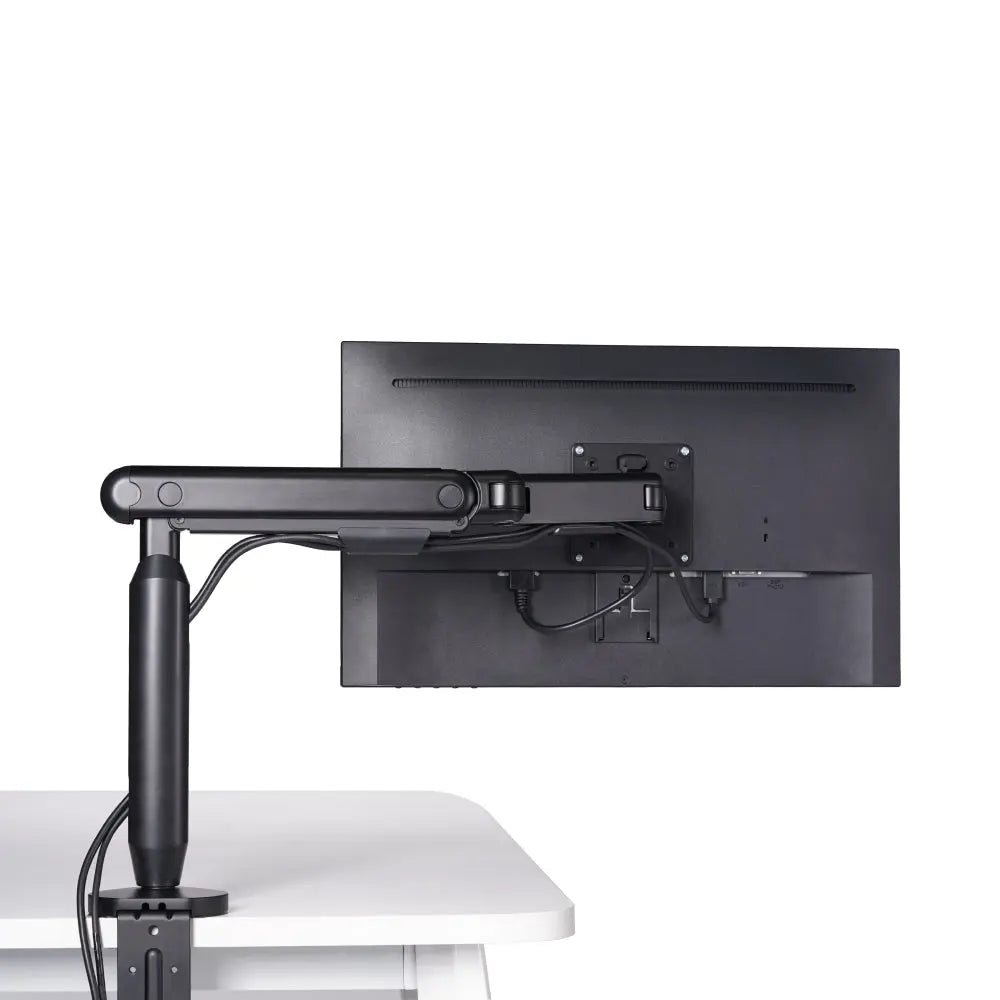
No matter which route you pick, the monitor's mounting interface decides whether it is even possible. The standard is the Flat Display Mounting Interface (FDMI), maintained by VESA, which sets the four-hole pattern on the back of the screen. MIS-D covers 75×75 mm and 100×100 mm, the patterns on the majority of 24–32" monitors; MIS-F (200×200 mm and larger) covers big, heavy displays. Measure the hole spacing horizontally and vertically before you buy any mount. The edge case worth naming: some design monitors and all-in-ones have no VESA holes at all, and those need a clip-on adapter plate before a clamp arm, a wall mount, or anything else will attach. The Hexcal Single Monitor Arm and Heavy Duty Monitor Arm both ship with quick-release VESA plates for the 75 and 100 mm patterns.
Installing a Clamp Arm in Three Steps
Mounting a monitor without holes via a desk arm is a ten-minute job, and getting the ergonomics right is the part most people skip.
Step 1 is the anchor: position the clamp on a sturdy desk edge within the 10–80 mm range, or use the grommet option (10–35 mm) if your desk has a cable hole.
Step 2 is the panel: seat the quick-release VESA plate against the correct MIS-D pattern, drive all four screws, and route the cable before you lift so the arm is not fighting you.
Step 3 is calibration to ergonomic targets: OSHA's Computer Workstations guidance puts the screen at least 20 inches away with its top line at or below eye level, and the Single Monitor Arm gives +60°/–60° of tilt and +90°/–90° of swivel to hit that, including flipping to portrait for documents. A deeper desk like the Elevate Standing Desk makes the arm's-length distance easy to reach, where a shallow desk fights you.
Renter and Wall-Type FAQ
Can a renter really mount a monitor with zero holes? Yes, but only with a desk-clamp or grommet arm. Every wall method that holds a monitor's weight, including "no-stud" brackets, drives at least a small anchor into the drywall. The clamp route is the one that leaves the wall in original condition.
Does mounting a monitor need a stud? On a wall, effectively yes for anything heavy. Drywall alone will not hold a display without a stud or a load-spreading anchor, both of which mean drilling. Off the wall, a desk clamp needs no stud at all because it borrows the desk's structure.
Will adhesive hold a 24-inch monitor? Treat it as no. A stand-less 24" panel weighs 7–10 lbs, under the 20 lb strip ceiling on paper, but Consumer Reports found strips let go with anything larger than a frame even inside the rating. The projecting, wobbling shape of a monitor is exactly the failure case.
What about brick, concrete, or plaster walls? They hold weight better than drywall, but mounting into them still means a masonry bit and a hole, the opposite of no-drill. A clamp arm sidesteps the wall-type question entirely.
My desk is tempered glass, now what? Skip the edge clamp, since a point load can crack tempered glass. Use the grommet mount through an existing cable hole, or set the screen on a freestanding base. Whether a stand or an arm suits you comes down to how much load you need and how far the screen has to reach.
Hexcal designs and manufactures the Single Monitor Arm, Heavy Duty Monitor Arm, and Monitor Mount System referenced here, so read this as an honest brief from the team that builds them, not a neutral roundup. For the renter who wants the floating-screen look with nothing to repair on move-out day, the answer to how to mount a monitor without holes is to clamp it to the desk. Start with the Single Monitor Arm and step up to the Heavy Duty Monitor Arm for big or curved panels. By the Hexcal team.