Dual Monitor Mount vs. Triple: An Engineer's Setup Guide to Getting Multi-Display Right

Adding a second or third screen is the most common productivity upgrade people make, and the one most likely to quietly wreck their posture. A poorly mounted side screen delivers a constant neck twist: the head rotates toward it hundreds of times a day, and the spine pays the invoice the screens take credit for. Getting multi-display right is not about how many panels you can bolt to a pole; it is about whether the mount, the VESA pattern, and your sightlines agree before you commit. A true dual monitor mount is a purpose-built multi-screen system, not two single arms sharing a desk. The Single Monitor Arm solves one standard screen; the Heavy Duty Monitor Arm solves one oversized screen; multi-display is its own product class with its own load and geometry rules, which is what the Hexcal Monitor Mount System is engineered for.
Why "More Screens" Is the Wrong Starting Question
The conventional wisdom counts outputs: dual for office work, triple for trading or editing. We start instead with how the eyes and neck move across the array, which decides whether the setup helps or hurts. OSHA's Computer Workstations eTool is blunt: the monitor you look at most should sit directly in front of you, roughly an arm's length away, top line at or below eye level. The Canadian Centre for Occupational Health and Safety extends this to multiple displays: two equally-used screens go side by side and centered, each angled slightly inward; if one dominates, it takes dead center and the secondary sits off to one side for glances, not reading. A flat bar that locks three panels into one rigid plane fights both principles at the outer screens.

Tier 1: The VESA Reality Check
Before any mount conversation, confirm the interface. The Flat Display Mounting Interface, maintained by VESA, defines the four-hole pattern on the back of your screen. The common tiers are MIS-D (75x75 or 100x100 mm), MIS-E (200x100 mm), and MIS-F (200x200 mm and up). The mount has to accept the pattern on every panel you plan to hang. The Monitor Mount System is engineered around the 75x75 and 100x100 patterns that cover standard 24-to-35-inch monitors, the size class most dual and triple builds use. Step up to a single 200x200 panel and you are out of multi-arm territory: that is when the Heavy Duty Monitor Arm, which accepts 75x75, 100x100, 200x100, and 200x200, becomes the right single-screen tool. Some design monitors and all-in-ones ship with no VESA holes at all and need a clip-on adapter plate first.

Tier 2: Load Math, Where Most Builds Fail
Screen count is a vanity metric; load per arm is the engineering one. The Monitor Mount System is rated to 20 kg on every arm, which lets it carry real dual, triple, and quad arrays without the top arm sagging over a week. For a single screen the math differs: the Single Monitor Arm is built for 3 to 11 kg, the comfortable range for one standard 24-to-35-inch panel, while the Heavy Duty Monitor Arm handles 2 to 27 kg flat and 2 to 22 kg curved for one oversized or ultrawide display. Two 32-inch curved VA panels can each push past 7 kg once their stands come off, still inside the 20 kg per-arm rating but far past what a bargain stacking pole was measured for. This is where investment grade stops being marketing: a mount sized correctly once outlasts three rounds of monitor upgrades.

Tier 3: Reach, Arm Travel, and Desk Depth
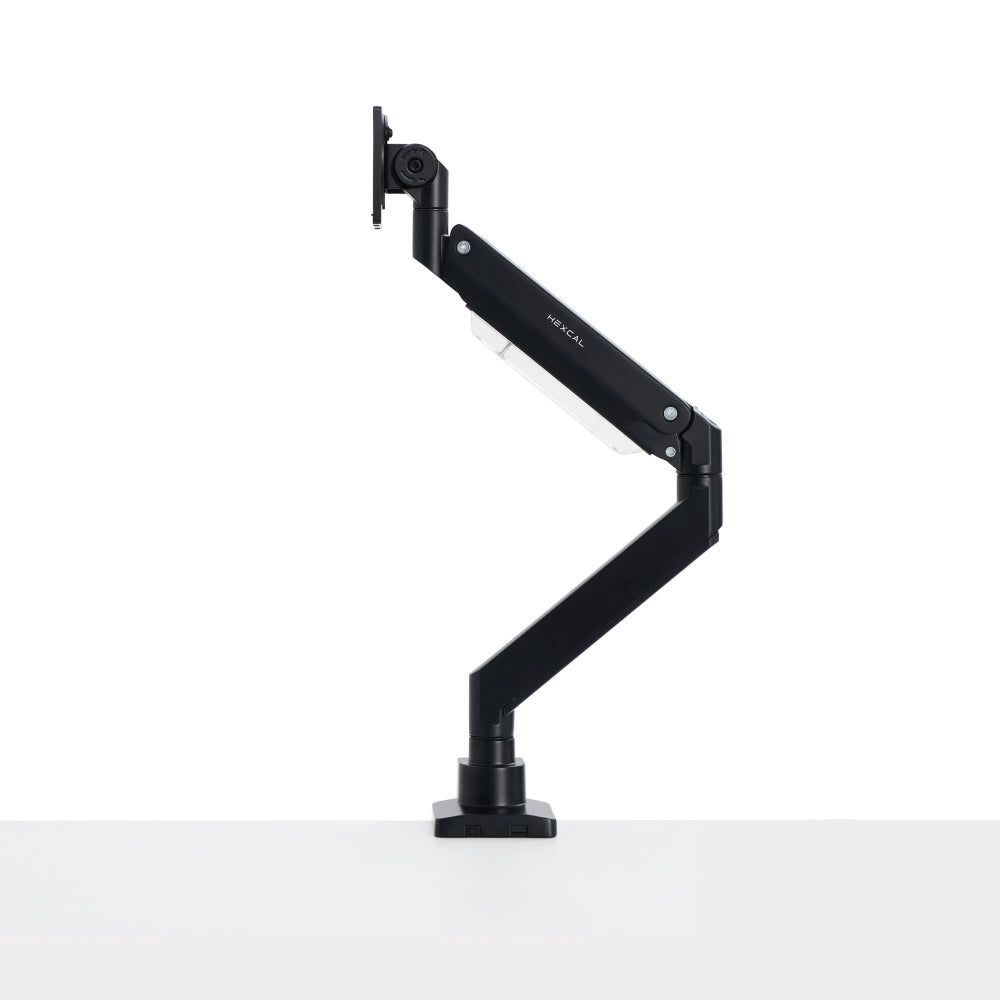
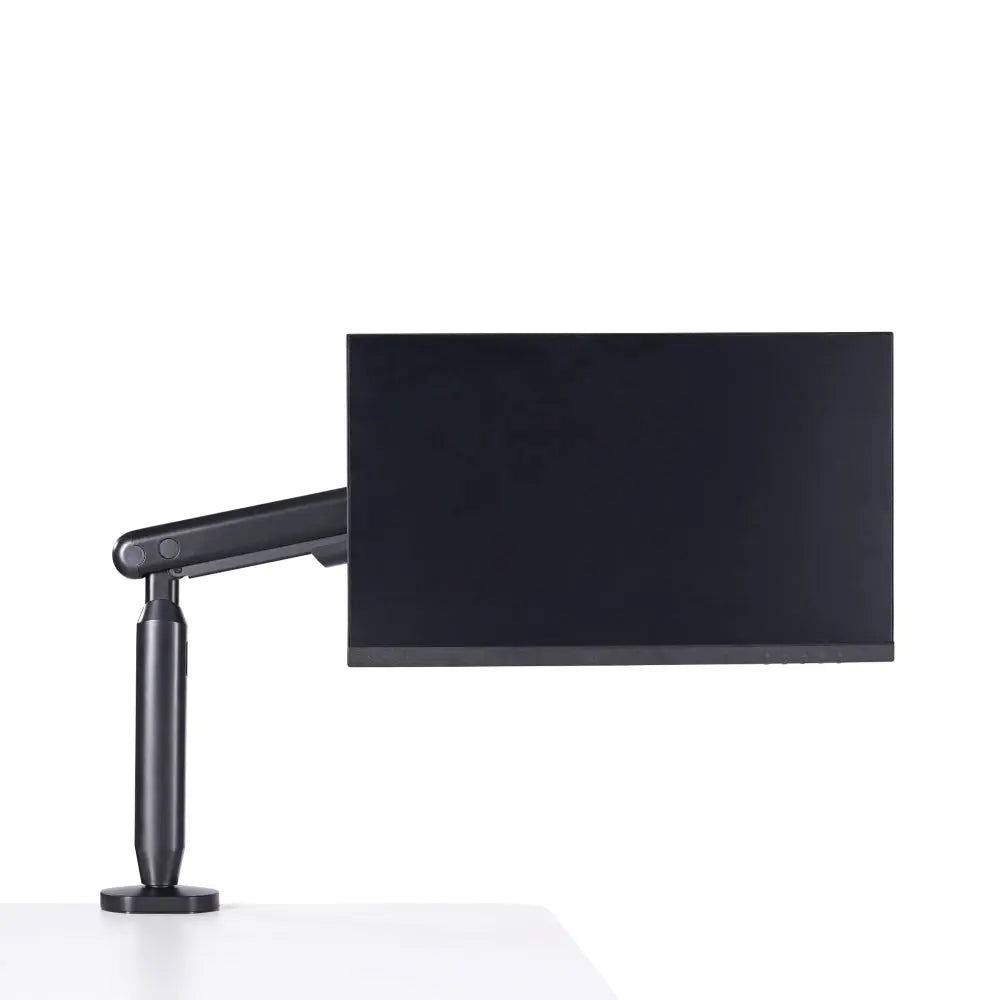
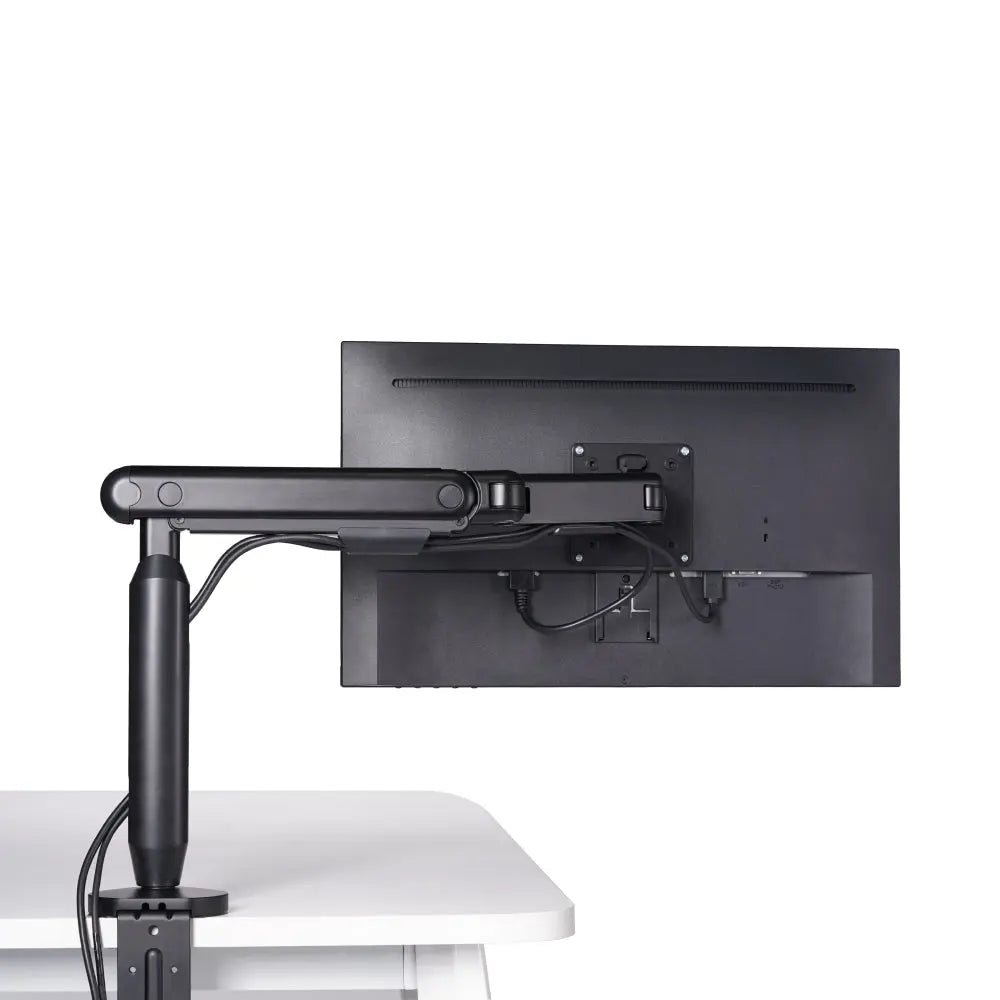
A mount that holds a screen still is a stand; one worth its price moves the screen to your eyes. Tilt, swivel, rotation, and reach decide this. Each arm on the Monitor Mount System gives a tilt range of -20 to +50 degrees, 180 degrees of swivel, and a full 360 degrees of rotation, so a secondary panel flips to portrait. The single-screen Single Monitor Arm covers +60 to -60 degrees of tilt, +90 to -90 of swivel, and extends up to 483 mm (19 inches) from its post. Reach is the spec buyers skip and then regret: arm's-length viewing means pushing each panel back to roughly 20 to 28 inches, and a rigid bar leaves the outer panel too close or too angled. A Hexcal Elevate Standing Desk offers a work surface 60 to 80 cm deep, enough to send the screens back to arm's length; a shallow desk under about 60 cm pins them too close no matter the arm's travel.

Dual vs. Triple vs. Stacked: How to Decide
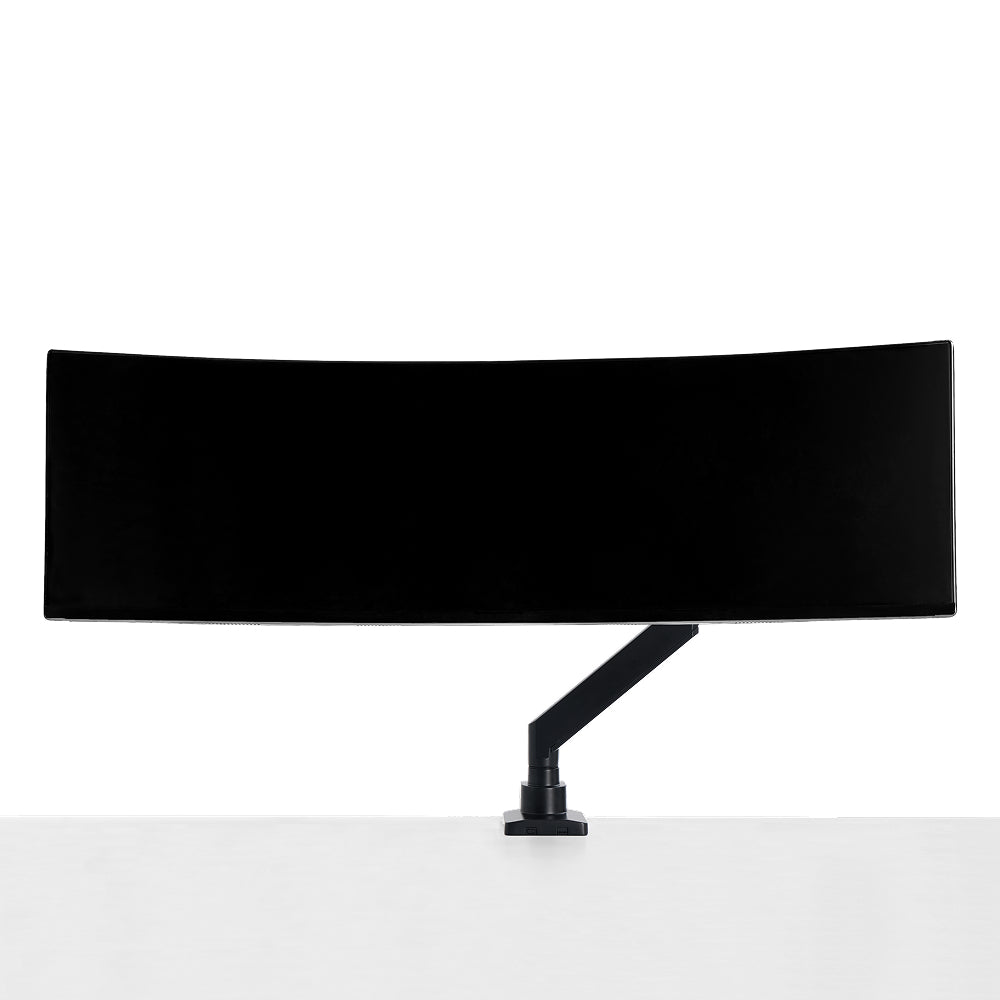
The Monitor Mount System ships as a Dual ($188), a Triple ($258), and a Quad ($328), and configuration matters as much as count. Two equal screens means a Dual: inner edges near your centerline, each arm angled inward, within the 24-to-35-inch range it is built for. A vertical coding or monitoring stack means the stacked arrangement, supported from 24 up to 49 inches, ideal for an ultrawide below a reference panel tilted down. Three equal screens means the Triple, a 24-to-38-inch side-by-side span, but we stay cautious with flat triples: the outer two panels almost always sit beyond the comfortable off-center range, forcing repeated head rotation, so we reserve them for glance-only telemetry rather than primary reading. When the job is really one giant screen, a single Heavy Duty Monitor Arm for a 57-inch ultrawide does more for your neck than three mismatched panels.

Installing a Dual or Triple Mount: A Five-Step Walkthrough
Torque and desk compatibility quietly decide success. The sequence works for both a dual and a triple; the triple just repeats the panel steps.
Step 1, Pre-flight the panels and desk. Turn each monitor face-down and confirm the four VESA holes read 75x75 or 100x100. Measure desk thickness and material now: tempered glass should never take a clamp, and a desk with no through-hole rules out the grommet route.
Step 2, Anchor the base. A clamp grips a desk edge; a grommet drops through a pre-drilled hole. The Single Monitor Arm clamp accepts 10 to 80 mm of desk thickness and its grommet fits 10 to 35 mm, while the Heavy Duty Monitor Arm clamps 10 to 45 mm and grommets 10 to 60 mm. Seat the base on a solid part of the desk and snug it fully before adding weight.
Step 3, Build the pole and mount the arms. Assemble the pole and slide the arm carriages on. For a triple, mount and level the center arm first, then add the outer arms to balance the load symmetrically. Leave the clamps slightly loose to fine-tune height later.
Step 4, Attach the panels. Seat the quick-release VESA plate on each monitor, confirm all four screws bite the 75x75 or 100x100 pattern, and route the cable before you lift. The Monitor Mount System is engineered for one-person setup here; the Heavy Duty arm is rated to require two people.
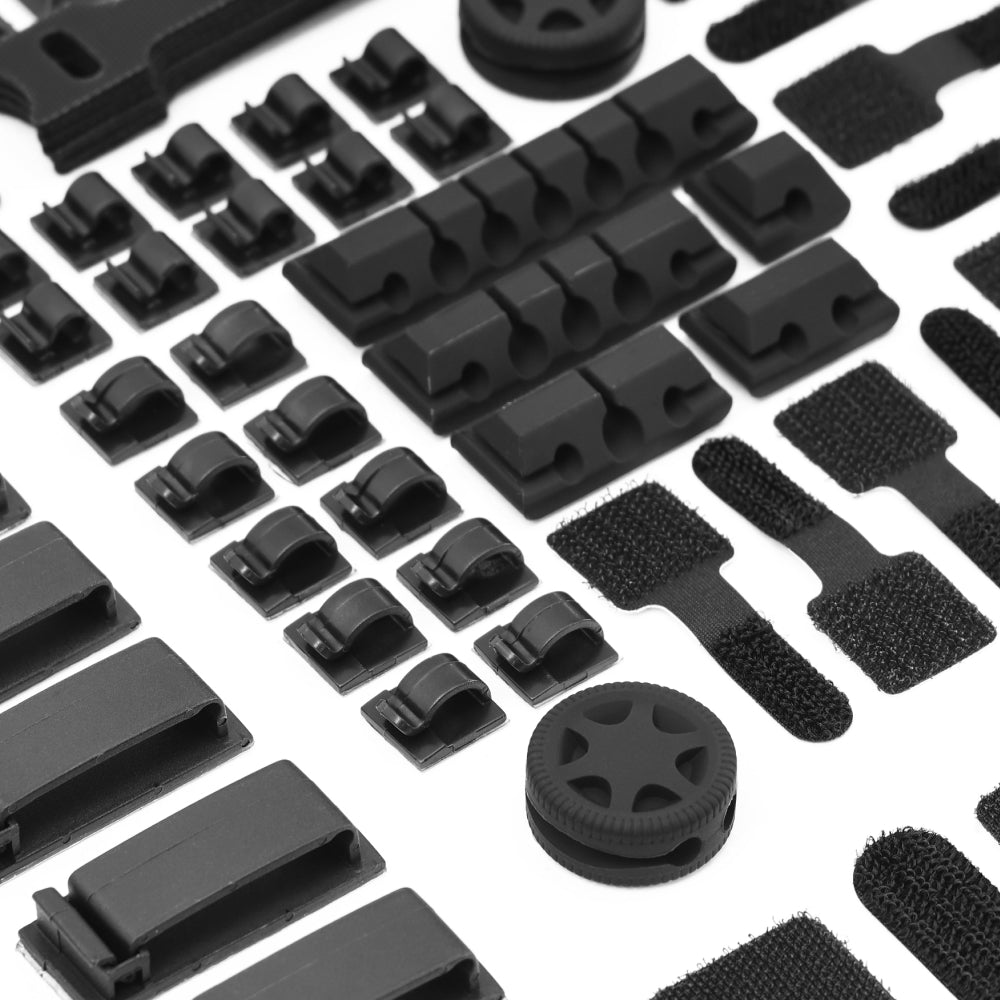
Step 5, Calibrate and dress the cables. Set tilt, swivel, rotation, and height to the OSHA targets: top line at or below eye level, each screen pushed toward arm's length, inner edges of a dual near-touching. Only then tighten every joint, run the cables through the integrated routing, and leave a small service loop at each arm.

The Pitfalls That Wreck Multi-Monitor Builds
Three mistakes account for most failed setups. Overloading: rate every arm against the heaviest panel it will carry, because a pole quoted with one combined rating hides how much each arm truly holds. Cabling: route each cable through the arm before the final tilt and leave a service loop, or a taut cable drags a calibrated screen out of position on every swivel. Spacing: a dual wants its inner bezels close to touching so your eyes track a near-continuous surface, while a triple lives or dies on the outer-panel angle. Get all three right and the mount disappears; get one wrong and it announces itself.
When a Multi-Mount Is the Wrong Tool
Every mount has a domain where it is the wrong tool, and we would rather say so than sell past it. A clamp arm is wrong for tempered glass; a grommet mount is wrong for a desk with no hole; a 200x200-only panel belongs on the Heavy Duty Monitor Arm; a non-VESA monitor needs an adapter plate first; and a flat triple is wrong for anyone whose outer screens carry primary work rather than glances. Hexcal designs and manufactures the Monitor Mount System, the Single Monitor Arm, and the Heavy Duty Monitor Arm described here, so treat this as an honest spec brief from the team that built them, not a neutral review. The mount that disappears into a clean, neck-friendly setup is the one sized to the real numbers: VESA pattern, weight per arm, and reach. For most desks running two or three equal screens, that means a properly rated dual monitor mount; for a single 57-inch workhorse, the Heavy Duty Monitor Arm.