4 Tips on Achieving a Professional Look in Your Desk Setup: The Overlooked Aspects (2024)
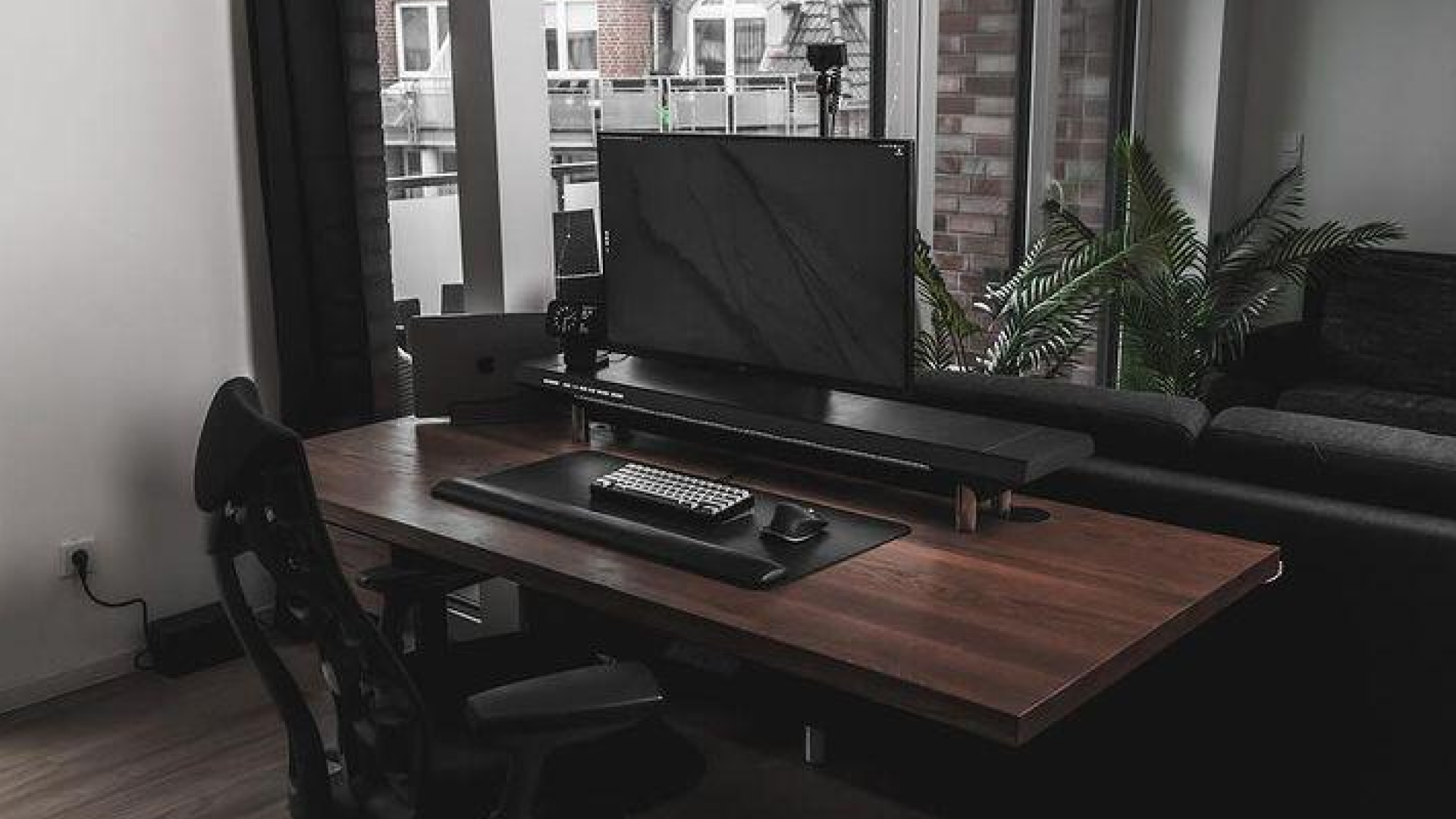
Setting up a desk can be an exciting project, but it takes more than just arranging the equipment to achieve a professional look. Even with the most ergonomic chairs and the latest technology, a poorly arranged workspace can make all your efforts seem in vain. In this blog, we'll explore the overlooked aspect of desk setup and provide tips on how to achieve a professional look.
-
-
Cable Management
Cable management is often overlooked when setting up a desk, but it is crucial to achieving a professional look. A messy tangle of cables can make even the most organized workspace look cluttered and unprofessional. Here's how you can effectively manage your cables:
-
Use cable ties or clips to bundle cables together.
-
Label cables to identify them easily.
-
Hide cables behind the desk or use cable management systems to keep them out of sight.
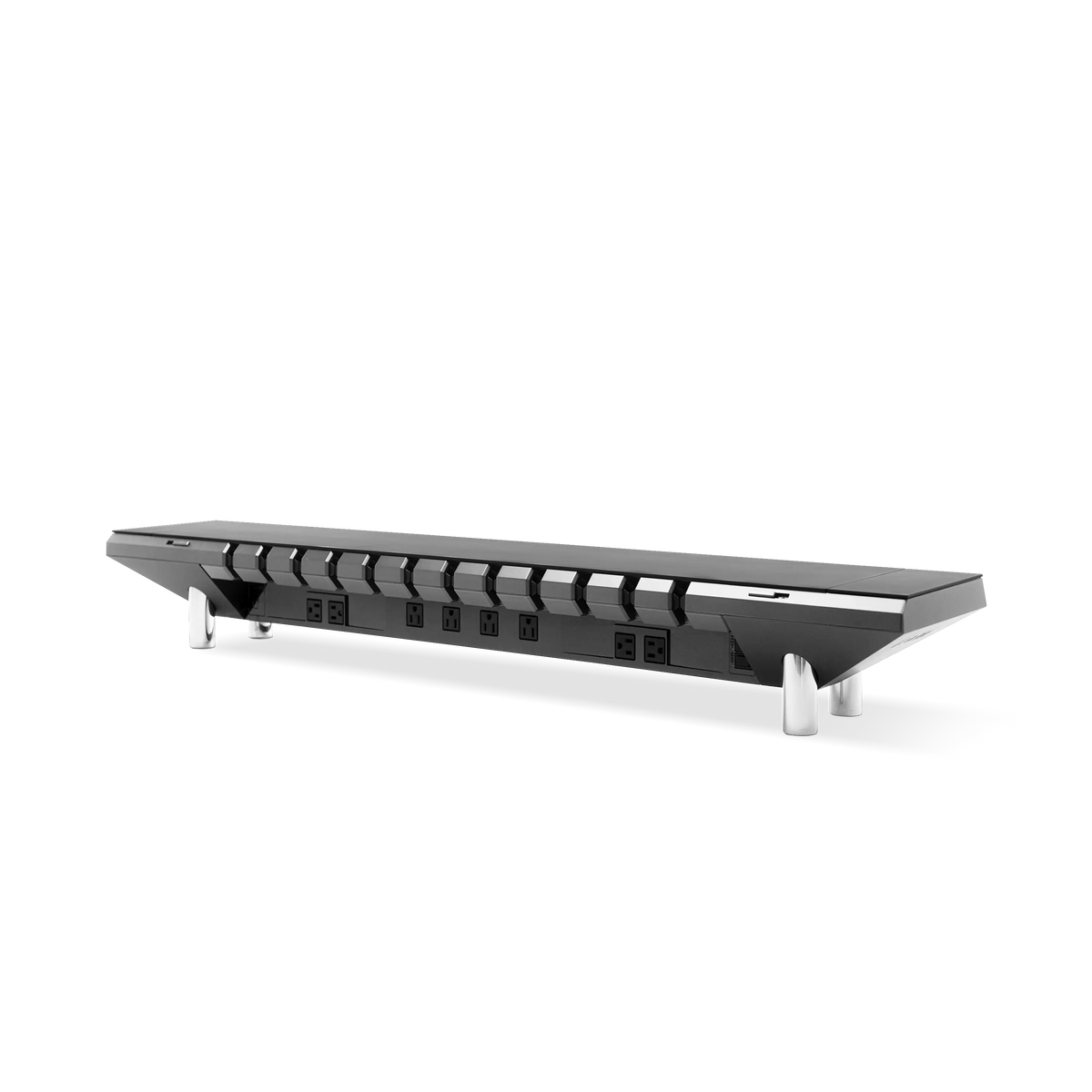
Hexcal Studio offers an innovative and practical solution to keep your cables organized and out of sight. Utilize it to securely hold and route cables, preventing them from tangling or hanging loose.
-
-
Lighting
Lighting is another important aspect of a professional desk setup. Poor lighting can cause eye strain and headaches, and even affect your mood. To achieve optimal lighting:
-
Use a desk lamp or overhead light to provide adequate illumination.
-
Ensure the light source is not reflecting on your computer screen.
-
Avoid harsh or dim lighting, which can cause eye strain and affect productivity.
-
-
Desk Accessories
Desk accessories play an essential role in desk setup, not only for their functionality but also for their aesthetics. Consider the following tips:
-
Keep it minimal: Avoid overloading your desk with too many accessories, which can make it look cluttered.
-
Choose accessories that complement your workspace's color scheme and design.
-
Use functional accessories like a desk mat or a pen holder to keep your workspace organized.
-
-
Personalization
Personalizing your
workspace is an excellent way to make it feel more comfortable and inviting. However, it's essential to do so without compromising the professional look of your workspace. To personalize your workspace effectively:
-
Use a personalized mousepad or a custom desktop wallpaper to add a touch of personality to your workspace.
-
Avoid using too many personal items, which can make your workspace look cluttered and unprofessional.
-
Choose personal items that reflect your personality and interests, but are also appropriate for a professional setting.
-
Setting up a desk takes more than just arranging equipment; it's about achieving a professional look that reflects your personality and style. By focusing on cable management, lighting, desk accessories, and personalization, you can create a
workspace that is both functional and visually appealing. Remember, a professional
workspace is not only about looking good but also about feeling good. Take the time to arrange your desk thoughtfully, and you'll be rewarded with a
workspace that is both productive and comfortable.