Desk Lighting Ideas: Choose a Light Around the Work Surface
Adding a light can make a desk brighter while leaving the page you read in shadow. It can also put a reflection exactly where a dark part of the screen needs to remain visible. Start with the surface and viewing position before choosing another fixture.
A desk lamp suits tasks that need a movable source, such as reading a document away from the keyboard. A monitor light bar depends on a compatible mounting position and useful beam placement. An integrated platform light is worth considering when its location serves your work area and the platform itself has a reason to be on the desk.
Step 1: Name the lighting task
Separate light used to read paper or see physical controls from light used to change the appearance of the room. Both can matter. A wall glow that looks good behind the screen does not by itself establish that your notebook is illuminated as needed.
Write down the place where the light is needed: keyboard, drawing area, document or a wider part of the desktop. Note when you use it and what room light is already present. Keep a working lamp if it already serves that task.
OSHA's workstation environment guidance discusses lighting and glare as part of the surrounding workspace. Its advice does not establish the performance of a particular lamp or guarantee a health outcome from adding one.

Step 2: Compare positions rather than product labels
| Option | Reason to consider it | Placement question |
|---|---|---|
| Adjustable desk lamp | The task area changes or sits beside the screen | Can the source reach the page without obstructing work? |
| Monitor-mounted light bar | You want to use space near the top of a compatible screen | Does the mount fit, and where does the light fall? |
| Integrated platform light | The platform already serves support or organization needs | Does its fixed location reach the intended surface? |
| Existing room light | The whole area needs general light | Is there a reflection or shadow at the working position? |
The useful beam depends on the actual source, optics, position and desk. Do not assume every light bar avoids reflections, every lamp creates them, or every integrated light can replace a movable task lamp.
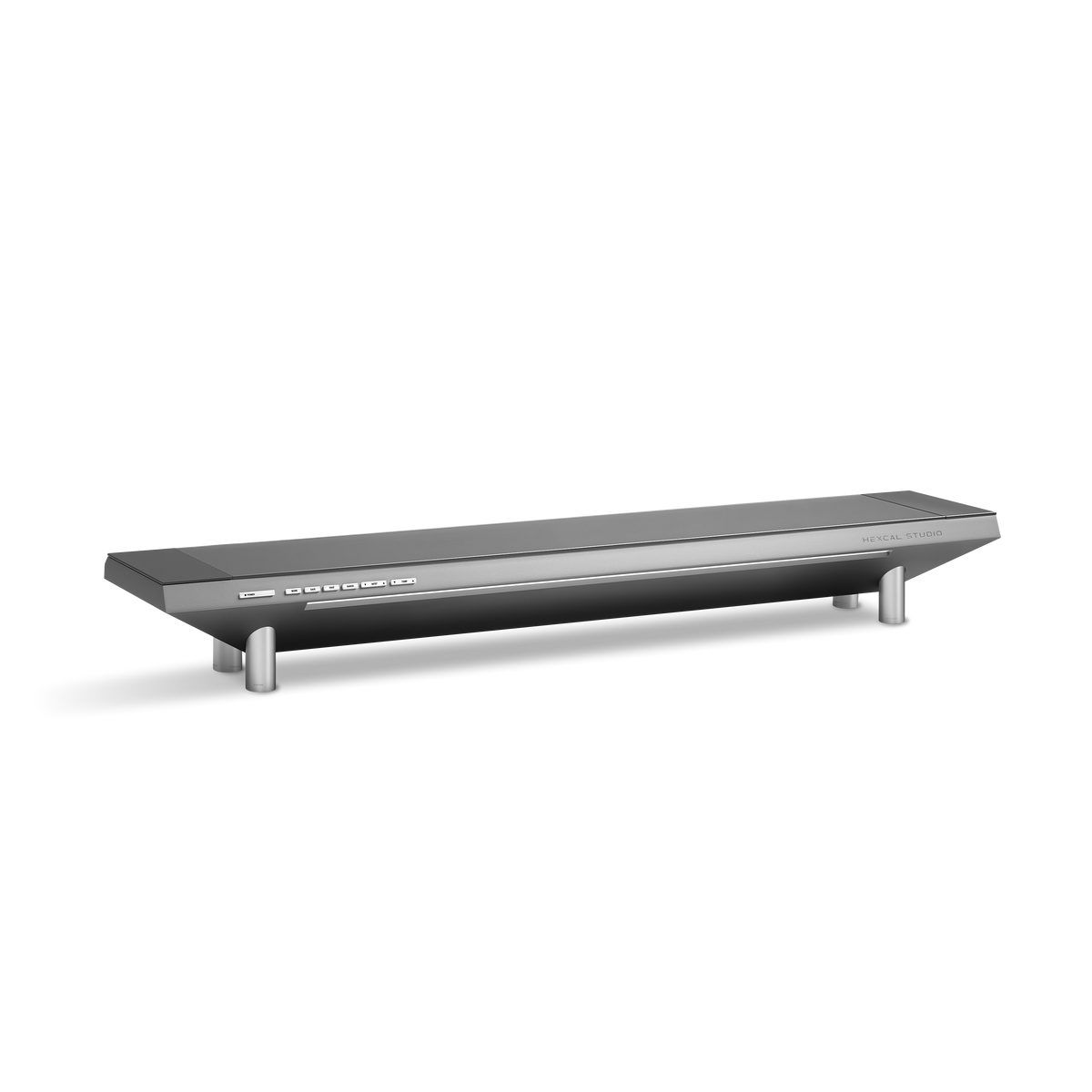
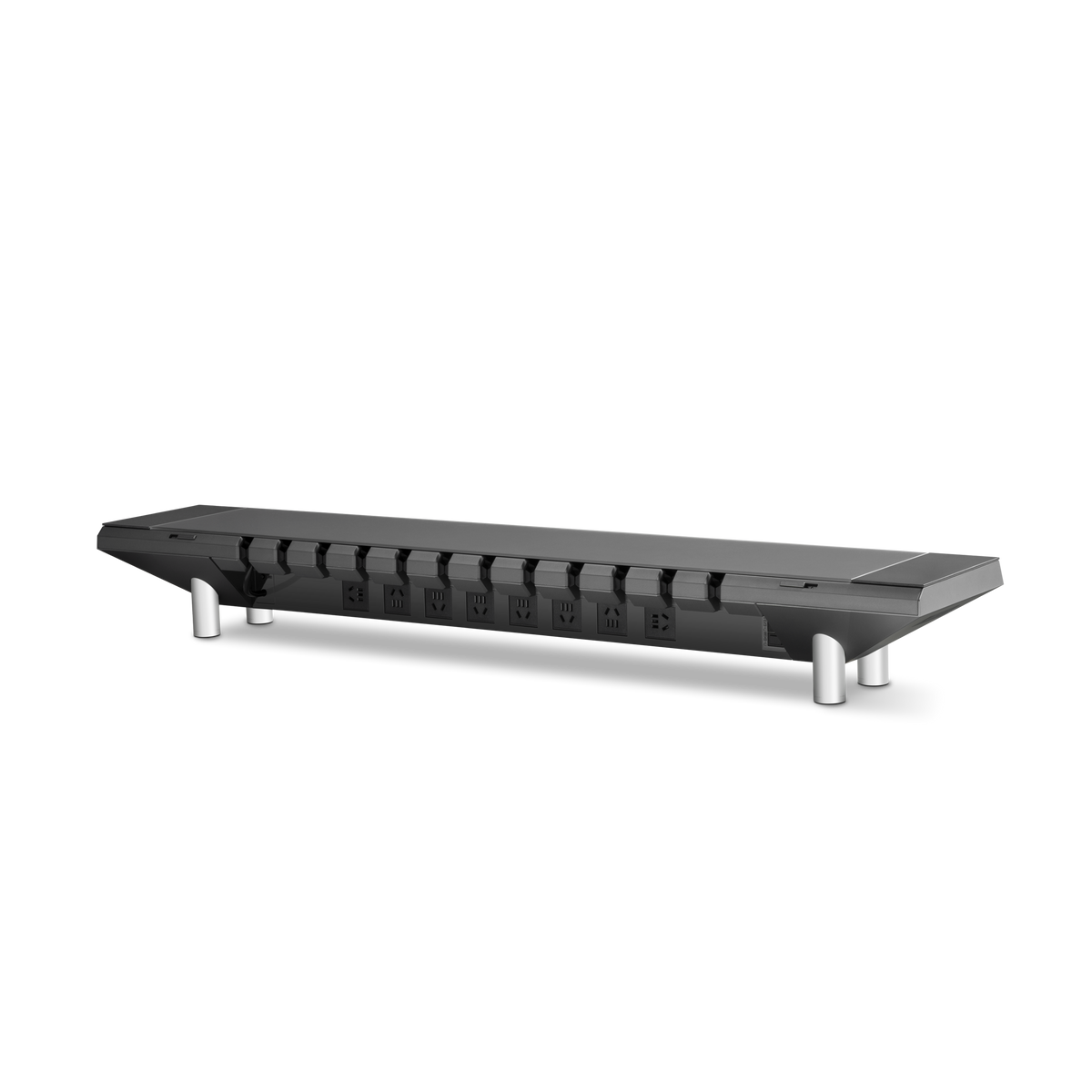
For Hexcal Studio Gen2, evaluate the integrated light alongside the platform's physical fit and other functions. A light alone is not a reason to accept the wrong screen height. The premium monitor stand guide makes that broader selection explicit.
Step 3: Observe reflections from your working position
Set the chair and display where you normally use them. Look at the screen while the relevant room and desk lights are on. A dark screen area can make a visible reflection easier to notice, but the observation is qualitative and depends on the screen content and camera or viewing conditions.
Change one light or position at a time. If a bright shape appears in the display, identify the source by switching it off briefly or changing its direction. Try the maker's permitted position adjustments and inspect the screen again. Avoid treating a higher brightness setting as a solution to an unwanted reflection.
Compare the lighting from your working position:
| State | What to observe | Decision it can support |
|---|---|---|
| Existing lights | Page visibility, shadows and screen reflections | Whether a missing task remains |
| One source added | Where the lit area and reflections change | Whether its position is promising |
| Source repositioned | Whether the unwanted reflection moves or disappears | A better position for that setup |
| Normal work resumed | Access, obstruction and usable work area | Whether to keep the arrangement |
Repeat the observation when daylight changes if that is part of your normal use. A photograph can document a visible reflection or the location of a light. Automatic exposure and editing mean it cannot establish illuminance, glare ratings, color accuracy or a medical benefit.
Step 4: Check what the new light displaces
A lamp base uses desktop space. A clamp needs a suitable fixing location. A monitor bar needs screen compatibility and clearance around cameras or sensors. An integrated light shares the position constraints of its platform. Account for those spaces before deciding a source is tidier.
If an arm changes the screen position, inspect the lighting at the positions you use. A source that works with a parked display may fall differently when the screen moves. The stand or arm guide helps plan that movement.
Power connections also need a reachable route. The monitor cable guide explains how to keep fixed and daily connections serviceable. Avoid placing an adapter in a concealed space unless its maker permits that arrangement.
A desk can need more than one kind of light
If an existing lamp already lights a notebook beside the keyboard. Adding platform lighting may change the desk's appearance but does not remove the lamp's task. Keep the lamp unless the proposed arrangement also serves that page.
If a lamp base blocks the mouse area and the work stays directly in front of the screen. A compatible bar or platform light is worth evaluating at that position. The choice depends on its observed placement and the other equipment, not a universal claim that one category is better.
Choose for long-term use. Add a source when it solves an observed task, keep useful equipment and repeat the placement check after changing the screen. If you need measured lighting performance, use appropriate measurements under stated conditions; a photograph alone cannot give you those results.