Desk Setup Essential Tips: How to hide cables on desk with Hexcal Studio

Photo by Fabian Zelaya, Instagram @fabianzelayahn
--
A cluttered desk not only looks unappealing but can also be a major productivity killer. One of the main culprits of a messy workspace is tangled cables. Fortunately, there are a few tricks to hiding cables under the desk that can make your workspace look clean and organized. Our guide will walk you through some desk setup essential tips on how to hide cables on the desk with two life examples and how Hexcal Studio's cable management solutions can help you transform your cable chaos into an organized, functional space.
--
Life example 1: A Typical Home Office with Multiple Devices
Imagine having a home office with a computer, printer, desk lamp, and various USB cables for your keyboard, mouse, and phone charger. This scenario is common in many home offices and presents several challenges in terms of cable management.
-
The multi-device dilemma is a common issue, with several devices requiring power and resulting in a hub of power cables under the desk. Consider using a cable box or under-desk tray to house the power strip, keeping it off the floor and reducing dust accumulation. Bundle the power cables together using cable sleeves or Velcro ties, grouping them by destination. This approach keeps the cables organized and out of sight.
-
The USB tangle can easily become a mess, especially with different cable lengths and frequent movement. It is recommended to secure cables along a set path using adhesive clips for those cables that don't need to move often, such as keyboard and mouse cables. For the phone charger, consider using a retractable USB cable or a dedicated charging station on your desk to reduce the number of cables running to the floor.
--
Life Example 2: An Entertainment Battlestation
Now, let's consider a desk setup that doubles as an entertainment area with a gaming console, laptop docking station, and speakers.
-
The gaming console challenge involves HDMI, power, and Ethernet cables that can add to the clutter. Try to use an under-desk cable tray to neatly route these cables out of sight. For flexibility without the mess, a combination of longer cables and cable sleeves can be used.
-
Laptop docking stations often lead to cable disarray due to frequent connecting and disconnecting. You may use cable clips and a small under-desk hook or shelf for the docking station. This setup provides easy access while keeping the cables organized. It's important to ensure there's enough slack in the cables for comfortable docking and undocking.
--
Essential Tools:
To achieve an organized desk setup and hide cables effectively, you'll need some essential tools.
-
Cable Ties or Clips: to bundle up cables and keep them out of sight. They come in a variety of sizes and colors, so you can choose the best ones to match your workspace aesthetic.
-
Cable Sleeves: fabric tubes that you can wrap around a group of cables, keeping them neat and organized. They are also easy to install and remove, making them a convenient option.
-
Cable Management Trays: A more advanced solution for hiding cables on the desk. They provide a designated space for cables, keeping them organized and out of sight. A great option for those who have multiple devices and cables to manage.
-
Desk Grommets: holes that are drilled into the desk, providing a route for cables to pass through. For those who want to keep cables organized and out of sight while maintaining a minimalist workspace aesthetic.
--
The Ultimate Cord Solution: Hexcal Studio
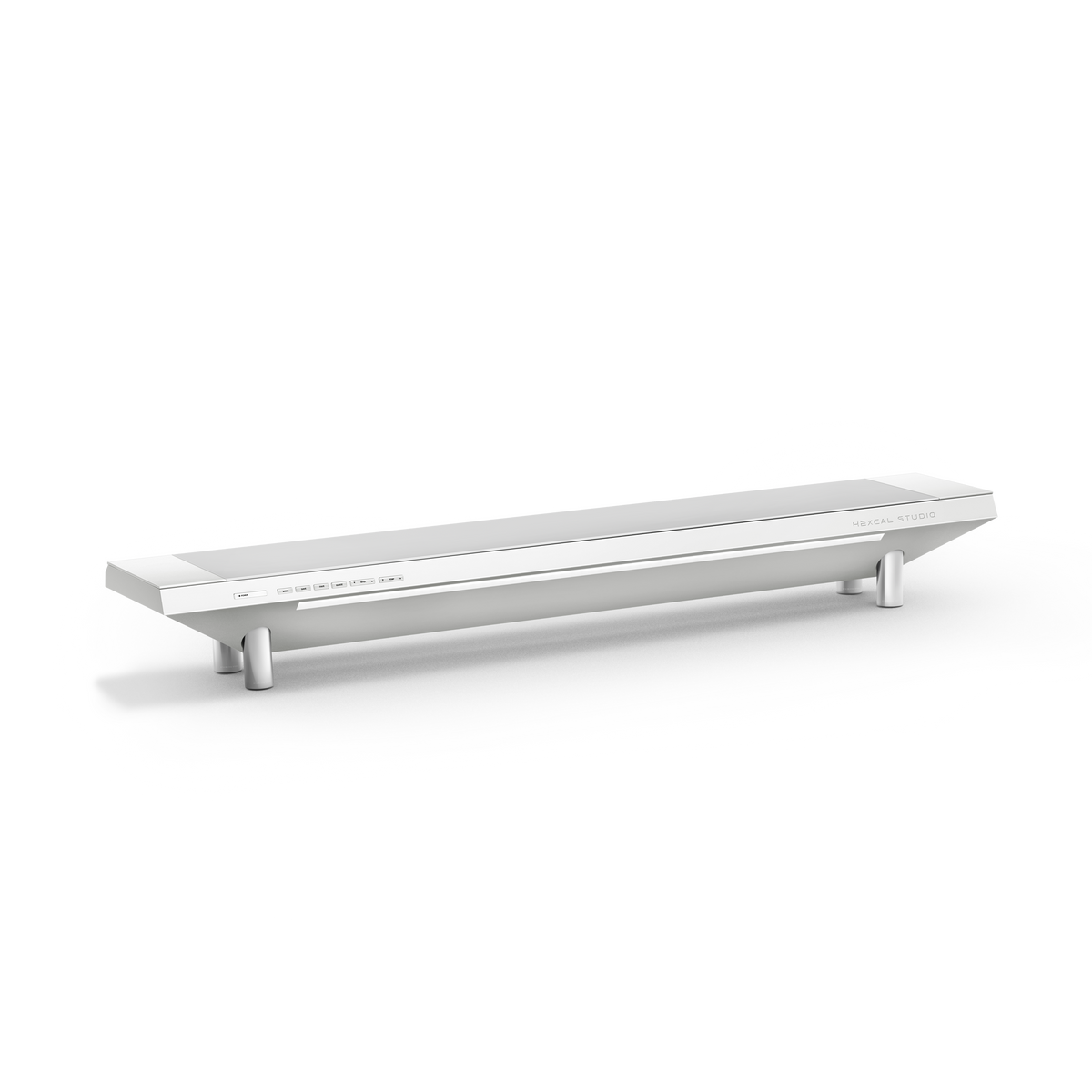
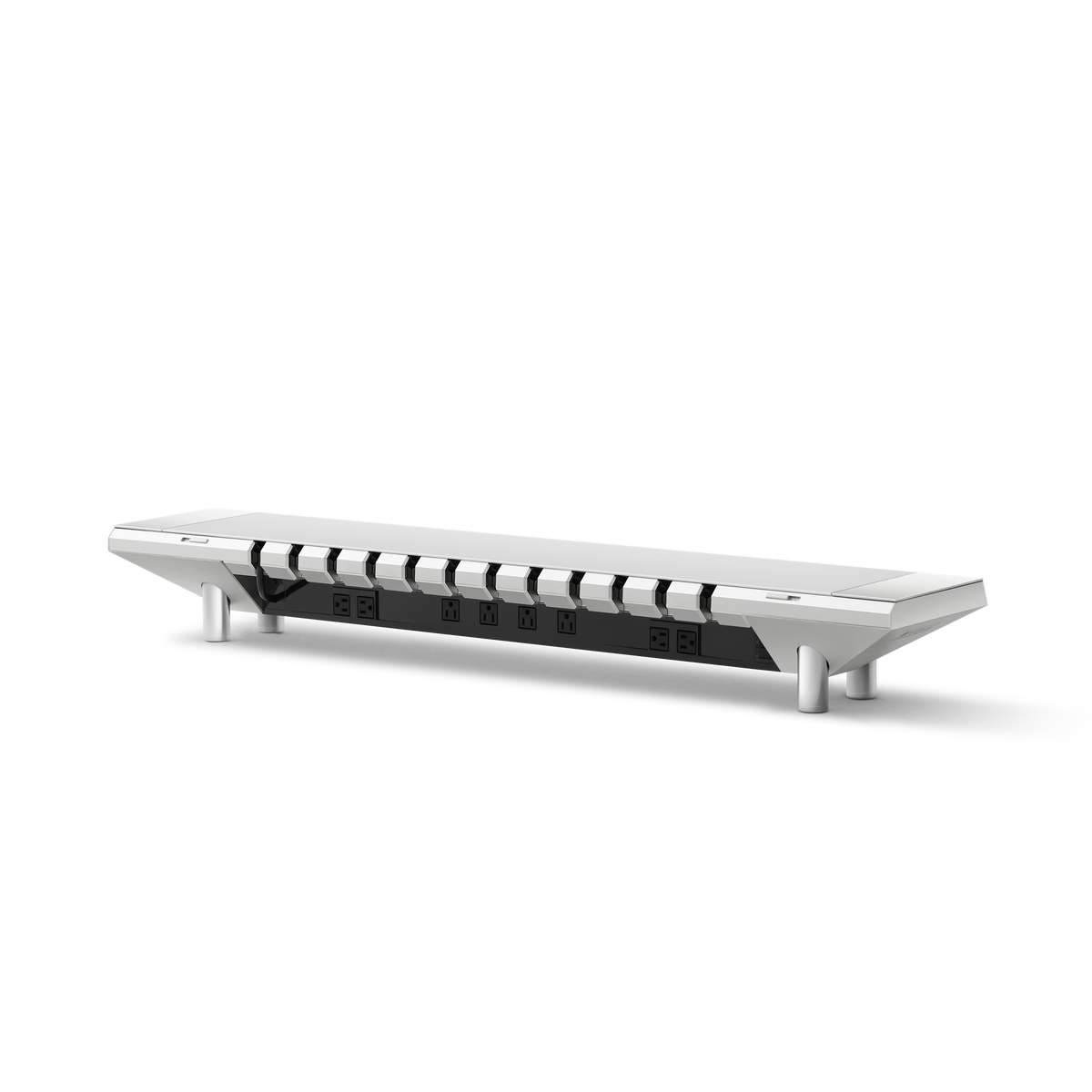
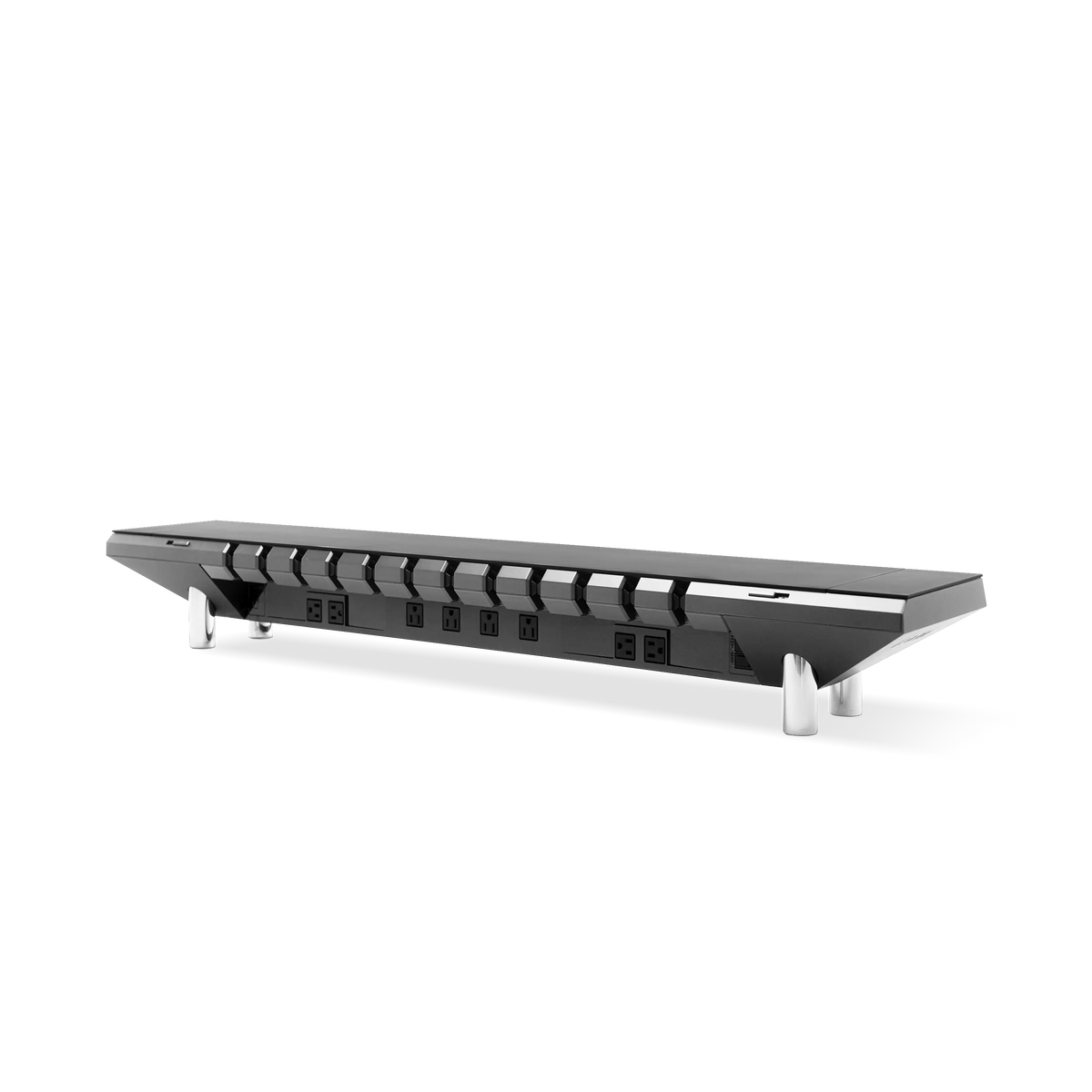
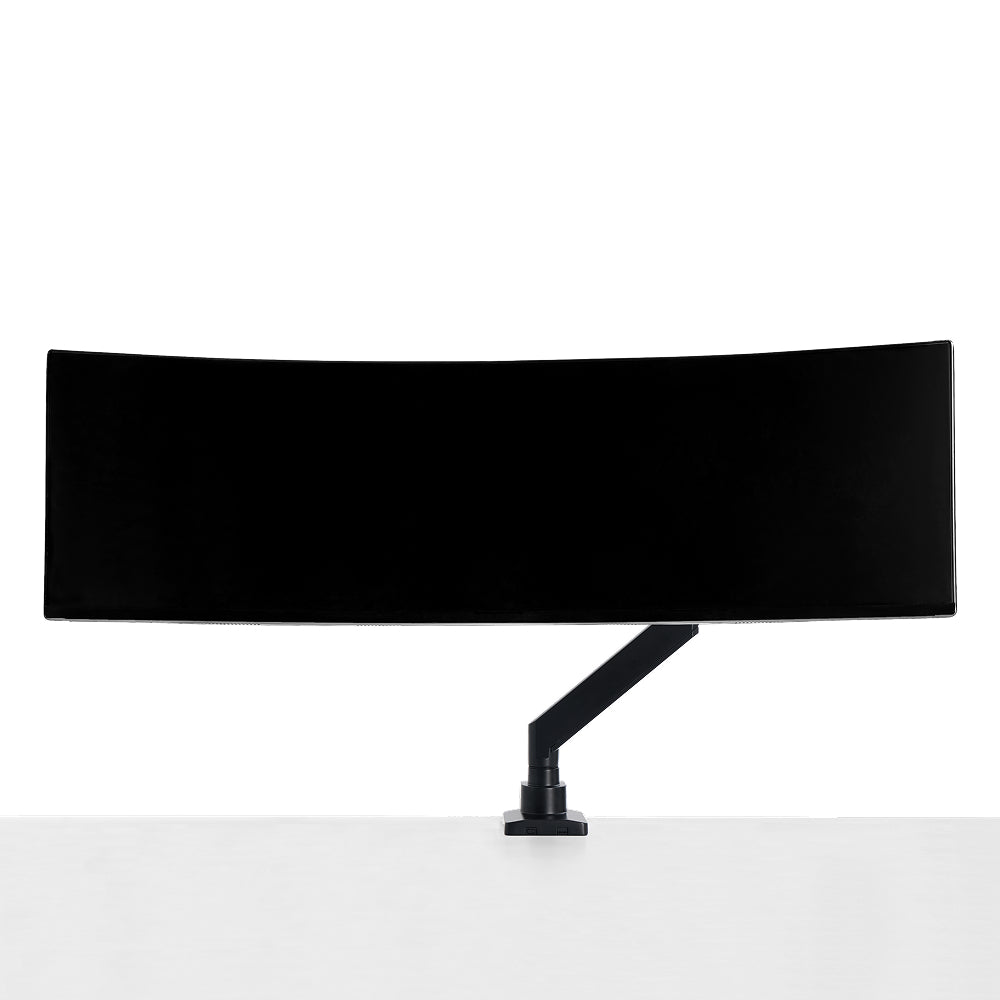
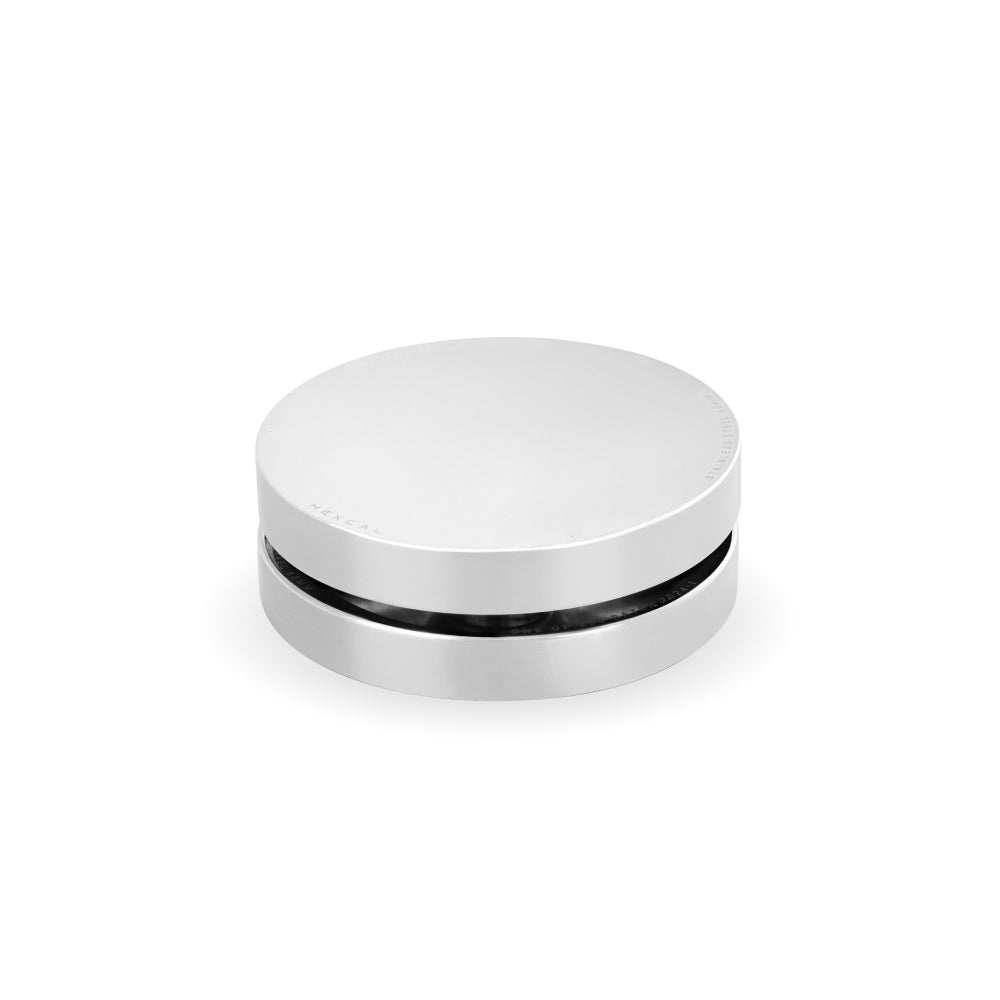
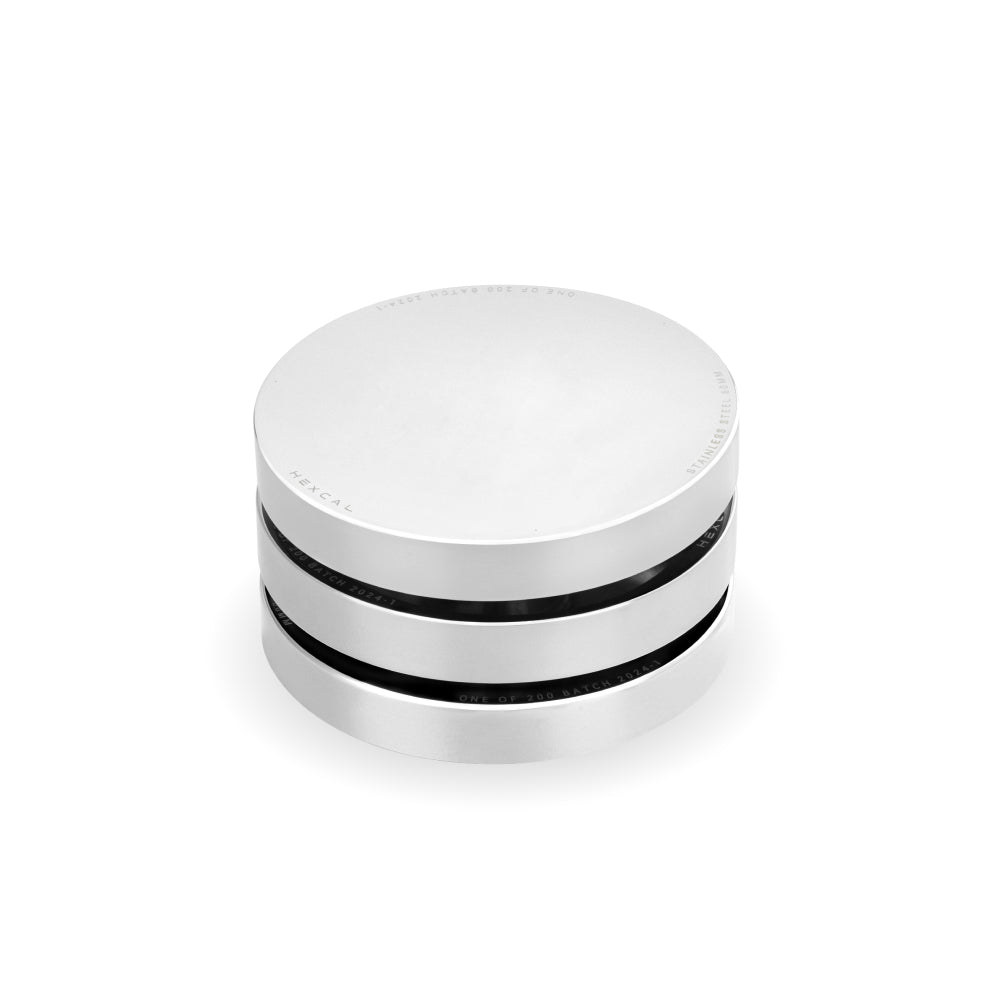
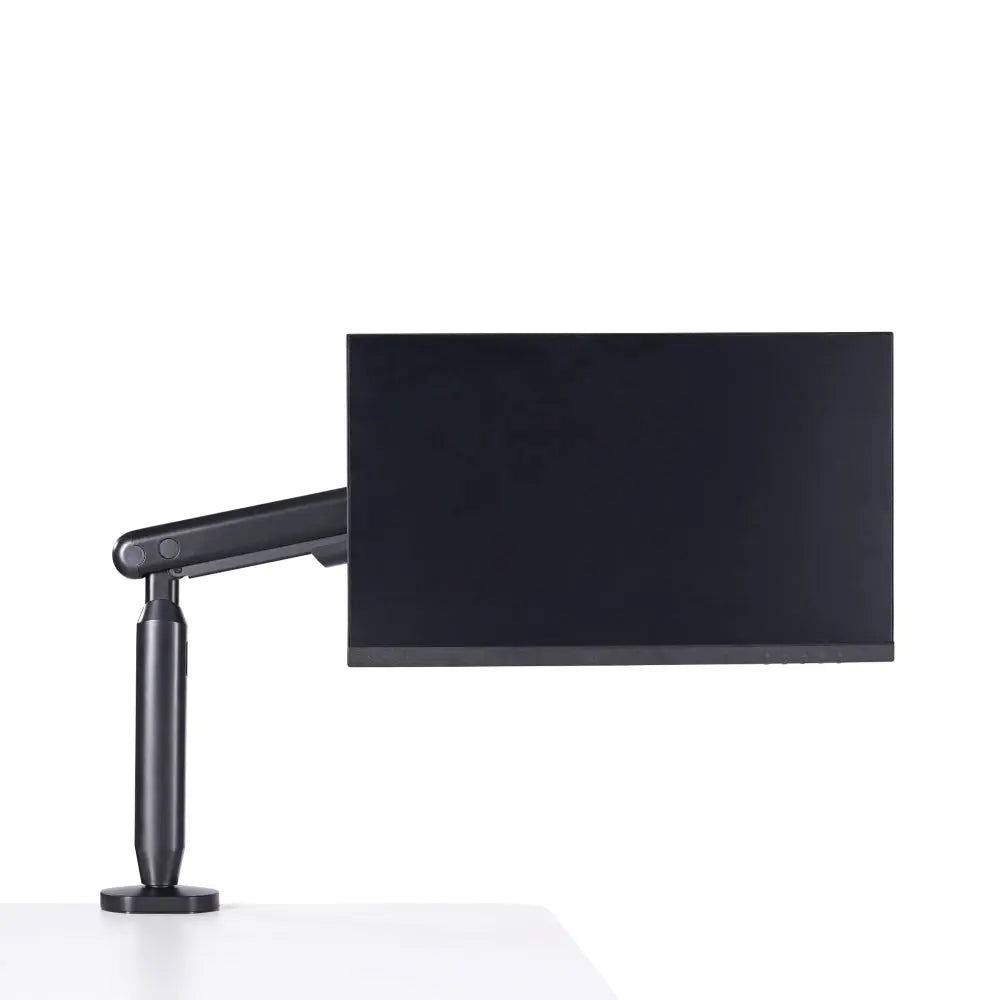
For the ultimate cable management solution, Hexcal Studio offers a patented cable management system that ensures a completely clean work environment, regardless of the complexity of your setup. With multi-directional routers for seamless cord channelling and a cord storage chamber for instant and easy decluttering, Hexcal Studio's cable management system is the perfect solution.
 Photo by
Fabian Zelaya, Instagram @fabianzelayahn
Photo by
Fabian Zelaya, Instagram @fabianzelayahn
--
Hiding cables under the desk can be a challenge, but with the right tools and techniques, it is possible to keep your workspace organized and clutter-free. Hexcal Studio's cable management function can help you achieve this. With our desk setup essential tips and our high-quality cable management products, you can create a workspace that is both functional and visually appealing. Say goodbye to cable chaos and hello to a clean, functional workspace with Hexcal Studio.