Do Monitor Stands Fit All Monitors? Four Checks Before Buying
A monitor can sit inside a shelf's width while its feet extend beyond the front edge. It can also meet the load limit and end up too high to use comfortably. Do monitor stands fit all monitors? No: compatibility depends on the support arrangement and several independent measurements.
Use four checks: base contact area, supported load, resulting screen position and desk clearance. For an arm, replace the shelf's contact-area check with the monitor and desk mounting requirements. Screen diagonal alone cannot complete either assessment.
Step 1: Draw the parts that actually touch
Place the monitor on a clear surface and identify every contact point beneath its base. Measure the complete outline, including the forward ends of angled feet. Measure cable plugs separately; their space is needed even when they do not carry load.
Compare that outline with the shelf's usable support area. The outside dimensions may include rounded edges or structural parts that are not intended to carry a foot. Keep the entire intended contact area supported as the manufacturers require. Do not assume a base can overhang because the display is light.

Measure the contact points:
| Label | Measurement | Where it starts and ends |
|---|---|---|
| A | Base width | Leftmost to rightmost contact point |
| B | Base depth | Frontmost to rearmost contact point |
| C | Usable shelf area | Continuous supported area permitted for the base |
| D | Rear clearance | Space needed beyond the supported base for connectors and cable bends |
For two displays, draw both bases at once. Turning the screens inward can change their occupied area. A sum of base widths does not capture the whole arrangement.

Step 2: Add the load for your support route
A shelf carries the display and its original base, plus other equipment resting on it. An arm usually carries a display with that base removed, plus any attached accessories specified by the mounting instructions. Use the corresponding weight from the monitor manufacturer.
Write a short inventory rather than copying a single number: first monitor with base, second monitor with base, speakers or other items on the shelf. Count items wherever their weight is transferred to the shelf. Check the manufacturer's distribution and installation requirements as well as the total.
An arm needs its own minimum and maximum supported weight, VESA pattern and desk requirements. The stand or arm comparison explains when to change routes. Do not translate a shelf load rating into permission to attach a clamp.
Step 3: Calculate the resulting height
Use one reference point throughout, such as the top edge of the display measured from the desktop. Record its lowest and highest positions on the original base. A shelf raises both ends of that range by its installed support height.
Worked height example: a display's top edge adjusts from 38 to 50 cm above the desk. The user's chosen position is 45 cm. A shelf adding 10 cm changes the available interval to 48–60 cm. The target is below that interval, so the height check fails even if the base and weight fit.
A second display in this example that adjusts from 30 to 42 cm would become 40–52 cm on the same shelf. Its interval includes 45 cm, so it passes this geometric check. Check the supported area, load and desk clearance before choosing this arrangement.
OSHA's monitor placement guidance generally places the top of the screen at or below eye level and discusses adjustments for different users. Set the required position for your own workstation before selecting a riser.
Step 4: Test the remaining desk space
Mark the planned shelf position with paper. Add the keyboard, mouse area and the space behind the screen. Check that the desktop supports the shelf's feet and that rear cables can leave without being forced against a wall.
If an arm is present, inspect its fixing above and below the desktop. Keep the shelf clear of its movement and preserve access to both products. On a standing desk, connections to equipment that stays below need their own travel allowance.
Our monitor cable guide covers the accessible route after the support position is set.
A fit decision you can actually finish
For a worked fit example, take a base measuring 28 × 20 cm and a shelf with a usable support area of 90 × 19 cm. A total carried load of 8 kg against a stated 15 kg limit passes the simple weight comparison, assuming the required load distribution. The base depth still exceeds the supported depth. Reject this arrangement unless the manufacturers explicitly allow it; do not rotate the base or add an improvised plate to make the arithmetic look better.
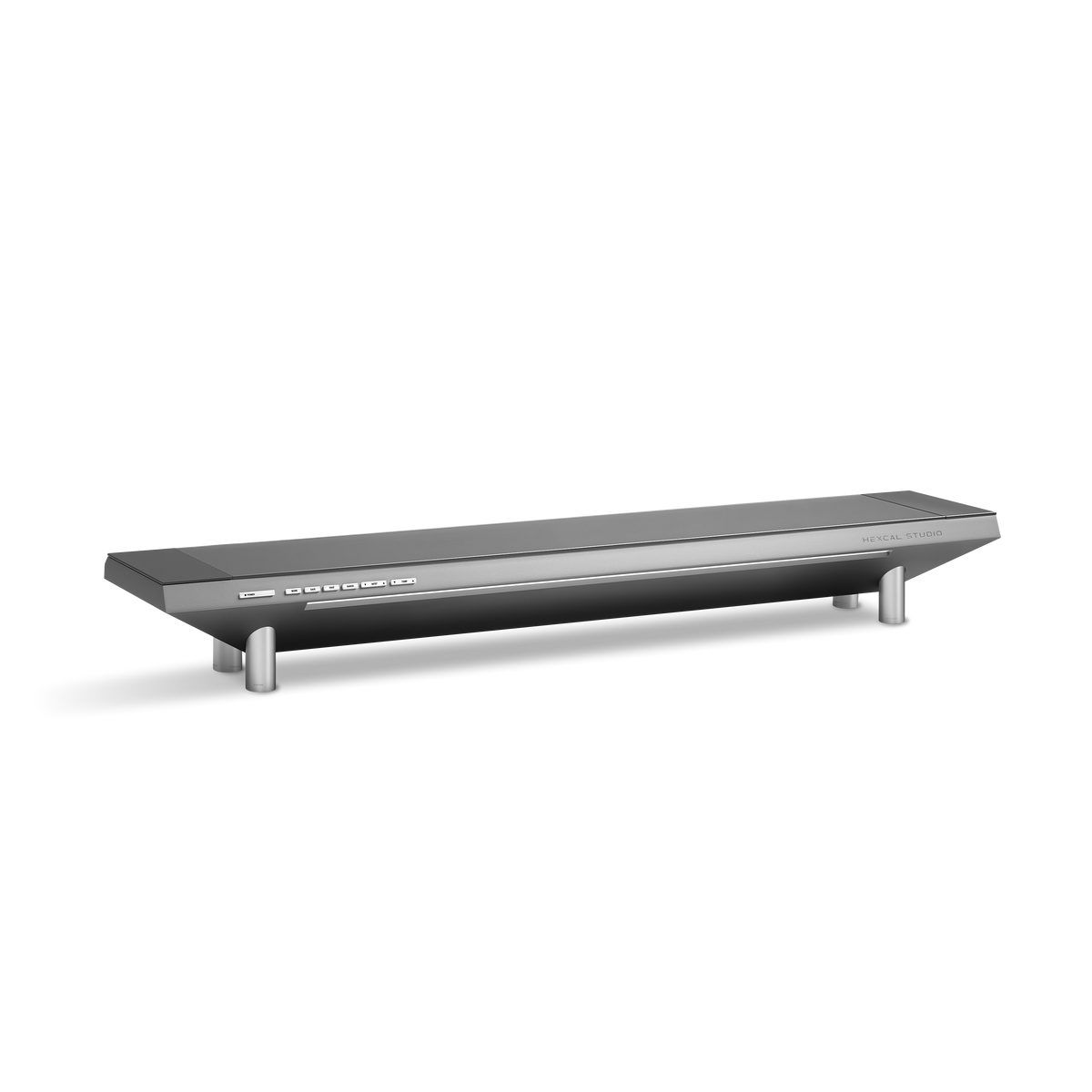
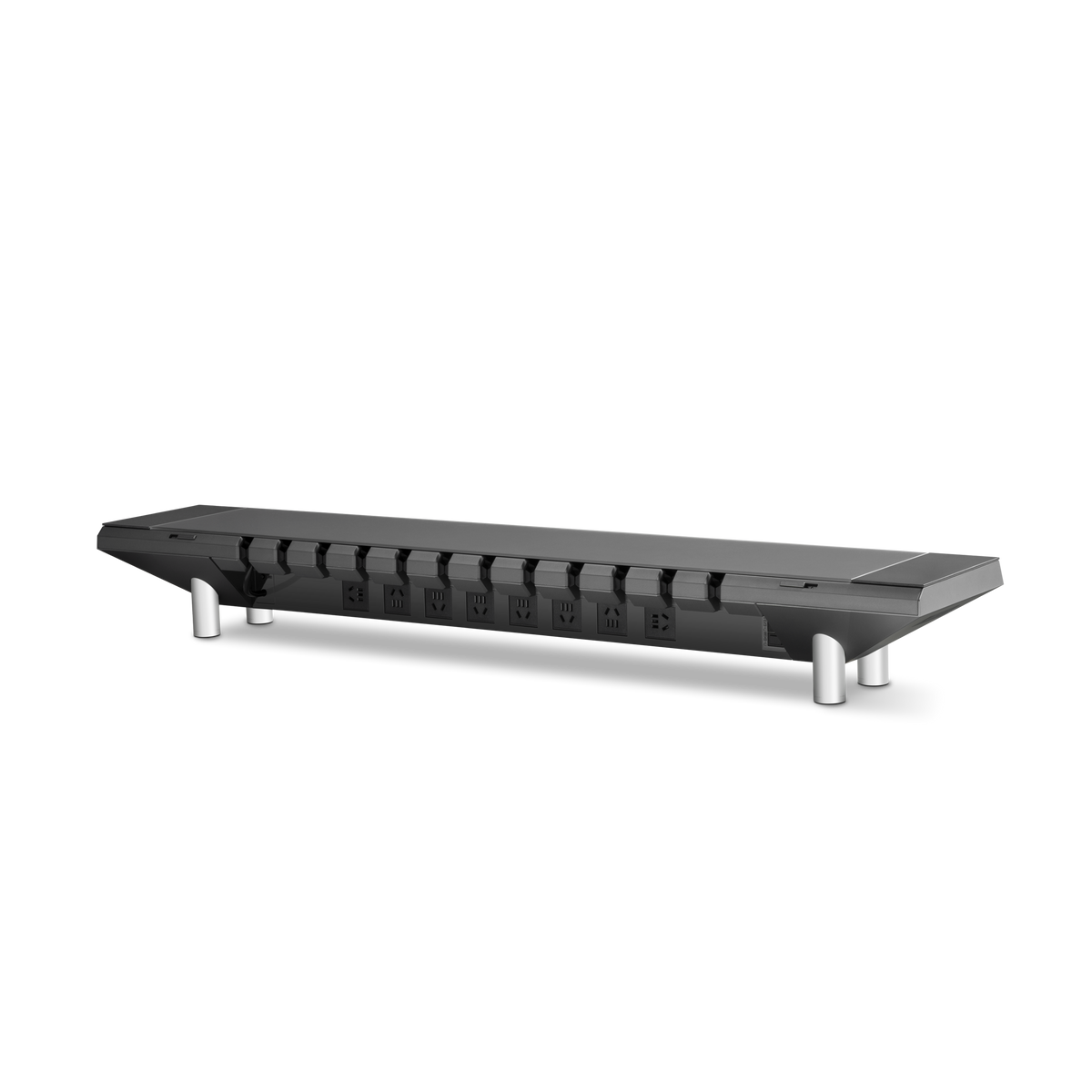
For Hexcal Studio Gen2, check the current model's top surface and installed height separately from its overall outside dimensions. Original Studio specifications and photos should not be treated as Gen2 installation data.
For a wider or second display, the ultrawide support guide extends the same checks to the complete arrangement.
Choose for long-term use: record the measurements you used, so a future monitor replacement can be checked against the same constraints. If one required input is missing, the decision is pending. If any required check fails, change the support or layout before buying. The premium buying guide helps with the broader feature decision once fit is established.