Skip to content

How to Mount a Monitor Without Drilling Holes: A Comprehensive Guide
Mounting a monitor on a wall is a popular option for creating a clean and organized workspace. However, drilling holes in the wall can be a daunting task, especially if you are renting or not allowed to make permanent changes. Fortunately, there are alternative mounting options available for mounting a monitor without drilling holes. In this comprehensive guide, we will explore how to mount a monitor without drilling holes using alternative mounting options.
-
Introduction to monitor mounting
Proper monitor positioning is essential for maintaining good posture and reducing eye strain. A monitor mount can help you achieve the optimal viewing angle, improving your overall productivity and comfort. Additionally, a monitor mount can free up valuable desk space and create a clutter-free workspace. By using a monitor mount, you can adjust the height, tilt, and swivel of your monitor to find the perfect viewing angle for your needs.
-
How to mount a monitor without drilling holes
Here are some alternative mounting options for mounting a monitor without drilling holes:
-
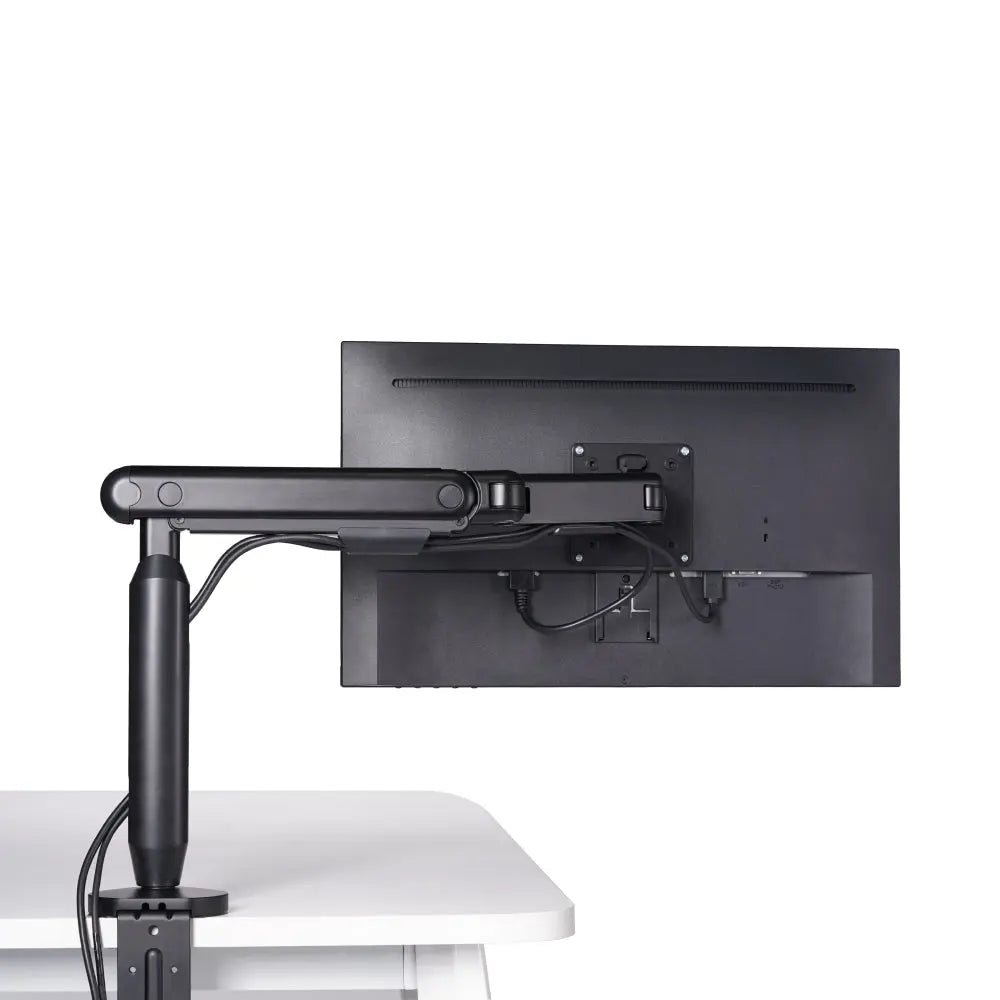
Desk clamps: Desk clamps can be used to attach a monitor mount to the edge of your desk. They come in different sizes and shapes, so make sure to choose one that fits your desk thickness. Desk clamps are a popular alternative for mounting monitors without drilling holes, as they do not require drilling or permanent installation.
-
Adhesive mounts: Adhesive mounts are another alternative for mounting monitors without drilling holes. They come in different shapes and sizes and can be attached to the back of your monitor or wall. Adhesive mounts can be a good option for smaller monitors or those who do not want to drill holes into their walls.
-
Specialized non-permanent solutions: Some companies offer specialized non-permanent solutions for mounting monitors without drilling holes. These solutions include suction cups, magnetic mounts, and clamps that attach to the top of your monitor. While these solutions can be convenient, they may not be as stable as traditional monitor mounts.
-
Hexcal Single Monitor Arm
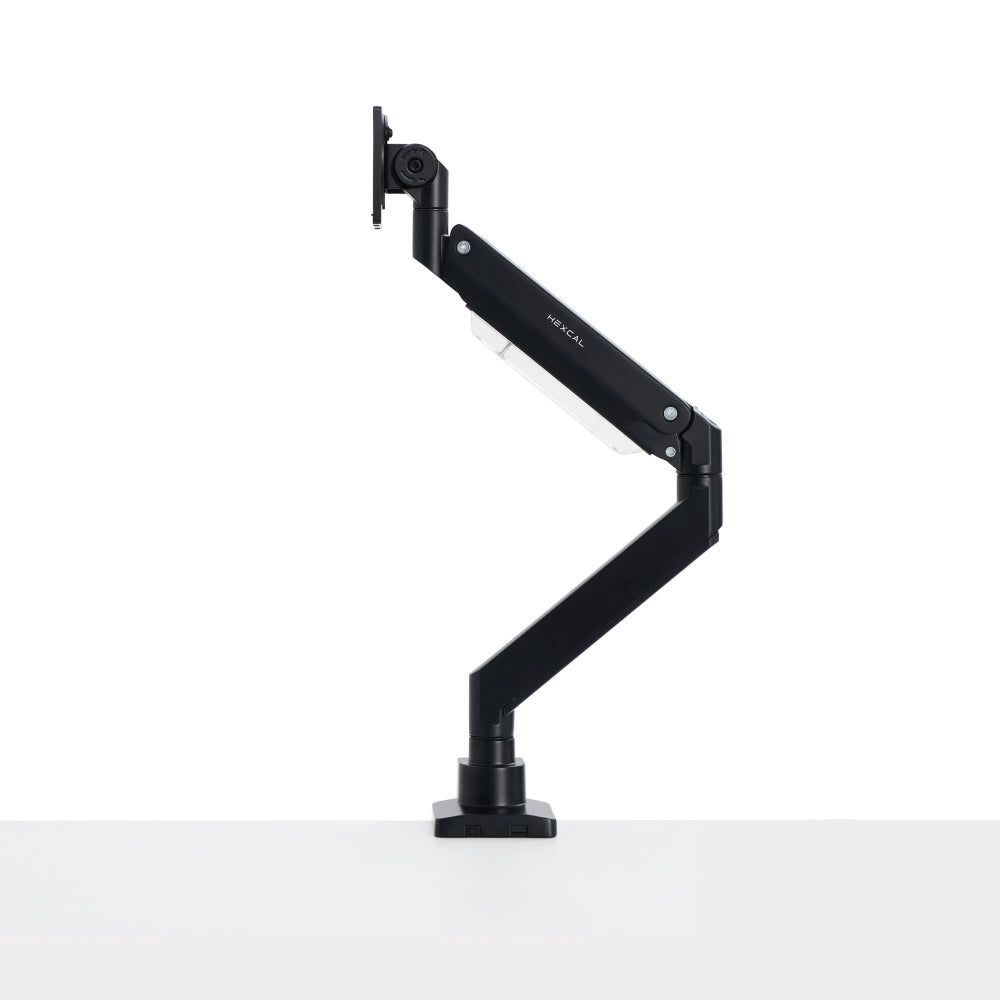
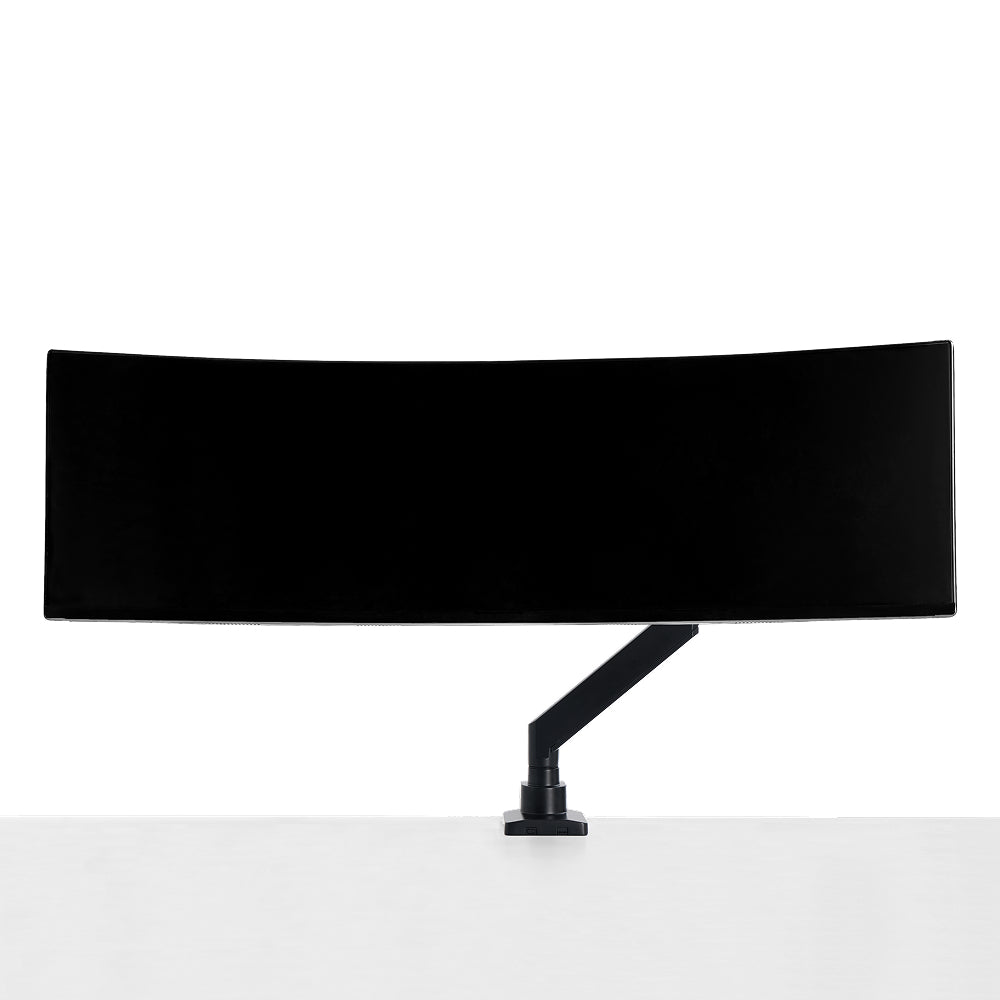
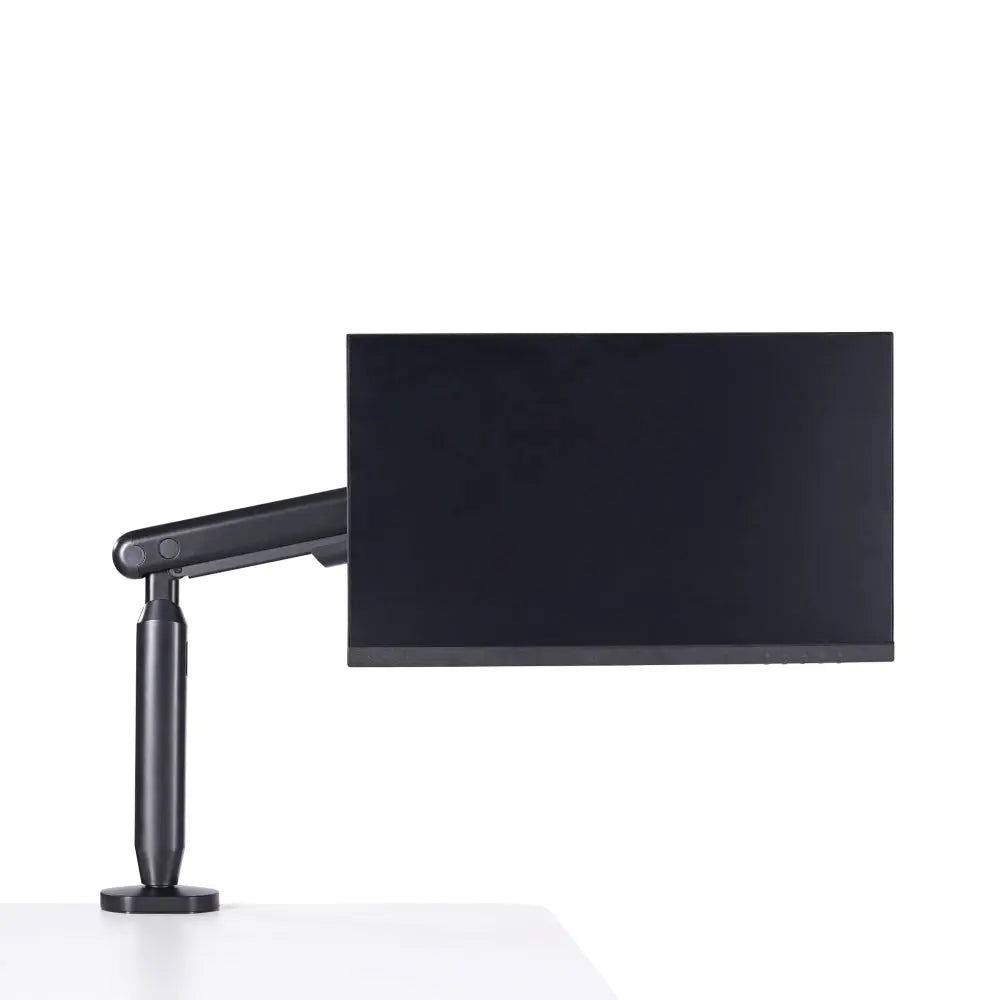
The Hexcal Single Monitor Arm is a versatile monitor mount that can be used to mount monitors without drilling holes. It comes with a desk clamp that can be attached to the edge of your desk and can support monitors up to 35 inches in size and 11 kg in weight.
-

-
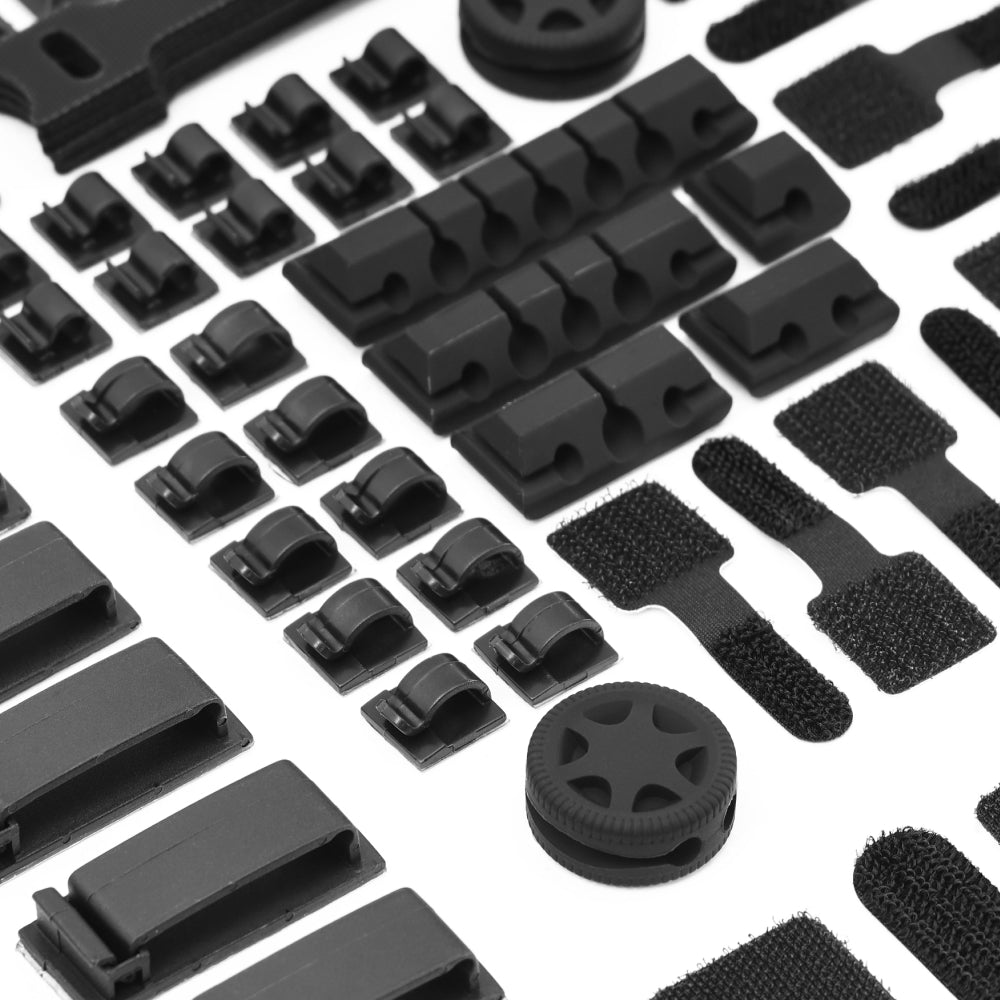
The Hexcal Single Monitor Arm offers a wide range of adjustability, including height, tilt, and swivel, which allows you to find the perfect viewing angle for your needs. Additionally, the Hexcal Single Monitor Arm comes with built-in cable management to keep your cables organized and out of the way.
-
In conclusion, mounting a monitor without drilling holes on the wall is possible with alternative mounting options. The Hexcal Single Monitor Arm is a versatile monitor mount that can mount monitors without drilling holes and offers a wide range of adjustability to optimize your workspace. Considering these alternative mounting options, you can achieve the perfect viewing angle and create a comfortable and productive workspace without drilling any holes.