Laptop Stand for Desk Ergonomics: A 3-Tier Height Stack That Outlasts the Gadget

Most laptop stand articles treat the product as the hero. They write the same four bullets, adjustable, foldable, aluminum, vented, and call it ergonomics. The stand itself is rarely the variable that decides whether a setup is comfortable. The height of the screen relative to the seated eye-line is. A laptop stand for desk ergonomics only earns its keep when it slots into a coherent vertical system, not when it props a MacBook 90 mm higher in isolation.
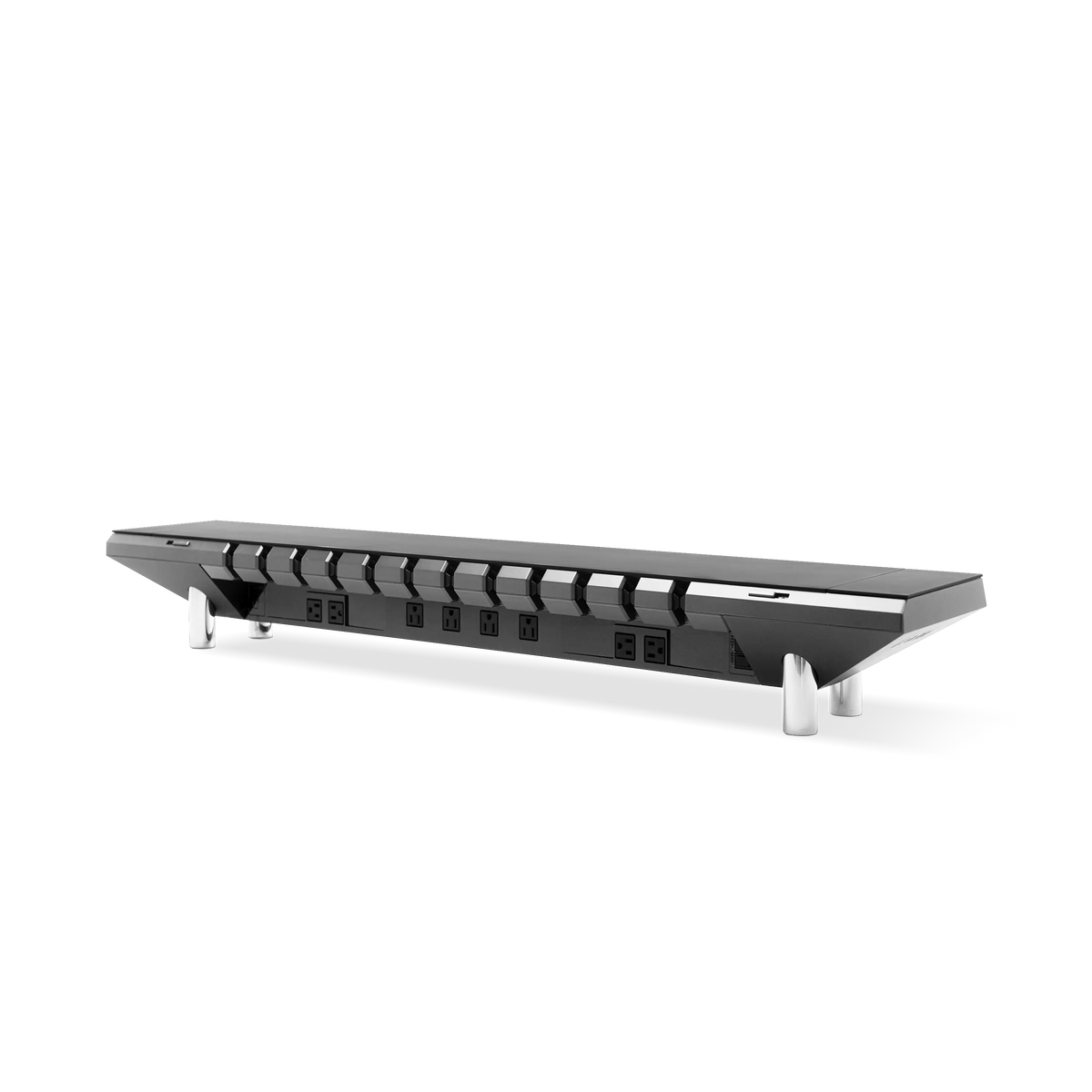
This guide reframes the laptop stand as the middle tier of a three-tier ergonomic stack, chair, laptop-as-secondary-screen, and external monitor. It shows where the stand earns its place, where it should be removed, and why an investment-grade platform like the Hexcal Studio monitor riser can make the laptop tier disappear into the desk entirely.
Key Takeaways
- A laptop stand for desk ergonomics is the middle tier of a 3-tier height stack. The seated eye-line, the active screen centerline, and the keyboard surface each have a target height, and the stand only fixes one of them.
- Most "ergonomic laptop stands" sell adjustability as the headline feature. In a typical laptop-plus-monitor pairing, a fixed-height stand around 90-120 mm covers the common case without moving parts.
- When the laptop becomes the secondary screen beneath an external monitor, the laptop stand often exits the desk entirely. A monitor riser or arm takes over the height-stacking job.
- The Hexcal Studio monitor riser and the Hexcal Single Monitor Arm are designed for that dual-screen stack. They belong in the same decision conversation as the stand, not as afterthought accessories but as the ergonomic infrastructure.
- This framework does not apply to fully mobile setups (kitchen-table, café, shared desks). There the laptop is the primary screen and a portable riser is the only ergonomic anchor available.

Why a Laptop Stand for Desk Ergonomics Rarely Solves Ergonomics Alone
Search any "laptop stand for desk ergonomics" roundup and the first sentence usually promises neck-pain relief. The premise is half right. Laptops used flat on a desk force the neck into sustained forward flexion, and the further the screen sits below the seated eye-line, the more the cervical spine pays the bill. Raising the screen toward eye height is the correct instinct.
The mistake is treating the laptop as the primary screen. The moment an external monitor enters the setup, the laptop stops being the eye-line reference and becomes a secondary keyboard-and-chat surface, often placed beneath the main monitor. A laptop stand that elevates the laptop 90 mm then collides with the monitor base or hides the laptop keyboard.
This collision is invisible in product reviews because reviewers test the laptop stand on an empty desk. Real desks have a monitor, a keyboard, a mat, and a cable channel. The stand has to coexist with all of them, not dominate.

The 3-Tier Height Stack: Chair, Laptop, Monitor
Instead of evaluating a laptop stand as an isolated purchase, evaluate it as the middle of a 3-tier vertical system:
- Tier 1, Seated eye-line. Determined by chair seat height plus leg length. It is the fixed reference everything else aligns to.
- Tier 2, Active screen surface. Whichever screen the user looks at most should sit at the seated eye-line. That is the laptop screen on a single-screen day, and the external monitor on a dual-screen day.
- Tier 3, Keyboard surface. Should sit at elbow height when seated. The laptop keyboard cannot be both Tier 2 and Tier 3 at once, and that is the structural conflict the laptop stand is asked to resolve.
Once the stack is named, the laptop stand has a clear role: bring the laptop screen to Tier 2 without pushing the laptop keyboard above Tier 3. If a stand cannot satisfy both, it is solving the wrong tier.

Tier 1: When a Laptop Stand for Desk Actually Helps
The stand helps in exactly one scenario. The laptop is the primary screen for the working day, and no external monitor is in use. This covers writers, commuters on a kitchen-table setup, and review-and-reply days without heavy multitasking. In that case, the laptop stand should elevate the screen so its top edge sits at seated eye height.
For most 14" laptops, the deck typically needs to rise 90-120 mm above the desk surface to get there. A fixed-height stand in that band covers the common laptop case without any adjustment. Adjustable stands add range but introduce wobble, moving parts, and a second mechanism to break. That is not the kind of infrastructure investment a long-term desk setup should make. Like cable management, the laptop stand benefits from being specified once and forgotten.

Tier 2: The Dual-Screen Collision and Why the Stand Should Leave the Desk
Once a 27" or 32" external monitor enters the setup, the laptop becomes a secondary surface. The dominant pattern is the monitor at Tier 1 and the laptop below it as a chat-and-keyboard surface. The laptop stand then has to either clear the monitor's footprint or stop being used.
For this dual-screen case, the better ergonomic purchase is a monitor riser that lifts the external screen to the seated eye-line, with the laptop parked directly on the desk beneath it. That is the structural argument for the Hexcal Studio monitor riser, a precision chassis with 1,440W of distributed power, integrated cable management, and a 27W USB-C PD port, which turns the riser into a desk-level infrastructure hub rather than a single-purpose prop. For how the riser integrates with the broader power and routing stack, our desk cable management guide covers the engineering in detail.
The laptop stand exits the desk in this scenario. Forcing both screens to the same height by stacking is the most common mistake in dual-screen setups, and it produces the worst of both worlds: a laptop screen still below eye-line, and a monitor base now off the desk.
Tier 3: When a Single Monitor Arm Is the Better Investment
For users who alternate between laptop-only and dual-screen days, a single monitor arm, not a laptop stand, is the higher-use ergonomic investment. The arm lifts the external monitor to the eye-line in seconds, freeing the laptop screen to drop flat on the desk. On laptop-only days the arm swings aside, and the laptop becomes the active Tier 2 surface.
This is why the Hexcal Single Monitor Arm, rated for screens up to 35" and 3-11 kg, with VESA 75×75 and 100×100 mounting, clamp (desk 10-80 mm) or grommet (10-35 mm) install, ±60° tilt and ±90° swivel, belongs in the same decision conversation as any laptop stand. The arm is the ergonomic adjustment mechanism for the dominant screen, and the laptop becomes the keyboard-and-chat surface beneath it. A laptop stand that earns its keep for two hours a week is not worth the desk footprint.
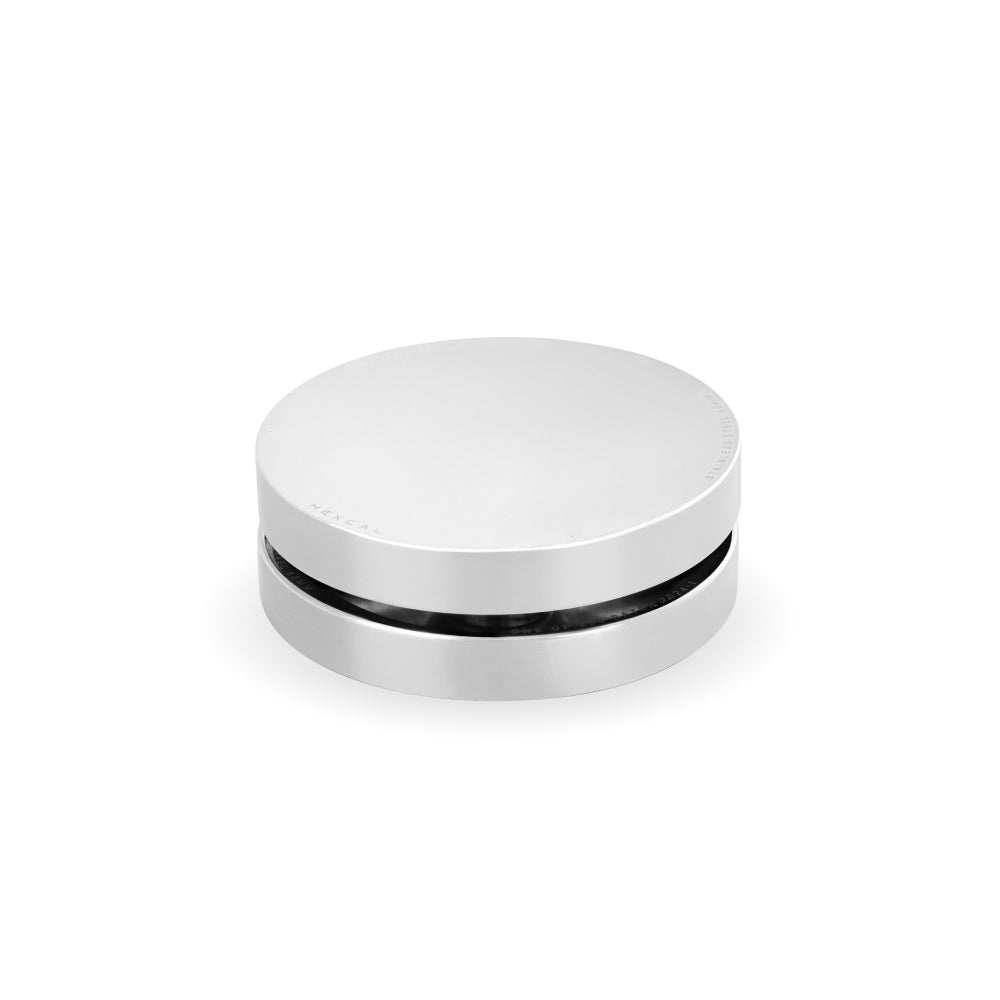
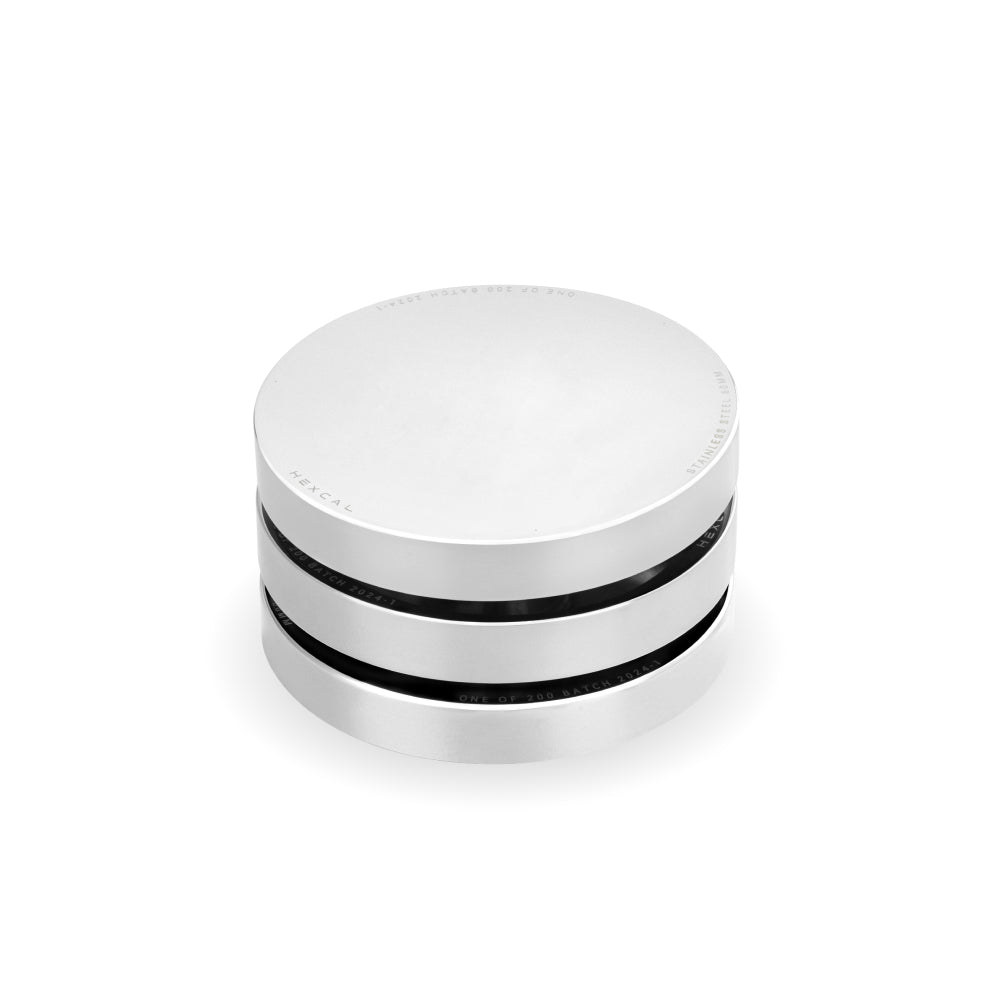
For desks where the user wants both screens elevated at once, a rarer requirement driven by color-critical work or trading setups, a flagship platform like the silver Hexcal Studio Plus pairs its 100W USB-C PD port with the riser-plus-arm height stack while keeping cable management and power centralized.

Anti-Impulse: What the Laptop Stand Market Won't Tell You
The laptop stand market runs on replacements. Aluminum stands flex under 2 kg laptops, plastic stands crack at the hinge, foldable stands lose their angle memory in a year. The laptop stand is closer to a fixture than a gadget, and it should be bought that way. Skip the impulse-buy foldable stands and the ten-dollar risers that arrive bent. The cost of a second purchase plus shipping exceeds the price difference of a properly specified first stand.
For mobile users, a slim bamboo or aluminum portable stand at a fixed 90 mm elevation is the only piece of ergonomic infrastructure that survives daily pack-up. Anything adjustable is, by definition, going to be adjusted daily, and daily adjustment becomes daily friction. Built to last and future-proofed against next year's laptop is the correct specification lens for the laptop stand, not feature density.
Final Thoughts: Build the Stack, Buy the Tier
A laptop stand for desk ergonomics is a tier, not a hero. The Hexcal Studio monitor riser, the Hexcal Single Monitor Arm, and a properly specified laptop stand are three tools for one job: aligning the seated eye-line, the active screen, and the keyboard surface for sustained screen work. Choose the tier your workflow actually needs, and resist the impulse to elevate the laptop above the screen the user is looking at.
If the desk is dual-screen dominant, invest in the silver Hexcal Studio Plus or the Hexcal Single Monitor Arm and let the laptop sit flat. If the laptop is the primary screen, specify a 90-120 mm fixed stand and stop adjusting it. Either way, build the stack once.
By the Hexcal team
Disclosure: Hexcal Studio, Hexcal Studio Plus, and Hexcal Monitor Arms referenced in this article are designed and manufactured by Hexcal. This article is informational, not an independent ergonomic review.