Light Up Your Desk: Easy Lighting Ideas for a Better Work and Play Experience
Introduction
The perfect workspace isn’t complete without great lighting. While most people focus on ergonomic chairs or monitor setups, lighting is often the silent factor that shapes your comfort, focus, and creativity. If you’ve ever ended a workday with tired eyes, struggled to stay focused, or found your video calls looking dull, your desk lighting may be to blame.The right lighting transforms your workspace into a more productive, balanced, and visually inspiring environment. This beginner’s guide will show you how to build a lighting setup that enhances focus, creativity, and comfort, whether you’re a professional, gamer, or content creator.

Understanding Desk Lighting Basics
To achieve a premium workspace, you must use a layered lighting approach to maximize visual comfort and performance.
The Three Essential Lighting Layers
A well-lit workspace uses layered lighting — a balance of three types of light that work together for both comfort and performance.
- Ambient Lighting (The Foundation): Sets the overall brightness of your room and reduces harsh contrasts between your screen and surroundings. Good ambient lighting for workspaces prevents eye strain and helps maintain energy throughout the day.

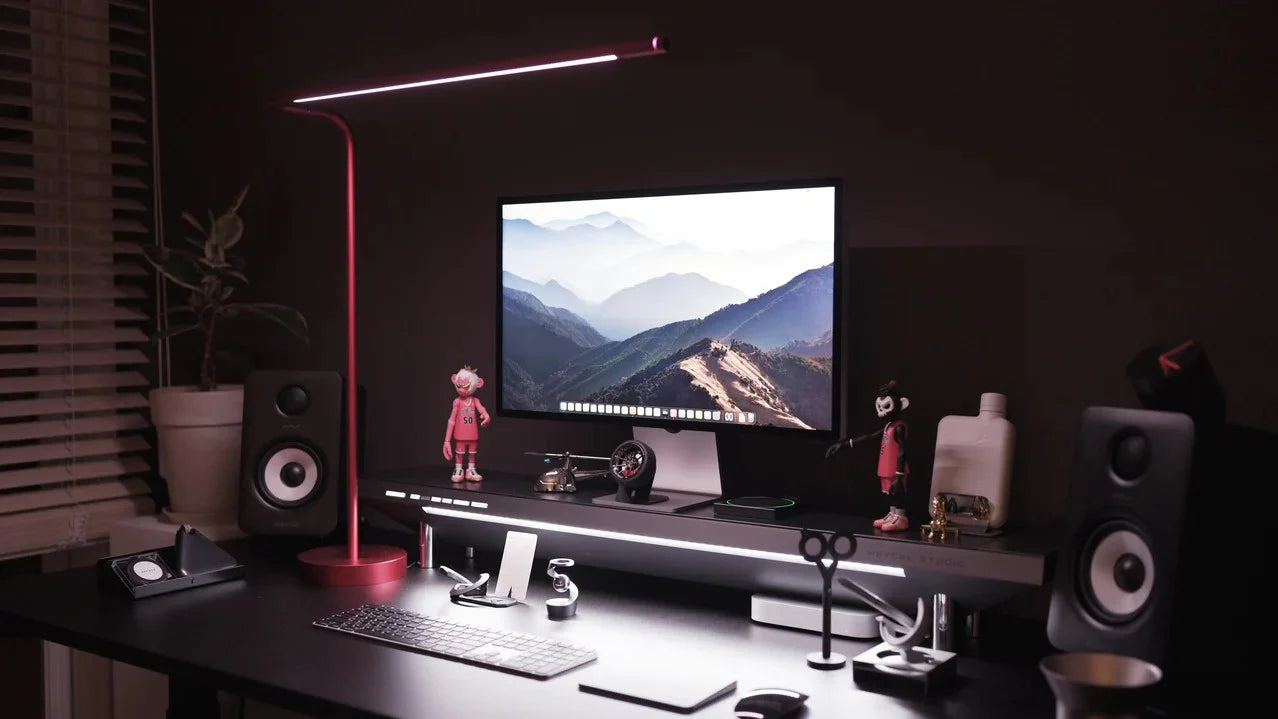
2. Task Lighting (The Focus): Direct, focused light for reading, writing, or computer work. Adjustable desk lamps or monitor light bars are perfect options — they should be brighter than your ambient light and free from glare.

3. Accent Lighting (The Atmosphere): Adds character and depth to your setup. RGB gaming lights or LED strip lighting setups can enhance your mood, highlight decor, and personalize your space.

These three elements must work together to balance brightness and ensure comfortable visibility across your entire field of view. However, there are three functional errors that compromise comfort and performance. Here are common lighting mistakes to avoid:
- Glare: Light sources or reflections shining directly into your eyes or off your monitor. This is the single largest cause of rapid eye strain and headaches.
- Uneven Light: Relying on one harsh source (like a single overhead light) that creates deep, distracting shadows and high contrast ratios.
- Color Imbalance: Mixing light sources with drastically different color temperatures (e.g., a warm, yellow bulb next to a cool, blue screen). This creates a visually jarring and unbalanced environment, particularly disruptive for creators needing color accuracy.
Choosing the Right Lighting for Your Goals
Your lighting strategy must align with your primary workflow. Here is the optimal lighting design for our three core users:
For The Professional: Focus and Clarity
Professionals need lighting that supports long hours of focus and looks great on camera.
- Choose Neutral White Light (4000K–5000K): Mimics daylight to boost alertness and productivity.
- Use Adjustable Task Lighting: Dimmable, tunable lamps or monitor light bars help maintain visual comfort as natural light changes.
- Enhance Video Calls: Angle your main task light slightly above eye level for soft, flattering illumination.

For The Gamer: Immersion and Atmosphere
Gaming lighting should reduce fatigue while building an immersive, aesthetic setup.
- Add Bias Lighting: Place a soft, neutral light behind your monitor to reduce contrast and eye strain.
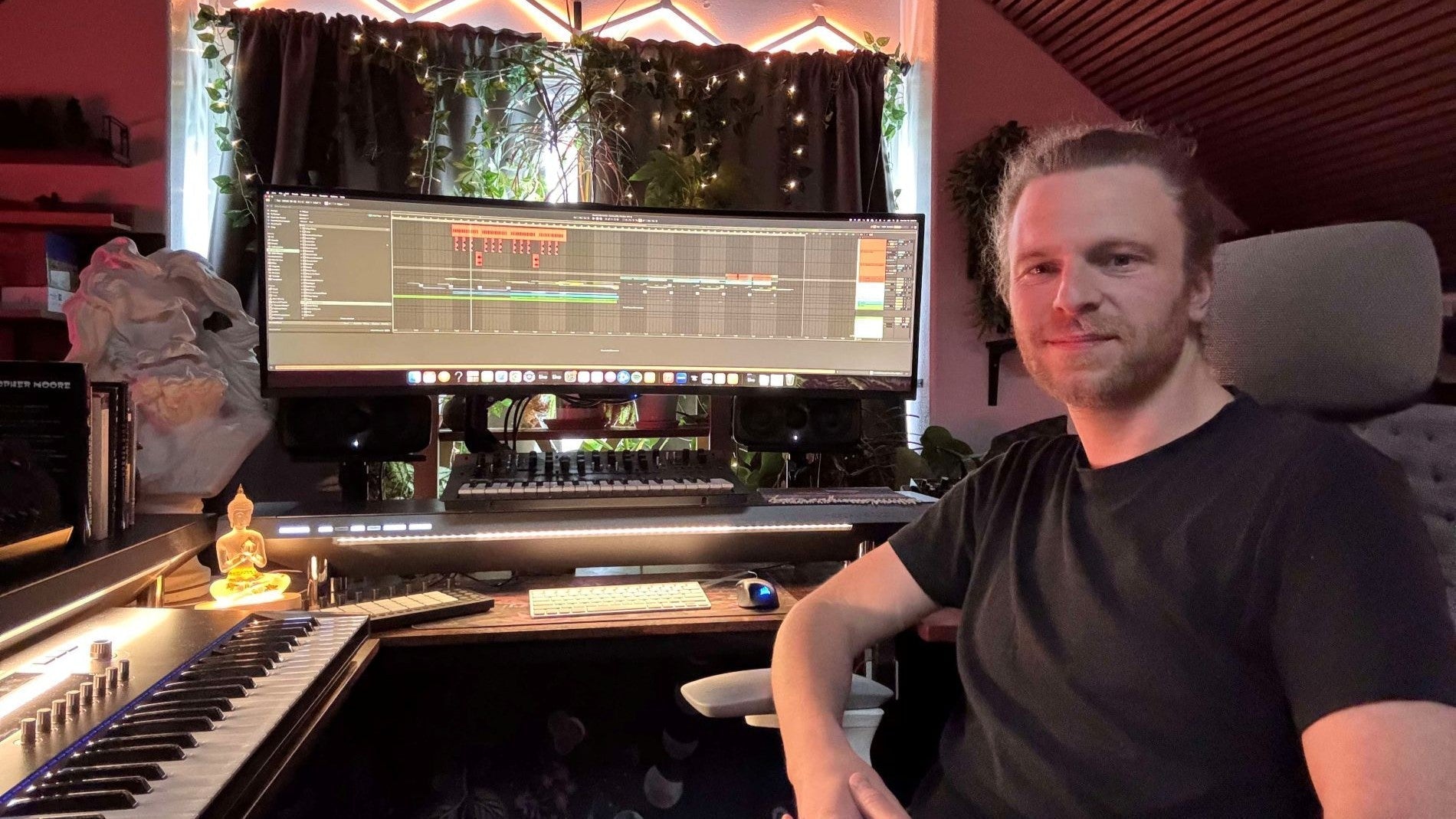
- Incorporate RGB Lighting: Use RGB gaming lights or LED strip lighting setups to create your preferred theme.
- Keep It Indirect: Hide light strips behind your monitor, desk, or shelves for a clean glow without visible bulbs.
For The Creator: Accuracy and Flexibility
If your work involves photo, video, or design, lighting affects how your content looks and feels.
- Prioritize High CRI (90+): Ensures accurate color representation for skin tones and visuals.
- Use Soft, Diffused Panels: Large, soft lights help reduce harsh shadows.
- Go for Tunable Options: Adjustable temperature (3000K–5500K) lets you switch between warm, creative tones and cool, daylight settings.

Ambient & RGB Lighting Setup Tips
Once your main task light is in place, add ambient and accent layers to shape your atmosphere.
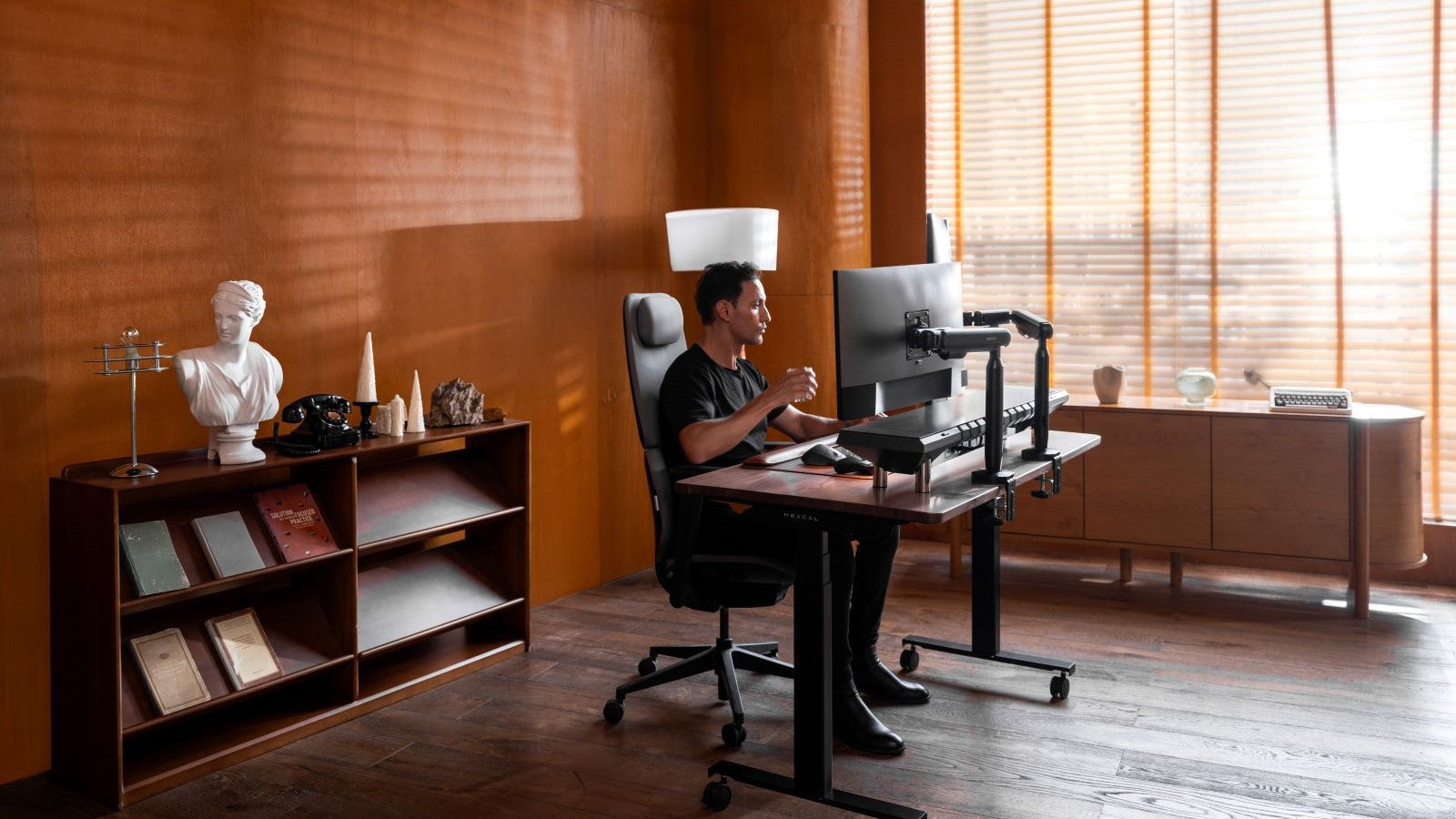
- Layering LED Strips and Wall Lights: Use LED strip lighting setups along the back of your desk, shelving, or under surfaces for subtle glow and depth.
- Monitor Bias Lighting: A soft neutral light (around 6500K) behind your screen balances contrast and reduces strain.
- Wall Wash Effects: Mount strips or panels slightly away from the wall for smooth, diffused glow instead of harsh hotspots.
Smart Lighting Integration
Platforms like Nanoleaf, Govee, or Philips Hue allow you to control brightness, color, and mood from one interface. Switch from a bright Work Mode to an immersive Gaming Mode or warm Relax Mode with a single tap.
Cable Management for a Clean Look
Use Hexcal’s Cable Management Kit or Hexcal Studio™ to keep cords and controllers neatly hidden. A clutter-free desk enhances both performance and aesthetics — defining the sleek minimalism of a Hexcal workspace.

Ergonomic Lighting & Eye Comfort
Eye comfort depends on balanced light levels. The brightness of your screen should match your surroundings to avoid fatigue.
- Avoid direct glare or harsh overhead lights that reflect on your monitor.
- Use adjustable task lighting instead of ceiling lights for better control.
- Add bias lighting behind your screen to stabilize brightness and reduce eye strain during long sessions.
How to Build Your Own Lighting Setup (Step-by-Step Guide)
Achieving a professional lighting profile is a simple, iterative process.Step 1: Assess Your Workspace’s Foundation. Start by observing the natural light in your room. If you work near a window, use blinds or curtains to manage bright sunlight and eliminate its glare. Your artificial lighting should supplement or mimic this natural light, not fight it.Step 2: Choose Your Base Task Light. Select your primary light source—an adjustable desk lamp or a monitor light bar. Place it to illuminate your key working area (your desk surface and keyboard) while avoiding direct reflection on the screen. This is the source you'll use to establish your main, tunable light temperature (e.g., 4000K for focus).Step 3: Integrate Ambient and Accent Layers. Introduce your secondary layers, usually through RGB strips or decorative wall panels. The goal here is diffusion. Place these lights to wash a wall or the back of furniture, adding depth and color without shining directly into your eyes or onto the main desk surface.Step 4: Test, Calibrate, and Fine-Tune. With all lights on, test various settings. Color temperature and intensity must be adjusted together. If your main light is too cool (blue) or bright compared to the room, lower its intensity or warm the color. The entire workspace should feel uniform and comfortable; nothing should feel harsh or distracting.
Advanced Mistakes to Avoid
A few key errors can undermine even the best equipment:
- Over-saturated RGB Colors: While fun, overly bright, saturated accent colors can bleed onto your screen, affecting perceived contrast and disturbing focus. Use subtle, deeper color tones for the atmosphere.
- Direct Light Facing the Monitor: This is an immediate recipe for glare. Ensure no light sources, especially ambient ones, are aimed even slightly toward the screen surface.
- Ignoring Shadows and Reflections: Take a moment to view your workspace from multiple angles. Shadows on your notes or persistent reflections on your keyboard are signs of imbalance that need correction via light repositioning or dimming.

Conclusion
Lighting isn’t just about style — it’s about comfort, focus, and performance. With the right mix of ambient lighting for your workspace, RGB gaming lights, and practical task lighting, you can build a setup that supports both work and play.Experiment, adjust, and find what works best for your workflow. And with Hexcal’s cable management solutions keeping everything sleek and organized, your workspace will look as professional as it performs.