The Magnetic USB-C Charging Cable, Audited: What a Desk Actually Needs

The standard advice is to buy a stronger magnetic USB-C charging cable—one rated for 240W, with a satisfying snap and a braided jacket—and call the desk "solved." The conventional wisdom is wrong. The break-away magnet that makes these cables convenient is also the exact point where high-bandwidth data dies. Most of the "240W magnetic" cables filling search results carry power beautifully and move data at USB 2.0 speeds (480 Mbps), with no video output at all. If you bought one expecting it to drive a Thunderbolt 5 display off your laptop, the cable did its job; the listing just never told you what its job was.
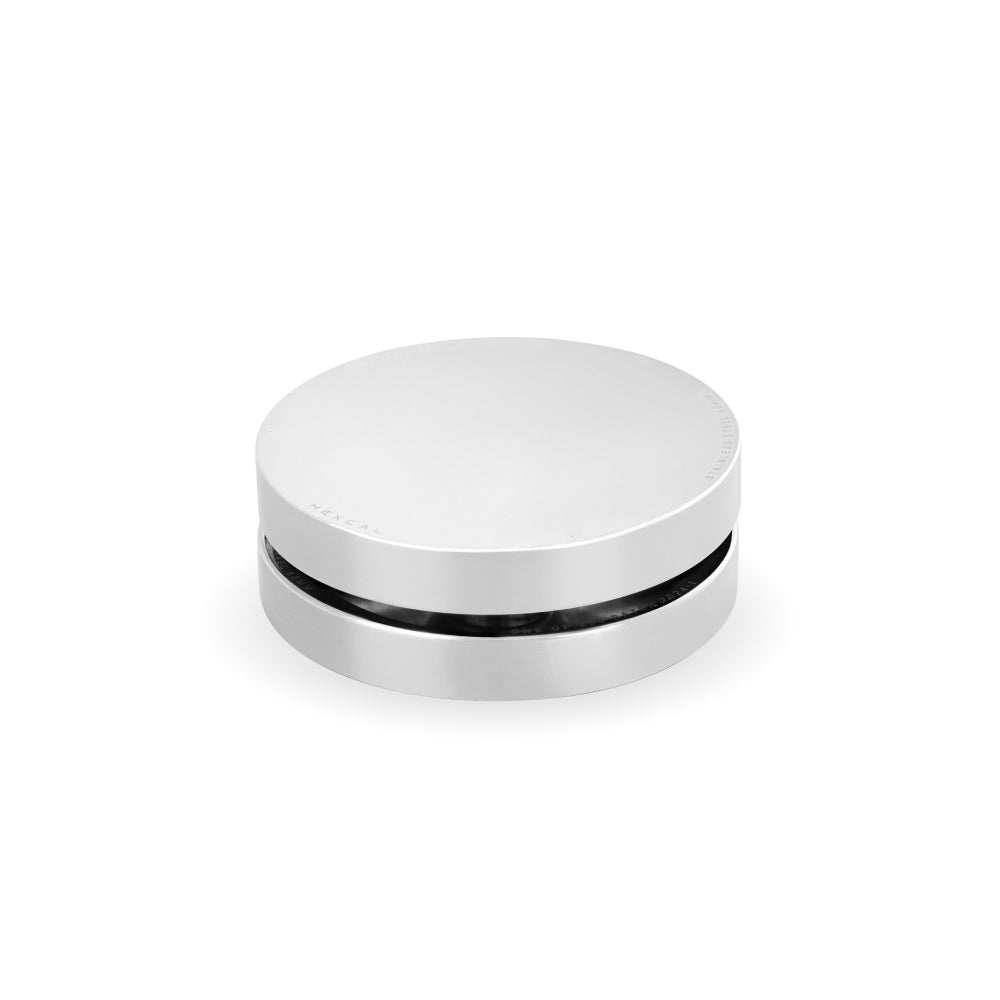
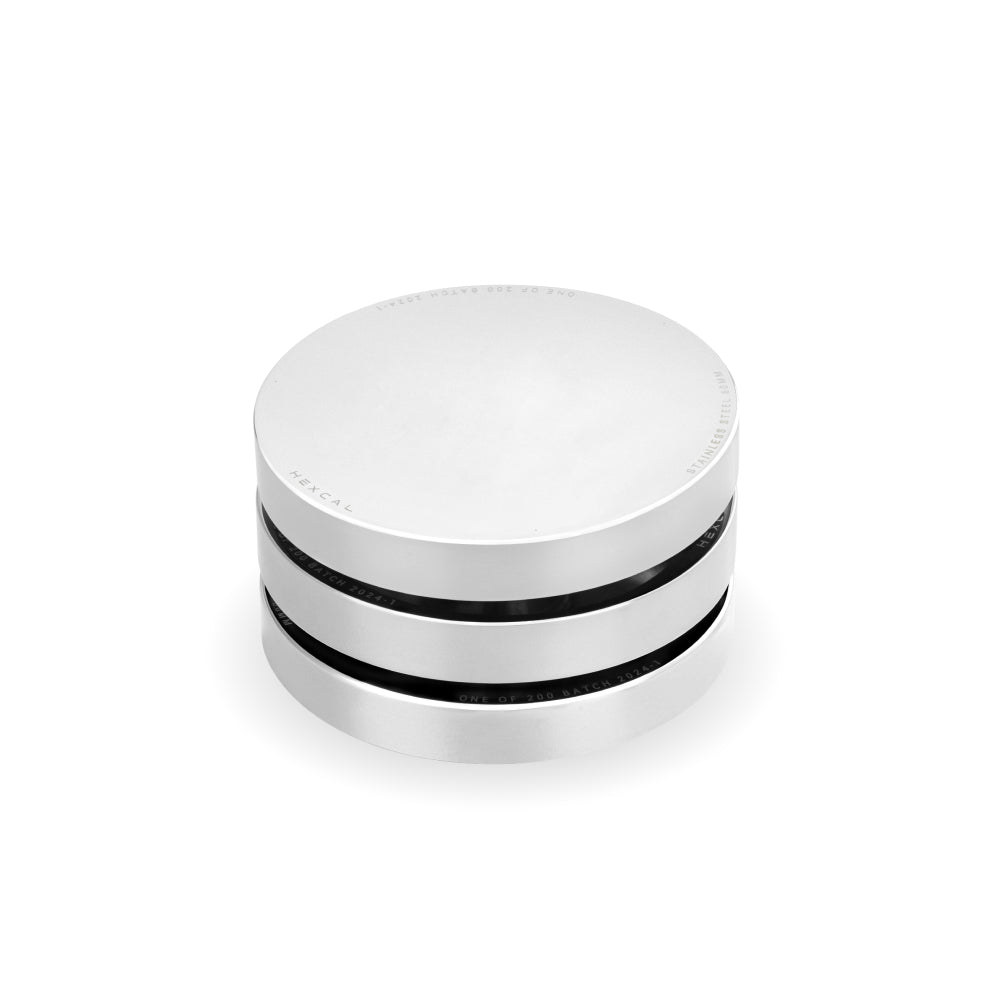
The deeper issue is that a single dangling cable is the wrong unit of analysis. A magnetic tip fixes the last 40 centimeters of a problem that starts at the power source and the routing path. Before reaching for an accessory, it helps to audit the whole chain, which is the same chain a managed surface like the Hexcal Magnetic Charging Cable is designed to live inside rather than replace.
Key Takeaways
- Nearly all consumer "240W magnetic" cables transfer data at USB 2.0 speed (480 Mbps) and carry no video. The magnetic break-away point cannot pass full-bandwidth Thunderbolt or DisplayPort signals.
- USB-C PD 3.1 EPR delivers up to 240W at 48V/5A, roughly 2.5x the old 100W limit, but only over a cable with an EPR-rated e-marker chip (USB-IF). A plain USB-C cable caps at 60W.
- Thunderbolt 5 runs 80 Gbps bidirectional (120 Gbps boost) with 240W power over USB-C, but that data path needs a certified fixed connector, which is why a "magnetic Thunderbolt 5 cable" is mostly a category myth.
- Choose by job: a magnetic tip is for charge-and-go peripherals; a fixed e-marked or Thunderbolt cable is for docks and displays; an integrated surface is for routing the mess underneath.
- Not for everyone: break-away magnets are a liability where an accidental disconnect mid-transfer corrupts data or interrupts a live capture.

The Magnet Is a Feature and a Ceiling
A magnetic connector works by splitting the cable into a permanent tip that lives in your device port and a detachable head that snaps on with pogo pins. That decoupling is the entire value proposition. You stop wearing out the USB-C receptacle, and a tripped cable releases instead of pulling your laptop off the desk. It is also a hard electrical ceiling. Pogo-pin contact across an air-bridged magnetic seam is fine for the dozen-or-so conductors needed to negotiate power, but it is a poor home for the tightly impedance-matched high-speed pairs that USB 3, DisplayPort, and Thunderbolt require.
This is why the spec sheets quietly converge. The physics of the break-away seam, not a marketing choice, is what pins the data line to the same place across these products: USB 2.0, 480 Mbps, no video output. They are, functionally, very good charging cables wearing a data cable's silhouette. Naming this out loud is the first audit step, because the marketing rarely does.
Tier 1: The Power-Only Magnetic Cable (Where It Genuinely Wins)
Tier 1 is the honest magnetic cable, sold as charging hardware and used as charging hardware. For a phone, a wireless earbud case, a handheld, or a tablet that lives at the edge of the desk and gets grabbed forty times a day, the break-away tip is a real ergonomic upgrade. Best for: charge-and-go peripherals you physically move. Why it wins: the magnet absorbs the yank that would otherwise fatigue a soldered port, and a 240W-rated head (48V/5A under USB-C PD 3.1 EPR) leaves enormous headroom for any handheld.
The limitation is the one the listing buries: this cable will not carry a 4K signal or a Thunderbolt data session, so it has no business sitting between a laptop and a dock. Used inside its lane, it is the least glamorous and most reliable accessory on the desk—the opposite of a trend-driven gadget you replace next quarter.
Tier 2: The Fixed E-Marked or Thunderbolt Cable (The Data Workhorse)
Tier 2 is where the magnet has to go away. If a cable needs to move a display, a high-speed SSD, or a full docking session, it needs a certified, fixed connector. The USB Implementers Forum's PD 3.1 standard pushed Extended Power Range to 240W (48V/5A), but it ties that ceiling to an e-marker chip inside the cable. Without it, the link falls back to the 60W safe default, regardless of how thick the jacket looks.
Thunderbolt 5 raises the stakes again. Per Intel's Thunderbolt 5 Technology Brief, it runs 80 Gbps bidirectional, boosts to 120 Gbps for display-heavy work, and carries up to 240W of charging, all on USB-C, but only across a certified cable terminating in a fixed connector. There is no production-grade "magnetic Thunderbolt 5 cable" because the magnetic seam cannot hold that signal integrity. Best for: docks, monitors, and external GPUs/SSDs. Why it wins: it is the only tier that actually moves the data the magnet tier silently drops. Limitations: no break-away protection, and an EPR cable is overkill (and pricier) for charging a phone.

Tier 3: The Integrated Surface (Where Hexcal Lives)
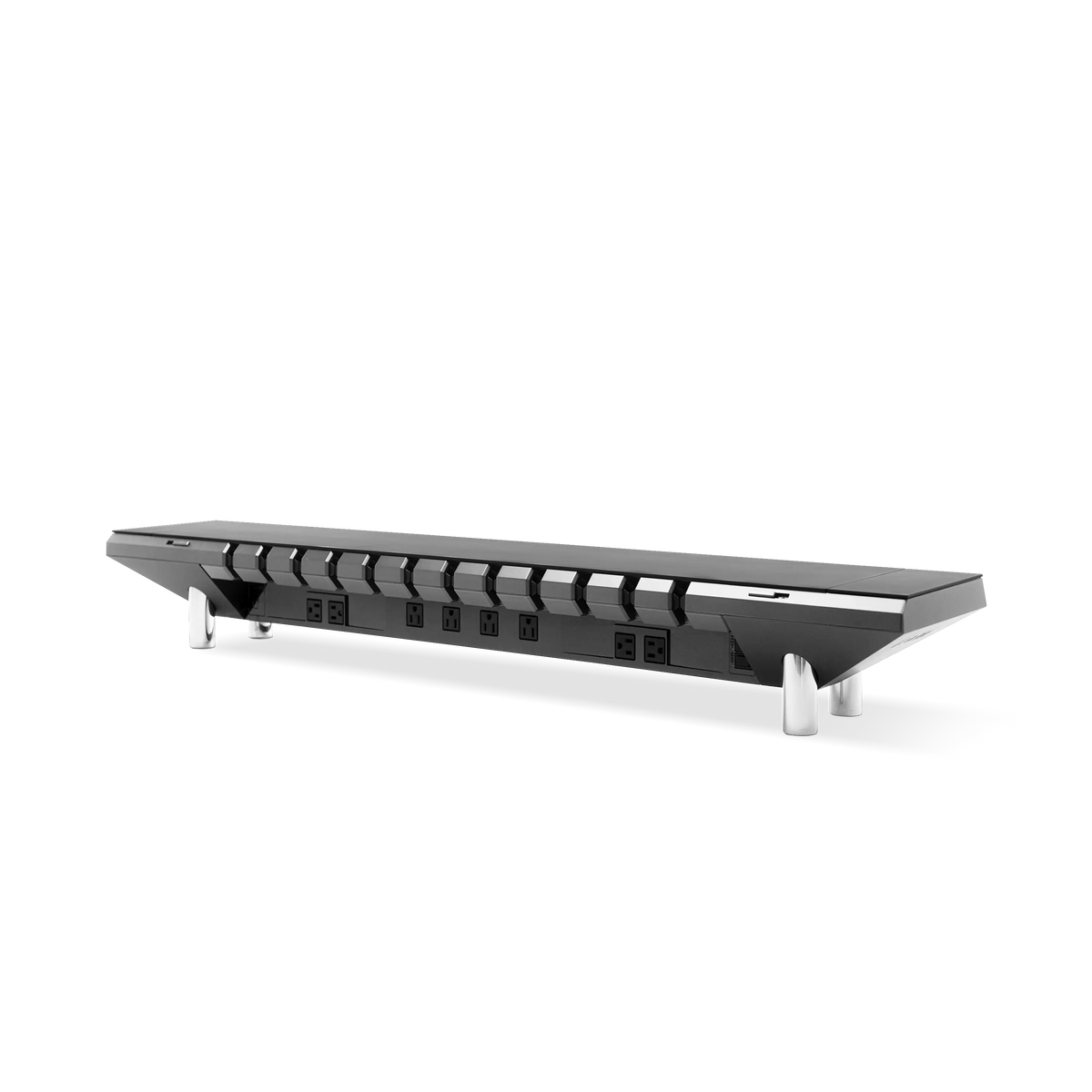
Tier 3 stops thinking in cables and starts thinking in infrastructure. The reason a desk feels chaotic is almost never the tip of one cable. It is the power source location and the routing path feeding ten devices. This is the gap none of the cable-only listings address, and it is the layer the Hexcal Studio is built for: a desktop platform that distributes 1,440W of power, runs a patented 3D Cord Organization System, and provides USB-C PD output (up to 27W) at the surface, so the magnetic tip you grab is six inches from its source instead of trailing across the room.
Here the magnetic cable and the integrated surface stop competing. A Tier 1 magnetic head is the perfect last link for a phone resting on a Studio. The Studio handles the power, the concealment, and the single-cord exit, while the magnet handles the grab-and-go. The right mental model is a system, not a shopping list, where the cable is a component rather than the cure.

A Routing Layout That Holds Up
The layout that survives daily use is deliberately boring. Fixed e-marked USB-C and Thunderbolt cables should handle every display and dock, because those connections rarely get unplugged and the break-away feature would only add a failure point. Magnetic tips belong strictly on the devices that leave the desk: phones, a handheld, a camera battery charger. Power for all of it should originate at the surface rather than a floor strip, since centralizing the source is the single change that does the most to kill cable sprawl.
The deciding principle is matching the connector to the duty cycle. A port you reseat many times a day benefits from a break-away magnet that spares the soldered receptacle the repeated mechanical stress; a port you plug once and forget is better served by a fixed connector that prioritizes signal integrity over convenience. The magnet earns its place, just not the place the marketing assigns it. For the full method behind centralizing the source, our desk cable management guide walks the routing path end to end.

How the Three Tiers Compare
The point of the tiers is to match the cable to the job instead of buying one cable and hoping. The break-away magnet and full-bandwidth data are, with current physics, mutually exclusive at consumer price points, so the real decision is which property you need at each port.
| Property | Tier 1, Magnetic (Power) | Tier 2, Fixed E-Marked / Thunderbolt | Tier 3, Integrated Surface |
|---|---|---|---|
| Max power | Up to 240W (48V/5A) | Up to 240W (PD 3.1 EPR) | 1,440W distributed (Studio) |
| Data ceiling | USB 2.0, 480 Mbps, no video | Up to 80 Gbps (TB5) | Source-level, feeds both tiers |
| Break-away protection | Yes | No | N/A (manages routing) |
| Best for | Charge-and-go peripherals | Docks, displays, SSDs | Power source + concealment |

Choosing Without Getting Sold
Buy the magnetic cable for what it is: a durable, snap-on charger for the things you pick up. Refuse to buy it as a data cable, and ignore any "Thunderbolt 5 magnetic" claim, because the connector cannot deliver it. If your problem is actually visual noise and a tangle under the desk, no cable tier fixes that; an integrated surface does. The Hexcal Studio Plus takes that further, pairing the same power-and-concealment philosophy with a magnetic desk mat, so the few cables that do stay exposed terminate into a managed surface instead of a pile.
A quick boundary worth stating: none of this applies to a floating wall-mounted desk with no under-surface to anchor power to, and break-away magnets are a poor fit anywhere an accidental mid-transfer disconnect would corrupt a file or drop a live recording. Outside those cases, the rule holds. A magnetic USB-C charging cable is not a desk solution; it is one honest component of one, and the cleanest desks are the ones that knew the difference before buying.
By the Hexcal team. Disclosure: Hexcal Studio, Hexcal Studio Plus, and the Hexcal Magnetic Charging Cable are products we design and manufacture; this is not an independent third-party review. External specifications cite Intel's Thunderbolt 5 Technology Brief and the USB Implementers Forum (USB-IF) PD 3.1 standard.