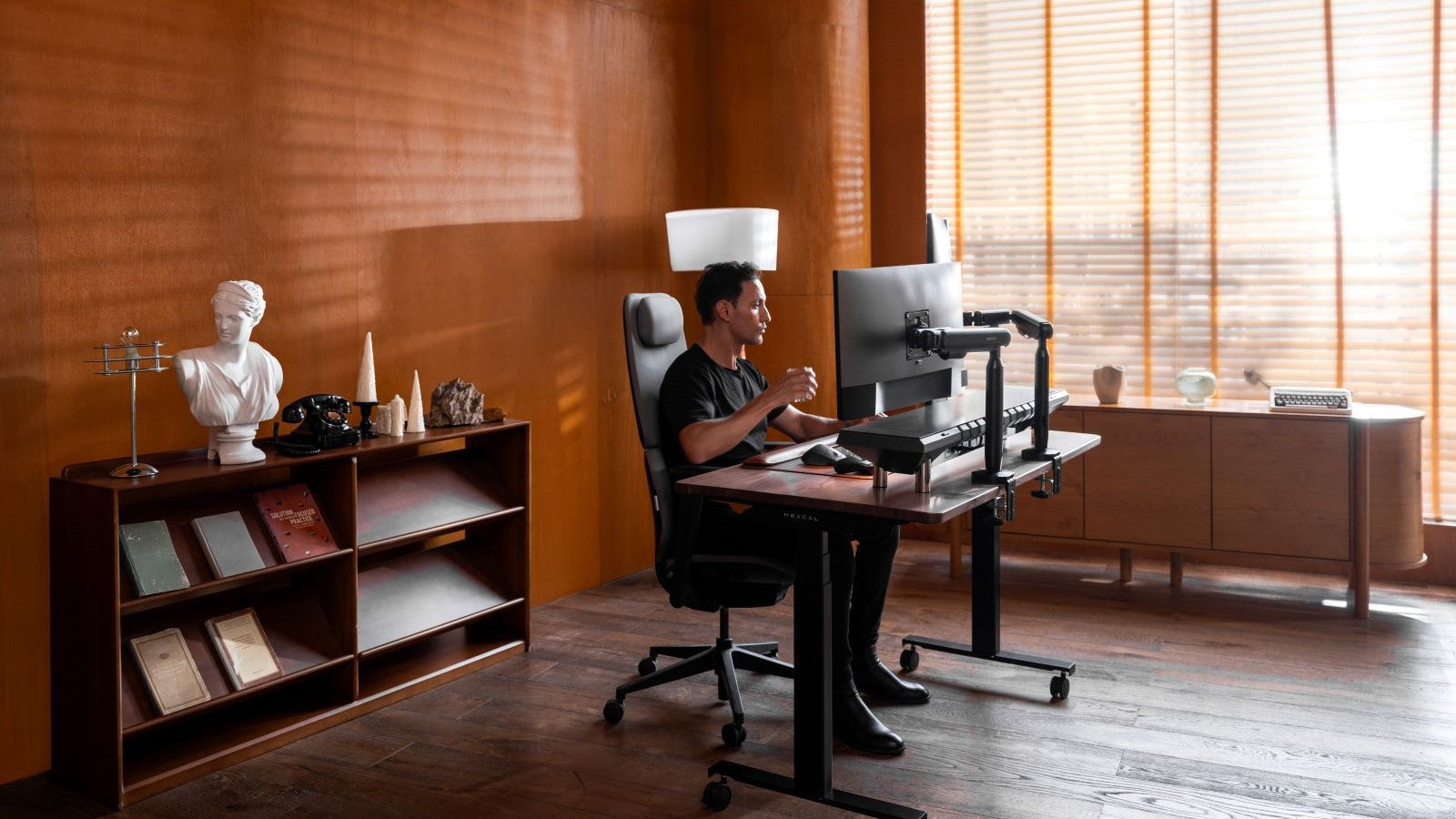
The Perfect Christmas Gift Guide for Desk Setup Lovers and Home Office People
The holiday season is the perfect opportunity to show your loved ones how much you care with a thoughtful, meaningful gift. Whether you're shopping for a friend, family member, or colleague, finding the right Christmas present can feel exciting but also overwhelming. At Hexcal, we believe the best gifts are those that combine practicality, personal touch, and a bit of style. Whether your recipient is a desk setup enthusiast or a remote worker, we’ve got you covered with gift ideas that are sure to bring joy and enhance their workspace.
Table of Contents
Perfect Gifts for Desk Setup Lovers
1. Monitor Stand with Cable Management System
2. Ergonomic Accessories
3. Tech Gadgets Organizer
4. Decorative Desk Accessories
Top Christmas Gift Ideas for Home Office Workers
1. Adjustable Standing Desk
2. Ergonomic Office Chair
3. Desk Mat Bundle
4. Art and Decor
Conclusion
Perfect Gifts for Desk Setup Lovers
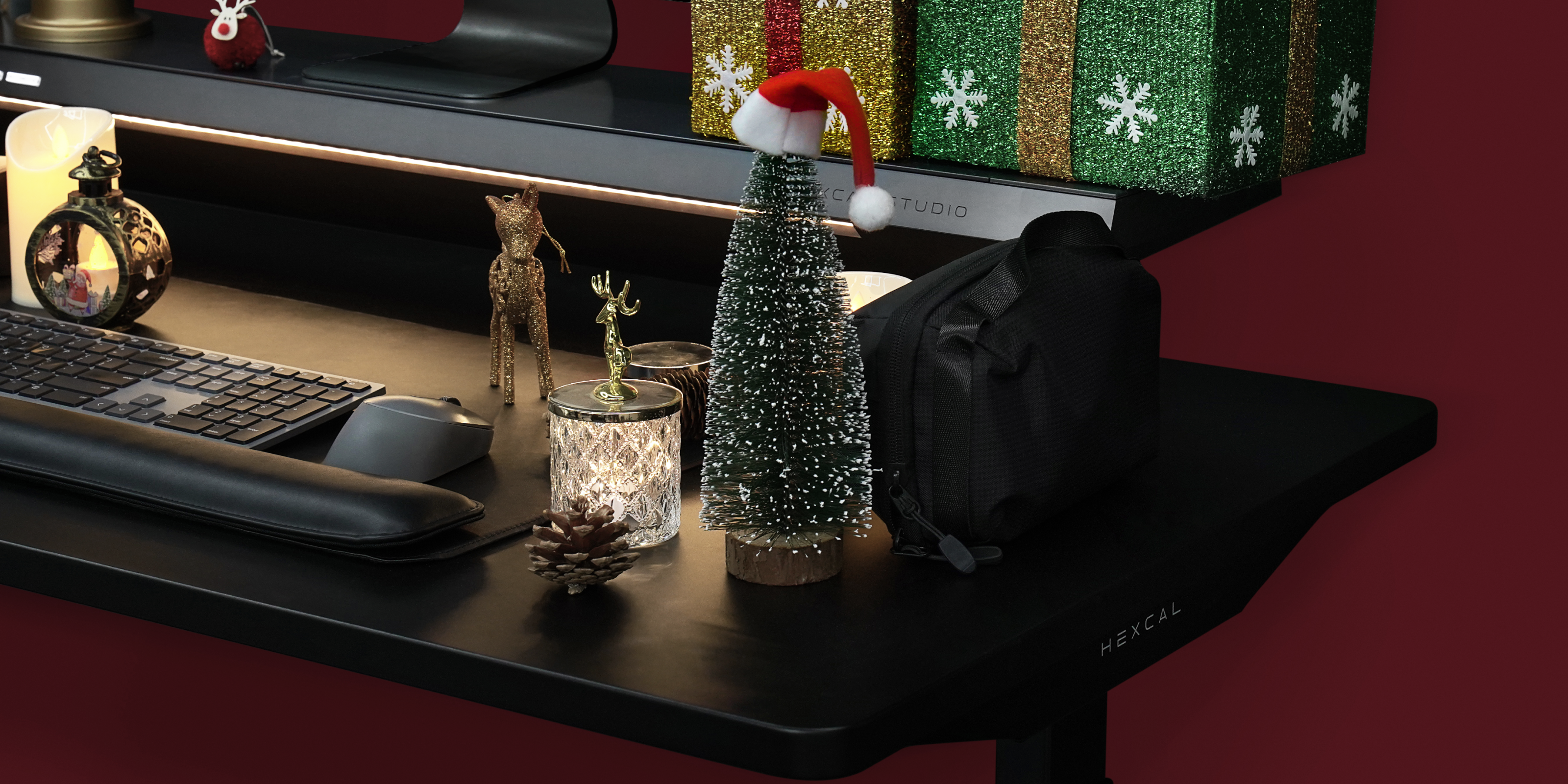
If you’re shopping for someone who’s obsessed with creating the perfect desk setup, there are plenty of great options that will elevate their workspace. Here are some ideas that will bring joy and function to their desk this holiday season:
1. Monitor Stand with Cable Management System
A tidy workspace makes all the difference for both productivity and aesthetics. Help your loved one keep their cables organized with sleek cable management solutions like cable clips, sleeves, or boxes. These items help eliminate clutter, creating a cleaner and more efficient desk setup.For a truly innovative option, consider Hexcal Studio, a minimalist cable management system that integrates seamlessly into any workspace. It supports up to 14 devices and comes with built-in cable management, helping to keep wires organized and out of sight—without sacrificing style.

Hexcal Studio™ Gen2
Hexcal Studio is an advanced workstation designed to enhance your working experience, boost creativity, and increase productivity. It creates a serene space on your desktop, allowing you to focus on your work.
2. Ergonomic Accessories
Comfort is key, especially for those long hours spent at a desk. Consider gifting ergonomic accessories like the Hexcal Single Monitor Arm—a versatile monitor arm that offers height, tilt, and rotation adjustments. This product not only improves ergonomics by reducing neck and eye strain, but it also frees up desk space, making the workspace more organized and stylish.
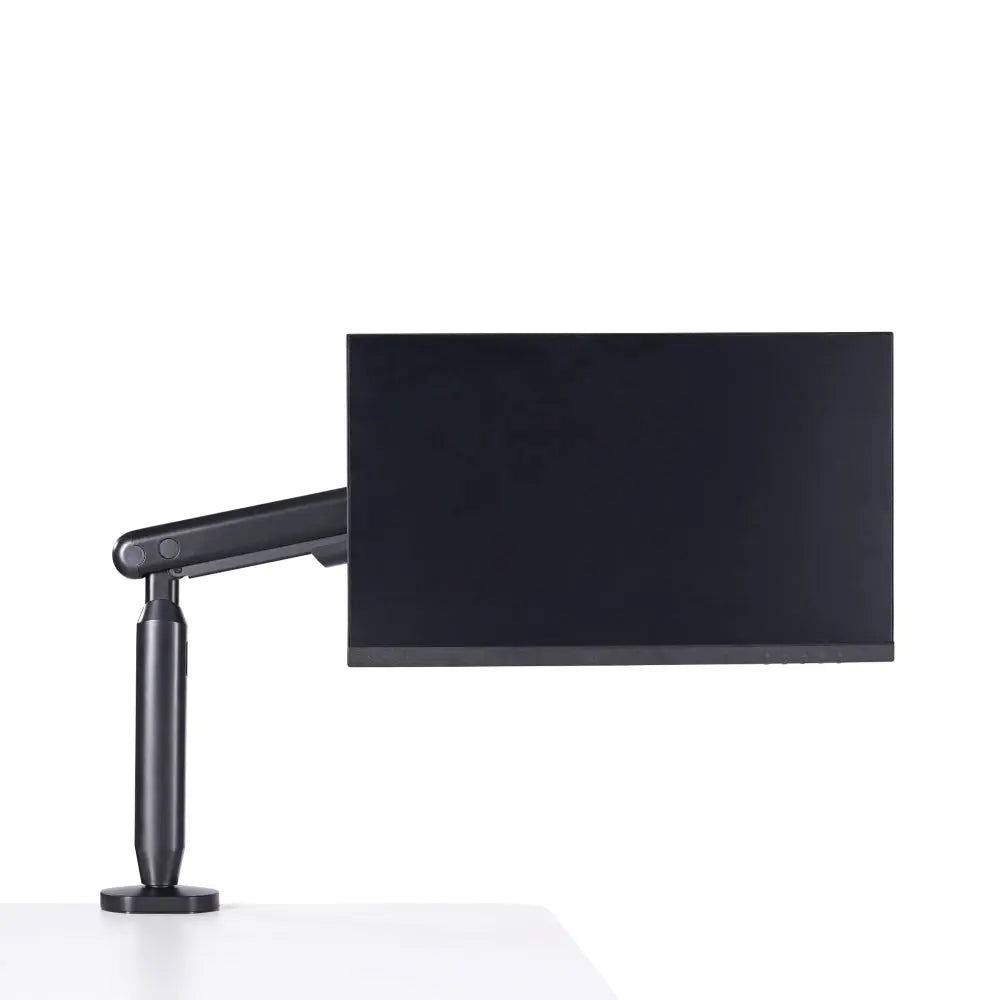
Single Monitor Arm
Hexcal's Single Monitor Arm is designed for complete control over your monitor’s positioning. Engineered for optimal performance and precision, it is adjustable, allowing for a more ergonomic and productive workspace.
3. Tech Gadgets Organizer
The Hexcal Tech Gadget Pouch is the perfect gift for desk setup lovers who value organization and functionality. This sleek, portable pouch offers a stylish solution for storing chargers, headphones, cables, and other tech essentials, helping to reduce clutter and keep everything within reach. It’s a gift that will help them maintain a clean, efficient workspace while keeping their devices ready for use at all times.
4. Decorative Desk Accessories
Give their desk some personality with decorative accessories. A fun desk lamp, a small indoor plant, or a personalized desk nameplate can bring character to their workspace. These little additions will not only brighten up their desk but will also inspire creativity and make it feel more inviting.
Top Christmas Gift Ideas for Home Office Workers
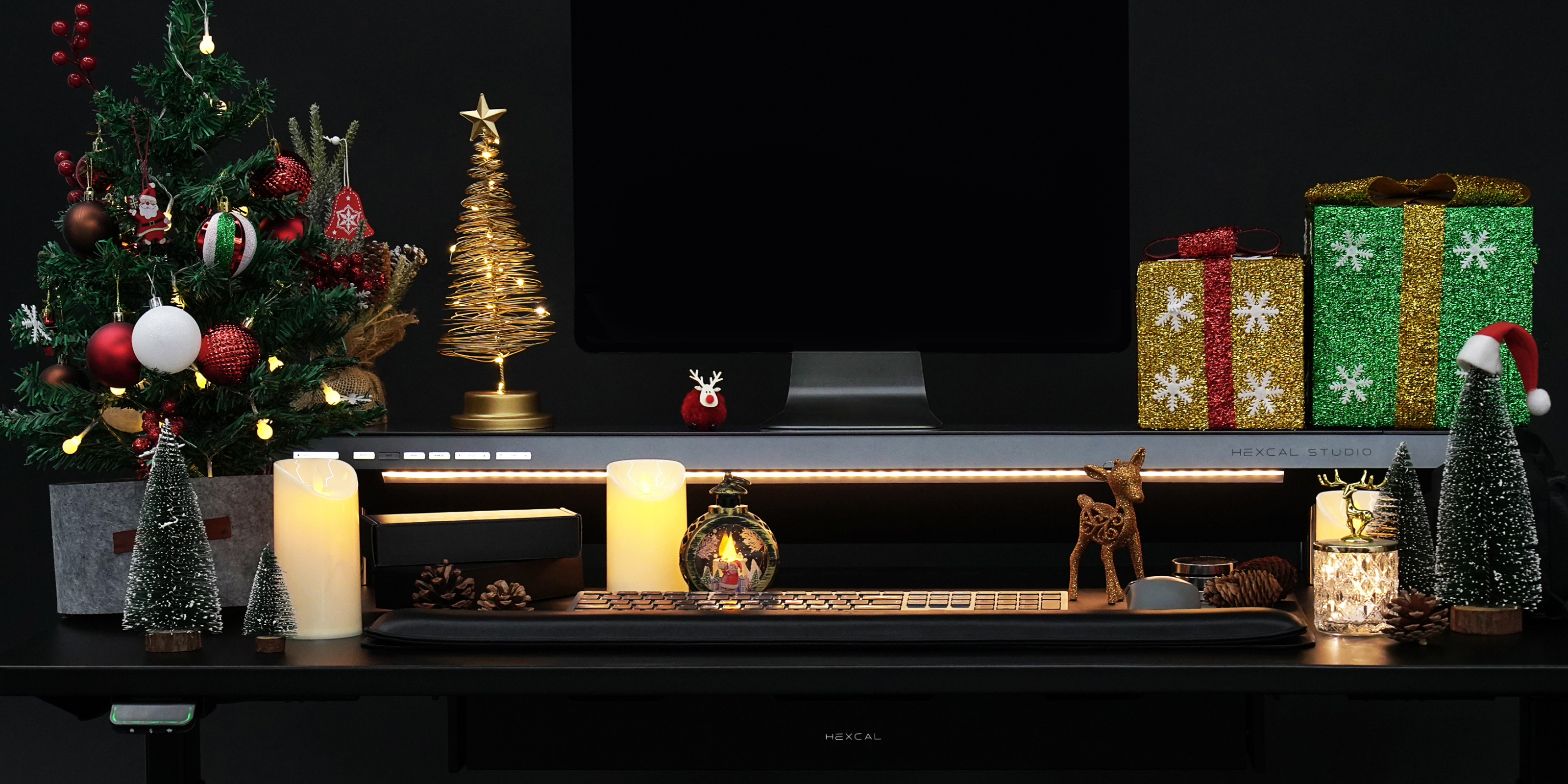
If you’re shopping for someone who works from home, here are some ideas that will improve their comfort and productivity while making their workspace a little more festive:
1. Adjustable Standing Desk
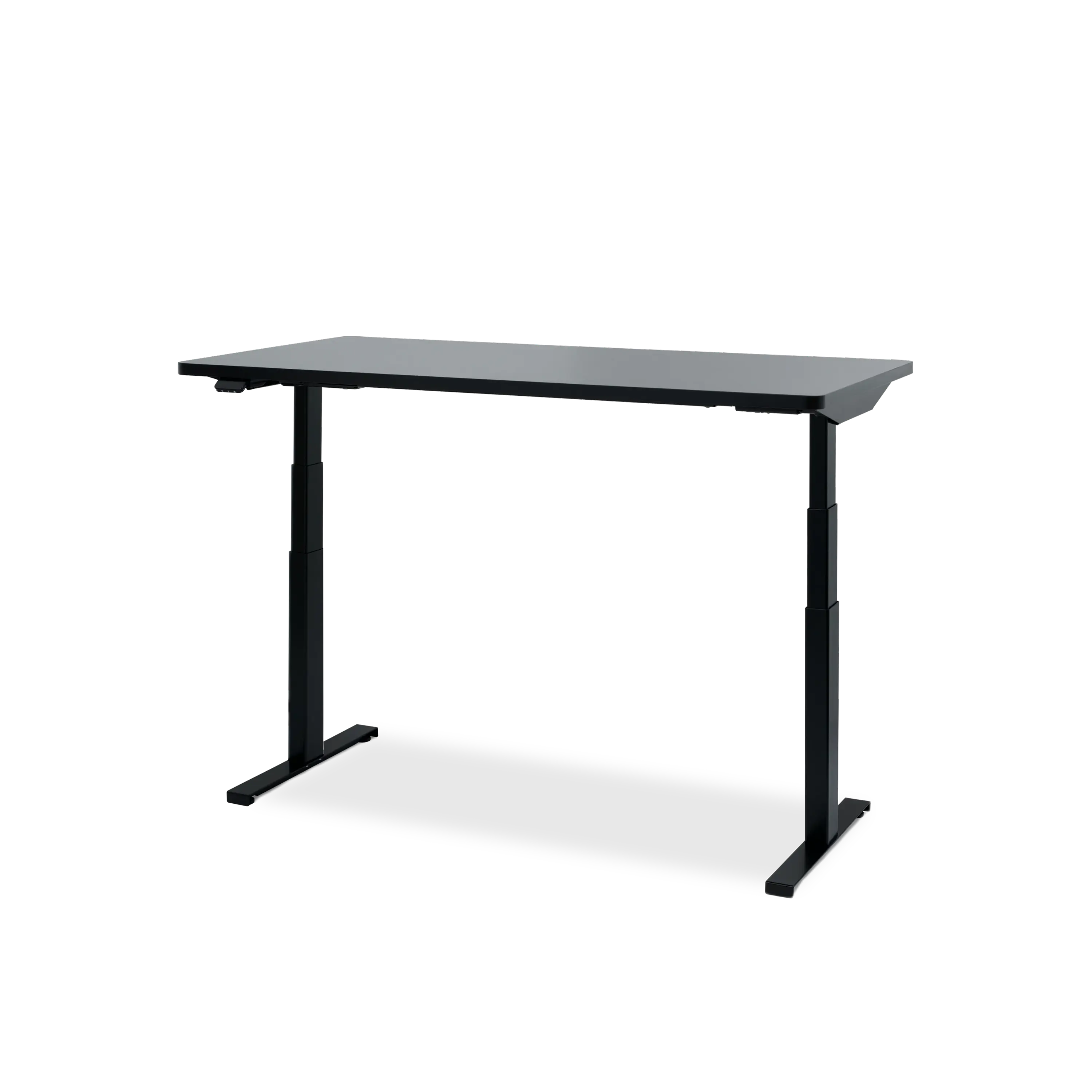
Standing desks are a game-changer for improving posture and reducing fatigue. The Hexcal Elevate Standing Desk allows users to adjust their desk height with ease, offering a flexible solution for both sitting and standing throughout the day. It’s an excellent gift for someone looking to boost energy and productivity.
Hexcal Elevate Standing Desk
The Hexcal Elevate Standing Desk is designed for ultimate comfort and productivity. Effortlessly switch between sitting and standing to improve posture, reduce strain, and enhance focus. With adjustable height settings, you can create the perfect ergonomic workspace.
2. Ergonomic Office Chair
A great office chair is the foundation of any comfortable and productive workspace. The Hexcal Inspire Chair is a perfect choice, offering full spine support and a sleek design that fits seamlessly into any modern home office. It’s a gift that will make a real difference in their comfort and posture.

Hexcal Inspire Chair
The Hexcal Inspire Chair strikes a harmonious balance between ergonomic comfort and sleek,minimalist aesthetics. Aligned with the natural contours of the human body, our chairs prioritize true ergonomic design, offering full-range protection for your spine with precision support.
3. Desk Mat Bundle
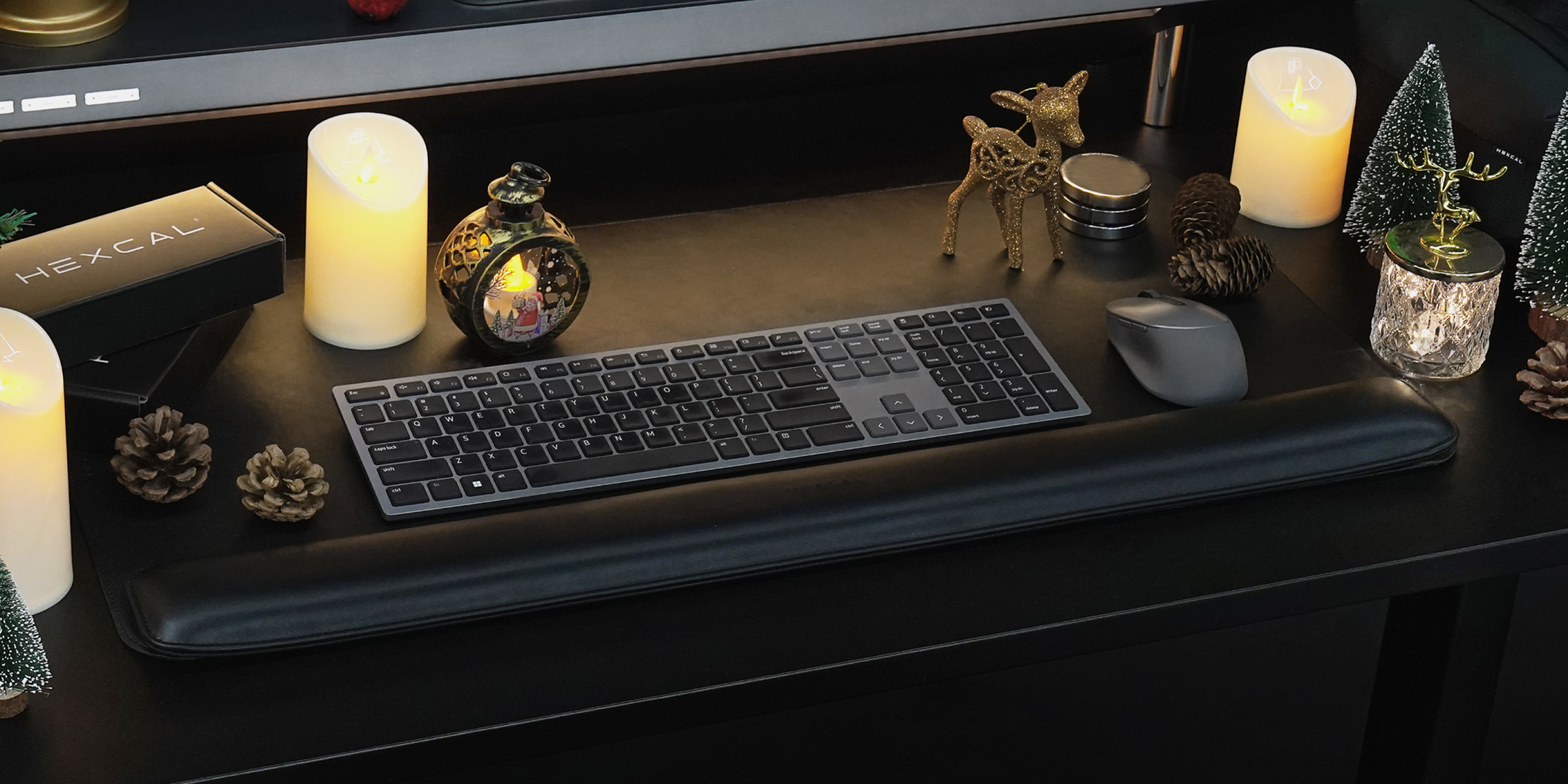
A desk mat paired with a wrist rest makes for the perfect Christmas gift for anyone working from home. Together, they provide an ideal combination of comfort and functionality. While the desk mat protects the desk from scratches and spills, the wrist rest adds a soft, supportive cushion for the wrists, reducing strain during long hours of typing or mouse use. With their thoughtful design and practicality, the desk mat and wrist rest set is a perfect gift to elevate both the aesthetic and comfort of any home office.
4. Art and Decor
Add a touch of personality to their home office with artwork or decor. Inspirational wall art, custom photo frames, or unique desk sculptures can create a welcoming and motivating environment. These pieces can make their workspace feel more like a personal sanctuary.
Conclusion
This Christmas, choose gifts that will make a real difference in the lives of those who love their desk setups or work from home. Thoughtful, practical gifts that enhance productivity, comfort, and style are always appreciated. Whether you go for ergonomic accessories, tech gadgets, or decorative touches, your gift will show how much you value the recipient’s hard work and creativity.