Ultrawide and Dual Monitor Desk Setup Ideas: Plan the Mount Before the Monitor

Most people design an ultrawide setup backwards. They pick a 34-inch curved panel, or a 45-inch LG UltraGear, fall for the immersive product shots, and only think about the stand after the box arrives. By then the decision is already made for them: a bundled foot that eats half the desk, or a generic arm rated for a 27-inch office monitor that now has to hold a panel almost twice the mass. The monitor is the easy part. The thing that decides whether your desk looks engineered or improvised is the mount, and that choice has to come first. If you are already eyeing a wall-spanning panel, the question worth answering before checkout is not "which monitor" but whether your arm can actually carry it. That is exactly where a load-rated mount like the Hexcal Heavy Duty Monitor Arm changes the math.
Key Takeaways
- A 34-to-45-inch ultrawide can weigh 2-3x a standard 27-inch monitor. An arm rated for a 57-inch ultrawide and 27 kg flat load carries it without long-term sag, while a generic 8-9 kg arm slowly droops.
- Confirm your panel's VESA pattern first. Many large ultrawides use 200×200 mm (VESA MIS-F), which entry single-monitor arms do not support; those top out at 100×100 mm.
- For one ultrawide alone, a single heavy-duty arm wins. For an ultrawide plus a portrait or dual-monitor layout, a stacking multi-monitor system beats bolting two single arms together.
- Skip the stand that ships in the box. It fixes height, blocks the desk surface, and is the first thing serious setups remove.
- This plan assumes a solid desktop 10-45 mm thick for clamp mounting. Floating or glass desks need a different approach.
Step 1: Weigh the Panel Before You Pick the Arm
An ultrawide is not just a wider monitor; it is a heavier one, and the weight is the spec that quietly breaks most setups. A typical 27-inch display lands around 5-7 kg with its panel and internals. Push to a 34-inch curved ultrawide and you are often near 9-11 kg. A 45-inch class panel like the LG UltraGear range can run higher still once the curve and stand-mount bracket are included. The arm that held a 27-inch monitor at the correct height in month one is the same arm that has it tilting downward by month six, because the gas spring was tensioned for a load it was never meant to carry.
The failure mode is predictable. An under-rated arm holds a big panel fine on day one, then loses a few degrees of tilt over the following weeks until you are propping the screen up by hand. The fix is to read the load rating, not the price tag. The Hexcal Heavy Duty Monitor Arm is rated for 2-27 kg on flat panels and 2-22 kg on curved ones, with screen support up to 57 inches, built specifically so a 45-inch ultrawide sits at the height you set it and stays there. Match the panel mass to the arm's flat-versus-curved rating before anything else.

Step 2: Confirm the VESA Pattern, Because Big Panels Break Small Arms
Weight is half the compatibility story; the bolt pattern is the other half. VESA's Flat Display Mounting Interface standard defines fixed hole spacings, and large displays climb the ladder. Many mainstream monitors use VESA MIS-D at 100×100 mm, but a lot of 34-to-49-inch ultrawides specify 200×200 mm (VESA MIS-F) or an intermediate 200×100 mm. An entry-level arm built around a 75×75 / 100×100 plate physically cannot bolt to a 200×200 panel, no matter how strong its spring is.
This is the trap behind a cheap "compatible" arm. It lists a weight rating that sounds adequate and never mentions that its plate stops at 100×100 mm. The Hexcal Heavy Duty Monitor Arm covers 75×75, 100×100, 200×100, and 200×200 mm on a single quick-release plate, which is the practical reason it suits large ultrawides: it speaks the bolt pattern those panels actually ship with. Pull your monitor's spec sheet, find the VESA line, and treat any arm that stops below 200×200 as out of contention for a wall-spanning display.

Step 3: One Ultrawide or Two Screens Need Different Hardware
The phrase "ultrawide setup" hides two very different layouts, and they do not use the same mount. A single ultrawide is one heavy load on one arm, a job for a dedicated heavy-duty single mount. A dual-monitor or ultrawide-plus-portrait layout is two loads that have to share desk depth, align at the same eye line, and avoid colliding when you swivel.
Bolting two single arms to the same desk edge is the common mistake here. They compete for clamp space, the swivel arcs overlap, and matching their heights becomes a daily annoyance. For genuine two-, three-, or four-screen layouts, a stacking system is the right tool. The Hexcal Monitor Mount System is designed to carry multiple panels on a shared structure, including a large ultrawide flanked by a vertical secondary screen. Decide your layout before your hardware: one big panel points you at a single heavy-duty arm, two-plus panels point you at a multi-monitor mount.
Step 4: Reclaim the Desk Surface You Paid For
The strongest argument for arm-mounting an ultrawide has nothing to do with the panel and everything to do with the surface under it. A bundled monitor foot for a 34-inch curve can occupy a footprint the depth of a keyboard tray. Lifting that panel onto an arm gives the entire span back as usable desk, room for a notebook, a second input device, or simply negative space, which a wide panel makes scarce fast.
An arm also fixes the posture problem a wide panel creates. With 57 inches of horizontal travel between the far edges of a large ultrawide, a few centimeters of height error compounds into neck strain across an eight-hour day. The Hexcal Heavy Duty Monitor Arm offers a tilt range of +60° to -20° and a swivel of +90° to -90°, so you set the panel to your seated eye line once and adjust by feel afterward. A standing-foot stand cannot do this; its height is whatever the manufacturer decided.

Mount First, Cable Second: The Order That Keeps It Clean
An ultrawide carries one cable more than people expect: power, plus a high-bandwidth display cable, plus any USB-C passthrough the panel runs back to the machine. Routed loosely, those cables sag below the desk edge and undo the clean look the arm just bought you. The sequence that holds up is to mount the panel, set its final height and tilt, and only then route cable through the arm's integrated channel down to a single exit point. Doing it in that order means you never re-run a cable after the screen moves. If wire management is the part that always defeats you, our 3-phase approach to desk cable management is built to pair with exactly this kind of arm-mounted layout.
The same logic explains why drilling is rarely necessary. Both the Hexcal Single Monitor Arm and the heavy-duty version mount by C-clamp on desktops 10-45 mm thick, or by grommet where you have a pass-through hole, so a renter-friendly, no-damage install is the default rather than the exception. If a hole-free mount is your priority, the principles in our guide to mounting a monitor without drilling holes apply directly.

How to Choose: Single Arm vs Heavy-Duty vs Multi-Monitor
The decision collapses to two questions: how heavy is each panel, and how many panels are there. A standard single monitor up to 35 inches and 11 kg is the job of the Hexcal Single Monitor Arm. It carries 3-11 kg on VESA 75×75 or 100×100 and clamps desks up to 80 mm thick, but it deliberately stops short of ultrawide territory. A large or curved ultrawide up to 57 inches is heavy-duty work. Two or more screens is a system problem.
| Setup | Best mount | Load / size | VESA support |
|---|---|---|---|
| Single standard monitor (≤35", ≤11 kg) | Single Monitor Arm | 3-11 kg | 75×75, 100×100 |
| One large/curved ultrawide (≤57") | Heavy Duty Monitor Arm | 27 kg flat / 22 kg curved | up to 200×200 |
| Dual / triple / quad screens | Monitor Mount System | multiple panels, shared base | per-arm VESA |
One honest disclosure: these arms and the mount system are Hexcal's own products. The Single Monitor Arm, Heavy Duty Monitor Arm, and Monitor Mount System are designed and built by us, not third-party picks we are ranking. We list the real boundaries with them on purpose.

Where This Plan Does Not Apply
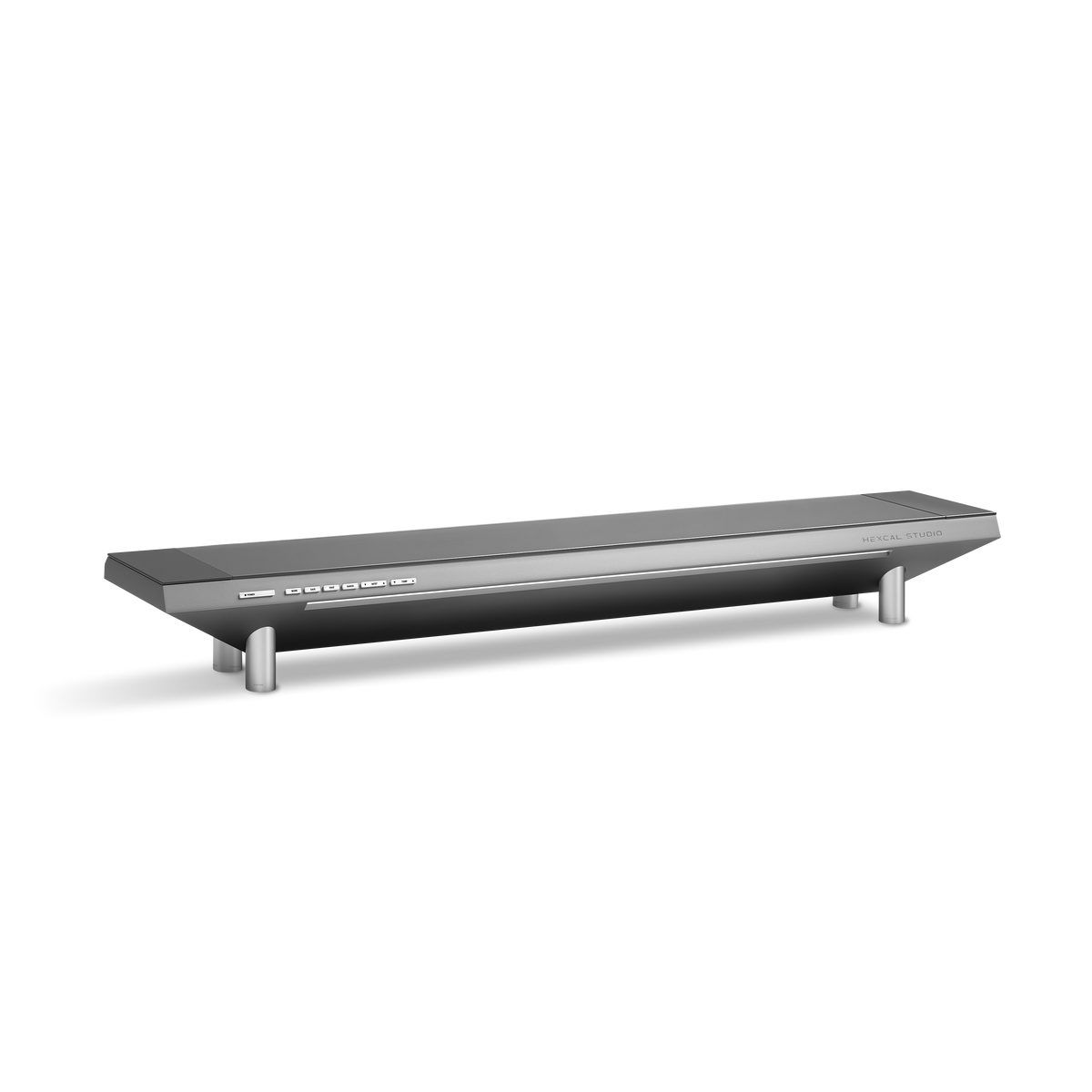
A load-first plan has edges worth naming. The heavy-duty arm officially requires two people for installation, because a 27 kg-rated mount has the mass to match; this is not a one-handed clamp-and-go. It also ships to North America and the EU only. And clamp mounting assumes a rigid desktop between 10 and 45 mm thick. A floating desk with no under-surface, a tempered-glass top, or a panel beyond 57 inches falls outside what these arms are rated to hold safely. Hexcal officially advises against clamping the heavy-duty arm onto a Hexcal Studio shelf as well, for balance reasons.
An ultrawide setup is not a monitor you decorate a desk around; it is a load you engineer a desk to carry. Get the arm right first, rated for the weight, matched to the VESA pattern, sized for one panel or many, and the immersive screen you actually wanted simply sits where you put it. For a single wall-spanning ultrawide, start with the Hexcal Heavy Duty Monitor Arm; for a multi-screen wall, the Monitor Mount System is the structure that holds the whole layout together.
By the Hexcal team.