Kaufberatung für Stehschreibtischgestelle: So lesen Sie die Angaben zu Beinen, Motoren und Traglast

Die Zahl, auf die sich die meisten Menschen bei der Anschaffung eines Stehschreibtischgestells fixieren – die angegebene Tragfähigkeit – ist die am wenigsten nützliche Angabe im Datenblatt. Ein Gestell, das für 150 kg ausgelegt ist, kann bei voller Stehhöhe immer noch ein sichtbares seitliches Wackeln entwickeln, während ein leiseres 160 kg schweres Gestell unter demselben Monitorarm völlig stabil bleibt. Eine Belastbarkeitsangabe sagt Ihnen nur, was ein Gestell bei einem einmaligen vertikalen Push-Test überlebt. Sie sagt fast nichts darüber aus, wie sich die Beine bei 1270 mm mit einer Dual-Monitor-Einrichtung verhalten, die jedes Mal vibriert, wenn Sie tippen. Die richtige Art, ein Stehschreibtischgestell zu beurteilen, ist die Art und Weise, wie ein Bauingenieur einen Balken liest: zuerst die Geometrie der Beine, zweitens das Antriebssystem, zuletzt die Schlagzeilenzahlen.
Dieser Leitfaden führt Sie durch die drei Dinge, die ein Gestell, das ein Jahrzehnt hält, von einem unterscheiden, das wackelig auf dem Bürgersteig landet, sowie durch die Zeilen im Datenblatt und Montageanleitungen, die die meisten Käufer übersehen. Wir beziehen uns auf die ergonomischen und Haltbarkeitsstandards, die Möbelingenieure verwenden, und wir zeigen, wo das Hexcal Elevate Stehschreibtisch Gestell bei jeder Entscheidung einzuordnen ist, damit Sie es mit einer bekannten Referenz abgleichen können.
Wichtige Erkenntnisse
- Beinkonstruktion und Säulenüberlappung sind für die reale Stabilität bei voller Stehhöhe wichtiger als die angegebene Tragfähigkeit.
- Nach ANSI/BIFMA X5.5, dem US-Standard für die strukturelle Festigkeit, Haltbarkeit und Stabilität von Schreibtischen, wird ein Gestell von einem unabhängigen Labor getestet. Fragen Sie nach dieser Konformität, bevor Sie nach der Wattleistung fragen.
- Doppelmotor-Gestelle treiben jedes Bein unabhängig an, was die seitliche Auslenkung bei voller Stehhöhe geringer hält; Einzelmotor-Gestelle teilen sich eine Antriebswelle und verwinden sich unter außermittiger Last stärker.
- ISO 9241-5 erwartet einen nutzbaren Sitz-Steh-Bereich; ein Gestell, das bei 650 mm ganz unten ist oder bei 1200 mm ganz oben, deckt nicht den Bereich von der 5. Perzentile Frau bis zur 95. Perzentile Mann ab.
- Wählen Sie ein schweres Stahl-Doppelmotor-Gestell, wenn Sie mehrere Monitore oder PCs auf dem Schreibtisch verwenden; ein Einzelmotor-Gestell ist für ein Laptop-und-ein-Monitor-Heimsetup mit kleinem Budget ausreichend.

Stufe 1: Beurteilen Sie die Beine, bevor Sie die Tragfähigkeit beurteilen
Ein Stehschreibtischgestell ist eine freitragende Säulenkonstruktion, und die Säule ist der Punkt, an dem die Stabilität steht oder fällt. Die beiden Hubsäulen sind teleskopierbar, typischerweise zwei oder drei ineinandergreifende Stahlsegmente, und die Überlappung dieser Segmente bei voller Ausdehnung bestimmt, wie stark der Schreibtisch wackelt (sich verdreht), wenn Sie sich darauf lehnen. Dreistufige Beine erreichen eine größere maximale Höhe, haben aber bei sonst gleichen Bedingungen eine kürzere Segmentüberlappung als zweistufige Beine, weshalb ein billiges dreistufiges Gestell oben wackeliger sein kann als ein stabiles zweistufiges.
Das Material ist das zweite Anzeichen. Echte tragende Stahlschienen und Ausleger widerstehen den harmonischen Schwingungen, die von Ihrer Tastatur bis zum Monitor reichen; dünnes Aluminium oder gestanzter Stahl verbiegt sich. Der Elevate Stehschreibtisch verwendet Stahlschienen, Ausleger und Stahlbeine, gerade weil das Gestell der Teil ist, den Sie später nicht aufrüsten können. Behandeln Sie das Gestell als Infrastruktur und nicht als ein Wegwerfgerät, das Sie alle zwei Jahre austauschen. Ein Stehschreibtischgestell sollte drei Generationen der darauf stehenden Monitore überdauern.
Wenn Sie ein beliebiges Gestell bewerten, ignorieren Sie das Marketingfoto und suchen Sie nach dem Säulenquerschnitt und der Anzahl der Stufen. Ein rechteckiges oder ovales Säulenprofil widersteht der Torsion besser als ein rundes mit der gleichen Wandstärke, da die flachen Seiten dem Torsionsmoment entgegenwirken, das Wackeln verursacht.

Stufe 2: Einzelmotor vs. Doppelmotor – der wahre Unterschied
Die Frage nach dem Einzel- oder Doppelmotor wird meist auf „Doppelmotor ist besser“ reduziert, was zwar stimmt, aber aus den falschen Gründen. Der Hauptgrund, den Marken anführen, sind Geschwindigkeit und Kapazität. Der Grund, der wirklich zählt, ist die Kraftverteilung. Ein Einzelmotor-Gestell treibt beide Beine von einem Motor über eine gemeinsame Querwelle an, sodass die Hubkraft an einem Punkt entsteht und seitlich übertragen wird. Wenn man eine außermittige Last anlegt, z. B. einen PC-Turm links und nichts rechts, wird diese Welle torsional belastet, was sich bei voller Höhe als Verdrehung bemerkbar macht.
Ein Doppelmotor-Gestell hat einen unabhängigen Motor in jedem Bein. Beide Säulen fahren mit eigener synchronisierter Kraft hoch, was die Bewegung gleichmäßig hält und, was noch wichtiger ist, die seitliche Auslenkung bei voller Stehhöhe geringer hält. Da die Hubkraft direkt jede Säule nach unten geleitet wird, anstatt seitlich durch eine gemeinsame Welle, gibt es keinen Übertragungsmechanismus, der bei einer außermittigen Last Spiel einführen könnte. Der Elevate Stehschreibtisch verwendet ein Doppelmotor-System auf einem Linak Kick & Click-Gestell, bei dem jede Hubsäule unabhängig voneinander arbeitet; ein Ausfall eines Motors blockiert den Schreibtisch nicht mitten im Zyklus, und die Last bleibt ausgewogen.
Hier ist der ehrliche Einwand, den wir nicht verbergen werden: Die Anzahl der Motoren ist kein Ersatz für die Motorqualität. Zwei billige Motoren mit schwachen Getrieben wackeln stärker als ein Premium-Motor, und sie verdoppeln die Elektronik, die ausfallen kann. Wenn Sie zwischen einem hochwertigen Einzelmotor-Gestell und einem Spar-Doppelmotor-Gestell zum gleichen Preis wählen, gewinnt oft der Einzelmotor. Doppelmotor ist die richtige Wahl, wenn die Antriebskomponenten selbst stabil sind, nicht als Kontrollkästchen.

Stufe 3: Die Tragfähigkeitsangabe entschlüsseln, ohne sich täuschen zu lassen
Die Tragfähigkeit ist eine reale Zahl, aber sie beschreibt die horizontale Nutzlast auf einer ebenen Tischplatte in einem kontrollierten Test, nicht die dynamische Stabilität, nicht die außermittige Belastung, nicht das Verhalten bei voller Ausdehnung. Ein Gestell, das für 160 kg ausgelegt ist, wie der Elevate Stehschreibtisch, ist für ebene Tischbedingungen mit einem Sicherheitsspielraum für den täglichen Gebrauch spezifiziert. Dieser Spielraum ist der entscheidende Punkt. Ein Gestell, das weit unter seiner Nennleistung belastet wird, hat strukturellen Spielraum, während ein Gestell, das mit oder über einer niedrigen Nennleistung betrieben wird, keinen hat, obwohl es sich immer noch bewegt.
Die Angabe, die tatsächlich die Langlebigkeit vorhersagt, ist die Haltbarkeitsprüfung, nicht die Spitzenkapazität. ANSI/BIFMA X5.5 ist der US-Standard für die strukturelle Festigkeit, Haltbarkeit und Stabilität von Schreibtischen und Tischen, und ein höhenverstellbares Gestell, das diesem entspricht, wurde von einem unabhängigen Labor und nicht von einer Marketingabteilung zyklisch und belastungstechnisch getestet. Ein Gestell, das diesen Test besteht, hat gezeigt, dass es kein fortschreitendes Wackeln entwickelt, wenn eine Säule schneller verschleißt als die andere. Fragen Sie einen Anbieter nach der BIFMA-Konformität, bevor Sie nach der Spitzenleistung fragen; die Haltbarkeitsprüfung sagt Ihnen, ob das Gestell für ein Jahrzehnt Gebrauch oder ein Jahr leichter Beanspruchung gebaut ist.

Passen Sie den Höhenbereich an echte Körper an
Ein Stehschreibtischgestell verdient seinen Namen nur, wenn sein Verstellbereich sowohl Ihre sitzende als auch Ihre stehende ergonomische Höhe abdeckt. ISO 9241-5, der Standard für Arbeitsplatzgestaltung und Haltungsanforderungen, fordert eine Verstellbarkeit, die Benutzer von der 5. Perzentile Frau bis zur 95. Perzentile Mann abdeckt, zuzüglich Zwischenhaltungen für Sitzen, Stehen und Anlehnen. Im Klartext: Das Gestell muss tief genug herunterfahren, damit ein kleinerer Benutzer mit den Ellbogen in einem neutralen Winkel sitzen kann, und hoch genug fahren, damit ein größerer Benutzer in diesem gleichen Winkel stehen kann.
Die OSHA-Anleitung für Computerarbeitsplätze konzentriert sich darauf, die Ellbogen sowohl im Sitzen als auch im Stehen in einem neutralen, ungefähr 90-Grad-Winkel zu halten, weshalb das untere Ende des Verstellbereichs eines Gestells genauso wichtig ist wie das obere Ende. Ein Gestell mit einem Verstellbereich von 620 bis 1270 mm, dem Bereich des Elevate Stehschreibtisches, deckt den größten Teil dieser Bevölkerung ab, während ein Gestell, das bei 700 mm am tiefsten Punkt ist, kleinere Benutzer im Sitzen zu hoch positioniert. Überprüfen Sie die minimale Höhe genauso sorgfältig wie die maximale; die meisten Datenblätter prahlen damit, wie hoch ein Schreibtisch fährt, und verschweigen stillschweigend, wie tief er herunterfährt.

Das Datenblatt, entschlüsselt
Sobald Sie wissen, was jede Zeile bedeutet, ist ein Datenblatt keine Zahlenwand mehr, sondern ein Entscheidungsinstrument. Hier erfahren Sie, wie Sie die wichtigen Spezifikationen übersetzen, mit dem Elevate Stehschreibtisch als Referenzspalte, damit Sie konkrete Werte zum Vergleich haben.
| Spezifikation auf dem Blatt | Was sie Ihnen tatsächlich sagt | Elevate Referenz |
|---|---|---|
| Anzahl der Motoren | Kraftverteilung und Redundanz, nicht nur Geschwindigkeit | Doppelmotor, unabhängig pro Bein |
| Säulenstufen | Max. Höhe im Verhältnis zur Segmentüberlappung und Steifigkeit | Überlappung bei voller Ausdehnung prüfen |
| Säulenprofil / Material | Torsionswiderstand; rechteckiger oder ovaler Stahl schlägt rund | Stahlschienen, Ausleger und Beine |
| Tragfähigkeit | Statische horizontale Nutzlast, nicht dynamische Stabilität | 160 kg, ebene Tischplatte, mit Spielraum |
| Höhenbereich | Ob es für sitzende und stehende Positionen für echte Körper passt | 620 bis 1270 mm |
| Hubgeschwindigkeit | Komfortspezifikation; sinkt proportional unter Last | 38 mm/s unbeladen |
| Geräuschpegel | Langzeit-Lebensqualität bei voller Ausdehnung | ≤40 dB |
| Steuerungssystem | Eine benannte Steuerbox signalisiert dokumentierte Technik | Linak CBD6S mit Antikollisions-Tischsensor |
| Rahmenhardware | Schraubengüten sind ein Indikator für strukturelle Ernsthaftigkeit | M5×15mm Rahmenschrauben, M6×16mm Füße |
Das Muster in dieser Tabelle ist konsistent: Jede Spezifikation ist eigentlich eine Frage danach, wie sich der Rahmen unter einer realen Last bei voller Höhe verhält, nicht eine Zahl, mit der man isoliert prahlen kann. Lesen Sie sie so, und die Marketing-Headline-Kapazität fällt dorthin, wo sie hingehört, ans Ende der Liste.

Die Spezifikationen, die sich im Montagehandbuch verstecken
Einige der aufschlussreichsten Details zu einem Stehschreibtischgestell finden sich nie auf der Produktseite; sie stehen im Montagehandbuch. Die Hardware-Güteklasse ist ein Indikator für die technische Ernsthaftigkeit. Das Elevate-Gestell beispielsweise ist mit M5×15mm-Schrauben für die Rahmenmontage und M6×16mm-Schrauben an den Füßen verschraubt, und sein Steuerungssystem basiert auf der Linak CBD6S-Steuerbox mit einem Antikollisions-Tischsensor, der Neigung während der Bewegung erkennt und umkehrt, um Schäden zu vermeiden. Ein Gestell, das Schraubengüten und eine benannte Steuerbox angibt, ist ein Gestell, dessen Hersteller die strukturelle Berechnung durchgeführt hat.
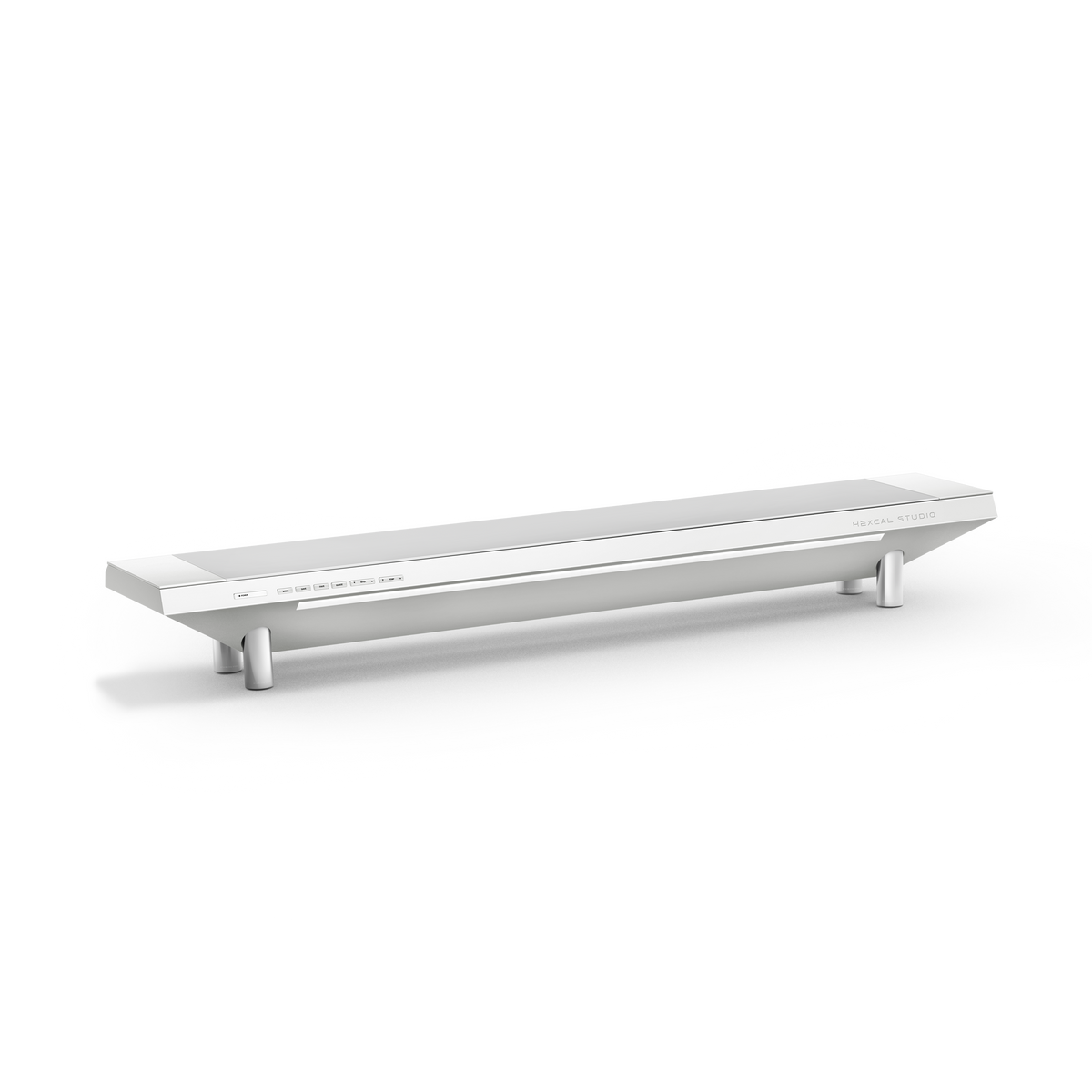
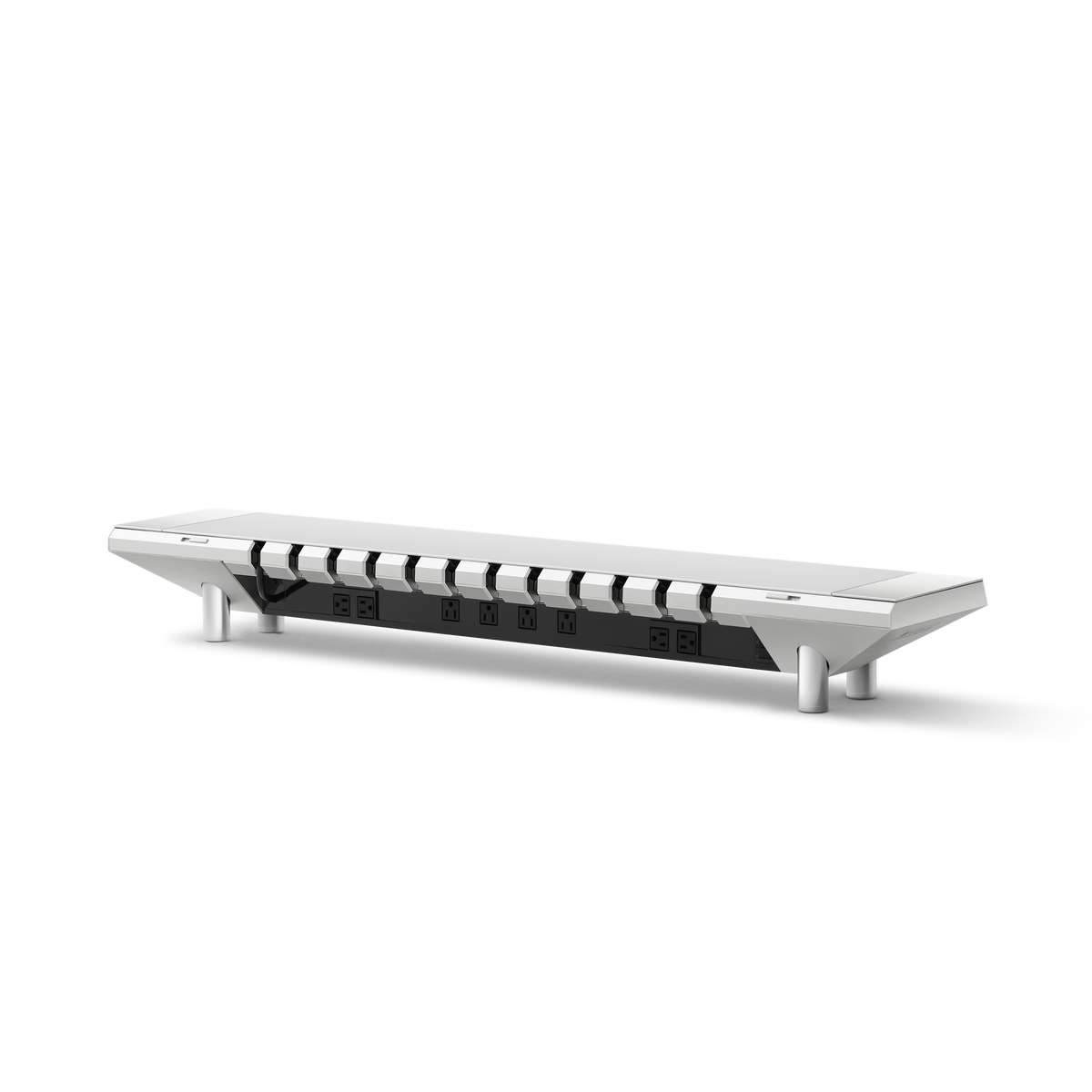
Zwei weitere Rahmenfunktionen zahlen sich über Jahre statt Tage aus. Vormontierte Gewindeeinsätze an der Unterseite der Tischplatte ermöglichen die rahmenlose Montage ohne Bohren und ermöglichen das Zerlegen und Wiederzusammenbauen, ohne das Holz beim Umzug zu beschädigen. Integrierte Kabelkanäle, die die Motorkabel führen, halten die Unterseite des Schreibtisches sauber; die Kombination des Gestells mit einer organisierten Oberfläche wie dem Hexcal Studio eliminiert das Kabeldurchhängen, das einen sauberen Rahmen in einen Kabelsalat verwandelt, genau wie ein diszipliniertes Kabelmanagement für den Rest des Schreibtisches. Die Hubgeschwindigkeit ist die Spezifikation, die Menschen überbewerten: 38 mm/s unbelastet sind in Ordnung, und denken Sie daran, dass die tatsächliche Geschwindigkeit unter Last proportional abnimmt, sodass ein auf dem Papier „schnelles“ Gestell langsamer ist, sobald es Ihre Ausrüstung trägt.
Kurzreferenz: Entscheidungsmatrix Einzelmotor vs. Doppelmotor
| Entscheidung | Einzelmotor-Gestell | Doppelmotor-Gestell (z.B. Elevate) |
|---|---|---|
| Kraftübertragung | Ein Motor, gemeinsame Welle | Unabhängiger Motor pro Bein |
| Typische Tragfähigkeit | ~100 bis 120 kg | ~160 kg und mehr |
| Auslenkung bei voller Höhe | Höher unter außermittiger Last | Geringer; Kraft wird direkt jede Säule nach unten geleitet |
| Am besten für | Laptop und ein Monitor, Budget-Heimgebrauch | Mehrere Monitore, PC auf dem Schreibtisch, lange Sitzungen |
| Einschränkung | Verdreht sich unter ungleichmäßiger Last | Mehr Elektronik; Qualität muss real sein, kein Kontrollkästchen |
Ein Gestell ist eine langfristige Entscheidung, investieren Sie also Ihre Aufmerksamkeit dort, wo sie sich lohnt. Wenn Ihr Setup aus einem einzelnen Laptop und einem Bildschirm besteht, ist ein gut gemachtes Einzelmotor-Gestell ein ehrlicher Wert, und wir werden Ihnen nichts Teureres aufschwatzen. Wenn Sie zwei Monitore, einen Desktop-PC oder einfach einen Arbeitsplatz wünschen, der sich auch 2036 noch solide anfühlt, ist ein schweres Stahl-Doppelmotor-Gestell wie der Elevate Stehschreibtisch das Geld wert; die Kombination mit einem ergonomischen Sitz wie dem Hexcal Inspire Chair vervollständigt die sitzende Hälfte des ISO 9241-5 Haltungsbereichs. Zwei Offenlegungen, ganz klar: Elevate, Studio und Inspire Chair sind von Hexcal entwickelte Produkte, keine Drittanbieter-Auswahlen, die wir objektiv zu bewerten vorgeben; und keine dieser Rahmenlogiken gilt für einen wandmontierten schwebenden Schreibtisch, der überhaupt keine Teleskopbeine zur Bewertung hat. Ein Stehschreibtischgestell ist keine Funktion, die man kauft; es ist das Fundament, auf dem alles andere steht.
Vom Hexcal Team.