The Standing Desk with a Drawer: Why Integrated Storage Beats the Bolt-On Reflex

When a desk moves, the storage on top of it stops being storage. A stapler, a charging cable, a notebook, anything that was not anchored the moment the desk crossed its sit-stand threshold ends up in the keyboard tray, the monitor shelf, or on the floor. The conventional answer is an aftermarket under-desk drawer: a box that hangs from a clamp. We think that answer is wrong. The storage problem of a moving desk is not a hardware problem; it is an interface problem. The fix is not a better bolt-on box. It is a standing desk designed to host storage.
This guide is for anyone shopping for a standing desk with drawer storage and tired of seeing the same clamp-on boxes in every comparison chart. We use the Hexcal Elevate Standing Desk as the running case study because its design shows what integration looks like when a desk is treated as infrastructure rather than furniture. If you are weighing the Elevate, an aftermarket drawer, or a competitor's bundle, the four-stage framework below tells you which configuration is worth the money.
Key Takeaways
- Most "standing desk with drawer" products are not integrated; they are aftermarket boxes clamped to a desk that has no idea a drawer exists.
- An integrated standing desk solves the problem at the interface: preinstalled threaded inserts, a 160 kg frame load rating, and dual-motor (Kick & Click) stability through full travel. The Hexcal Elevate accepts its matching under-desk drawer with no drilling, using the included Screw A.
- The framework does not apply to floating, glass-top, or curved-front desks; it assumes a flat wooden underside at least 25 mm thick.
- For a cheap desk with no published under-desk spec, a bolt-on drawer is the honest answer. Do not pay extra for "integrated" copy that is just a clamp-on box with a brand name.

Stage 1: Define the Storage Problem a Moving Desk Actually Has
Almost every "standing desk with drawer" article treats storage as a volume question: how many liters, how deep, how many dividers. Volume is the wrong axis. The real problem is that the storage has to survive three forces at once: vertical travel across the full height range, lateral sway at motor startup, and the user's hand knocking against it when sitting. A drawer that solves for volume but not those forces is just a more organized way to spill its contents every time the desk moves.
The difference between a drawer that stays put and one that does not is rarely the drawer itself. It is the connection. A clamp is an interface fight between two surfaces that were never designed to know about each other, and over months of sit-stand cycles it can micro-loosen. A pre-drilled threaded insert is a single shared mechanical ground. On the Hexcal Elevate, the matching under-desk drawer bolts into preinstalled inserts on the underside, so it is fastened to the desk, not pinched onto it.
Most competitors ship a desk with no under-desk interface, then sell a drawer as an add-on with a clamp that works around the crossbar. If you cannot see a hole pattern or a published under-desk clearance number in the spec sheet, the storage is being added on, not built in.

Stage 2: Audit the Interface, Pre-Drilled Inserts vs Clamp-On
This checklist separates a real standing desk with built-in drawer storage from a desk with a drawer hanging off it. Four signals, in order.
Signal 1: Pre-drilled pilot holes on the underside. The Elevate ships with preinstalled threaded inserts, and the matching drawer mounts into them with the included Screw A. Desks that sell storage as a caster cart or a clamp box have no insert pattern, because the crossbar takes that space. Wood plus steel is integration in marketing copy; wood plus steel plus a matching insert pattern is integration in metal.
Signal 2: A load rating you can map to a loaded drawer. The Elevate's 160 kg rating is a horizontal payload, lifted by dual motors (Kick & Click by Linak) at 38 mm/s; the matching drawer is rated for 10 kg of contents. Both numbers together let you reason about the system: the drawer's load sits well inside the frame's margin. A vendor that publishes only a vague frame capacity, with no separate drawer rating, has not engineered the two parts together.
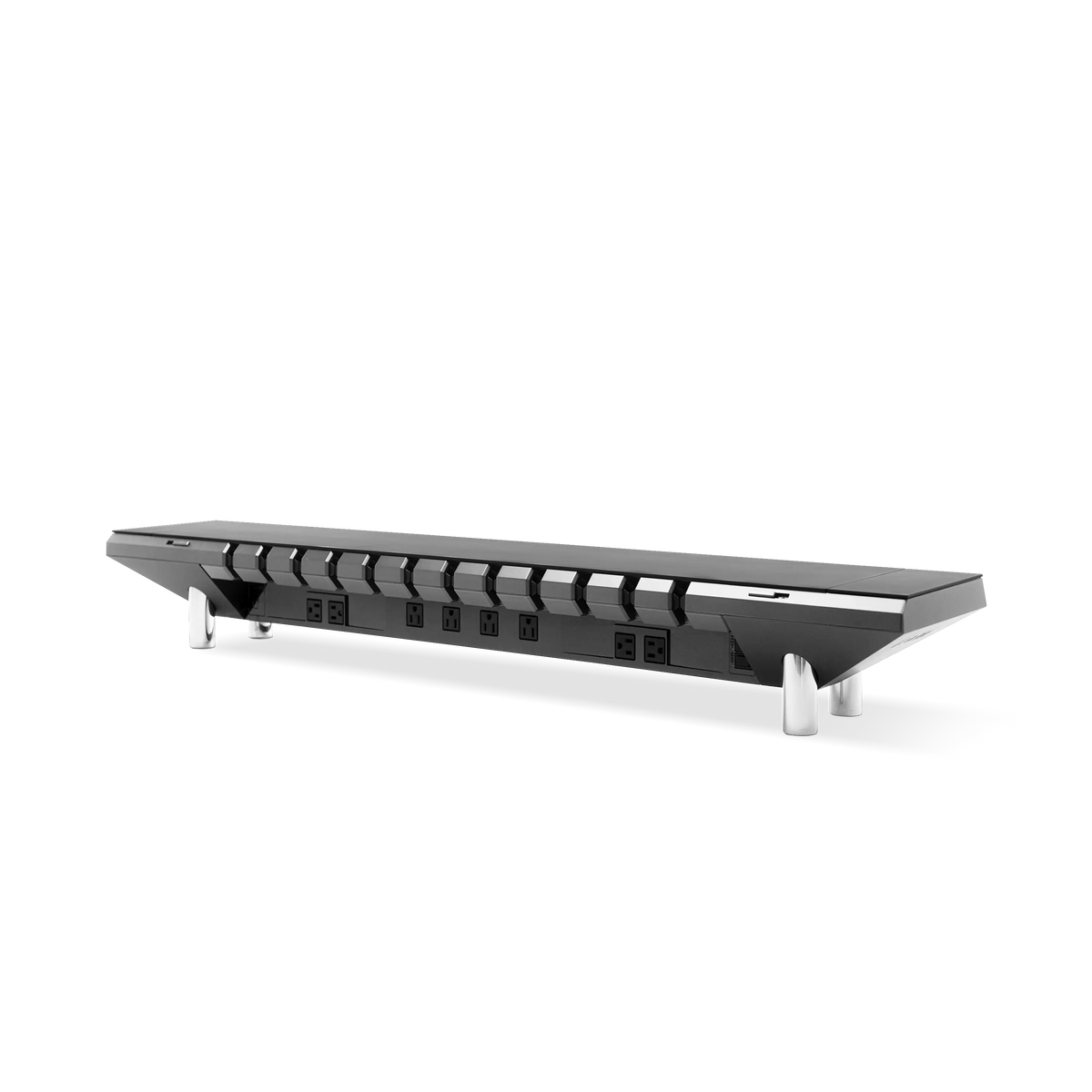
Signal 3: A cable path that shares the drawer route. The Elevate's under-desk cable tray uses a 406 to 476 mm screw spacing, the same it shares with a compatible PDU. When the tray and the drawer mount on the same plane, they coexist instead of fighting for airspace. Most competitors solve cabling with adhesive raceways on the back leg, which works until you install a drawer in front of them.
Signal 4: An anti-collision system that protects a loaded frame. The Elevate's Desk Sensor detects tilt and soft or hard obstacles during motion and reverses immediately. An off-center drawer load is exactly the asymmetry a tilt sensor is built to catch. A page that only says "whisper-quiet" tells you nothing about how the desk behaves with a loaded accessory below.

Stage 3: Decide Between Integrated and Modular, The Honest Trade-Off
The choice is not "integrated good, modular bad." It is which interface cost you absorb. There are three honest configurations.
Configuration A: Fully integrated, single SKU. A desk whose drawer is part of the chassis, usually a wood-and-steel executive product. The upside is zero installation. The downside is that the drawer you ship with is the drawer you live with; you cannot upgrade to a soft-close or a felt-lined tray, and spare parts are tied to the vendor. For users who want one SKU and never want to touch a hex key, this is the right answer.
Configuration B: Modular desk with matching accessory. The Hexcal Elevate Standing Desk plus the matching under-desk drawer. The desk ships with a pre-drilled insert pattern; the drawer bolts into it with the included Screw A. The drawer is rated for 10 kg, enough for keyboards, cables, and a small notebook rather than a filing system, so the desk stays well inside its rating, and you can swap the tray later. The cost is two SKUs and a few minutes of install.
Configuration C: Clamp-on universal drawer. A third-party drawer that grips the front edge of any desk. It works on a cheap desk from anywhere, which is its point. But the clamp fights the crossbar, can micro-loosen, and shows up in every photo, a visible infrastructure failure for a minimalist setup. For a desk with no published under-desk spec, this is the honest option. Do not spend more on a clamp-on drawer than the desk it bolts to.
Configuration B is the sweet spot where the desk is expected to last years rather than seasons. The infrastructure cost is paid once; the drawer can be replaced, upgraded, or removed without retiring the desk.
Stage 4: Install the Integrated Configuration Without a Service Call
For Elevate owners who chose Configuration B, the install uses the included hardware and needs no drilling.
Step 4.1: Lower the desk to its minimum height. The Elevate's range runs 620 to 1270 mm; the low end gives clearance to reach the underside. If the desk is freshly assembled, power it on first and let the Control Box (CBD6S) self-calibrate.
Step 4.2: Locate the pre-drilled insert pattern. You will see the preinstalled threaded inserts the matching accessories use, the same ones that accept the under-desk cable tray, which is why the two can share one plane.
Step 4.3: Position the drawer and hand-thread the screws. Lift the drawer into place from the front, line its holes up with the inserts, and hand-thread the included Screw A, sized for the Elevate's pilot holes. The alternate Screw B self-taps into other wooden desks.
Step 4.4: Tighten evenly and run a full sit-stand cycle. Snug the screws in a cross pattern so the drawer sits flat, then run the desk through its full range with a light test load. If the Desk Sensor reverses mid-travel, the load is tilting; re-check that every screw is seated and run the cycle again.
Step 4.5: Plan the under-desk layout before adding the cable tray. Because the tray and the drawer share one plane, route the drawer in front and the cable tray behind it. Put the tray in front and it shadows the drawer handle, so you reach around it every day.

What This Framework Does Not Cover
The audit and the Configuration A / B / C model assume a desk you already own or are about to buy. Three cases fall outside it.
Floating and wall-mounted drop-leaf desks. These have no continuous under-desk surface; a clamp-on drawer is the only option, and even then the load is capped by the wall mount.
Curved-front or glass-top desks. The insert model assumes a flat wooden underside at least 25 mm thick. Glass tops have no insert path, and curved fronts give no flat plane for a rail pattern. For these, the options are a Configuration C clamp-on or a separate floor-standing cabinet.
Standing-desk converters that sit on a fixed desk. These have no under-desk structure of their own; the drawer, if any, clamps to the host desk. The honest fix is usually a real height-adjustable desk rather than a converter plus a clamp.
Anti-Consumerism Note: Why We Skip the "Smart Drawer"
There is a growing category of "smart" under-desk drawers with biometric locks, USB hubs, and LED interior lighting. We do not recommend them, for structural reasons rather than taste. A biometric lock is one more thing to fail between you and your own keyboard. An always-on LED driver adds standby draw for no working benefit. A built-in USB hub dates faster than the desk it hangs under, and you cannot upgrade it without replacing the whole drawer. The storage problem of a moving desk is mechanical, not digital.
Compare that to a plain mechanical stack: the Elevate's matching under-desk drawer bolting into the same pre-drilled inserts the cable tray uses. No firmware, no standby load, nothing that ages out of date. Spend spare budget on something that compounds in daily use, such as a sturdier monitor mount, rather than a light show inside a drawer. Storage under a standing desk is infrastructure, not a gadget, and infrastructure outlives the gadgets.

Final Thoughts: A Standing Desk with a Drawer Is a System, Not a Bundle
Remember one sentence: a standing desk with drawer storage is a system, not a bundle. The drawer is not the product; the interface between the drawer and the desk is. If that interface is a clamp, you bought a box that happens to attach to a desk. If it is a pre-drilled insert pattern, you bought a desk designed to host a drawer, and the cable tray, and the next accessory that does not exist yet.
For Hexcal Elevate owners, the matching under-desk drawer and cable tray are the answer. The Elevate's preinstalled insert pattern, 160 kg frame rating, dual-motor Kick & Click frame, ≤40 dB lift, and Desk Sensor anti-collision give the system a margin a clamp-on box cannot match. For users on a different desk, run the audit before you buy: pre-drilled inserts, a load rating you can map to a real drawer, a shared cable path, and an anti-collision system separate a desk built to host a drawer from one you are merely trying to host a drawer on.
By the Hexcal team. The Elevate Standing Desk, the matching under-desk drawer, and the cable tray are Hexcal products designed and manufactured by us. The framework applies to any height-adjustable desk; the Stage 4 install sequence is specific to the Elevate. For more on how the cable tray and the drawer share the under-desk plane, see our guide on the engineering approach to a clean workspace and our under-desk drawer buyer's guide.