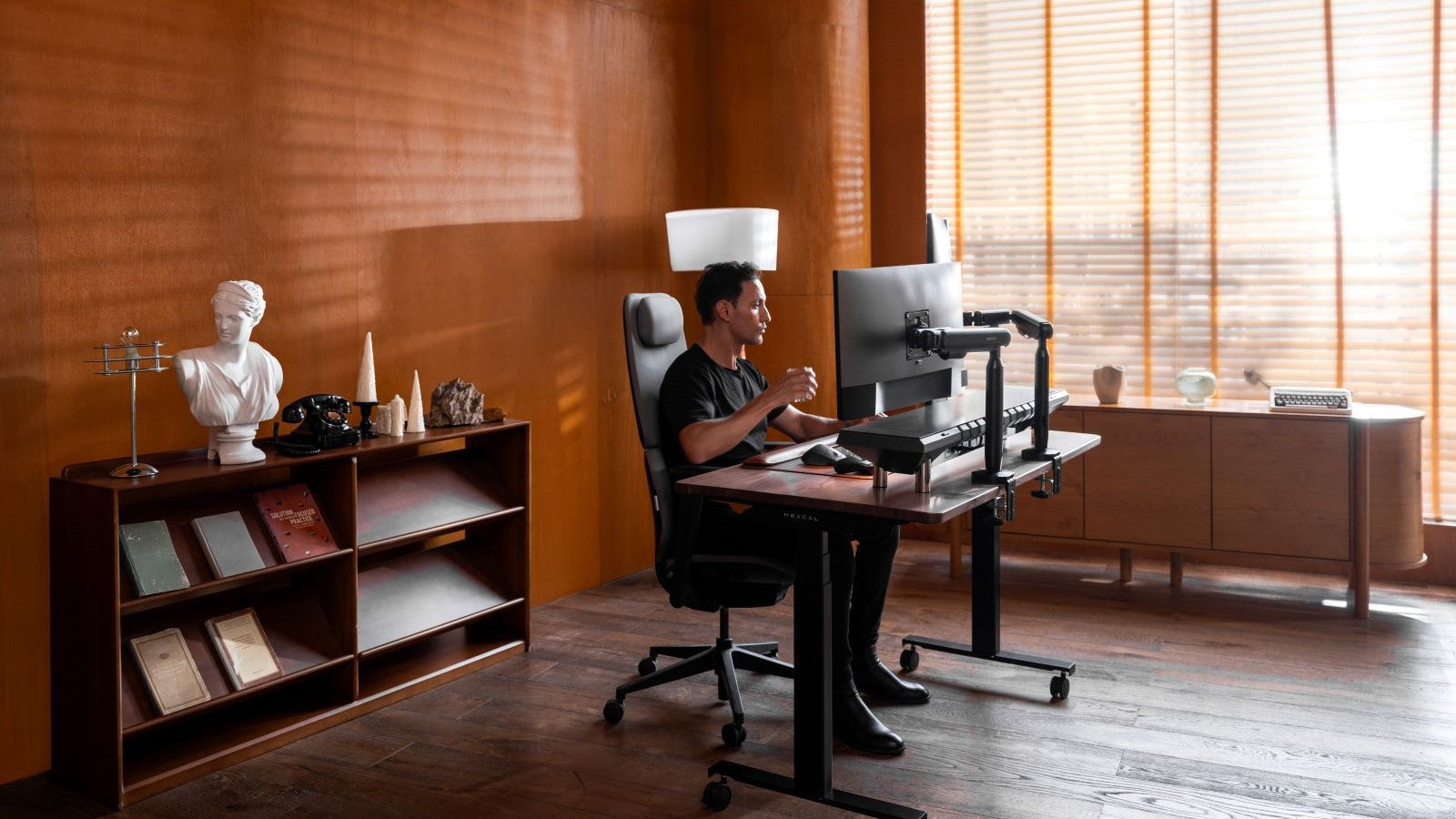
Der perfekte Weihnachtsgeschenk-Ratgeber für alle, die ihren Schreibtisch optimal einrichten und im Homeoffice arbeiten
The holiday season is the perfect opportunity to show your loved ones how much you care with a thoughtful, meaningful gift. Whether you're shopping for a friend, family member, or colleague, finding the right Christmas present can feel exciting but also overwhelming. At Hexcal, we believe the best gifts are those that combine practicality, personal touch, and a bit of style. Whether your recipient is a desk setup enthusiast or a remote worker, we’ve got you covered with gift ideas that are sure to bring joy and enhance their workspace.
Inhaltsverzeichnis
Perfekte Geschenke für alle, die ihren Schreibtisch perfekt einrichten
2. Ergonomisches Zubehör
3. Organizer für technische Geräte
4. Dekorative Schreibtischaccessoires
Die besten Weihnachtsgeschenkideen für Homeoffice-Mitarbeiter
1. Höhenverstellbarer Stehschreibtisch
2. Ergonomischer Bürostuhl
3. Schreibtischunterlagen-Set
4. Kunst und Dekoration
Fazit
Perfekte Geschenke für alle, die ihren Schreibtisch perfekt einrichten
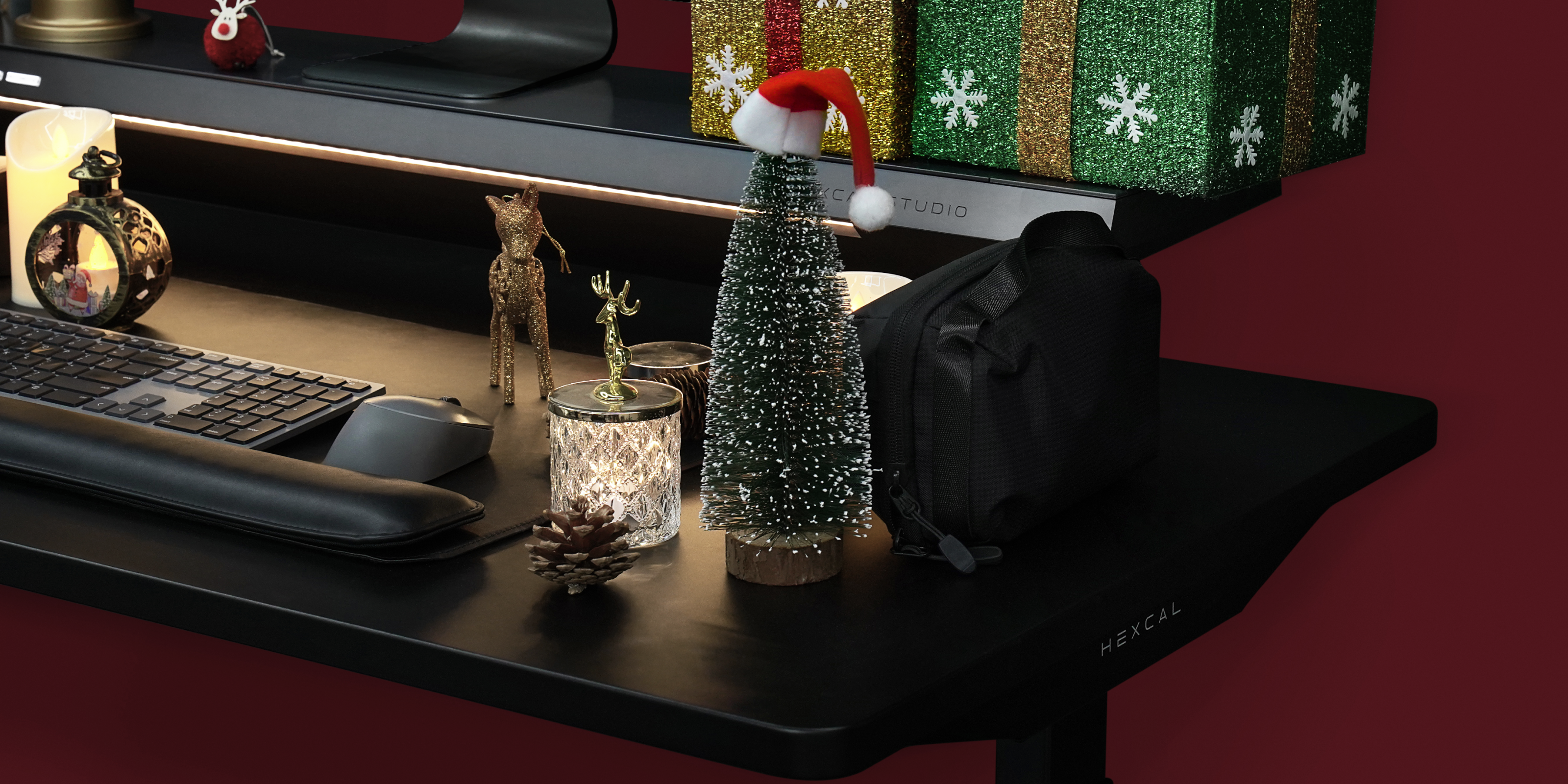
If you’re shopping for someone who’s obsessed with creating the perfect desk setup, there are plenty of great options that will elevate their workspace. Here are some ideas that will bring joy and function to their desk this holiday season:
1. Monitor Stand with Cable Management System
A tidy workspace makes all the difference for both productivity and aesthetics. Help your loved one keep their cables organized with sleek cable management solutions like cable clips, sleeves, or boxes. These items help eliminate clutter, creating a cleaner and more efficient desk setup.For a truly innovative option, consider Hexcal Studio, a minimalist cable management system that integrates seamlessly into any workspace. It supports up to 14 devices and comes with built-in cable management, helping to keep wires organized and out of sight—without sacrificing style.

Hexcal Studio™
2. Ergonomisches Zubehör
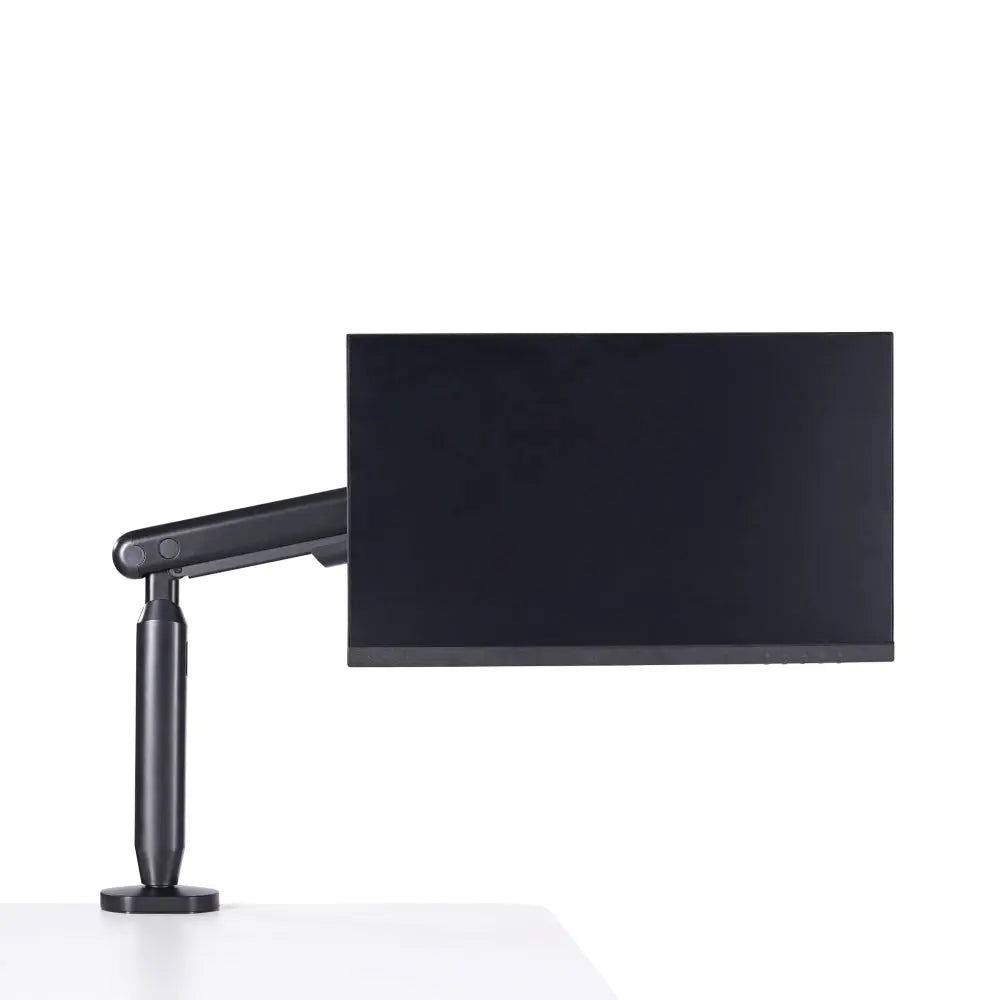
Einzelner Monitorarm
3. Tech Gadgets Organizer
The Hexcal Tech Gadget Pouch is the perfect gift for desk setup lovers who value organization and functionality. This sleek, portable pouch offers a stylish solution for storing chargers, headphones, cables, and other tech essentials, helping to reduce clutter and keep everything within reach. It’s a gift that will help them maintain a clean, efficient workspace while keeping their devices ready for use at all times.
Top-Weihnachtsgeschenkideen für Homeoffice-Mitarbeiter
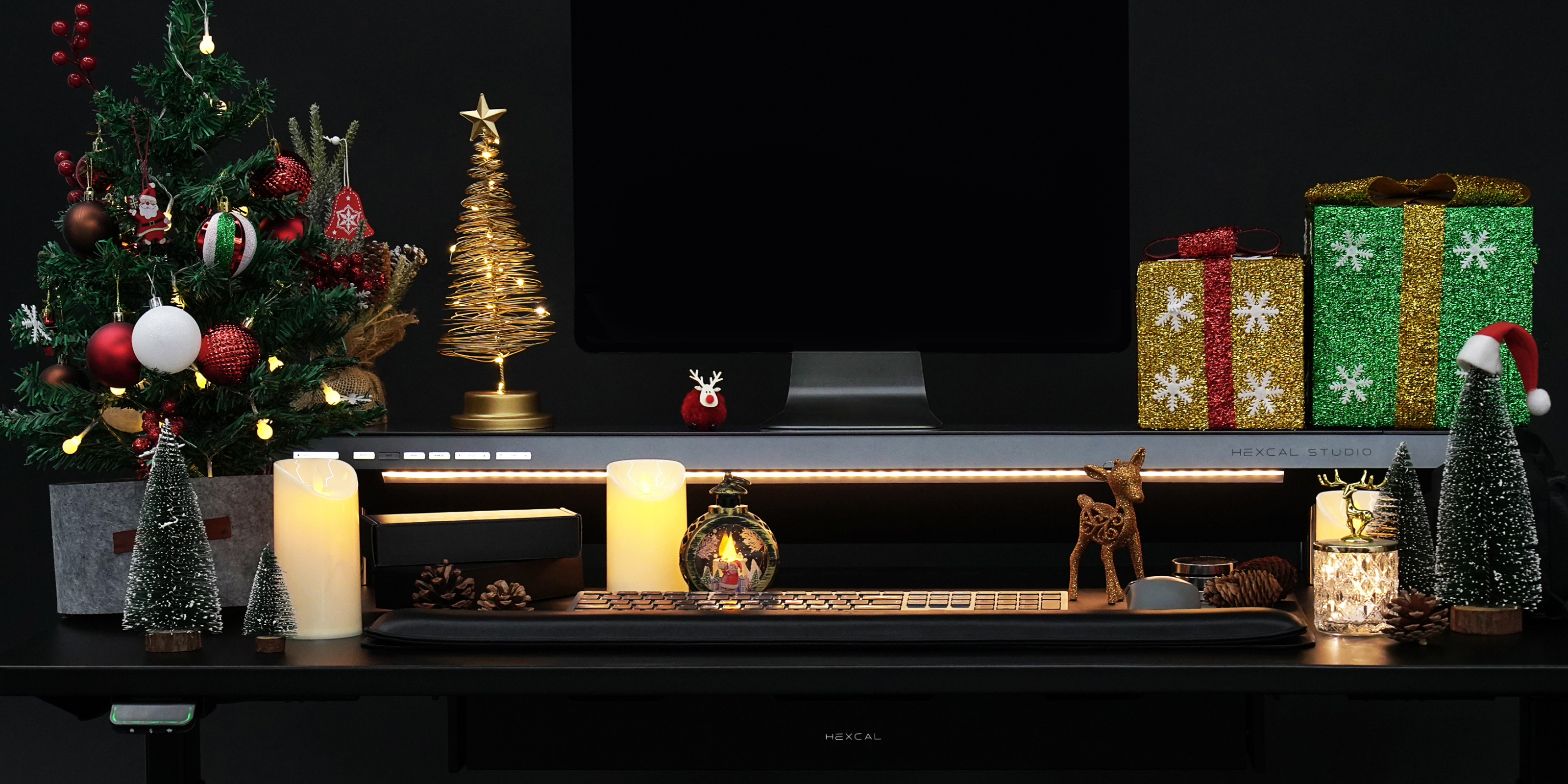
If you’re shopping for someone who works from home, here are some ideas that will improve their comfort and productivity while making their workspace a little more festive:
1. Adjustable Standing Desk
Standing desks are a game-changer for improving posture and reducing fatigue. The Hexcal Elevate Standing Desk allows users to adjust their desk height with ease, offering a flexible solution for both sitting and standing throughout the day. It’s an excellent gift for someone looking to boost energy and productivity.
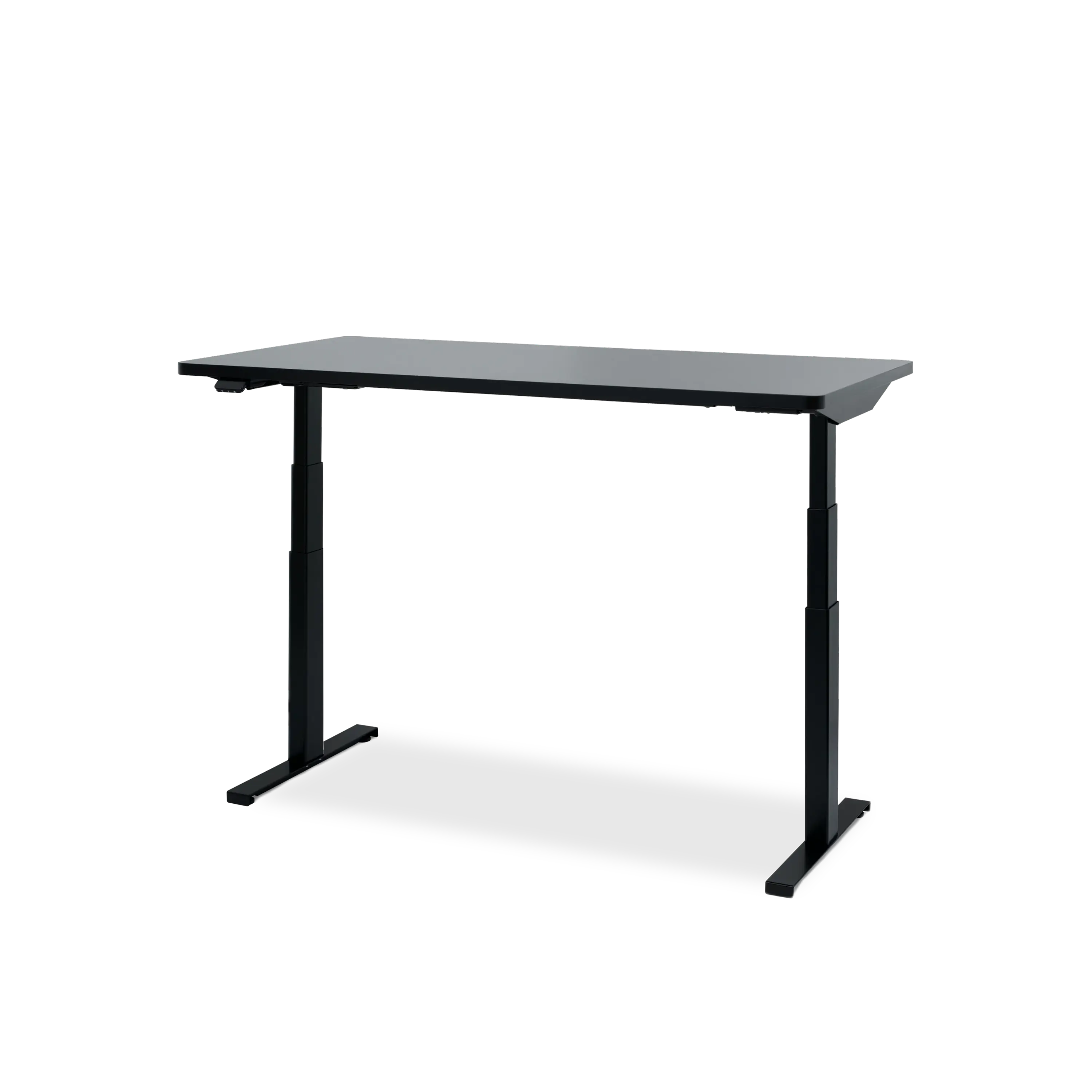
Hexcal Elevate Stehpult
2. Ergonomischer Bürostuhl
Ein guter Bürostuhl ist die Grundlage für jeden komfortablen und produktiven Arbeitsplatz. Der Hexcal Inspire Chair ist die perfekte Wahl: Er bietet optimale Unterstützung der Wirbelsäule und ein elegantes Design, das sich nahtlos in jedes moderne Homeoffice einfügt. Ein Geschenk, das den Komfort und die Haltung spürbar verbessert.

Hexcal Inspire Stuhl
3. Schreibtischunterlagen-Set
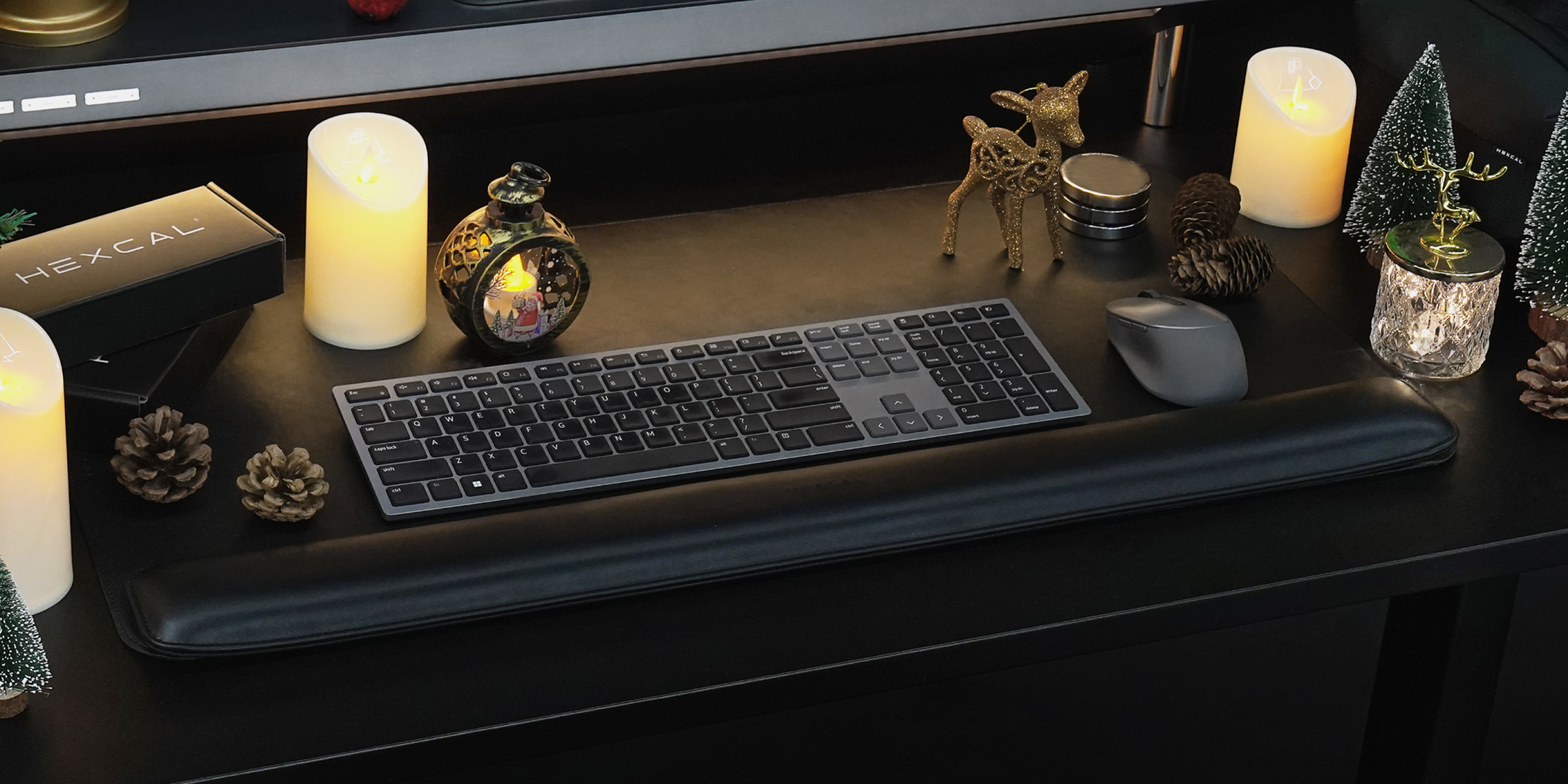
Eine Schreibtischunterlage mit passender Handgelenkauflage ist das perfekte Weihnachtsgeschenk für alle, die im Homeoffice arbeiten. Zusammen bieten sie die ideale Kombination aus Komfort und Funktionalität. Die Schreibtischunterlage schützt den Schreibtisch vor Kratzern und Flecken, während die Handgelenkauflage die Handgelenke weich und stützend entlastet und so die Belastung bei langem Tippen oder der Nutzung der Maus reduziert. Dank ihres durchdachten Designs und ihrer praktischen Eigenschaften ist das Set aus Schreibtischunterlage und Handgelenkauflage ein perfektes Geschenk, um die Ästhetik und den Komfort jedes Homeoffice zu verbessern.
Fazit
Wählen Sie dieses Weihnachten Geschenke, die das Leben derer, die ihren Arbeitsplatz lieben oder im Homeoffice arbeiten, wirklich bereichern. Durchdachte, praktische Geschenke, die Produktivität, Komfort und Stil fördern, kommen immer gut an. Ob ergonomisches Zubehör, technische Gadgets oder dekorative Kleinigkeiten – mit Ihrem Geschenk zeigen Sie, wie sehr Sie die harte Arbeit und Kreativität des Beschenkten wertschätzen.