Ideas para configurar una oficina en casa en espacios pequeños: un plan de 3 zonas

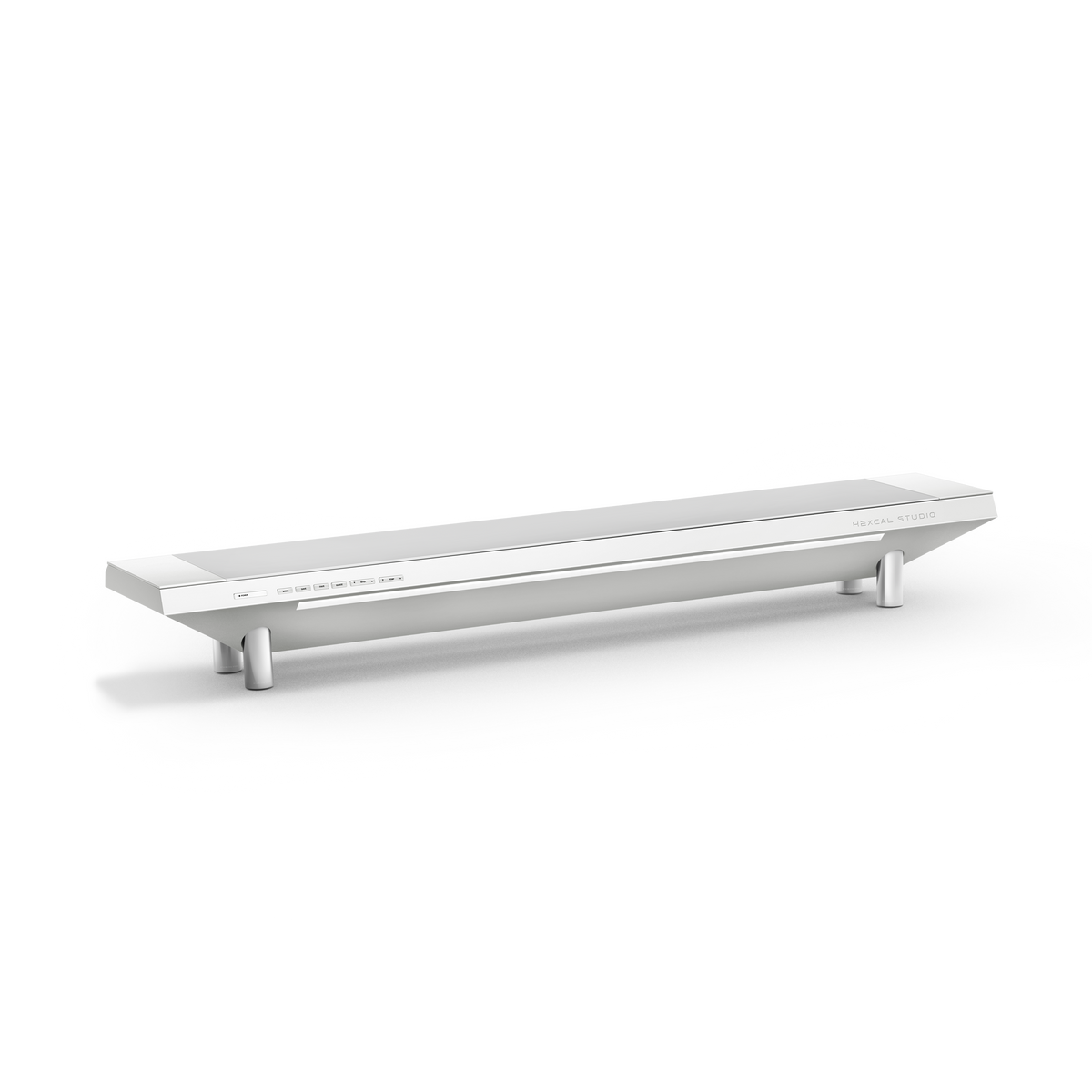
Cuando una oficina en casa tiene que caber en un rincón de un dormitorio o en una franja de la sala de estar, el consejo estándar es comprar más pequeño: un escritorio diminuto, una silla compacta, un mini monitor. Eso reduce lo incorrecto. Un espacio pequeño no es un problema de mobiliario; es un problema de diseño. Meter equipos de tamaño insuficiente en un espacio reducido da como resultado un espacio de trabajo abarrotado y desordenado, porque el problema real era que cada función luchaba por la misma superficie plana. Las ideas de configuración de oficinas en casa que realmente funcionan en espacios pequeños hacen lo contrario de reducir: estratifican la habitación verticalmente y agrupan varias funciones en una sola pieza de hardware, de la misma manera que una plataforma como Hexcal Studio integra la energía, la iluminación y la gestión de cables en un solo espacio en lugar de tres.
Conclusiones clave
- Planifique en tres zonas, no por metros cuadrados: una zona de trabajo, una zona vertical y una zona de energía, cada una con reglas diferentes en una habitación pequeña.
- Mantenga la superficie de trabajo profunda, no pequeña. La herramienta electrónica de estaciones de trabajo de computadora de OSHA establece la distancia de visualización preferida del monitor entre 20 y 40 pulgadas (aproximadamente 50 a 100 cm), por lo que un escritorio necesita profundidad para ser ergonómico.
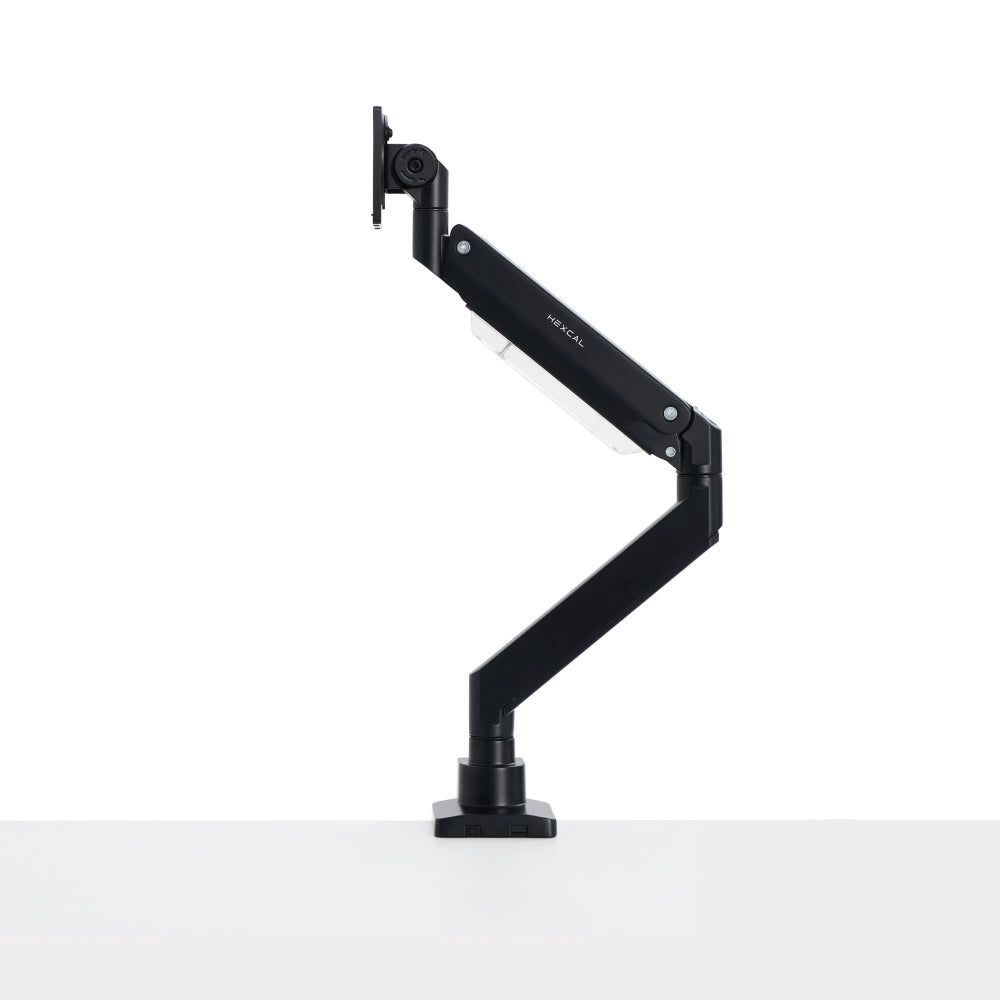
- Vaya verticalmente para recuperar el suelo: un brazo de monitor eleva la pantalla del escritorio y alcanza el ángulo de visión descendente de 15 a 20 grados de OSHA sin un soporte que ocupe espacio.
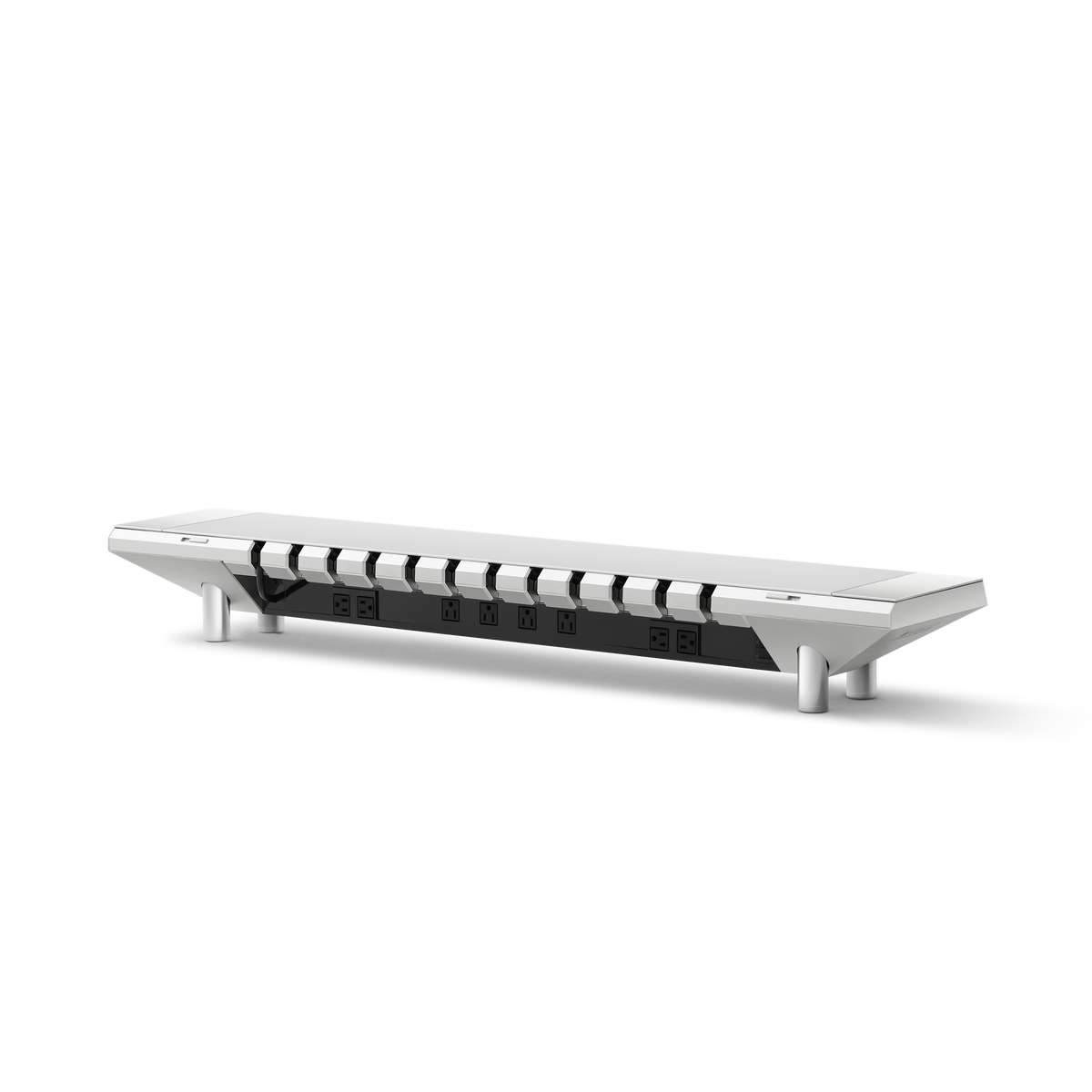
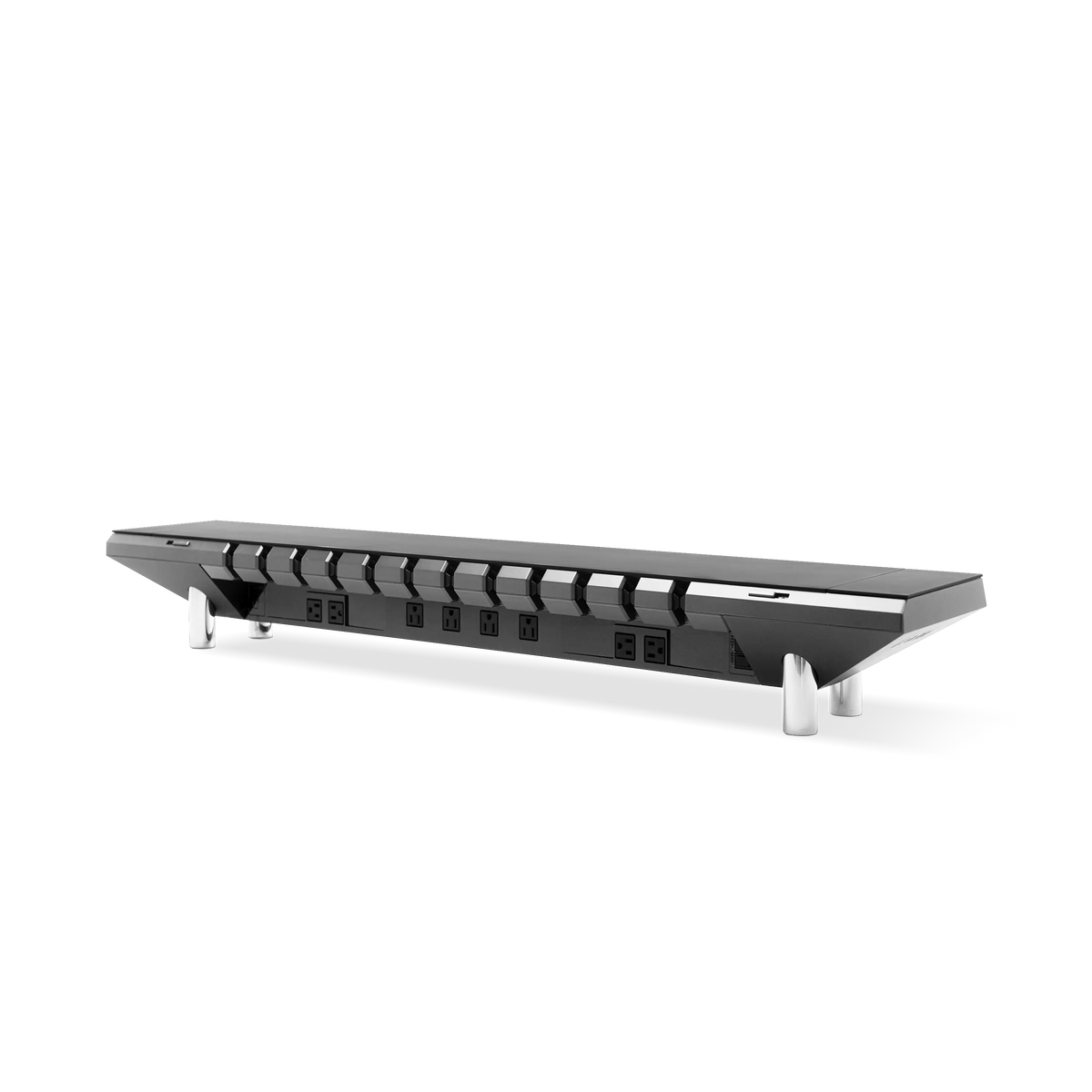
- Consolide la energía en una sola fuente. El Hexcal Studio ofrece 1,440W de energía distribuida con protección contra sobrecorriente, eliminando las regletas de suelo con las que tropiezan las pequeñas oficinas.
- Quiénes deberían omitir esto: habitaciones sin pared o borde de escritorio para montar, y estaciones compartidas que utilizan tres o más monitores que necesitan una huella más amplia de lo que proporciona una plataforma.
Por qué los espacios pequeños necesitan un plan de zonas, no cosas más pequeñas
Un espacio de trabajo abarrotado falla en la atención antes de fallar en la comodidad. El modelo de competencia sesgada de la atención visual (Desimone y Duncan) describe cómo los objetos que compiten por el mismo campo de visión suprimen el procesamiento del otro en la corteza visual, por lo que un escritorio apilado con equipo agota silenciosamente el enfoque que se propuso utilizar. La solución es un espacio mejor organizado. Es por eso que las ideas más sólidas para la configuración de una oficina en casa en habitaciones pequeñas comienzan asignando a cada función su propia zona en lugar de dejar que todo se acumule en una sola superficie.
Tres zonas cubren una oficina pequeña: la zona de trabajo (la superficie y las pocas cosas que permanecen en ella), la zona vertical (todo lo que levanta del suelo y del escritorio) y la zona de energía (donde entra la electricidad y cómo se encamina). Trátelos como problemas separados y una esquina de cuatro por cuatro pies puede albergar un espacio de trabajo que se siente el doble de su tamaño.

Zona 1: la superficie de trabajo, recupere la profundidad, no la reduzca
El reflejo en una habitación pequeña es un escritorio diminuto. La mejor opción es una superficie de profundidad normal mantenida despejada, porque la profundidad es lo que le permite colocar el monitor a una distancia saludable. La herramienta electrónica de estaciones de trabajo de computadora de OSHA recomienda una distancia de visualización del monitor de 20 a 40 pulgadas (aproximadamente 50 a 100 cm) y un escritorio lo suficientemente profundo como para mantener la pantalla al menos a 20 pulgadas de sus ojos. Una superficie demasiado poco profunda lo obliga a acercarse más y le tensa los ojos, sin importar lo ordenada que se vea la habitación. OSHA recomienda de 20 a 28 pulgadas de espacio vertical para las piernas (altura) debajo del escritorio, por lo que el espacio debajo de la superficie importa tanto como el espacio encima de ella.
Mantenga la superficie profunda y despejada, luego empuje el desorden a otra parte, la misma disciplina detrás de una buena configuración de escritorio minimalista que cambia las herramientas visibles por un plano abierto. Un marco de escritorio de pie como el Elevate Standing Desk se ajusta a este resumen: su superficie mide de 0.6 a 0.8 m de profundidad (24 a 31 pulgadas), lo suficiente para satisfacer esa regla de distancia de visualización, mientras que el Hexcal Studio absorbe la energía, los cables y la iluminación para que la superficie de trabajo permanezca abierta en lugar de oculta.

Zona 2: Vaya verticalmente para recuperar el suelo
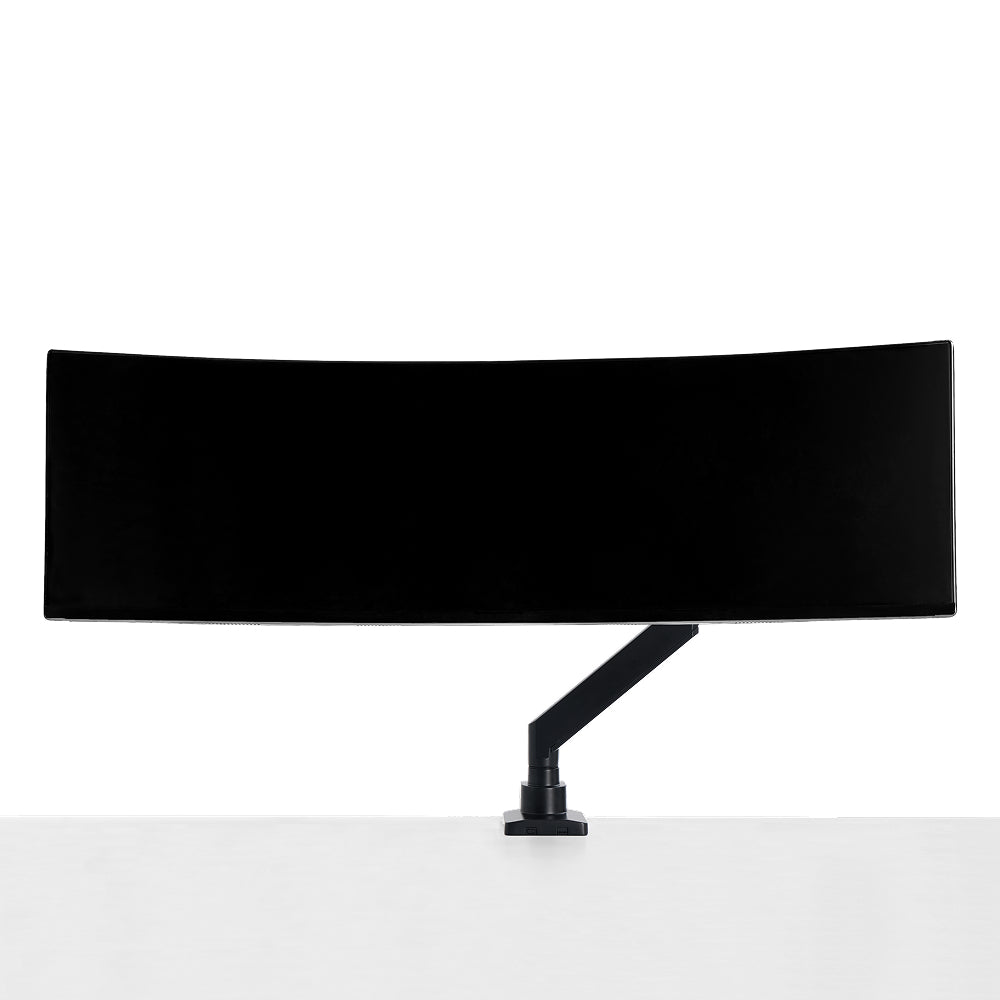
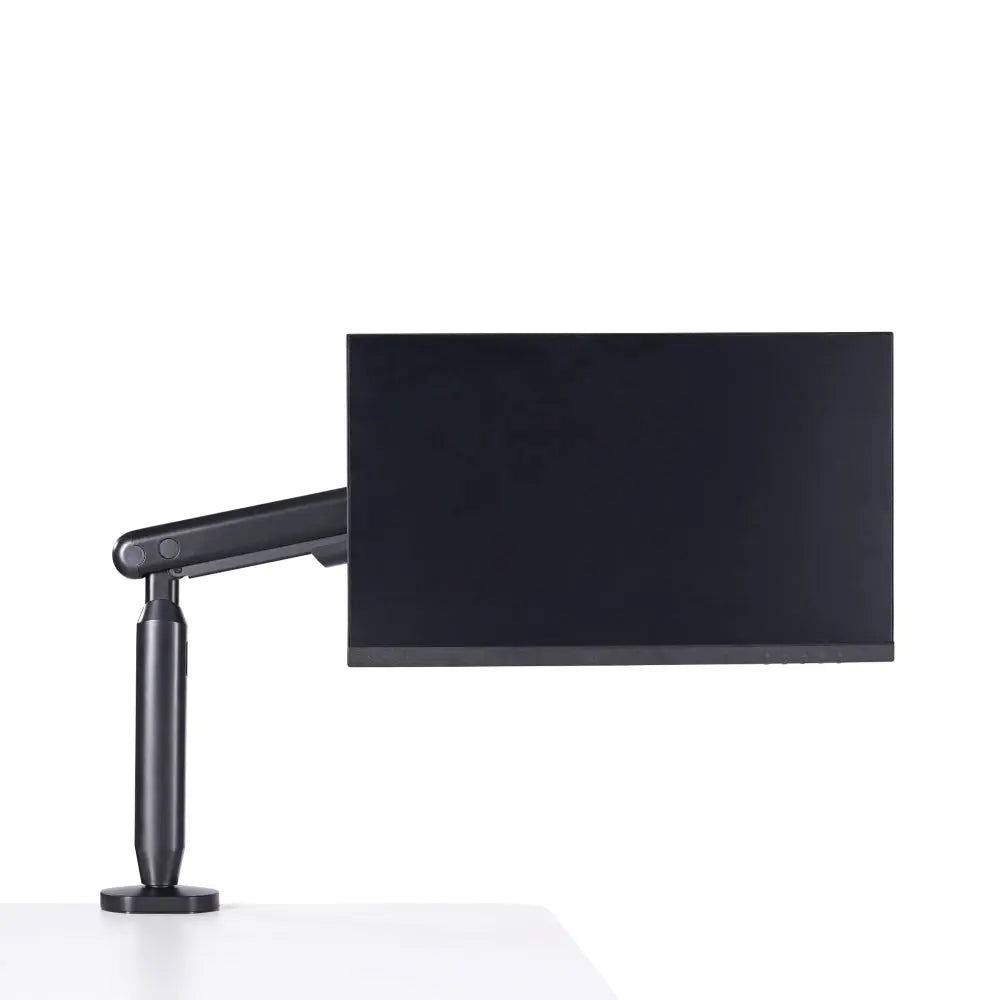
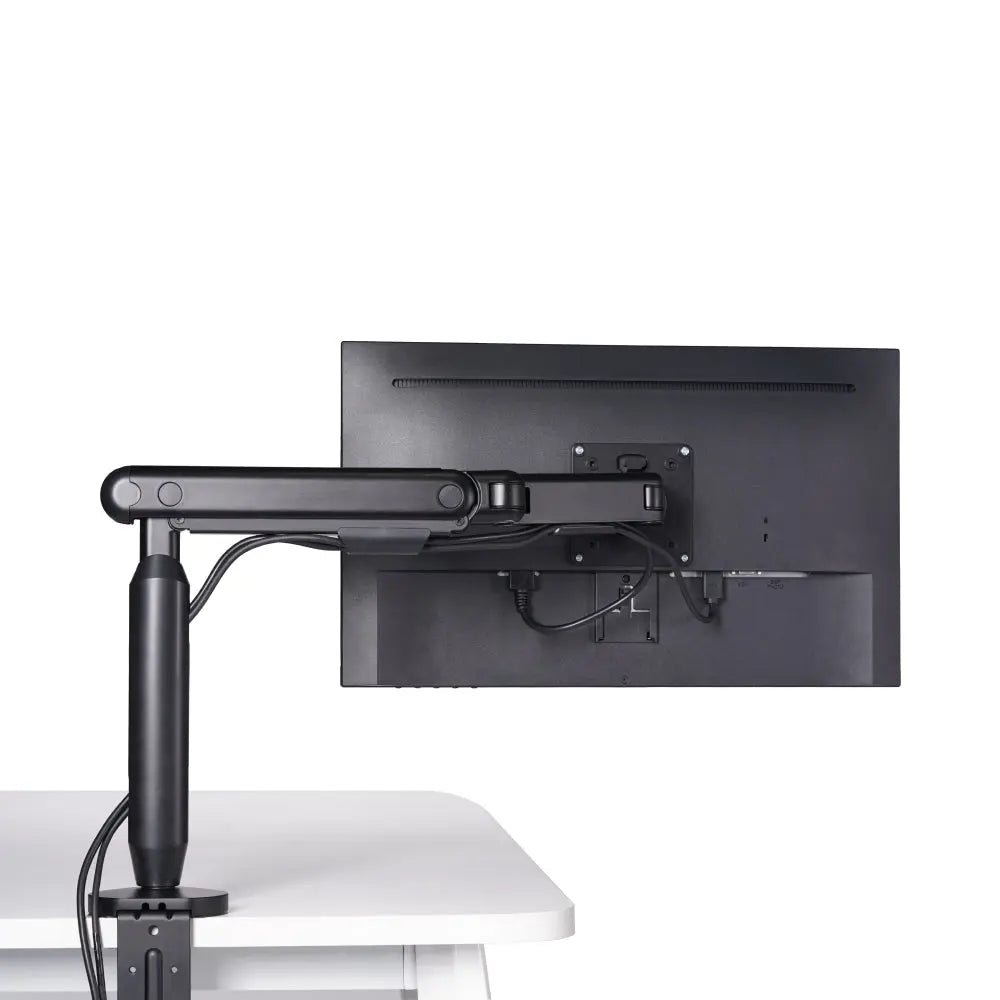
En una oficina pequeña, el suelo y el escritorio son sus dos recursos más escasos, por lo que la regla es directa: todo lo que pueda abandonar el plano horizontal, debería hacerlo. El monitor es el mayor infractor. Un soporte estándar coloca la pantalla en el espacio principal directamente frente a usted, mientras que un brazo de monitor lo despeja por completo. El brazo de monitor individual Hexcal soporta pantallas de hasta 35 pulgadas y de 3 a 11 kg (6.6 a 24.2 lbs) en VESA de 75x75 o 100x100 mm, con inclinación de +60°/-60°, giro de +90°/-90° y un alcance de 483 mm (19"). Ese rango le permite alcanzar el cómodo ángulo de visión de OSHA de 15 a 20 grados por debajo de la horizontal, la alineación que un soporte incorporado demasiado bajo no puede alcanzar.
El pensamiento vertical se extiende al propio escritorio. El Elevate Standing Desk se eleva de 620 a 1,270 mm, por lo que puede trabajar de pie cuando la habitación es demasiado estrecha para empujar una silla hacia atrás, y la guía de OSHA favorece cambiar de postura regularmente en lugar de mantener una posición todo el día. Levante lo que pueda del plano y la habitación pequeña se abrirá.

El kit de herramientas para espacios pequeños: móntelo, dóblelo, guárdelo verticalmente
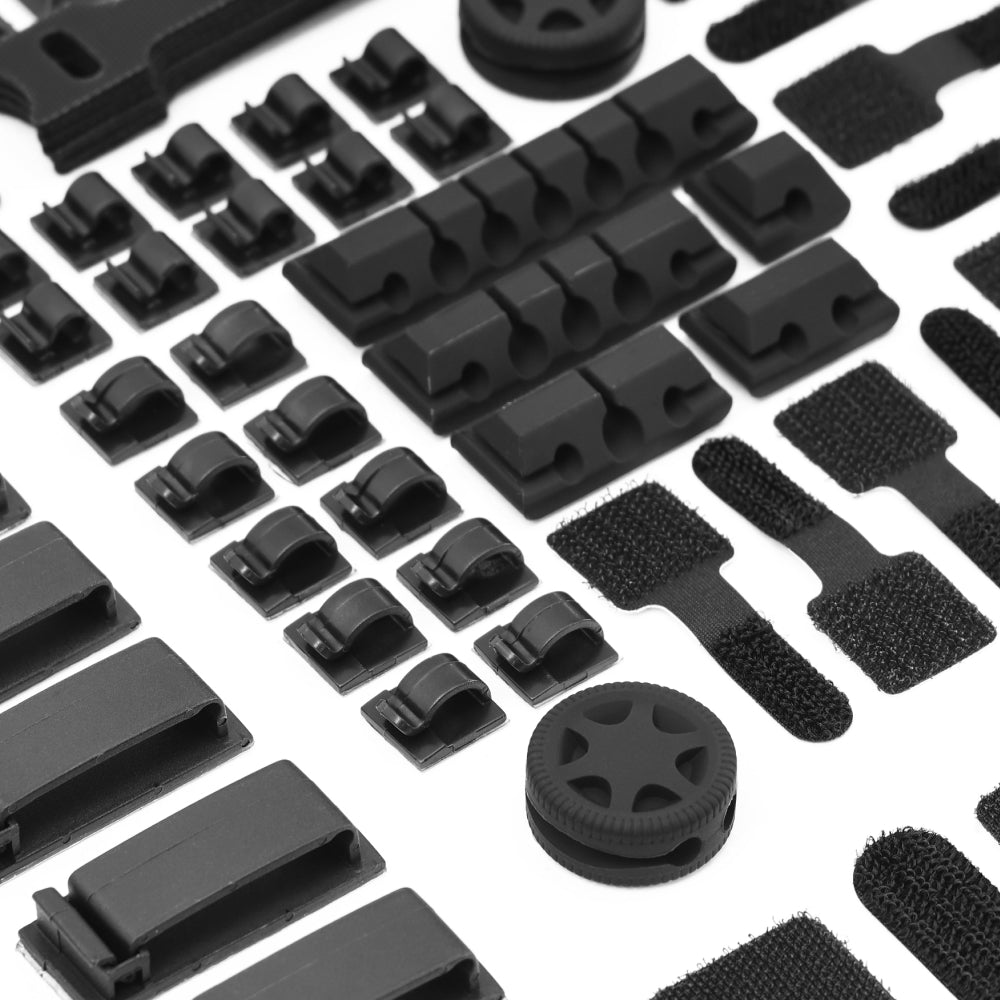
Más allá del monitor, tres movimientos recuperan la mayor cantidad de espacio por pie cuadrado. Montar: el brazo de monitor individual se sujeta a un escritorio de 10 a 80 mm de grosor o se inserta a través de un orificio de ojal de 10 a 35 mm de grosor, de modo que la pantalla flota y el espacio que ocupa debajo desaparece. Doblar y guardar: reserve la superficie para el trabajo activo y mueva todo lo pasivo debajo de ella, donde el almacenamiento debajo del escritorio, como una bandeja para cables o un cajón poco profundo, guarda cables y suministros fuera del plano visible. Enrutar verticalmente: envíe la energía y los datos por una pata del escritorio en lugar de por el suelo.
Aquí es también donde la disciplina importa. La esquina de los espacios pequeños de Internet está llena de organizadores plegables de moda y minidispositivos que prometen arreglar una habitación estrecha y se convierten en desorden en una temporada. Nosotros no construimos de esa manera. Una oficina pequeña que se mantiene funcional se ensambla a partir de unas pocas piezas duraderas e integradas compradas una vez y conservadas durante años, no de un cajón de compras impulsivas. Perseguir el gadget del mes es la forma en que una oficina pequeña termina más abarrotada de lo que empezó.
Zona 3: Una fuente de alimentación, enrutada fuera de la vista
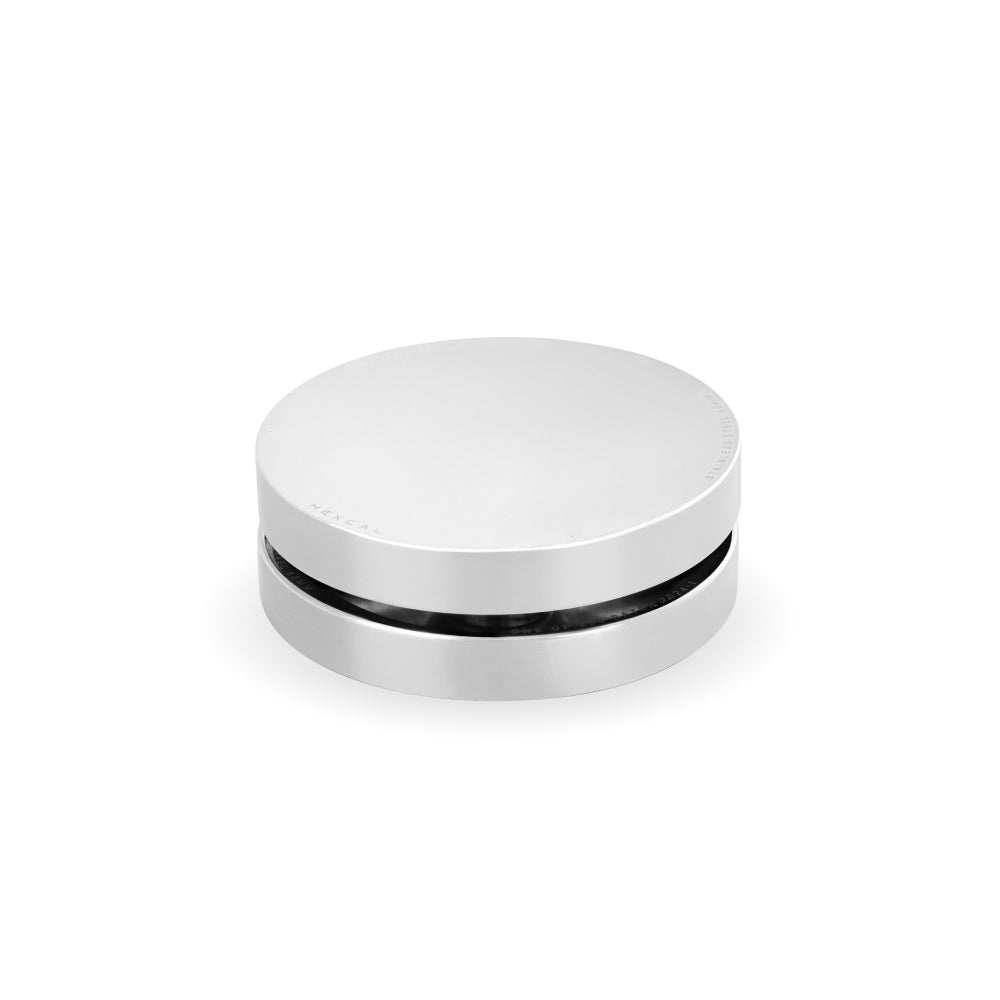
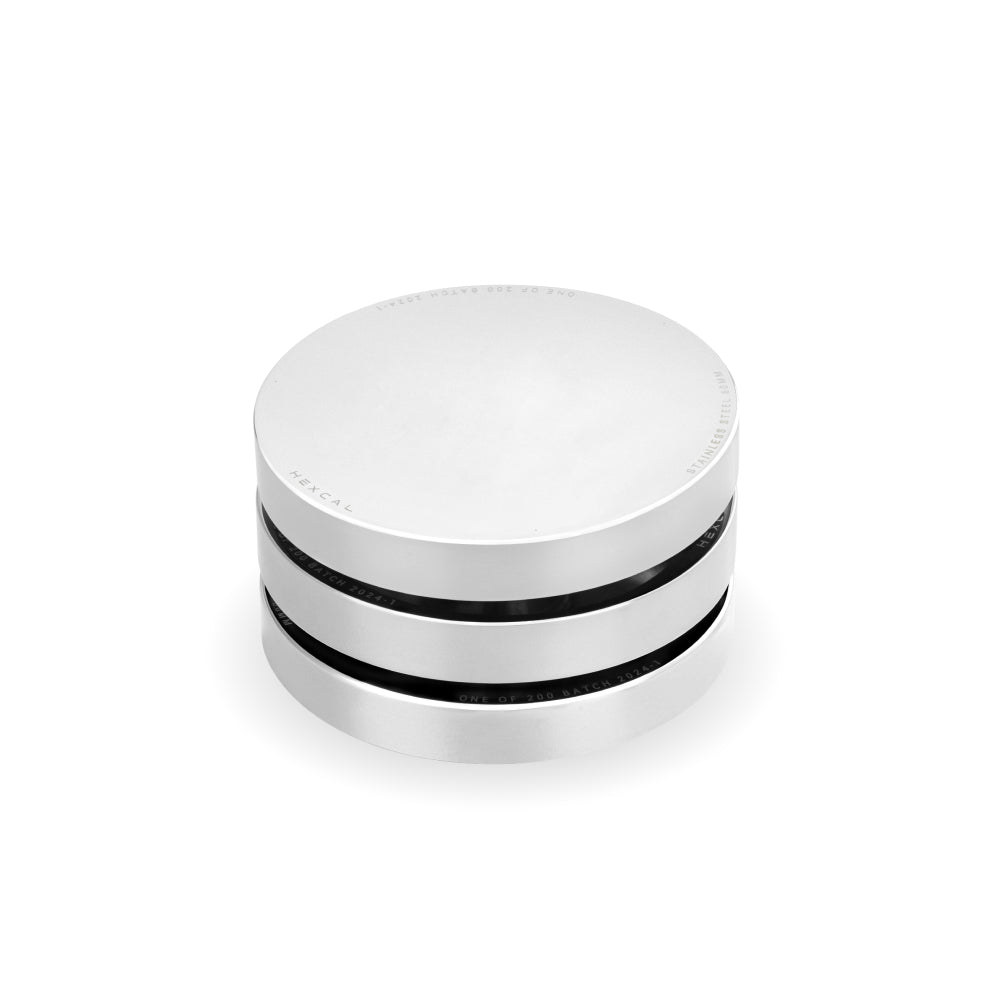
Las oficinas pequeñas acumulan regletas de corriente en el suelo más rápido que cualquier otro espacio, porque la toma de corriente suele estar lejos del rincón que ha habilitado. Esas regletas son los cables con los que se tropieza y el desorden que nunca podrá disimular. Agruparlas en una sola fuente soluciona ambos problemas. El Hexcal Studio ofrece 1.440 W de potencia distribuida con protección contra sobrecorriente, suministro de energía USB-C de hasta 27 W y dos puertos USB-A de carga rápida desde una única fuente aislada, y soporta hasta 45 kg en la superficie. Un origen significa un conjunto de cables para enrutar, y en una habitación pequeña esa es la línea entre un espacio de trabajo y un peligro. Cuando una computadora portátil, una pantalla, una tableta y un teléfono necesitan alimentarse al mismo tiempo, el Studio Plus eleva la potencia total a 160 W con un puerto USB-C de 100 W y cuatro salidas de CC de 65 W.

Iluminación: La zona que todo el mundo olvida
Las habitaciones pequeñas suelen estar iluminadas por una lámpara de techo que proyecta sombras directamente sobre el escritorio. Añadir una lámpara de pie le cuesta el espacio que acaba de recuperar. La iluminación integrada resuelve esto sin ocupar espacio en la superficie: el Hexcal Studio incorpora iluminación de tareas con más de 1.000 configuraciones posibles en la plataforma, por lo que la luz es uniforme y sin sombras sin necesidad de otro objeto en el escritorio. Una buena iluminación evita que un rincón estrecho y cerrado se sienta como una cueva, y en una oficina pequeña eso importa más de lo que la mayoría de la gente presupuesta.
Dónde falla este plan de zonas
El enfoque de 3 zonas asume dos cosas: una pared o borde de escritorio para montar el hardware, y una única estación de trabajo principal. Dos situaciones lo rompen. Una habitación sin pared utilizable y un escritorio flotante en el centro no deja dónde sujetar un brazo o anclar el almacenamiento, por lo que la zona vertical se derrumba. Y una estación compartida que utiliza tres o más monitores necesita una huella más amplia de lo que proporciona cualquier plataforma individual. En ese momento, un escritorio en forma de L para una oficina en esquina envuelve el trabajo en dos paredes, y está planeando una habitación con varios escritorios en lugar de optimizar una pequeña. Adapte el plan a la habitación que realmente tiene.
Uniendo las zonas
Una pequeña oficina en casa no es una concesión; es un ejercicio de diseño. Mantenga la superficie de trabajo profunda y despejada, coloque todo lo no esencial en la zona vertical, dirija toda la energía a una sola fuente y rechace los dispositivos desechables que silenciosamente abarrotan el rincón. Planifíquelo por zonas y un espacio reducido dejará de sentirse así. Si prefiere que la energía, la iluminación integrada y una superficie despejada lleguen como una sola plataforma en lugar de ensamblarse pieza por pieza, el Hexcal Studio Plus es la versión consolidada de todas las ideas de esta guía.
Para mayor transparencia: el Hexcal Studio, Studio Plus, Elevate Standing Desk y Single Monitor Arm mencionados aquí son productos diseñados y fabricados por Hexcal, no un resumen neutral de terceros. El método de zonas funciona con o sin nuestro hardware.
Por el equipo de Hexcal.