

Estudio Hexcal™
Free Shipping
30-Day Returns
1-Year Warranty
Upgraded Power Station
Consolidate your setup with 8 AC outlets and a combined 160W fast-charging output.
Upgraded Power Station
Consolidate your setup with 8 AC outlets and a combined 160W fast-charging output.
Up to
13
Devices power support
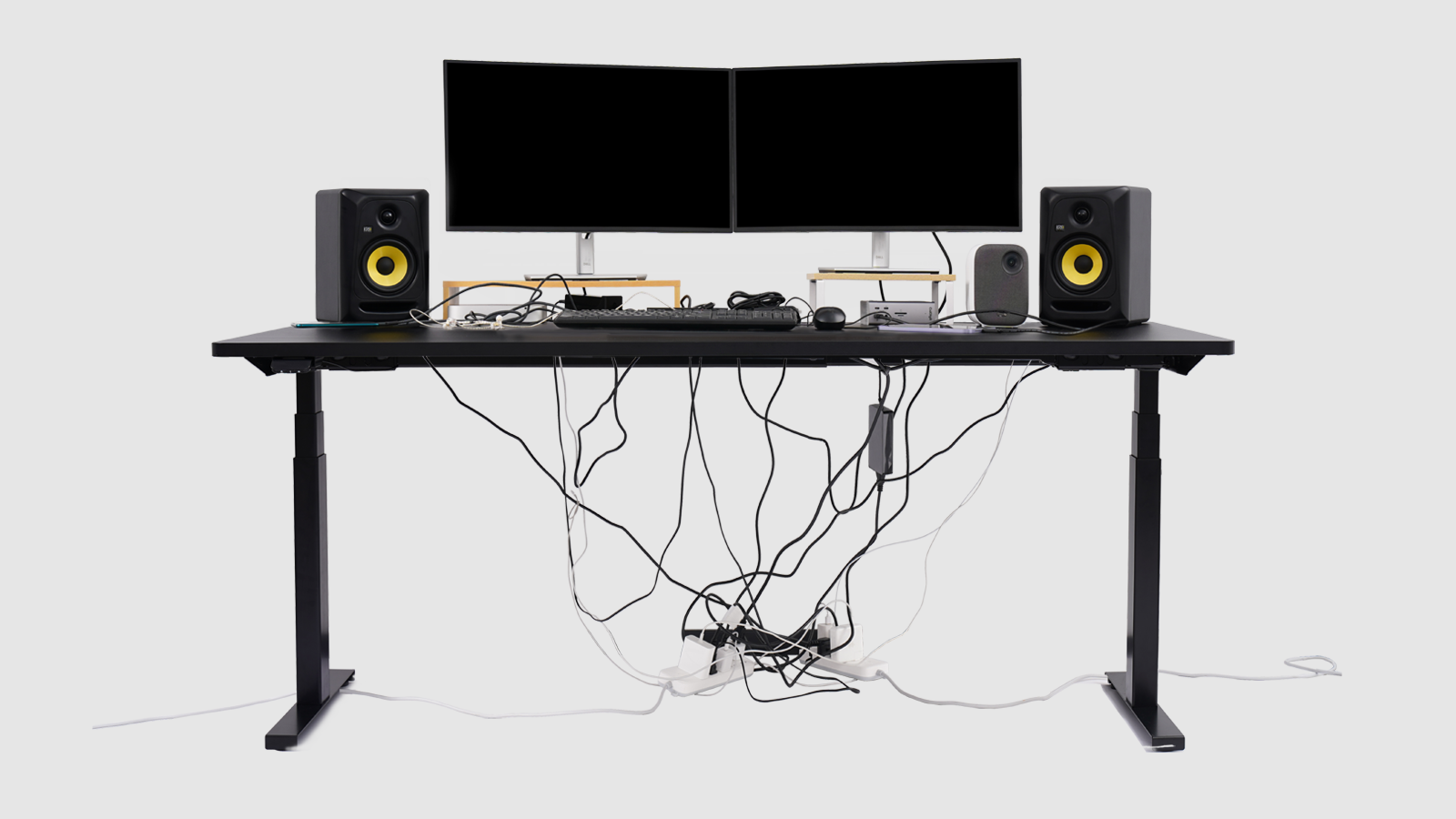
Clutter Elimination
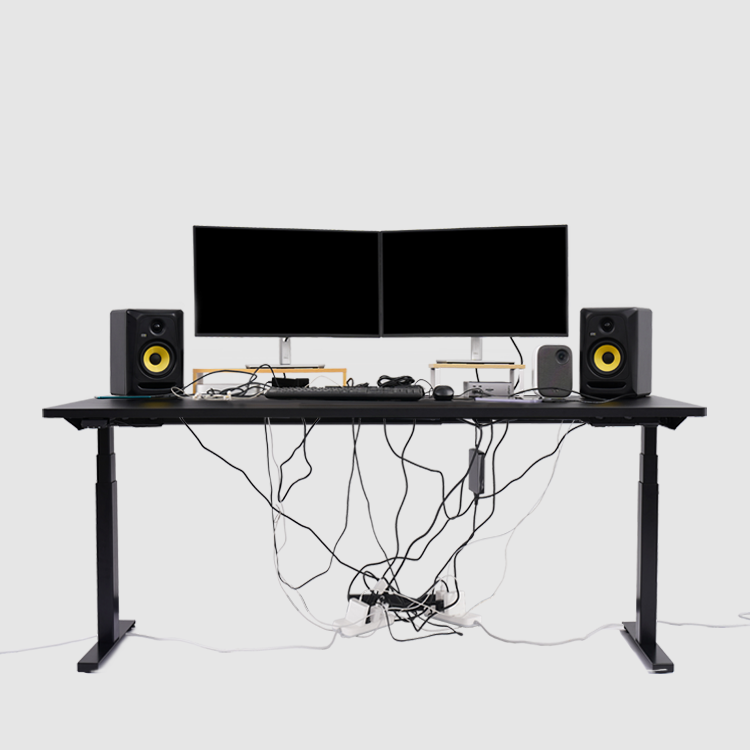
Studio Plus embeds the ultimate clutter management solution for helping you build a true clutter-free space.
Clutter Elimination
Studio Plus embeds the ultimate clutter management solution for helping you build a true clutter-free space.
Under
5 mins.
Clutter-Free Setup
Fatigue-Free Lighting
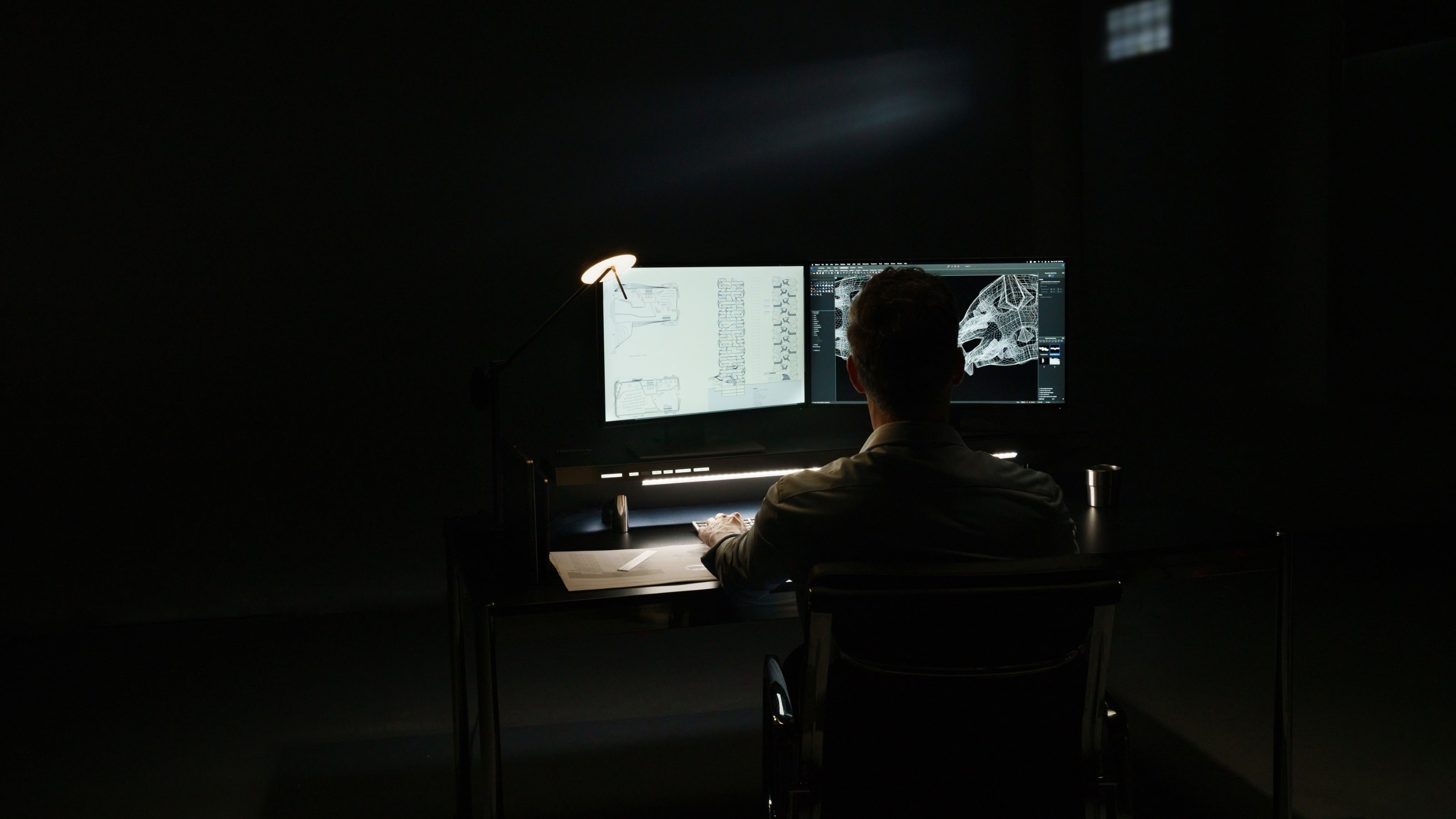
Studio Plus provides non-directional task lighting to completely relieve eye strain during long work sessions.
Fatigue-Free Lighting
Studio Plus provides non-directional task lighting to completely relieve eye strain during long work sessions.
Up to
95%
Eye-strain reduction
Space Optimization
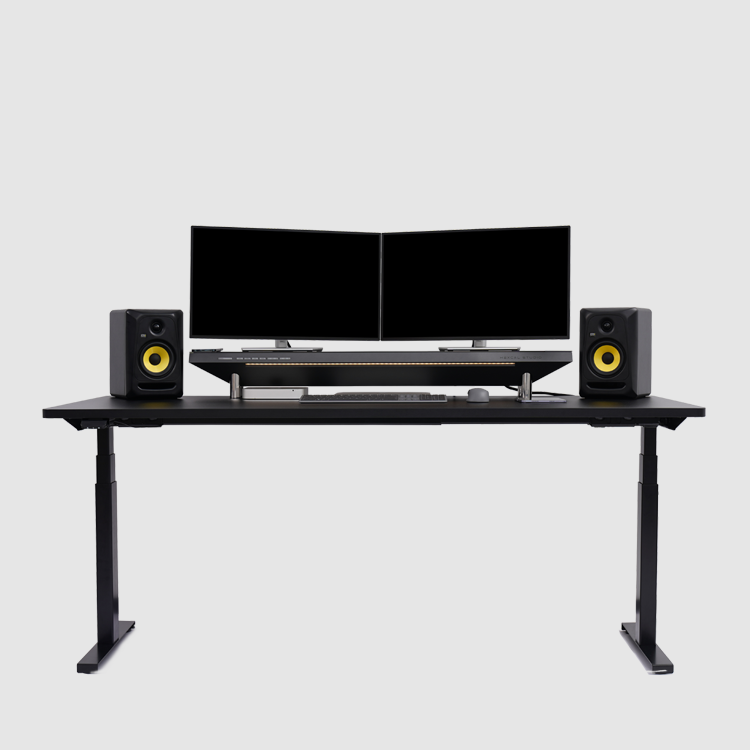
Studio Plus maximizes your arm-reachable desktop space to help you build an optimized productivity zone.
Space Optimization
Studio Plus maximizes your arm-reachable desktop space to help you build an optimized productivity zone.
Up to
2x
Workspace Efficiency
Effortless plug-and-play for all your devices.
Maximize your productivity in a clutter-free space.
Immersive lighting for consistent performance.
Transform any desk into a professional workstation.
Crafted like furniture, designed like technology.
Specifications
What's in the box
1 x Hexcal Studio™ Plus (with two-level adjustable legs)
2 x USB-C Bridging Extension Cable
10 x Cord Stripe
1 x User Manual
Size and Weight
Size:
Single Leg Mode: 47.3'' x 8.7'' x 5.9''
Double Leg Mode: 47.3'' x 8.7'' x 7.1''
* Third leg can be applied for even higher bottom space (must purchase separately)
Chamber Size: 40'' x 6'' x 1.6''
Weight with Package: 33.07 lbs.
Product Weight: 21.7 lbs.
Surface Load Limit: <101lbs.
Ports
8 x Receptacle
1 x Type-C Power Port: 20V/5A (PD2)
1 x Type-C Power Port: 20V/3A (PD1)
1 x Quick Charging Port: 20V/3A (USB-A)
2 x Wireless charger: 30W Max / 15W Each / Qi Protocol
2 x Type-C Bridging Port: Supports USB 3.2 Data Transmission
Multiple-Port Output
Single Port Output
- USB-C (PD2): Up to 100W
- USB-C (PD1): Up to 60W
- USB-A: Up to 60W
Dual Port Output (Max 160W)
- PD2 + PD1: 100W + 60W
- PD2 + USB-A: 100W + 60W
- PD1 + USB-A: 15W Shared (7.5W + 7.5W)
Triple Port Output (Max 115W)
- PD2 + PD1 + USB-A: 100W + 7.5W + 7.5W
Light Configuration
CRI: 95%
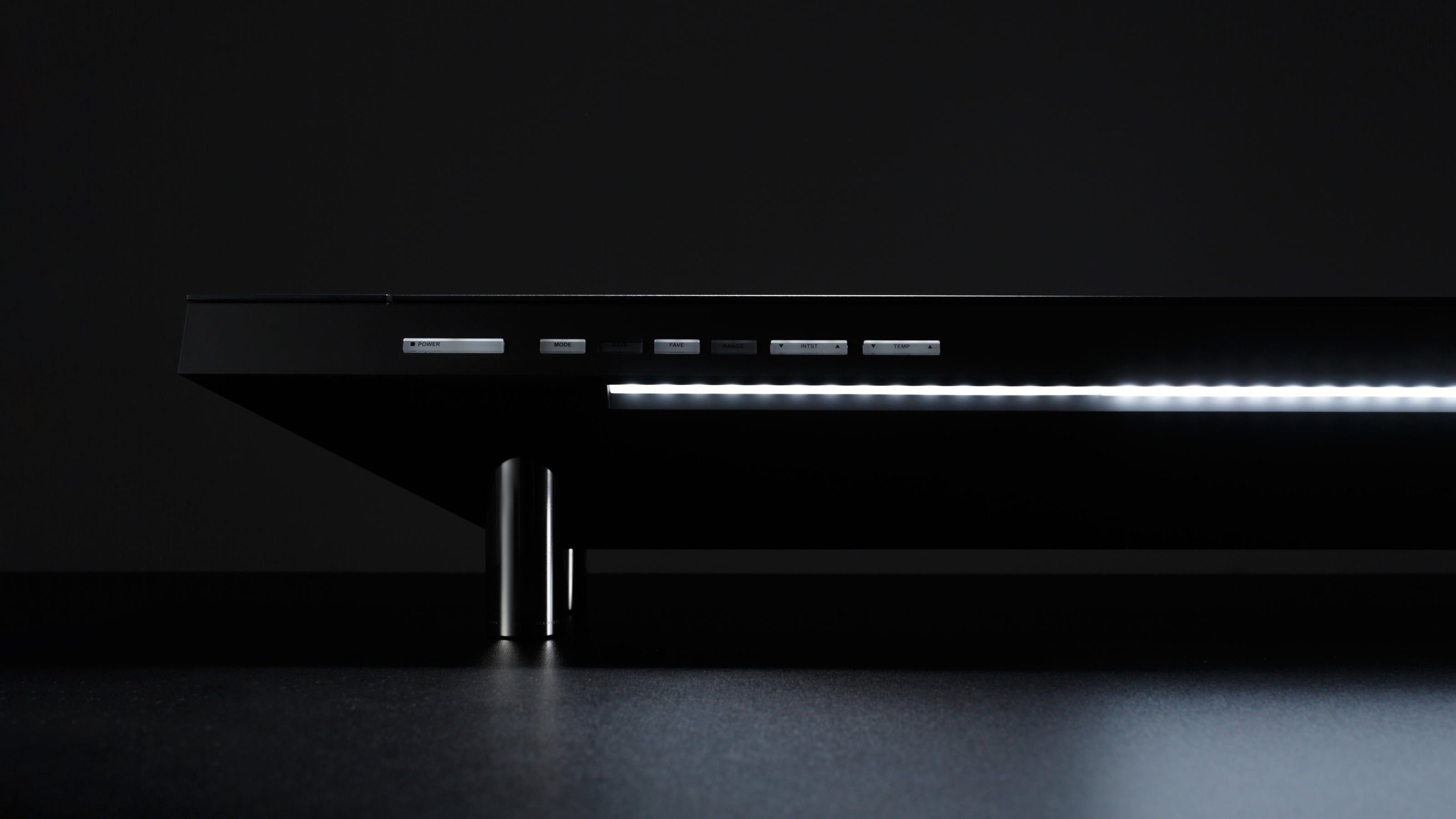
Temperature Control : 16-Level
Intensity Control: 16-Level
Emission Range Control: 20'' - 40''
Certification
CE/CB/UKCA
Electrical Rating
Input: 100-250V, 50/60Hz
Configure to Order
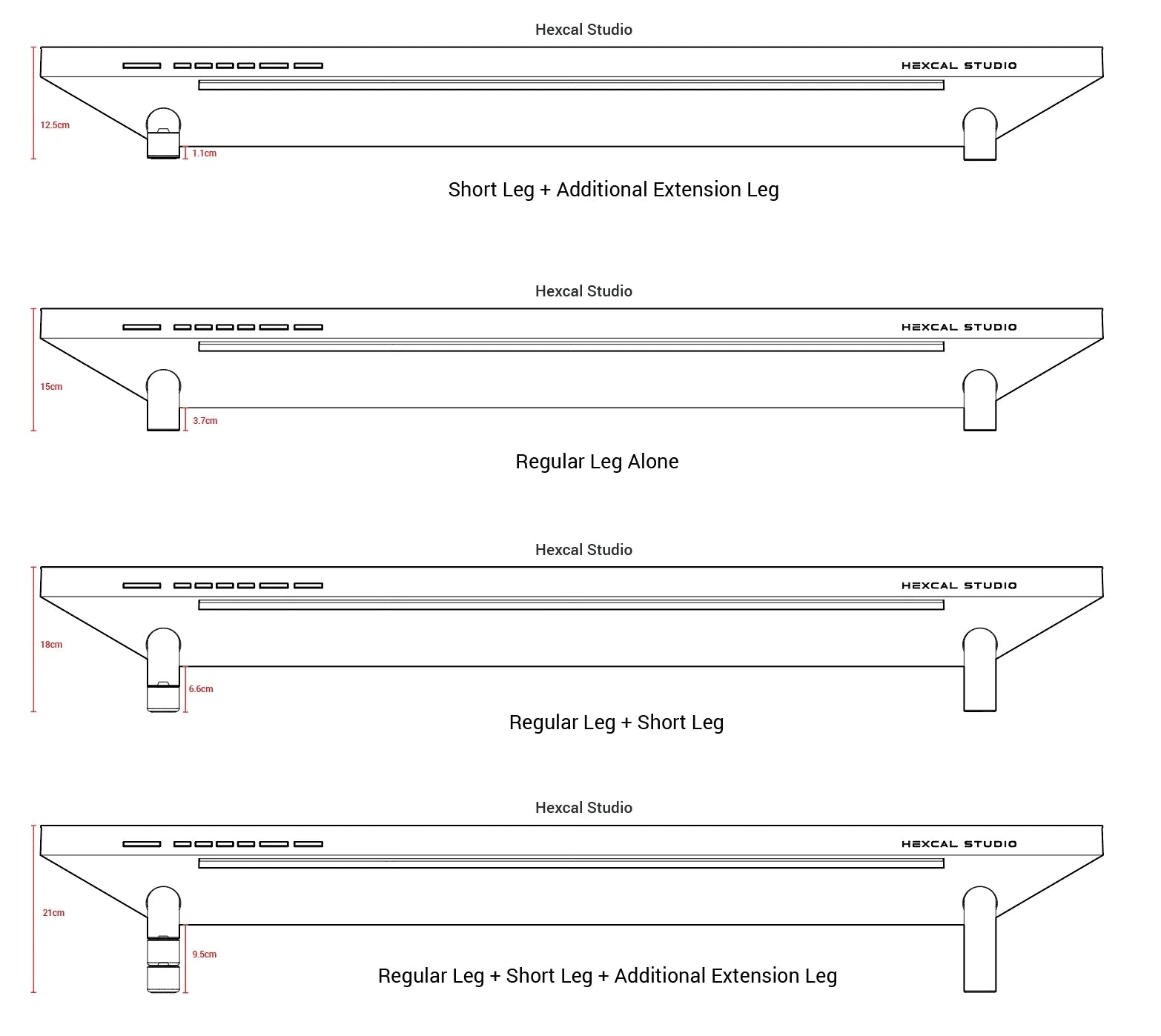
Configure your Studio with additional extension legs.
The following diagrams show the US version for reference only.
Technical FAQ
How does Hexcal Studio™ Plus differ from the original Hexcal Studio™ model?
The Hexcal Studio™ Plus represents a significant performance leap, specifically engineered for power users and high-bandwidth creative workflows. The key upgrades include:
- Refined Aesthetic Options: In addition to the classic Dark Grey, the Studio Plus introduces a stunning new Silver finish, allowing for better integration with modern aluminum-heavy setups (like Mac Studio or silver laptop ecosystems).
- Massive Power Overhaul: The USB fast-charging system has been quadrupled, jumping from 40W to a total of 160W of combined power. This includes a dedicated 100W PD (Power Delivery) port, capable of fast-charging a MacBook Pro or other high-performance laptops directly from your desktop.
- Next-Gen Data Bridging: We have upgraded the integrated bridging ports from USB 2.0 (480 Mbps) to USB 3.2, boosting data transfer speeds to 20 Gbps. This allows for lightning-fast file transfers from external SSDs and peripherals.
Can I charge two laptops at the same time? What happens if I use all three charging ports at once?
Yes. The Hexcal Studio Plus features a dual-circuit design that allows for a Max 160W output across two ports. You can utilize PD2 (100W) and PD1 (60W) simultaneously to fast-charge a laptop and a tablet (or a second 13" laptop) at full speed without power drops.
When three ports are active, the system prioritizes the high-power PD2 port to ensure your primary device remains charged at 100W. The remaining 15W is shared between PD1 and the USB-A port (7.5W each). This configuration is optimized for maintaining a laptop while simultaneously trickle-charging smaller peripherals like headphones or a smartwatch.
Can Hexcal Studio™ Plus support my three 27-inch monitor setup?
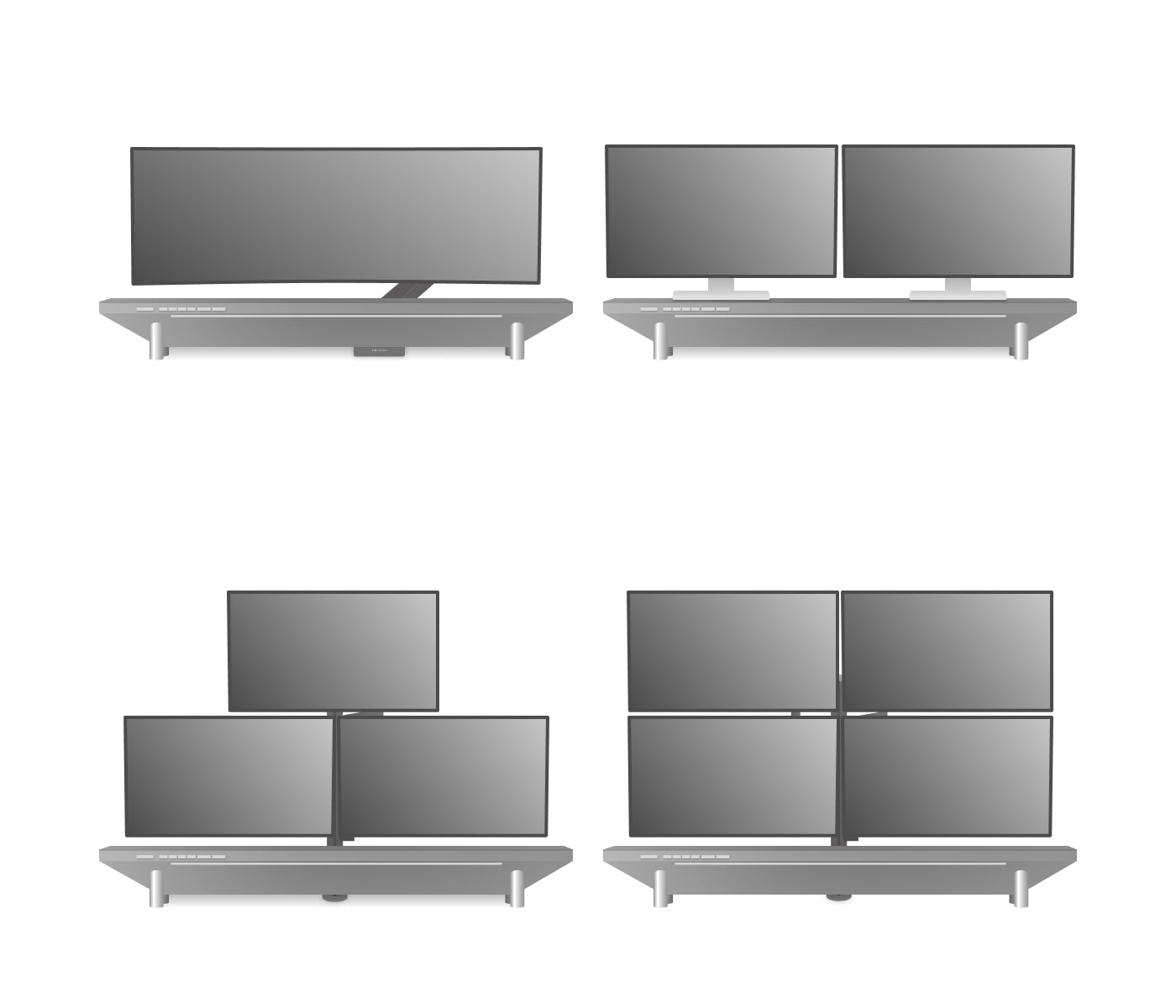
Absolutely. Hexcal Studio™ Plus is engineered to enhance any workstation configuration:
✅ Single Monitor
Works with standard displays up to massive ultrawides like:
- Apple Studio Display
- Samsung Odyssey G9 (49")
- Samsung Odyssey Neo G9 (57")
→ Tip: Use our Heavy Duty Monitor Arm for large curved displays
✅ Dual Monitors
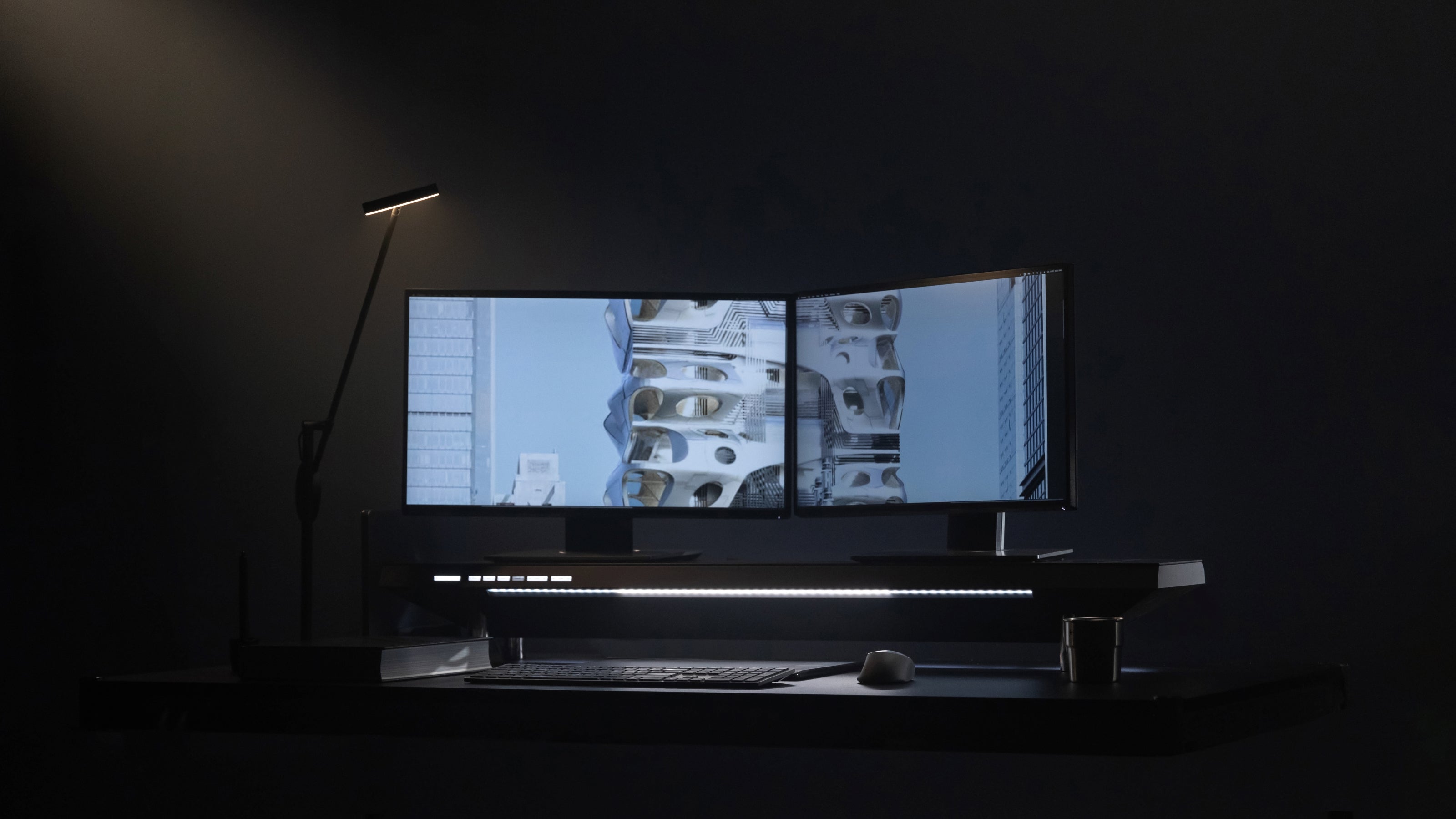
Optimized for two 27" screens (or other sizes) with seamless power/cable integration.
✅ Multi-Monitor Setups
Ideal solution for your three 27" array:
- Mount monitors on a triple-arm stand.
- Position Hexcal Studio below the displays.
- Connect all devices to Studio's Power Distribution Unit (PDU) for centralized power and connectivity.
Is it normal for the aluminum top of the Hexcal Studio to be slightly bent when there's nothing on it?
Yes, it is normal.
The aluminum top of the Hexcal Studio is designed to be slightly bent when unloaded. This is intentional and part of its engineering to support up to 500 lbs (you can even stand on it!). The top is pre-stressed so that it naturally flattens out when weight—like monitors or other devices—is applied, similar to the design of many bridge structures. If you notice it seems a bit bent in the middle when there is no load, simply add some weight to see it level out.
Why can't I charge my devices through the bridging ports?
The 2 USB bridging ports on the side are primarily designed for data transfer rather than charging devices. Therefore technically, the bridging ports do not support charging protocols. We suggest charging your devices through the fast charging ports on the same panel.
Can I purchase and use Hexcal Studio™ Plus outside the United States?
Yes, we have developed four different versions:
- The US version(Type B) can be used in the United States, Canada, Mexico, Japan and Taiwan regions.
- The UK version(Type G) can be used in in United Kingdom, Ireland, Malaysia, Singapore, Hong Kong and Arabian Peninsula.
- The EU version(Type F) can be used in most EU countries and South Korea.
- The AU version (Type I) can be used in Australia, New Zealand, and Argentina.
For a complete list, please check "Plug & socket types around the world" at worldstandards.eu
What's the height between the bottom of Hexcal Studio and the desk?
Without acquiring the Extension Kit, the height between Hexcal Studio and the desktop would be either 3.7cm (1.5", Regular Leg alone) or 6.6cm (2.6", Regular Leg + Short Leg).
With the Extension Kit, you are able to further reduce or increase the height to 1.1cm (0.4", Short Leg + Additional Extension Leg) or 9.5cm (3.75", Regular Leg + Short Leg + Additional Extension Leg).
You can also increase its height by stacking more sets of Extension Kit.

