 Saltar al contenido

Product > Accessories
Product > Accessories
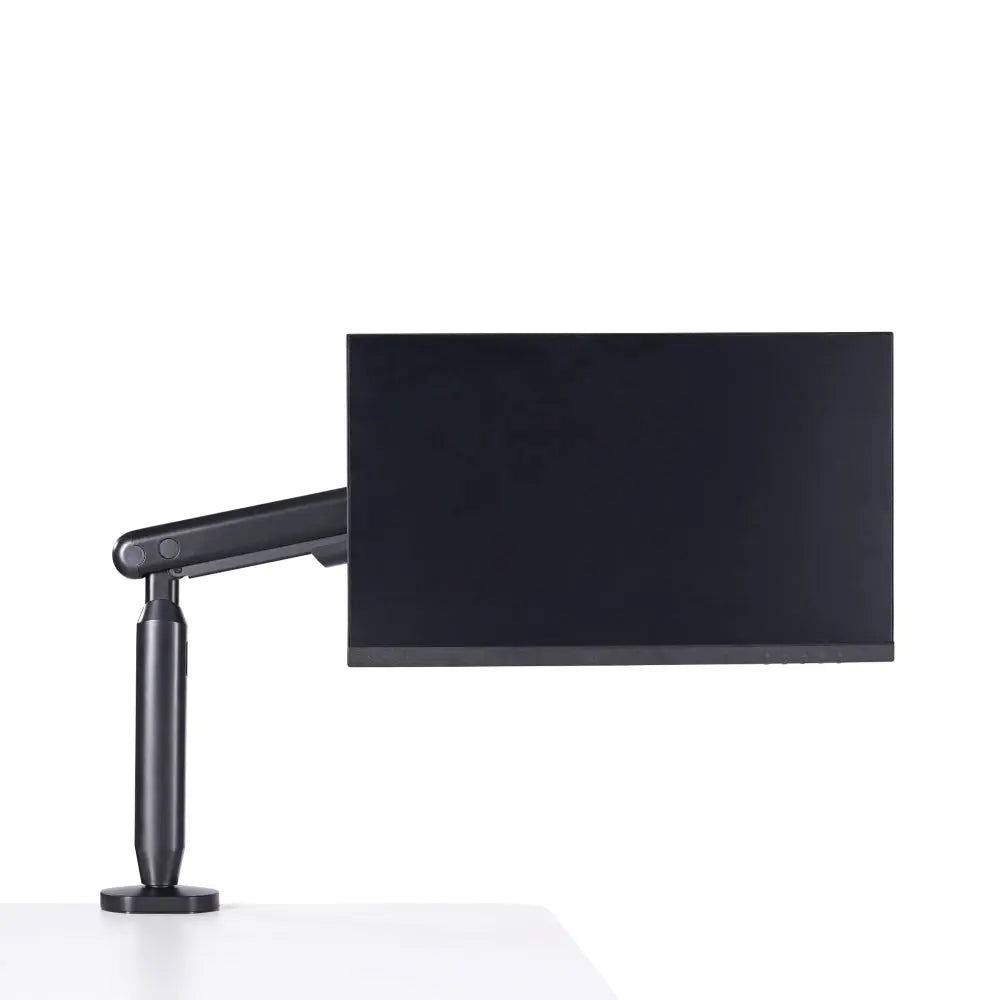
El brazo para monitor individual Hexcal está diseñado para un control total de la posición de su monitor, ya sea que trabaje en casa, revise su correo electrónico o juegue durante horas. Este brazo para monitor permite ajustes suaves y precisos, ayudándole a encontrar el ángulo perfecto para una comodidad ergonómica y un espacio de trabajo más productivo.
Diseñado para ser versátil, este soporte para monitor admite pantallas de hasta 35” y 24 libras .
Además, se integra perfectamente con otros productos Hexcal.
SINGLE MONITOR ARM
KEY SPECIFICATIONS
SHIPPING AND RETURNS
What sizes and weights of monitors does this arm support?
The Hexcal Single Monitor Arm is designed to hold one screen with the following specifications:
- Screen Size: Natively supports monitors up to 35”.
- Weight Capacity: Accommodates screens weighing between 3 – 11 kg (6.6 – 24.2 lbs).
Note: For optimal performance, please ensure your monitor falls within both the size and weight limits.
Can it hold curved monitors?
Yes, it is fully compatible with curved monitors, provided that the monitor’s weight (excluding its original base) is under 11 kg (24.2 lbs) and the screen size does not exceed 35”.
Is my monitor VESA compatible?
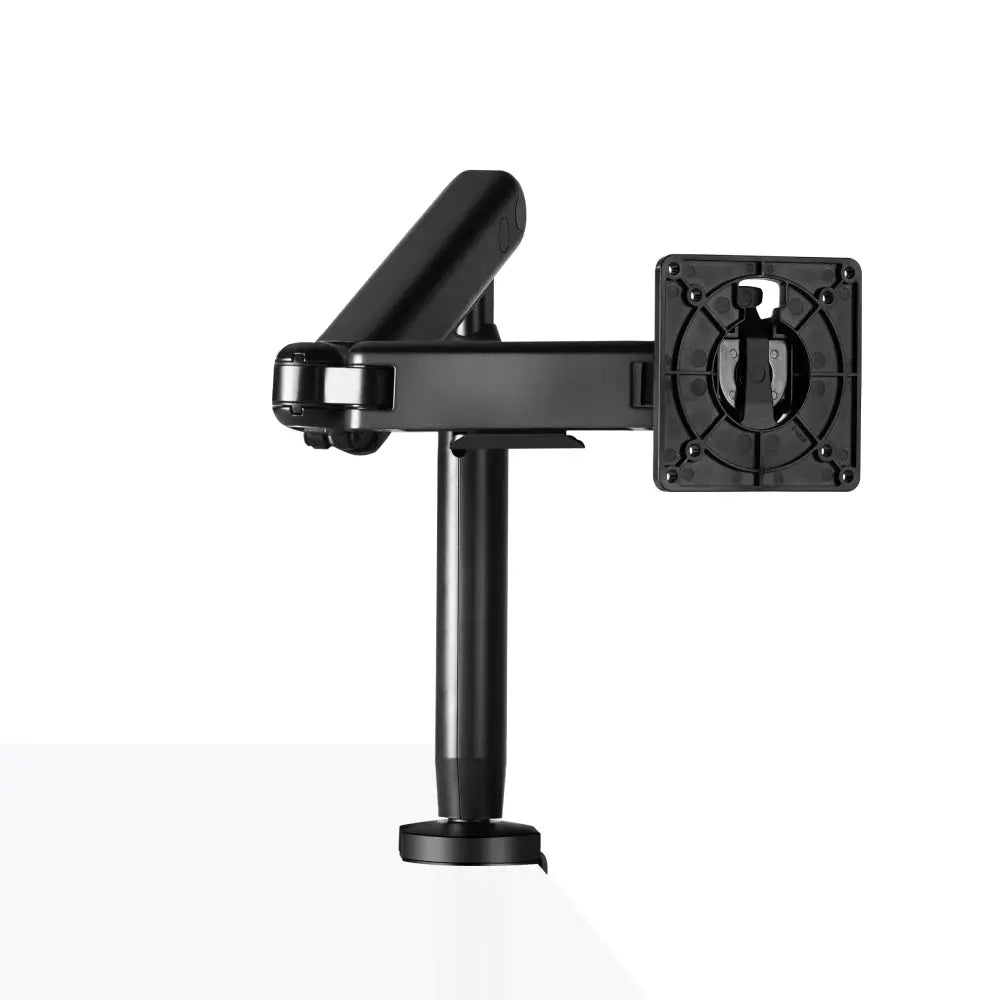
This arm supports standard VESA patterns of 75x75mm and 100x100mm. To check if your monitor matches, look at the back of your screen for four screw holes arranged in a square.
What if my monitor is larger, heavier, or if I need a multi-screen setup?
We offer professional solutions tailored to every desktop architecture:
- For Larger/Heavier Screens: If you own an oversized premium widescreen or cinematic display (e.g., 49" or 57" like the Samsung Odyssey series) that exceeds 11 kg, please check out our Heavy-duty Monitor Arm which supports up to 57" and 22 kg (48.4 lbs).
- For Multi-Display Setups: If you want to stack screens vertically or build a multi-monitor ecosystem, explore our Monitor Mount System (available in Dual, Triple, and Quad SKU configurations).
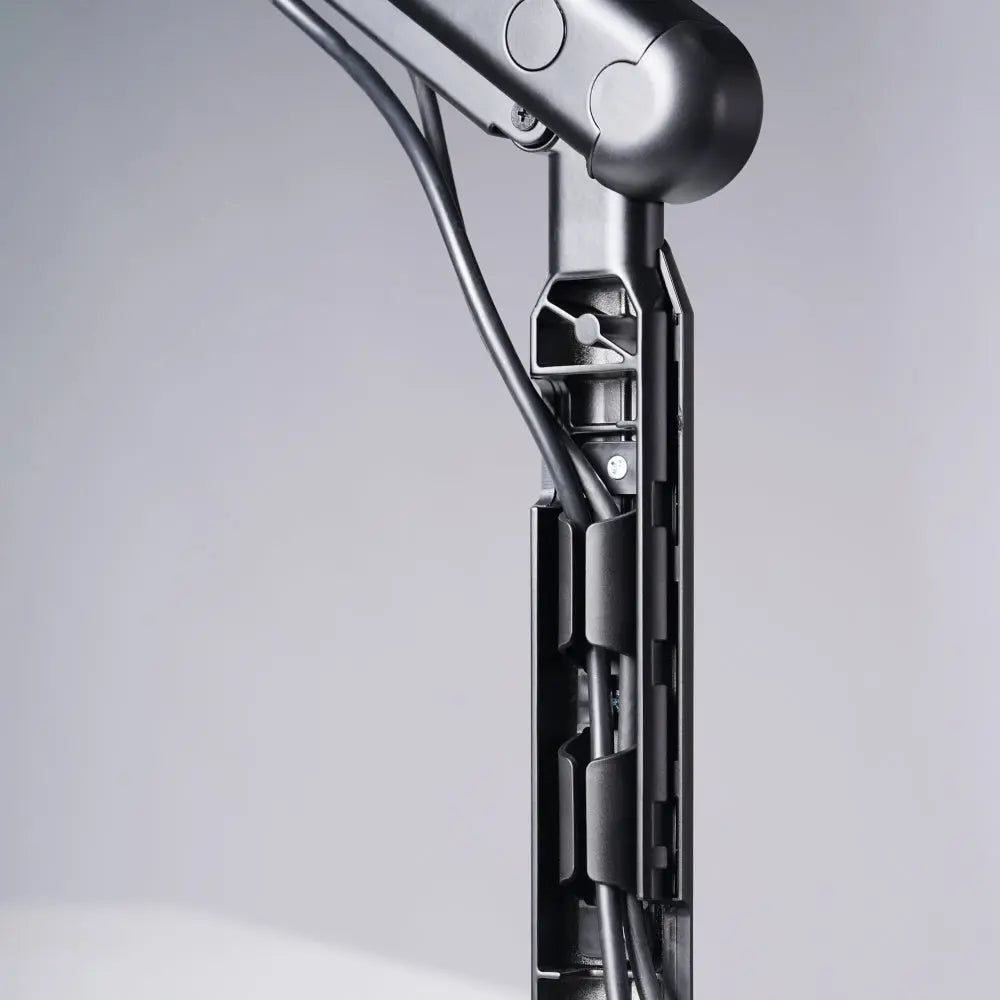
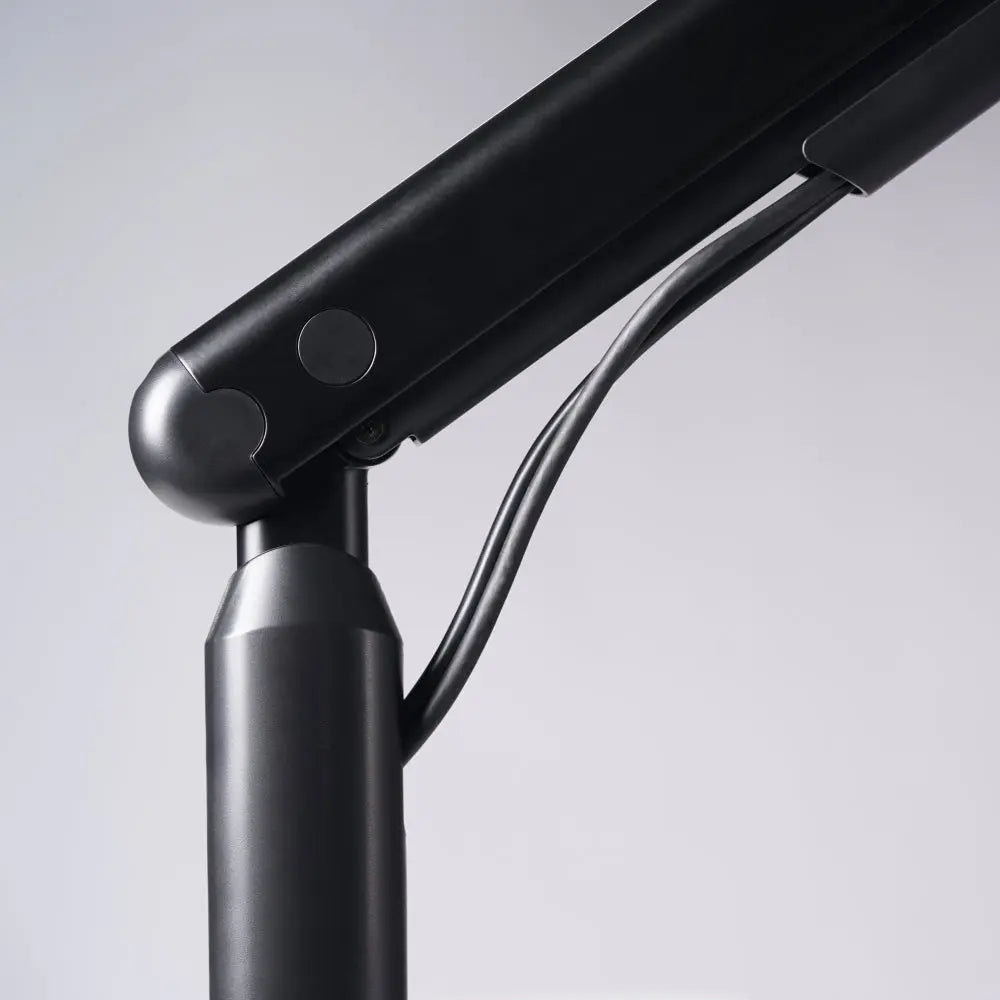
How does the cable management work?
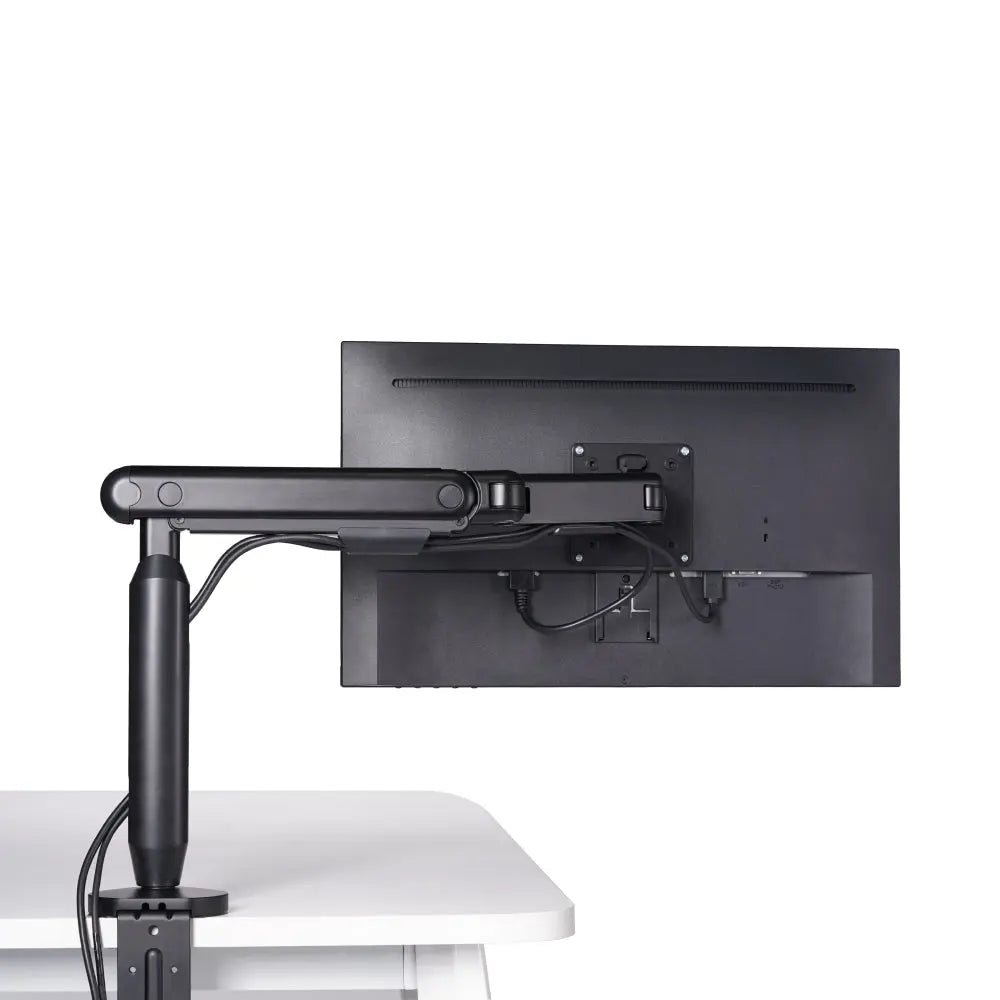
This arm features a built-in cable management system. It allows you to route your power and display cables neatly beneath the arm covers, keeping them hidden and managed to ensure a completely clean, clutter-free workspace.
What are the desk mounting options, and will it fit my desktop thickness?
The package includes two versatile desk mounting options to suit your setup:
- Desk Clamp: Fits desktops with a thickness of 10 - 80 mm (0.4" - 3.2"). Perfect for a damage-free, no-drilling installation on the edge of your desk.
- Grommet Mounting: Fits desktops with a thickness of 10 - 35 mm (0.4" - 1.4") utilizing an existing or newly drilled cable hole.
Does it come with tools? Is assembly difficult?
Installation is streamlined and easy, and all essential hardware for assembly is included. The arm features a sleek design and comes with a free Quick-Release VESA plate. You simply mount the lightweight VESA plate to the back of your monitor first, then easily slide and click the monitor directly onto the arm.
What is the full range of motion for this monitor arm?
Engineered to enhance ergonomic comfort and boost productivity, this arm offers flexible, smooth adjustments to create your perfect viewing angle:
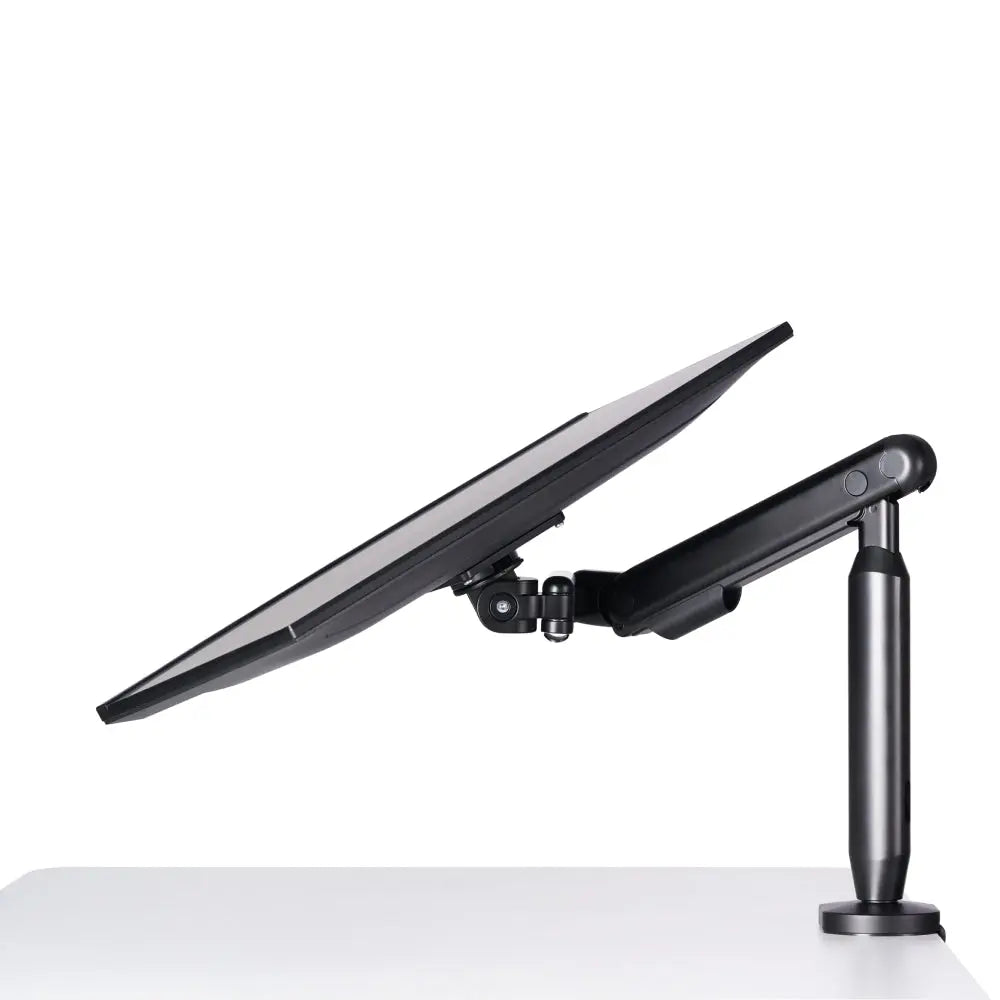
- Tilt Range: +60° to -60° (Up and down tilt)
- Swivel Range: +90° to -90° (Left and right pivot)
- Arm Full Extension: Up to 483 mm (19") of forward/backward reach.
The screws on my monitor arm are fully tightened, but the monitor still shakes. What should I do?
If the screws on your monitor arm are properly tightened and the monitor is still shaking, it is most likely due to the desk's stability rather than an issue with the monitor arm itself. Consider reinforcing your desk or placing the monitor on a more stable surface to reduce movement.